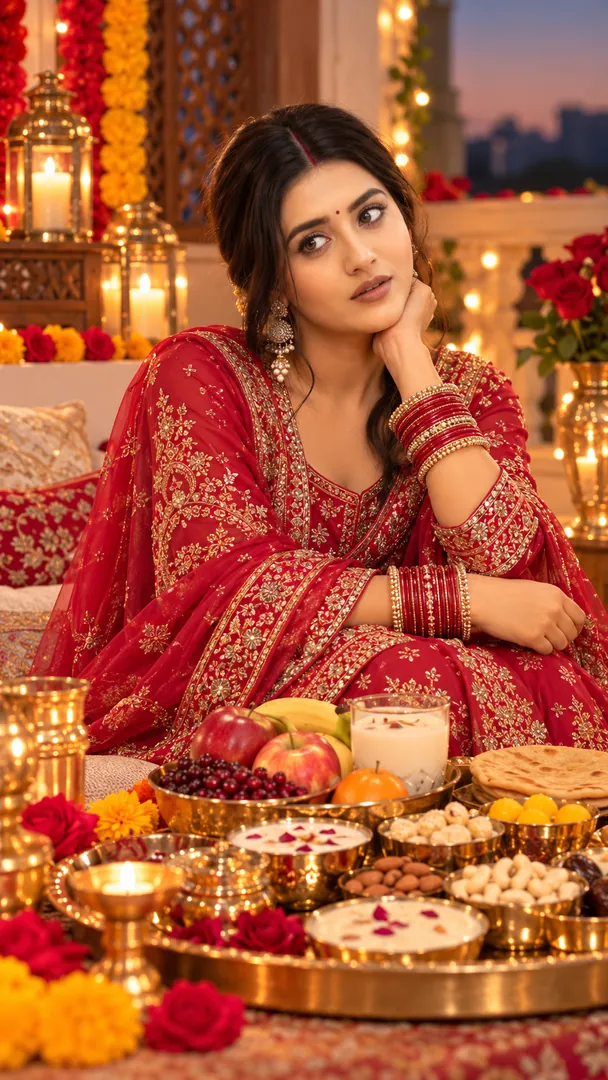
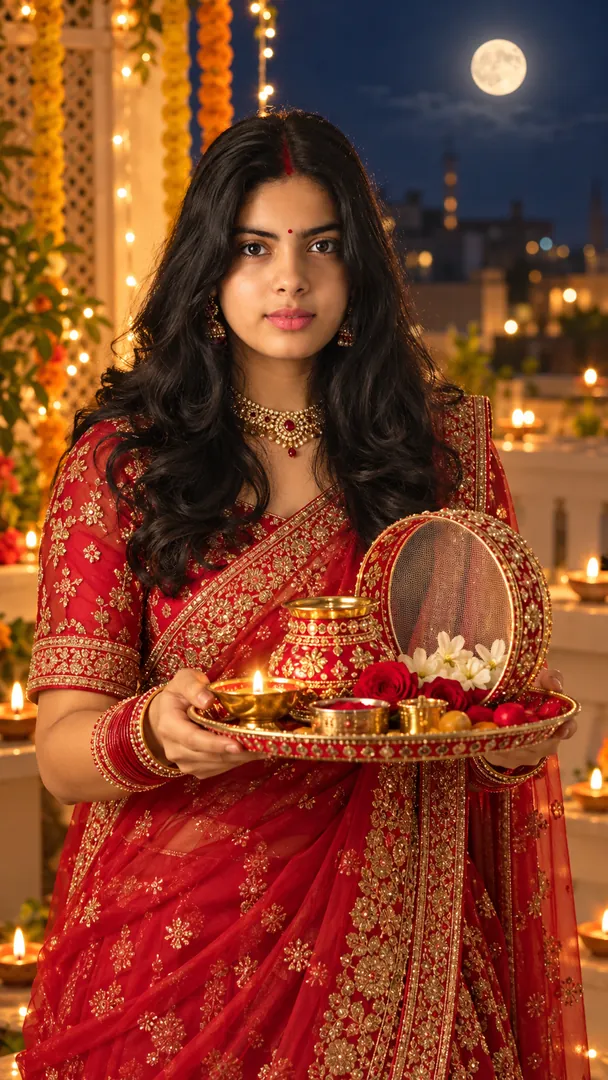
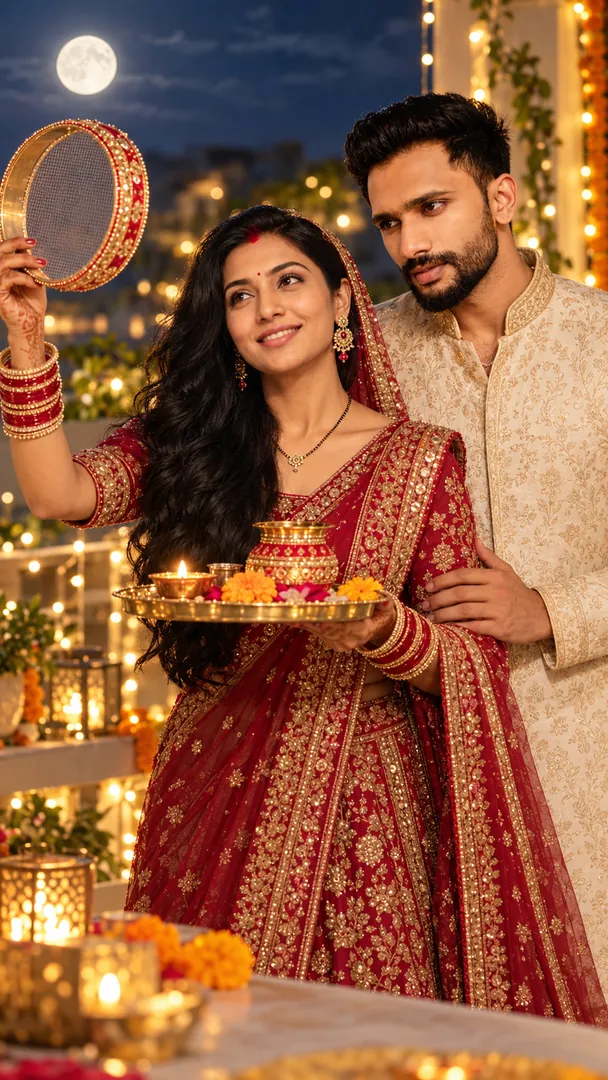
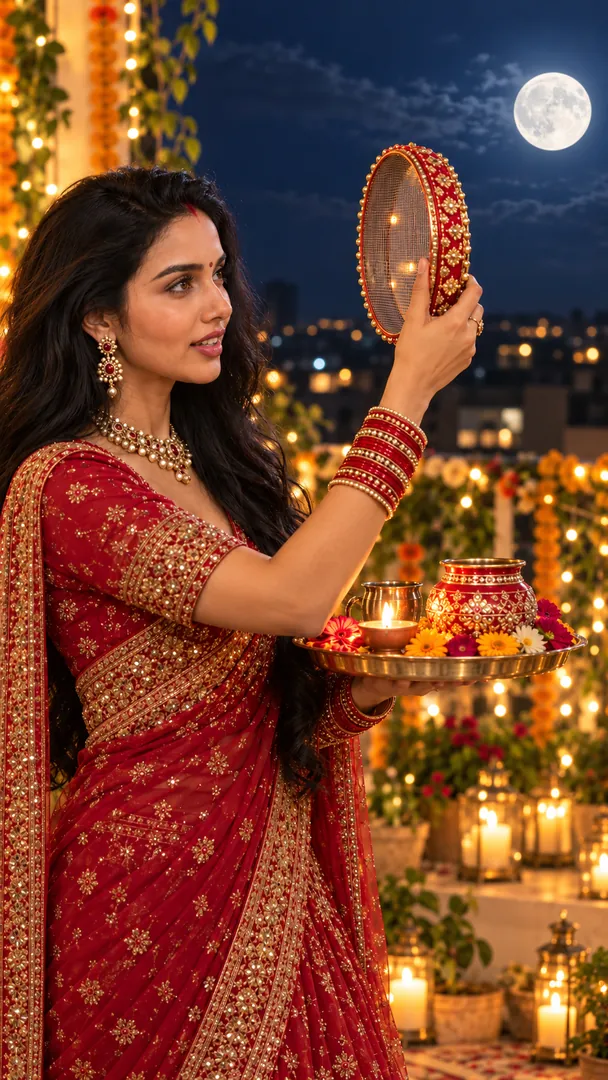
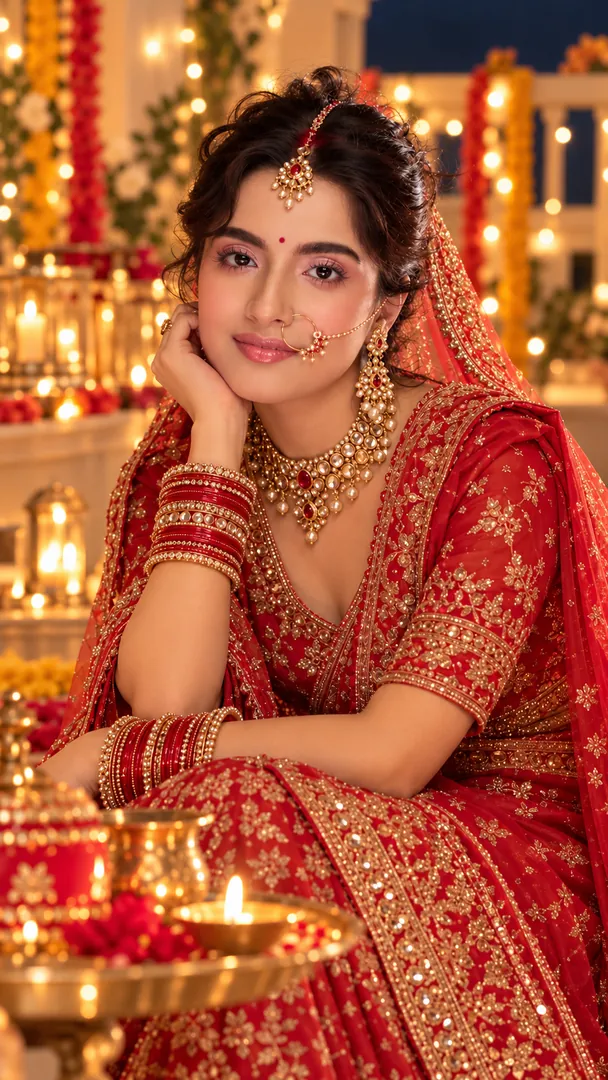
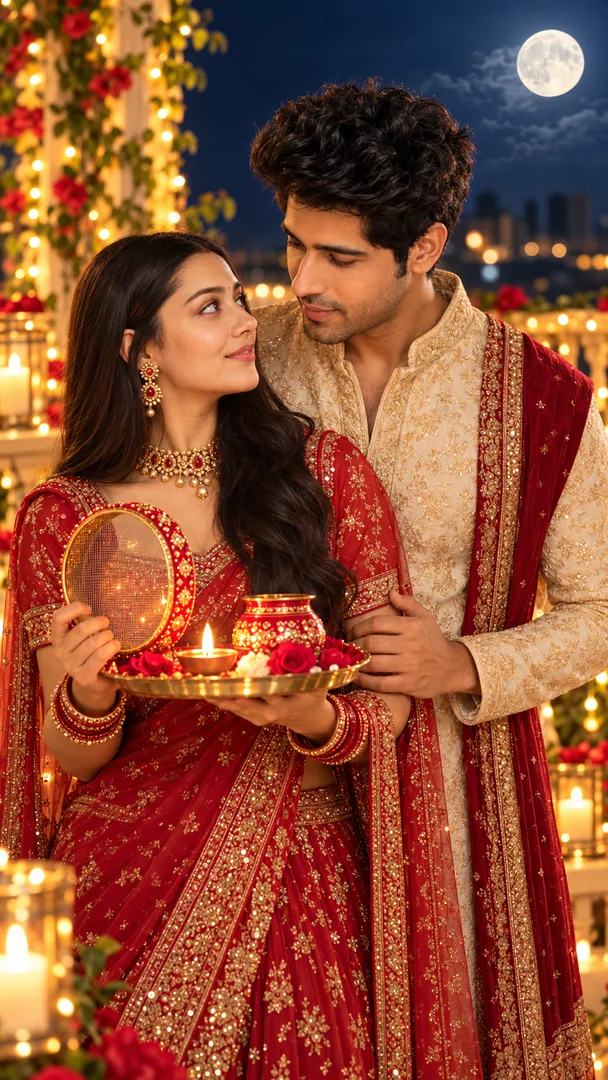
Royal Karwa Chauth Portrait
Create a regal Karwa Chauth portrait with luxurious bridal attire, exquisite jewelry, a decorated puja thali, and grand palace-inspired surroundings while preserving exact identity.

 Coming soon
Create a regal Karwa Chauth portrait with luxurious bridal attire, exquisite jewelry, a decorated puja thali, and grand palace-inspired surroundings while preserving exact identity.
Coming soon
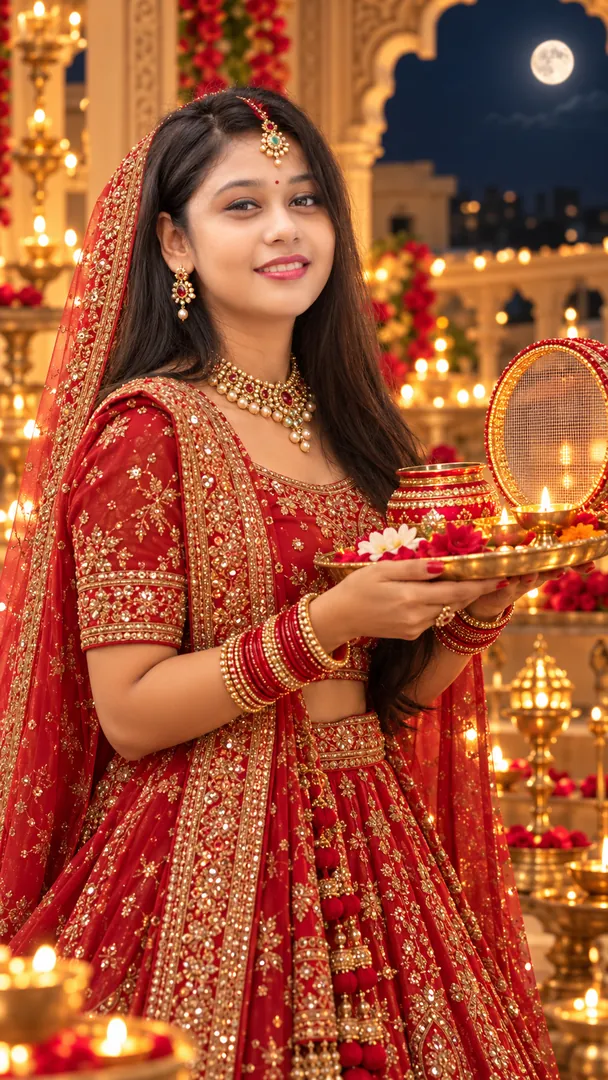
Copy the prompt, open your AI app, then attach your own photo.
Using the attached photo of me, create a square image in the Royal Karwa Chauth Portrait style from the Karwa Chauth collection. Create a regal Karwa Chauth portrait with luxurious bridal attire, exquisite jewelry, a decorated puja thali, and grand palace-inspired surroundings while preserving exact identity. Keep my face, skin tone and features exactly the same. Realistic detail and natural light, no text unless asked.
Prefer one tap with no pasting, and your face kept the same? Use the app.
Royal Karwa Chauth Portrait is an AI photo effect from the Karwa Chauth collection in the Trendy AI Lab app. Upload a selfie and the AI recreates it in this style in seconds, so you get a polished, share-worthy image with no editing skills needed.
Use a clear, well-lit photo where your face is easy to see. Front-facing selfies with a plain background give the AI the most to work with.
Royal Karwa Chauth Portrait returns a square image, sized for a profile picture or a post. It works from one photo and needs nothing else from you.
Choose this look in the Trendy AI Lab app, no design skills needed.
Add a photo from your gallery. It's used only to make your image.
Your AI image is ready in seconds, download or share it anywhere.
Open the Trendy AI Lab app, choose the Royal Karwa Chauth Portrait style, upload one photo, and the app generates your image in seconds.
A clear, well-lit photo where the face is easy to see. Front-facing shots with an uncluttered background give the AI the most to work with.
Just one. Royal Karwa Chauth Portrait works from a single upload, and you can run it again on a different photo as often as you like.
A square image, sized for a profile picture or a post, ready to download or share.
Your photo is sent to a third-party AI service only to generate your image, and the upload is deleted afterwards. It is never used for advertising.
Download Trendy AI Lab and create your first AI photo free with rewarded ads.
Coming soon