esc
↑ ↓ to move↵ to openesc to close
Free · No sign-up · No install

Edit photos free.
Create AI art.

Free image editing tools that run on any photo, plus ready-to-copy AI prompts for the trends everyone is posting.

or drop it here, or paste with ⌘V
Then pick what to do
  • Never stored: processed in memory
  • Up to 25MB an image
  • No account needed
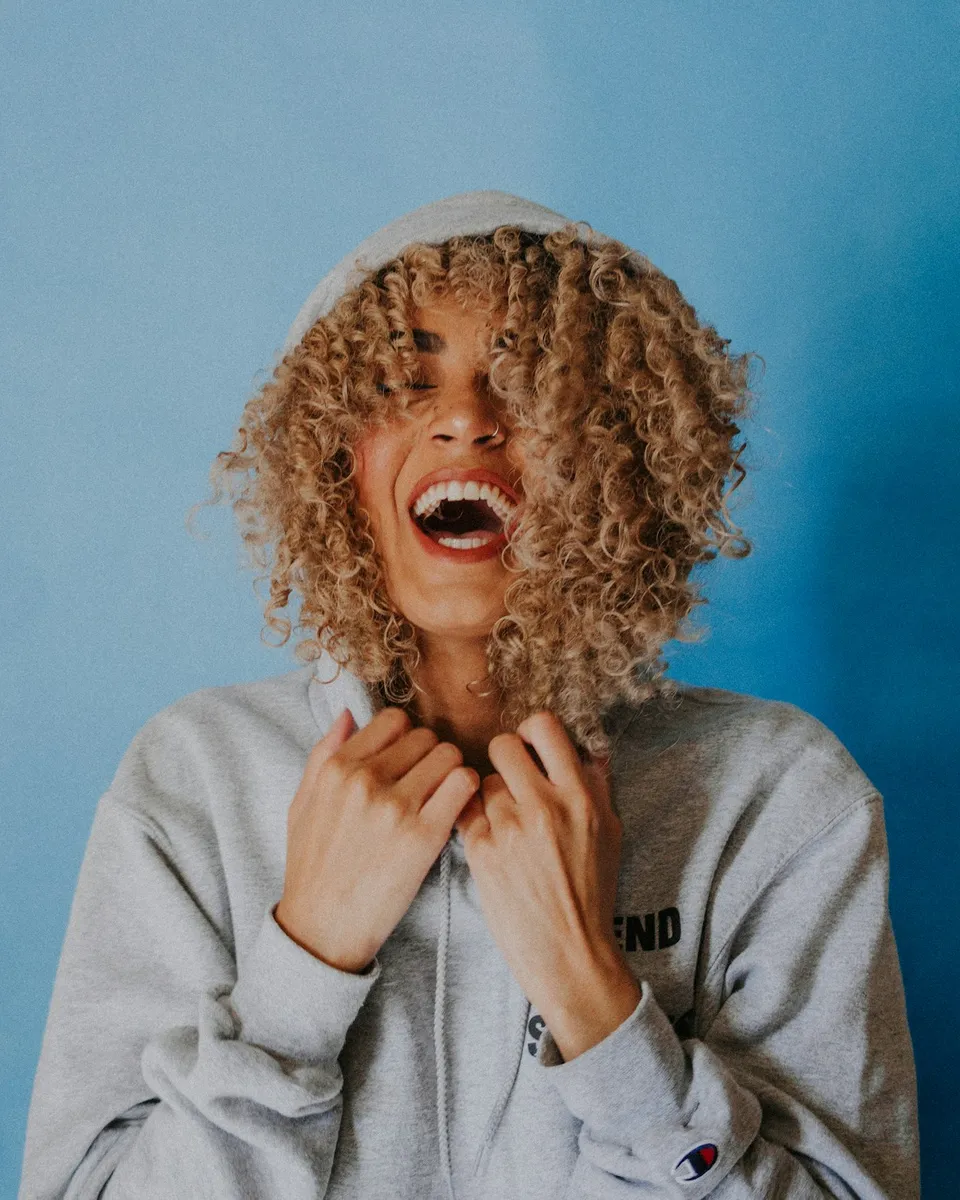
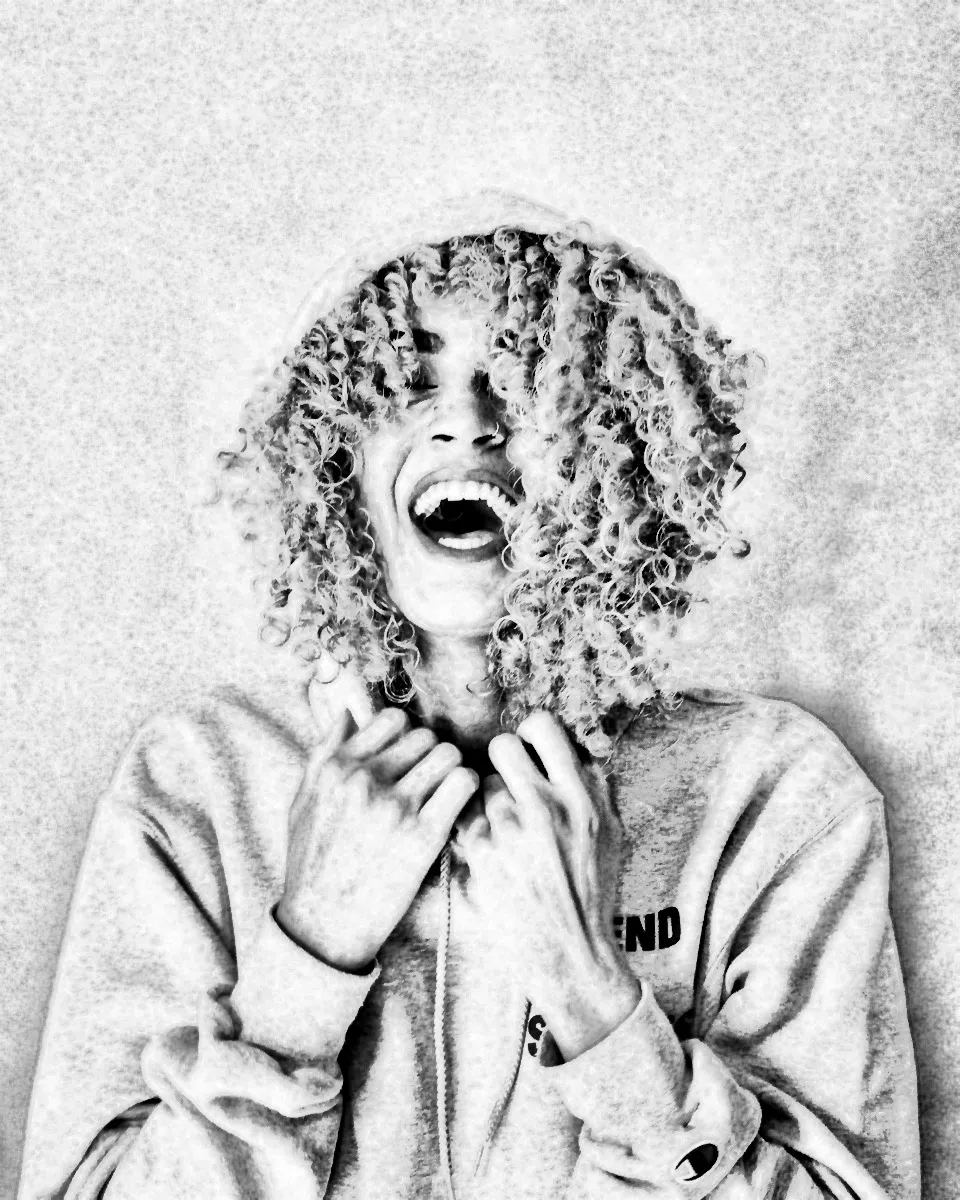
Portrait photo before editing The same photo after Photo to sketch BeforeSketch
Real output from our free tools. Drag to compare. Try Photo to sketch
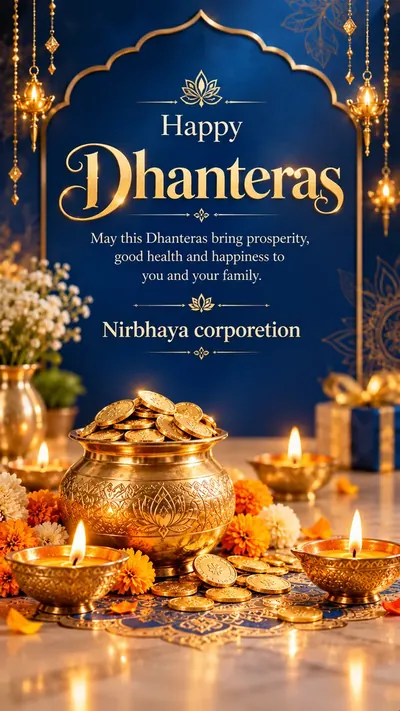
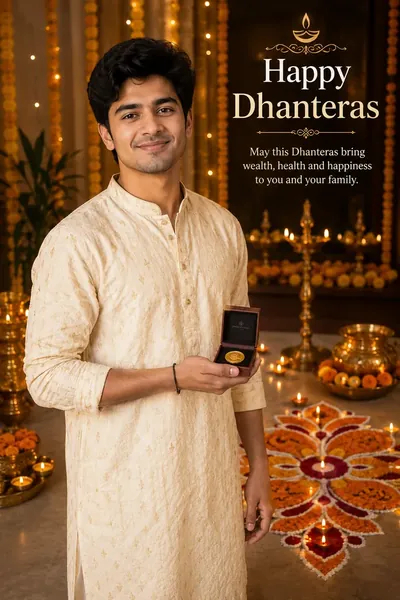
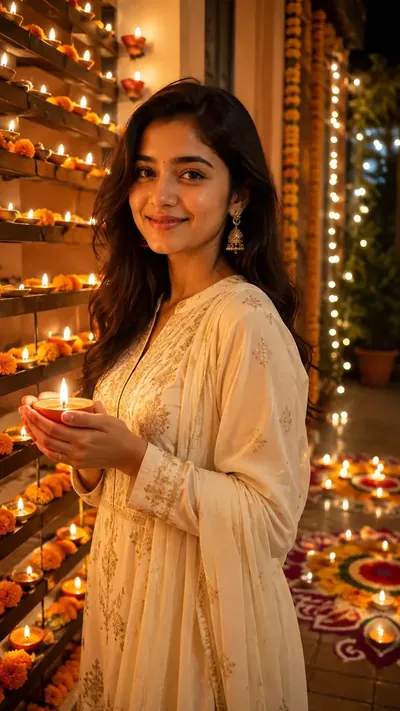
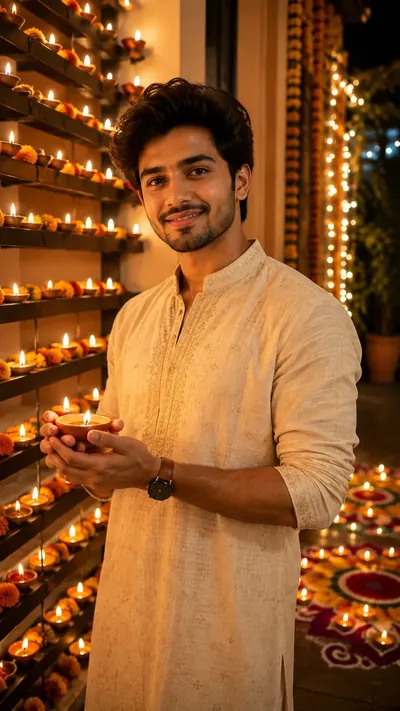
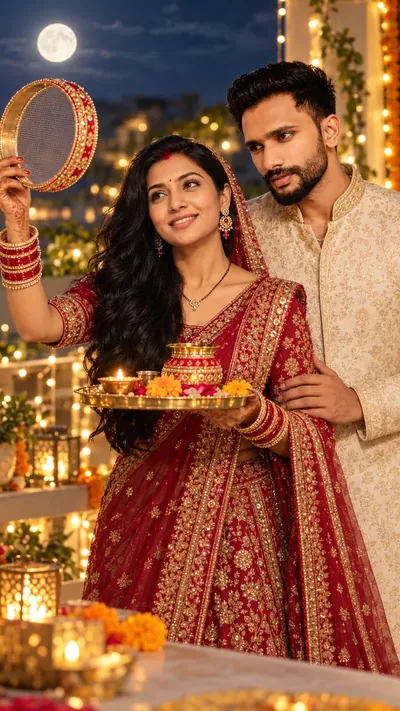
Celebrating soon

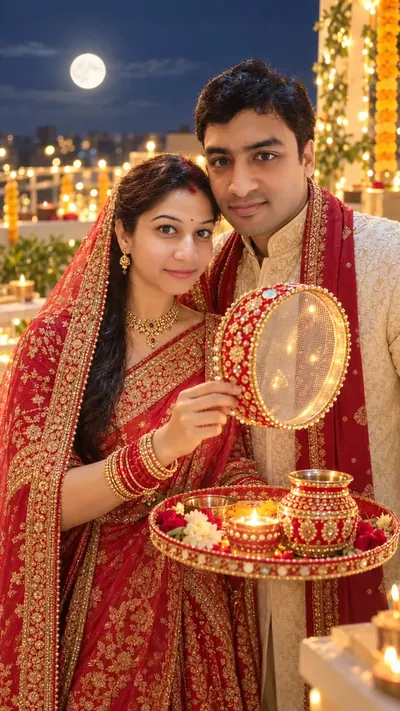
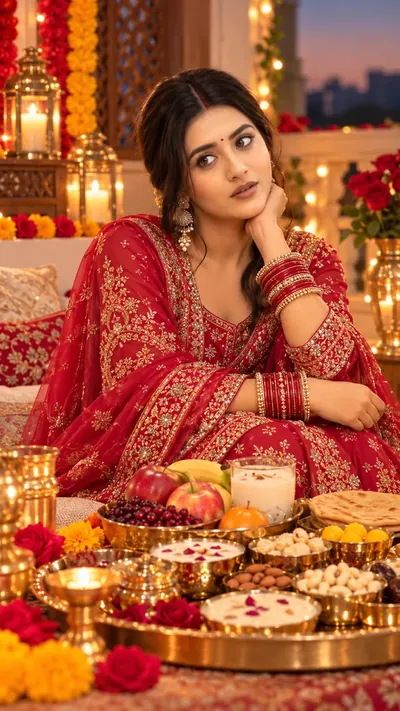
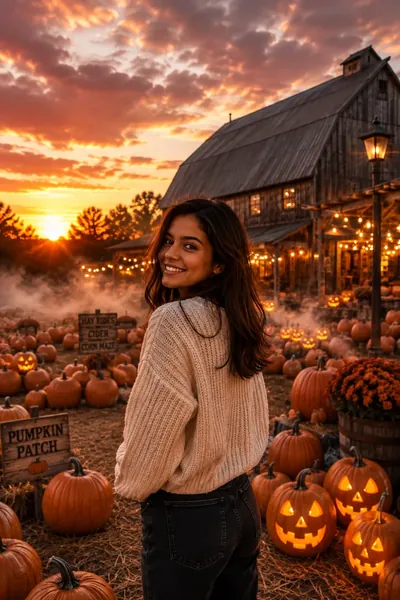
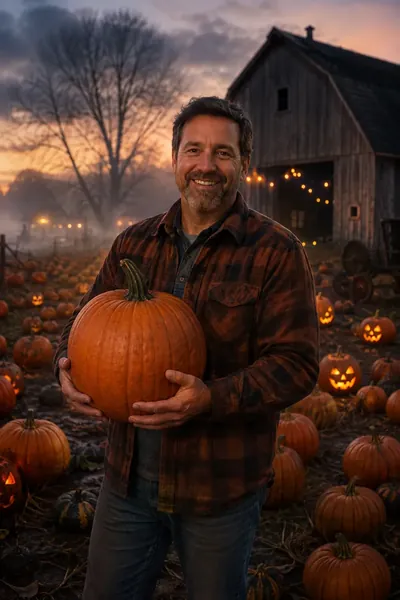
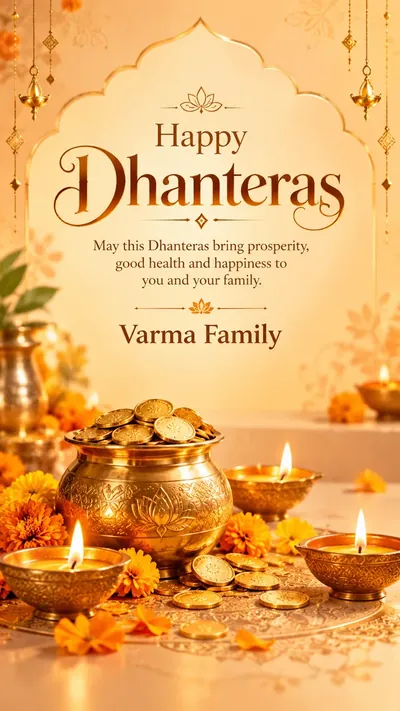
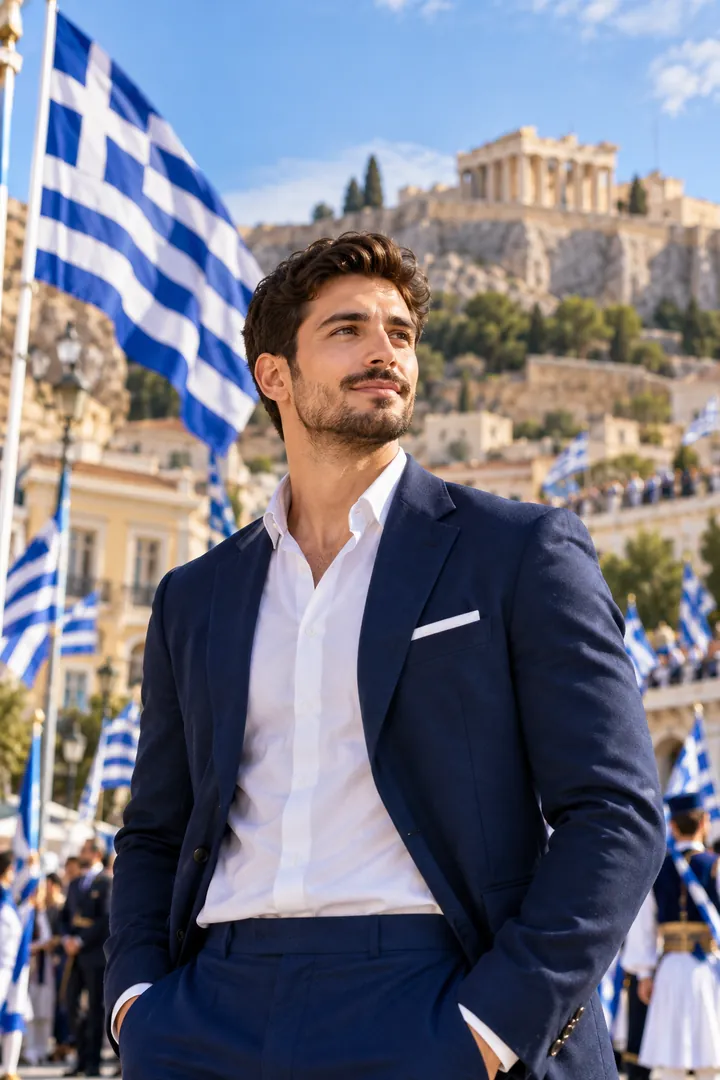
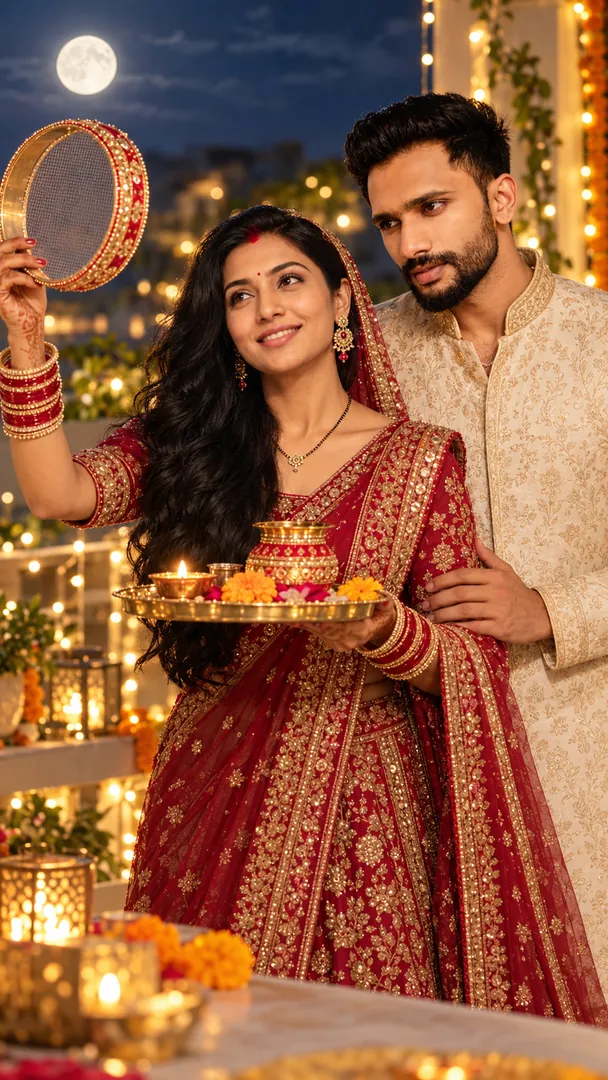
Festival and seasonal photo ideas

Make a greeting or a festive portrait ahead of the day, from a selfie.
Online, no install

Which photo edits can I do free online?

Compress, resize, crop, convert and more: 43 tools with a live preview run right here on the page. Upload a photo, change a setting and watch the preview update, then download when it looks right. There is no watermark, no account and no app to install.

Compress ImageReduce image file size in KB or MB while keeping great quality. Convert ImageConvert images to JPG, PNG, WEBP, HEIC, BMP, or TIFF. Resize ImageChange image dimensions by pixels, percentage, or social presets. Crop ImageTrim photos freely or with 1:1, 4:5, 16:9 aspect ratios. Rotate ImageRotate photos 90°, 180°, or any custom angle. Flip & MirrorMirror photos horizontally or vertically in one click. Cinematic GradingApply movie-style color tones and atmospheric looks to your photos. Vignette ShadingAdd smooth dark or white edge shading to highlight the center. Vintage SepiaGive photos a nostalgic warm antique brown tone. Pencil SketchTurn your photo into a realistic hand-drawn pencil sketch. Sharpen ImageEnhance sharpness and bring out crisp details in your photos. Polaroid FrameTurn your photos into retro instant film prints with custom captions. Black & WhiteConvert photos to timeless black and white with contrast and film grain. Border & Framing StudioAdd clean borders, frames, and rounded corners to your photos. Image Size CheckerCheck image dimensions, file size, resolution, and aspect ratio. Color Palette ExtractorExtract dominant colors, HEX codes, and generate aesthetic palette swatches. Watermark & Logo StamperAdd text or logo watermarks to protect your photos. Quote MakerCreate aesthetic social media quote graphics with stylish text overlays. Photo Collage MakerCombine multiple photos into stylish grid and collage layouts. Birthday & Greeting Card GeneratorCreate personalized greeting cards for birthdays, holidays, and celebrations. Adjust ExposureBrighten dark photos and balance highlights, contrast, and shadows. Color Temperature & TintAdjust photo warmth and tint from cool blues to warm ambers. Dreamy Soft GlowAdd ethereal Pro-Mist lens diffusion, soft bloom halos, and dreamlike warmth. Image to PDFConvert JPG, PNG, and WebP photos into printable PDF documents. PDF to JPGConvert PDF document pages into high-resolution JPG or PNG images instantly. HEIC ConverterConvert Apple iPhone HEIC photos to JPG, PNG, or WebP instantly. Photo Booth Strip MakerCreate classic 2×6 and 4×6 photo booth strips with custom text and dates. Text Behind ImagePlace 3D editable typography behind people, cars, or any subject in your photo. Remove BackgroundRemove image backgrounds and isolate subjects cleanly using local AI. Scrapbook Page MakerCreate authentic layered scrapbook pages with travel journals, vintage junk journals, kawaii layouts, and editorial aesthetics. HDR Effect StudioTransform dark and dull photos into balanced High Dynamic Range images with natural shadows and crisp textures. 90s Vintage Film CameraTransform modern photos into authentic 1990s disposable camera memories with glowing orange date stamps. Golden Hour Sun Flare StudioTransform photos with radiant golden hour sunlight, god-ray beams, optical lens flares, and warm sunset atmosphere. Blur BackgroundMake your photos look like a professional DSLR shot. Keep the subject sharp and blur the background for a stunning, cinematic effect. Dehaze Photo & ClarityRemoves haze, fog and lens glare to restore contrast, color and detail. Tilt-Shift Miniature MakerTurn real cityscapes, streets, and landscape photos into realistic toy miniatures. Motion BlurAdd realistic directional motion streaks or rotational spin blur. Water Reflection & Glass MirrorCreate realistic water ripples or showroom glass reflections for e-commerce products, jewelry, sneakers, and landscapes. Selective Color & Color SplashTurn photos into dramatic black-and-white with isolated vivid color. Features 1-tap eyedropper sampling, smart portrait splash, and precision brush & eraser. Profile Picture MakerCreate aesthetic circular profile pictures with Instagram story rings, neon glow, and backdrops. Die-Cut Sticker Border MakerCreate vinyl die-cut stickers with smooth contour outlines, dual borders, and 3D shadows. Photo & Signature ResizerExact size and a KB range for exam and application form uploads. Passport Photo MakerOfficial passport size with a plain background, single or print sheet.
Copy · Paste · Done

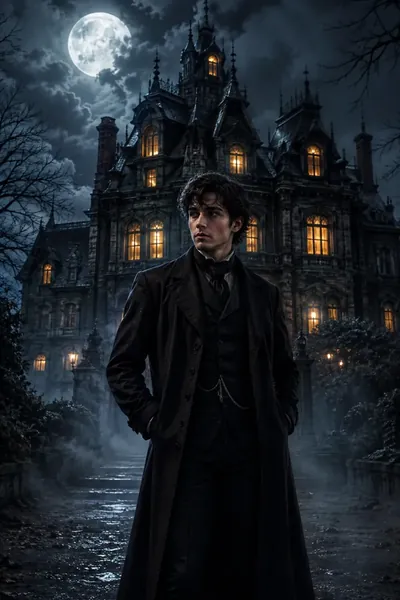
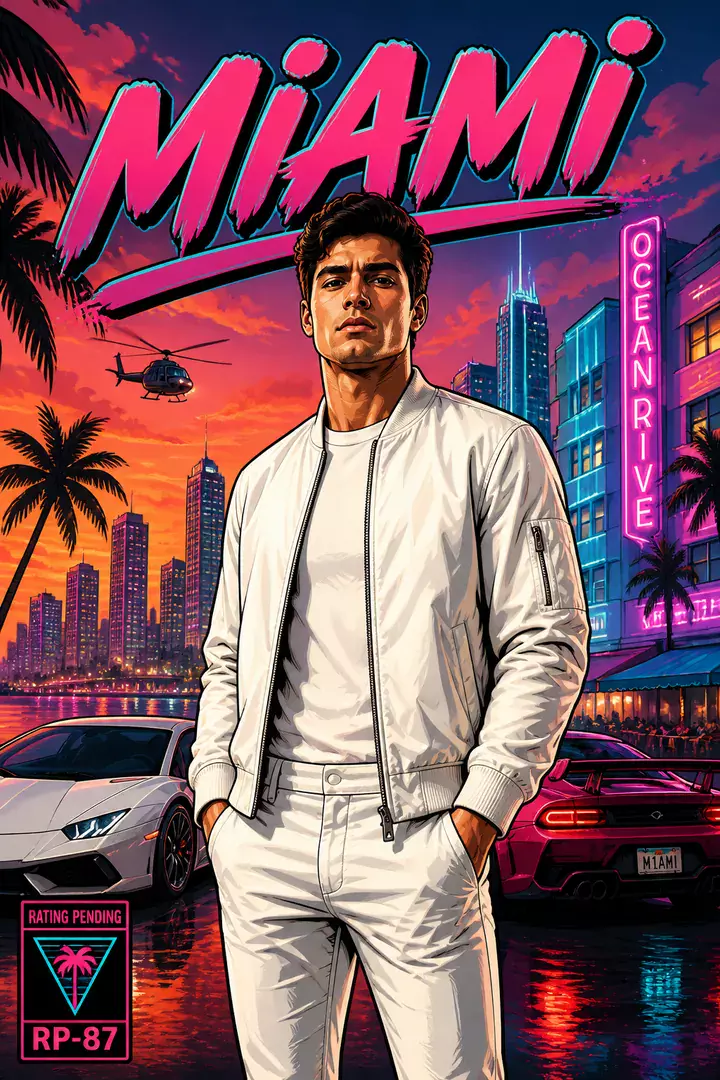
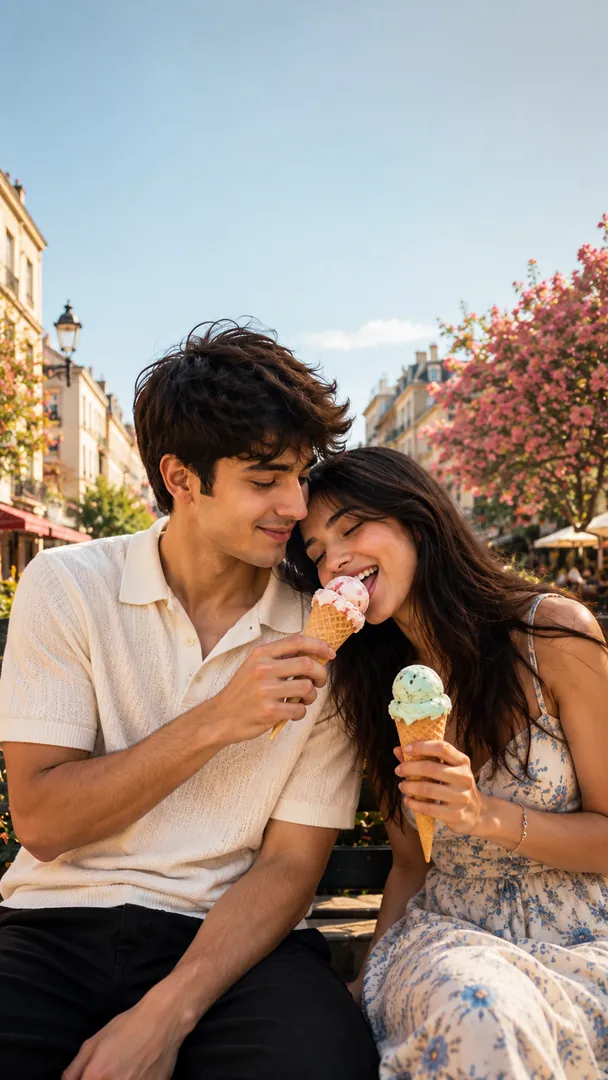
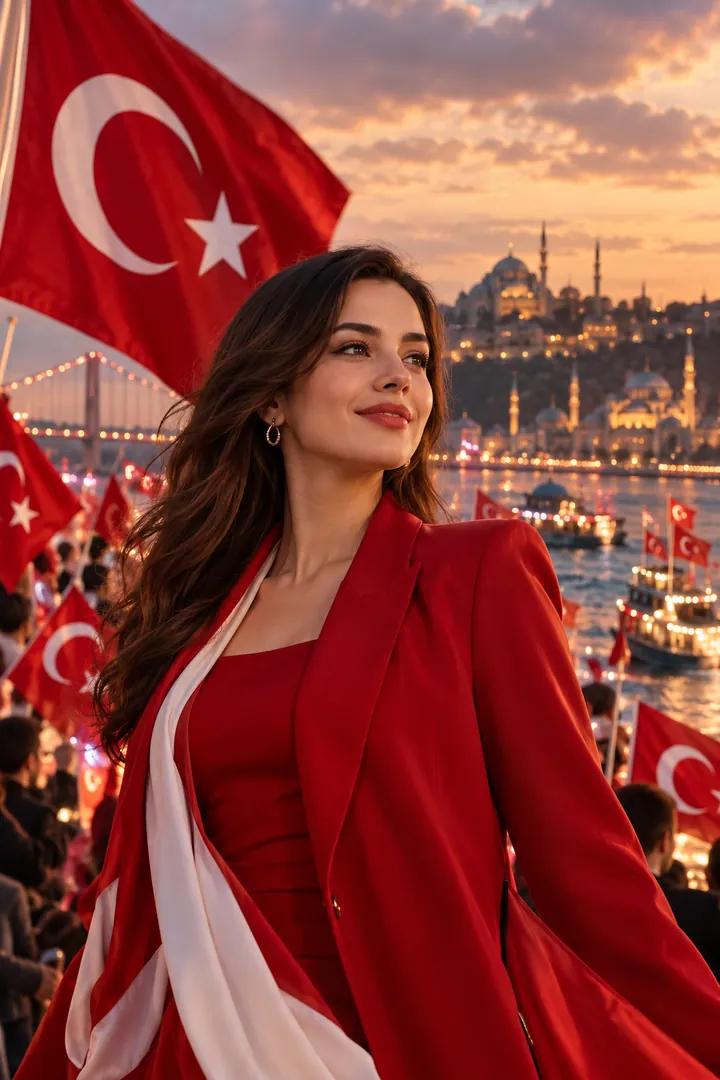
How do I turn my photo into a trending AI look?

Pick a look below and copy its prompt, free. Open ChatGPT or Gemini, attach a clear selfie and paste the prompt, then send. Want the look in one tap with your face kept the same? The app makes every one of these styles.
See all prompts

What people ask about the tools, prompts and app

What is Trendy AI Lab?

Two things. Free image tools and AI prompts that work right here online, with no install and no sign-up, and an Android app that turns a selfie into trending AI art such as chibi sticker collages and travel posters.

Is it free?

The browser tools and every style's prompt are free with no account at all. Making the image in the app, with your face kept the same, needs a weekly or monthly plan.

Which platforms is it on?

The image tools work in any browser, on phone or desktop. The AI trends are in the Android app, with the iOS version coming soon.

How do I use an AI prompt?

Copy the prompt, open ChatGPT, Gemini or another AI image app, attach your photo and send. Or skip the copy-paste and make the same look in one tap in the app.

How is my photo used?

The browser tools process your image in memory and never store it. In the app, your photo is sent to a third-party AI service only to generate your image, and the upload is deleted afterwards. It is never used for advertising.