Add Border to Photo
Frame your photos with custom border colors, rounded corners, drop shadows, and artistic styles.
Updated
or drop an image here, up to 25MB
- Never stored: processed in memory
- Live preview, no watermark
- No account needed
Before and after

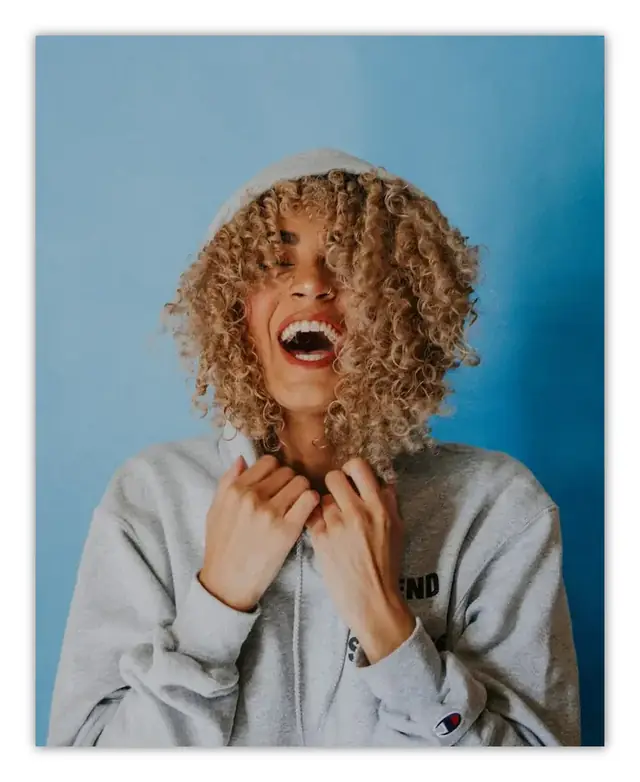
How do I add a border to a photo?
Add your image to Add Border to Photo on this page, up to 25MB, then set frame design style, frame width / thickness and corner rounding and watch the live preview change. When it looks right, press Download. You get a PNG file, with no watermark or sign-up, and the upload is processed in memory, not stored.
- Add your image. Upload a JPG, PNG, WebP, HEIC, BMP or TIFF image up to 25MB, or drop it on the page.
- Choose your settings. Set frame design style, frame width, corner rounding and more. The preview updates as you change each one.
- Check the preview. Look over the live preview before you save it.
- Download the result. Press Download to save it to your device. Nothing is added: no watermark, no sign-up.
Add Border to Photo at a glance
| Works with | JPG, PNG, WebP, HEIC, BMP and TIFF images |
|---|---|
| Largest file | 25MB per image |
| You download | A PNG file |
| Watermark | None |
| Account | Not needed |
Settings
| Frame Design Style | Choose aesthetic style: Modern Solid, Double Line, Gallery Matte, Gradient, Gold, Wood, 35mm Film, or Neon. 9 options (default Solid) |
|---|---|
| Frame Width / Thickness | Outer frame border thickness in pixels. 10 to 160px (default 40px) |
| Corner Rounding | Round photo corners smoothly. 0 to 100px (default 0px) |
| Primary Border Color | Main outer frame / matte background color. Any colour (default #FFFFFF) |
| Secondary / Accent Color | Color for inner accent border, gradient blend, or neon halo. Any colour (default #1E293B) |
| 3D Drop Shadow | Ambient depth shadow behind photo inside frame. 0 to 30px (default 12px) |
When should I use Add Border to Photo?
A border gives a photo breathing room on a busy feed and makes it look finished when you print or share it. A plain white or black frame suits most photos.
Gallery Matte imitates a mounted print, Gold suits celebrations, and Neon Glow works on night shots. Rounded corners and a soft drop shadow make a photo look like a card sitting on the page.
Border & Framing Studio: what people ask before they use it
What does the Add Border to Photo tool do?
Frame your photos with custom border colors, rounded corners, drop shadows, and artistic styles.
What can I adjust in Add Border to Photo?
You can set frame design style, frame width, corner rounding, primary border color, secondary and 3d drop shadow. Every change previews live, so you can see the result before you download it.
What file do I get from Add Border to Photo?
A PNG file, downloaded straight to your device. Nothing is added to it: there is no watermark and no sign-up.
Is Add Border to Photo free to use?
Yes, and there is no account to create. You can use it as often as you like, on images up to 25MB.
Will the quality drop?
Only where you ask it to. The tool works from your original upload rather than a preview, so the file you download is made at full resolution.