His & Hers Matching Wallpapers for Two Phones
Explore the 14 AI photo styles in the Matching Wallpapers collection from Trendy AI Lab, including Sun & Moon Duality, Sweet & Playful, Cute Pairs and Mood & Scene. Pick a style, upload a selfie, and create a share-worthy AI image in seconds with a plan on Android. The prompt for each style is free to copy.
Updated
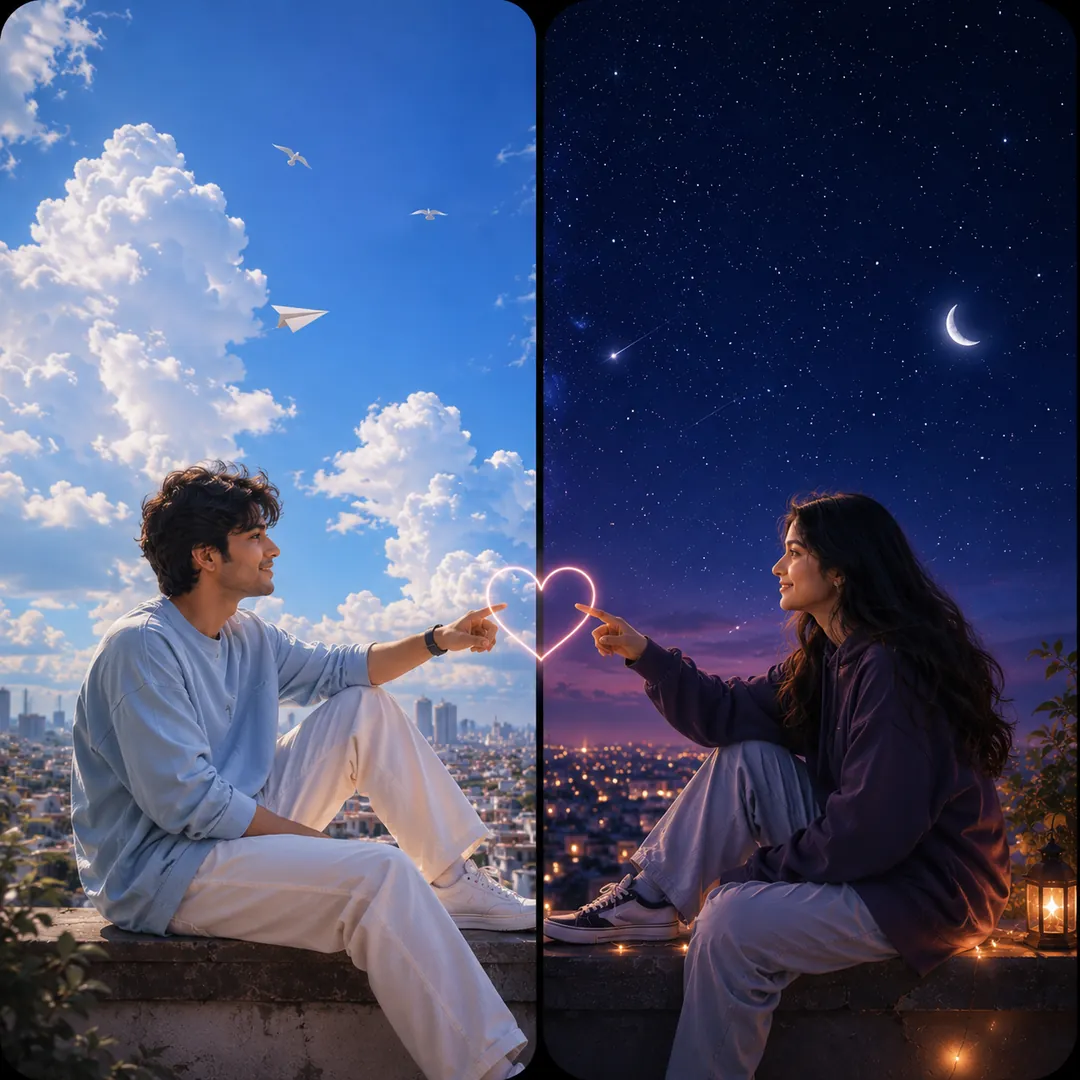
AI prompt for Sun & Moon Duality
- Copy the prompt
- Open your AI app
- Attach your photo and send
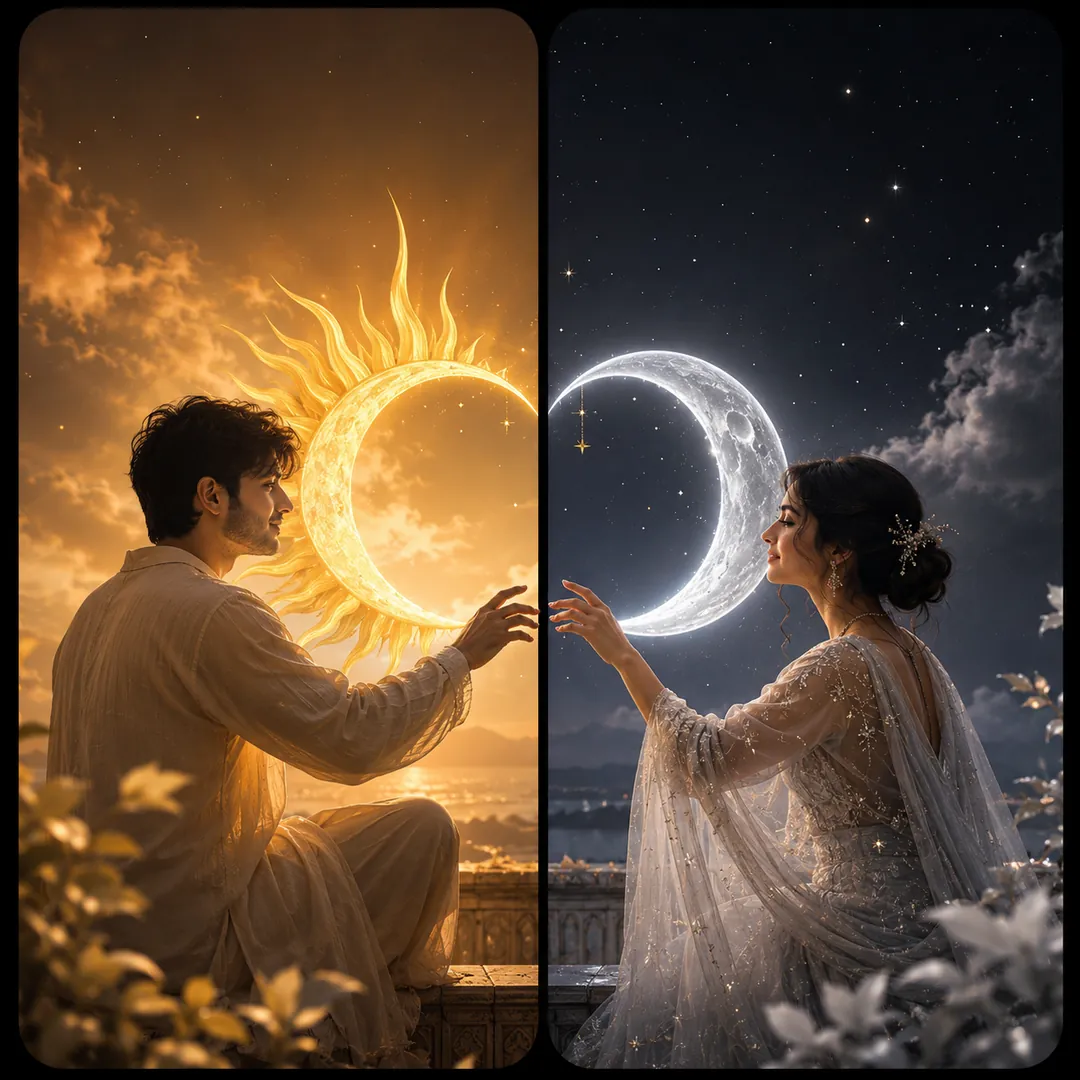
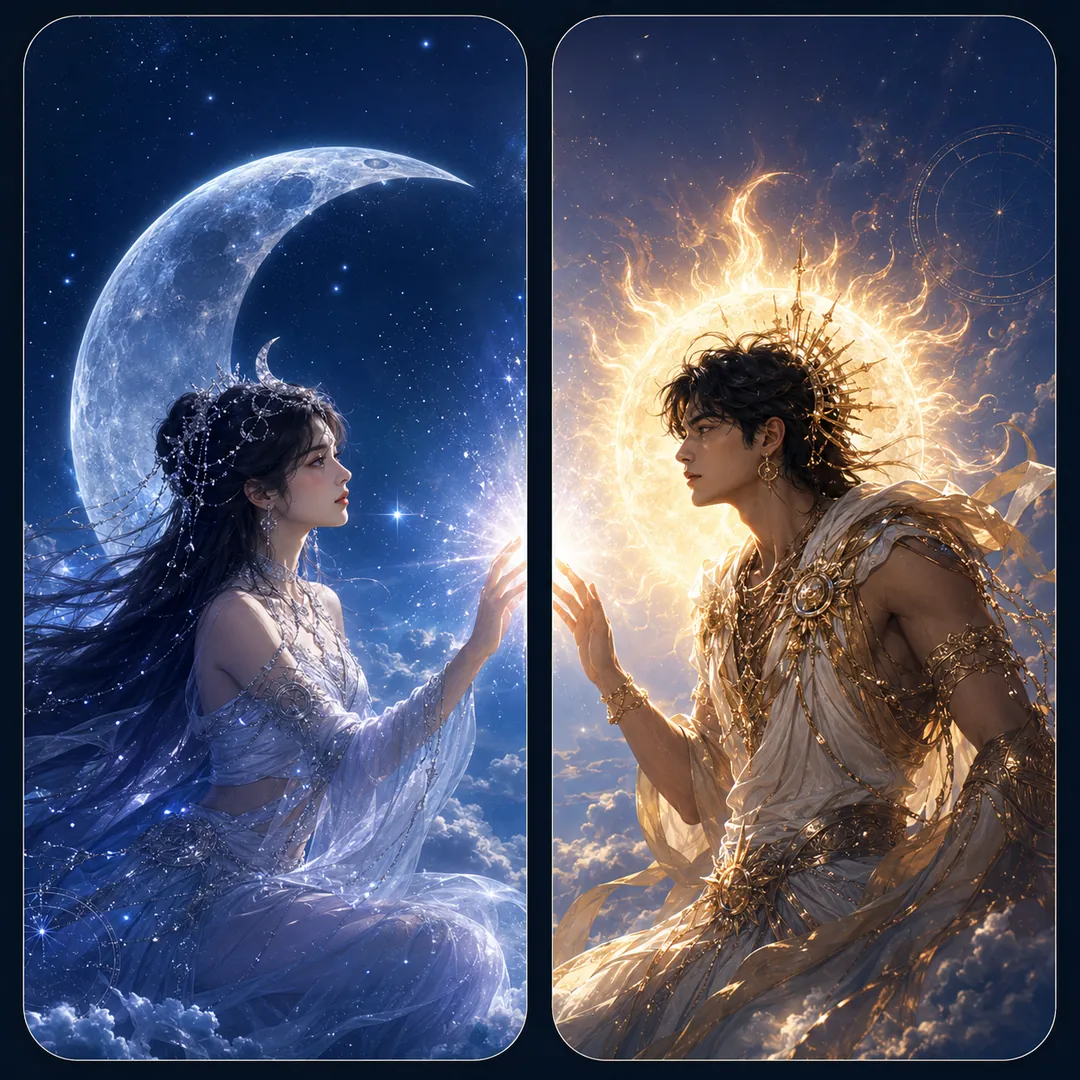
Make one square image from the two attached photos, as two tall phone panels that meet at a seam. The first person is on the left under a radiant golden sun, the second on the right under a glowing silver moon, both keeping their own faces and features. Theme: [Sun & Moon], daylight warm on one side and cool starlight on the other, the two skies blending at the centre gap. Elegant, balanced composition, with a quiet area at the top of each panel for the clock.
Prefer one tap with no pasting, and your face kept the same? Use the app.
The Matching Wallpapers collection makes 'his & hers' split-screen sets, two wallpapers, one for each phone, that line up into a single picture when you hold your phones side by side, from a red string of fate to sun & moon, fantasy royalty and matching art styles.
- Two matching wallpapers that combine across both phones into one scene
- Each partner uploads a selfie; both halves are generated together to align
- Keeps both faces recognisable, with a calm top for the clock on each half
Make one square image from the two attached photos, as two tall phone panels that meet at a seam. The first person is on the left under a radiant golden sun, the second on the right under a glowing silver moon, both keeping their own faces and features. Theme: [Sun & Moon], daylight warm on one side and cool starlight on the other, the two skies blending at the centre gap. Elegant, balanced composition, with a quiet area at the top of each panel for the clock.
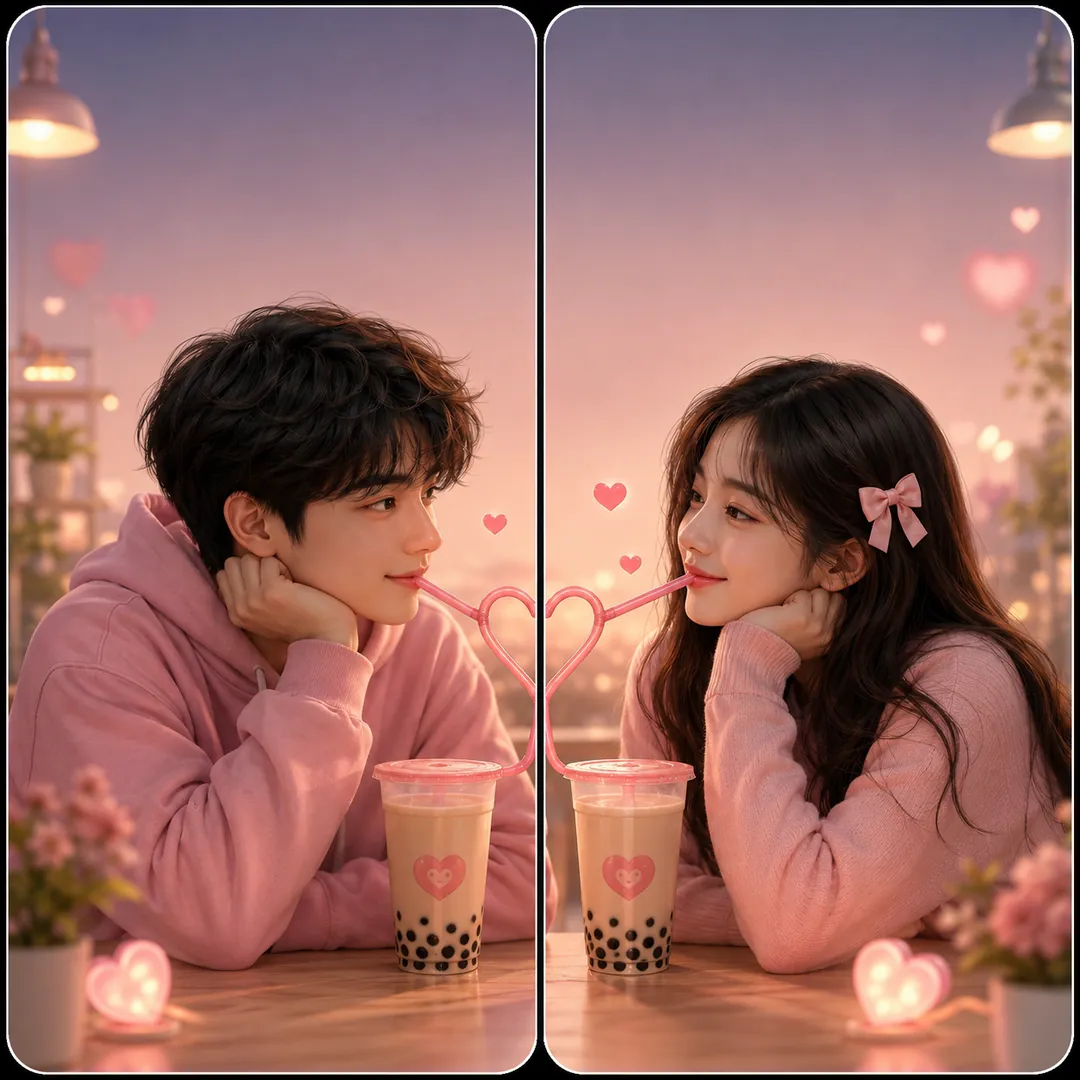
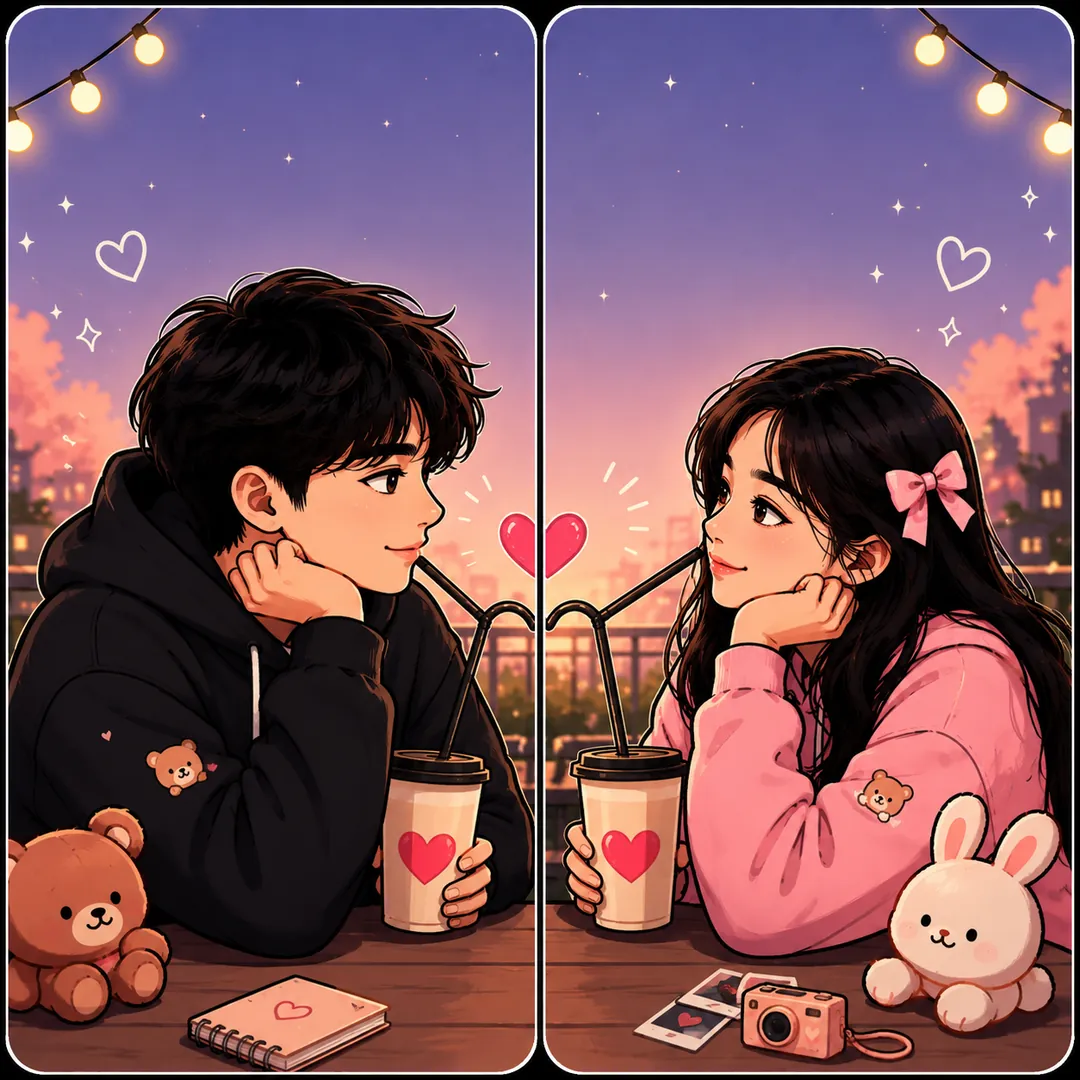
From the two attached photos, make a square image with two phone panels that share one sweet moment. First person left, second person right, faces and features unchanged. Concept: [Bubble Tea], the two of them sharing one drink, a long striped straw and a trail of little hearts crossing the centre gap, tapioca pearls and cups in pastel colours. Mood: [playful], bright daylight, clean and happy, with a calm space at the top of each panel for the clock.
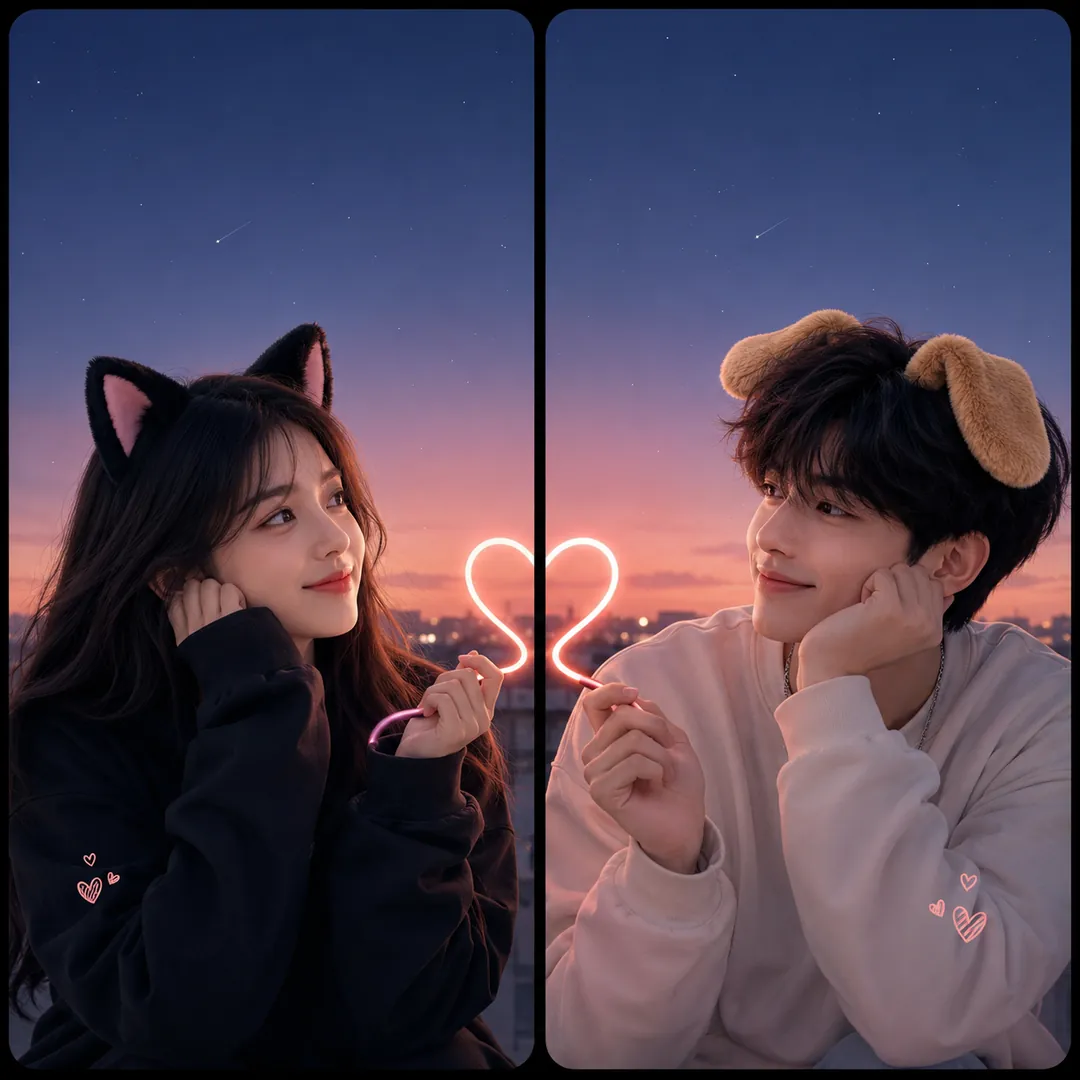
Use the two attached photos to make one square image of two phone wallpapers that are a cute pair. The first person on the left wears soft cat ears, the second on the right wears floppy puppy ears, both keeping their own face and features. Concept: [Cat & Dog], a small heart drawn across the centre gap where the two panels meet, with pastel backgrounds that match. Playful, sweet mood, even bright light, and a calm area at the top of each panel for the clock.
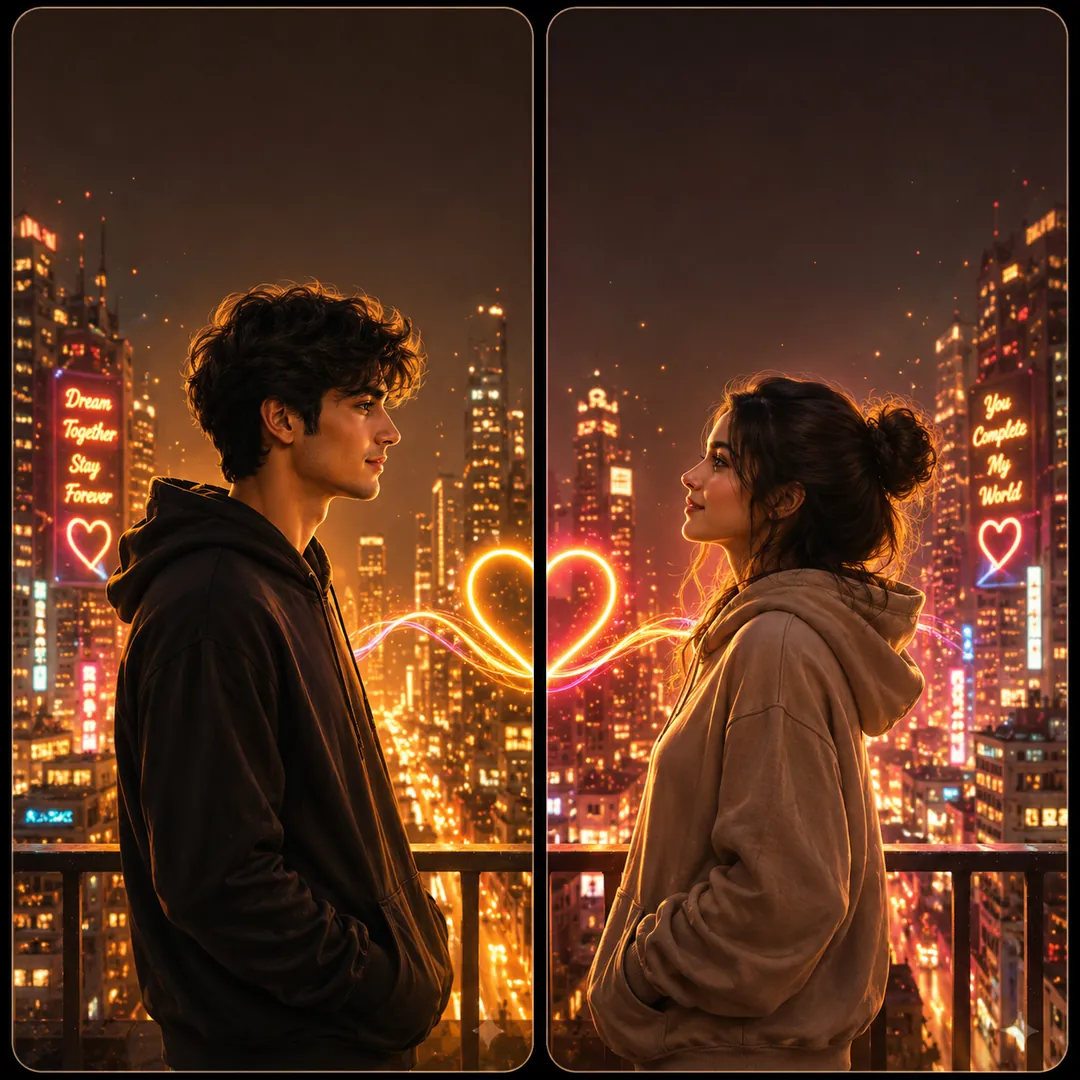
Create one square image from the two attached photos, a matched pair of phone wallpapers set in one place. The first person is on the left, the second on the right, each with their own face and features. Aesthetic: [Neon City], a night street of pink and blue signs, steam from a grate and wet pavement reflecting colour, with the glow flowing across the centre gap. Colour mood: [bold and vibrant]. Cinematic and moody, with quiet space at the top of each panel for the clock.
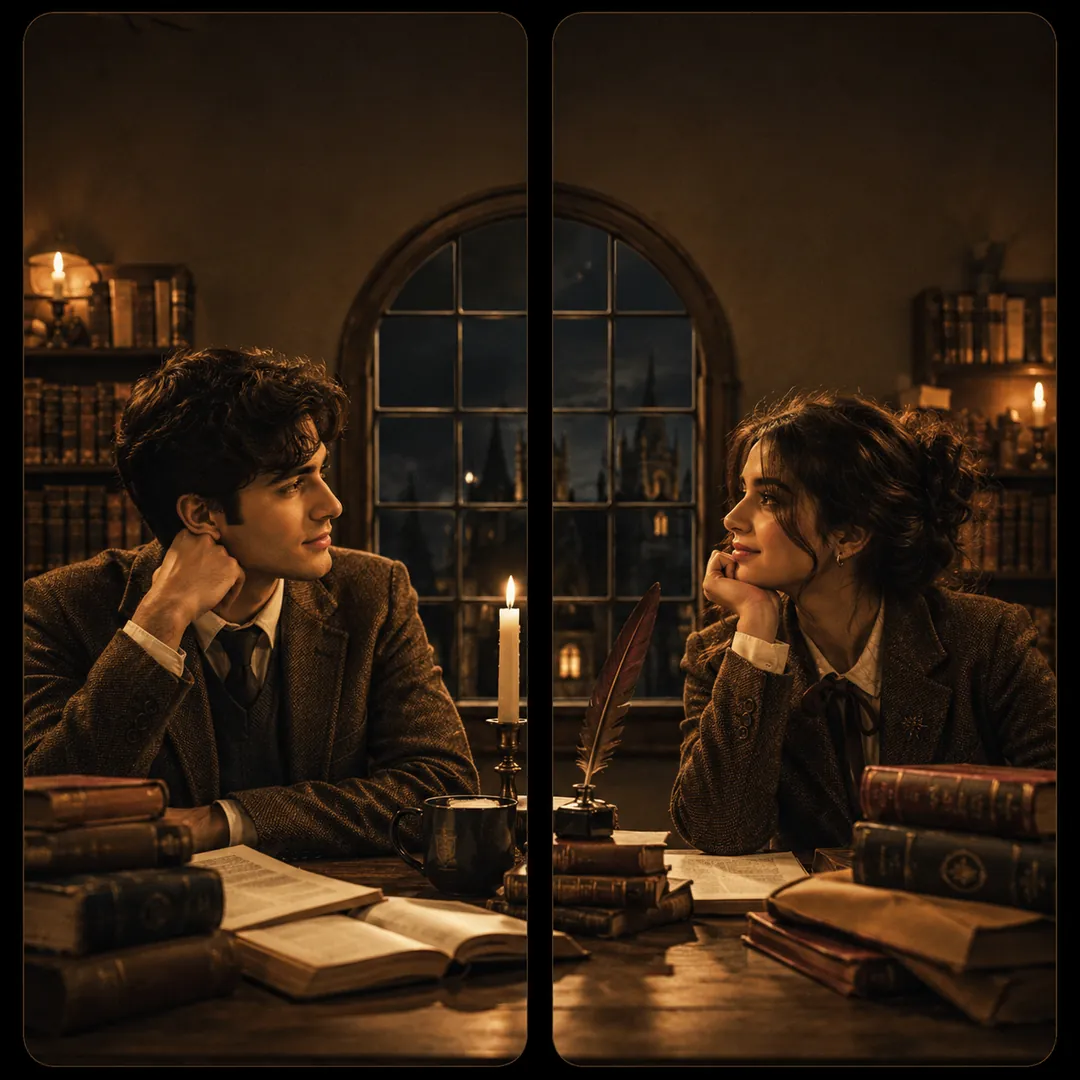
Take the two people in the attached photos and compose one square image of two phone panels that belong to the same mood. First person left, second person right, their faces kept as in the photos. Aesthetic: [Dark Academia], tweed jackets, knit scarves, stacked old books and a candlelit library with brass lamps and wooden shelves flowing across the gap. Colour mood: [warm glow], muted browns and deep green, soft grain, and a calm top area on each panel for the clock.
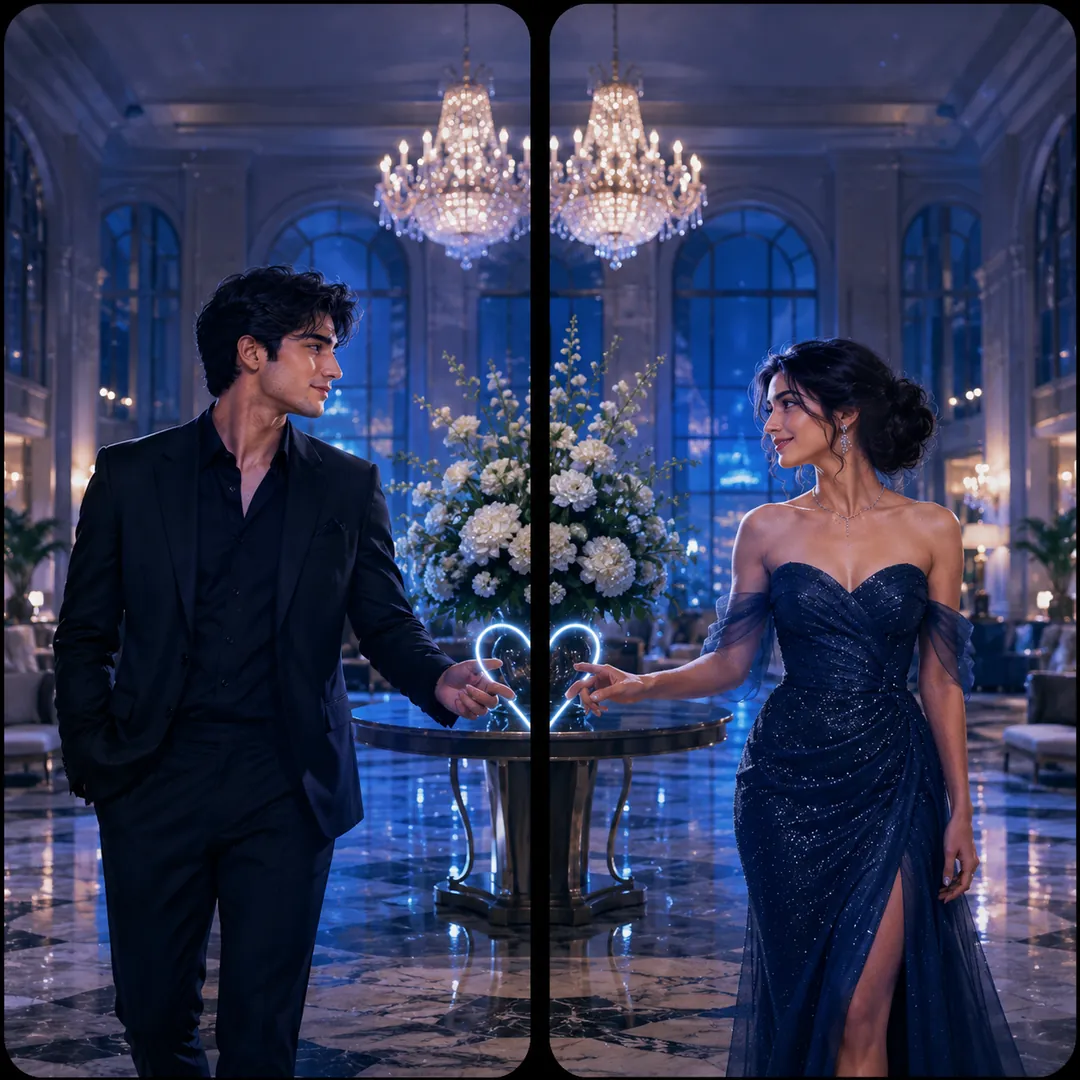
Using the two attached photos, create one square image of two matching phone wallpapers. The first person stands on the left and the second on the right, faces and features unchanged, both dressed for a premiere. Scene: [Red Carpet], a long red carpet and a wall of camera flashes running across the centre gap, velvet ropes at either side. Colour mood: [warm glow], with gold and deep red, glossy and glamorous, and a clean empty band at the top of each panel for the clock.
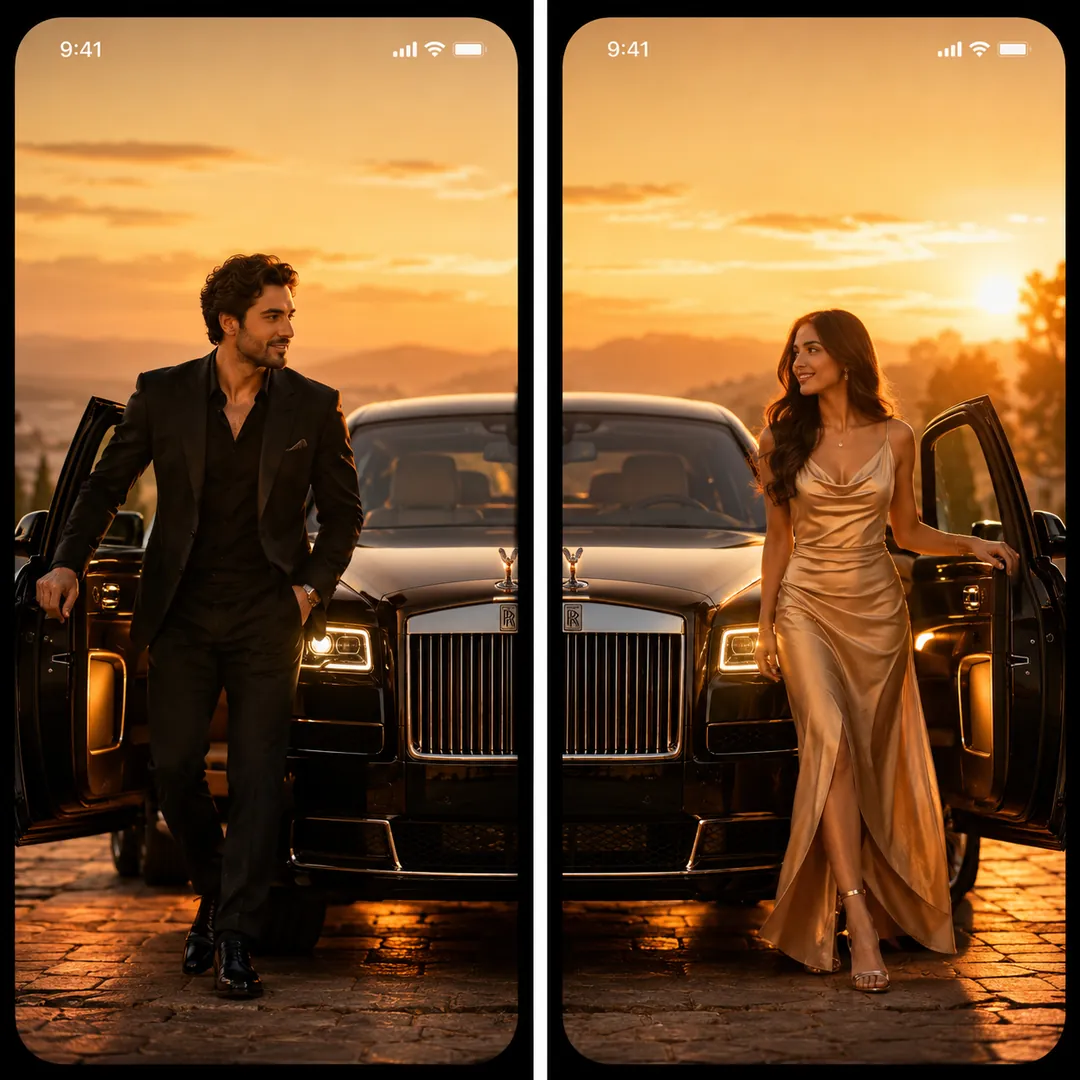
Make a square image from the two attached photos, two phone wallpapers side by side showing one glamorous scene. The first person on the left and the second on the right step out of a long black luxury car whose open doors and sleek body span the centre gap, both in sharp, expensive evening wear with faces kept true to their photos. Scene: [Luxury Car]. Colour mood: [signature], deep blacks, gold reflections and city lights, with a calm top area on each panel.
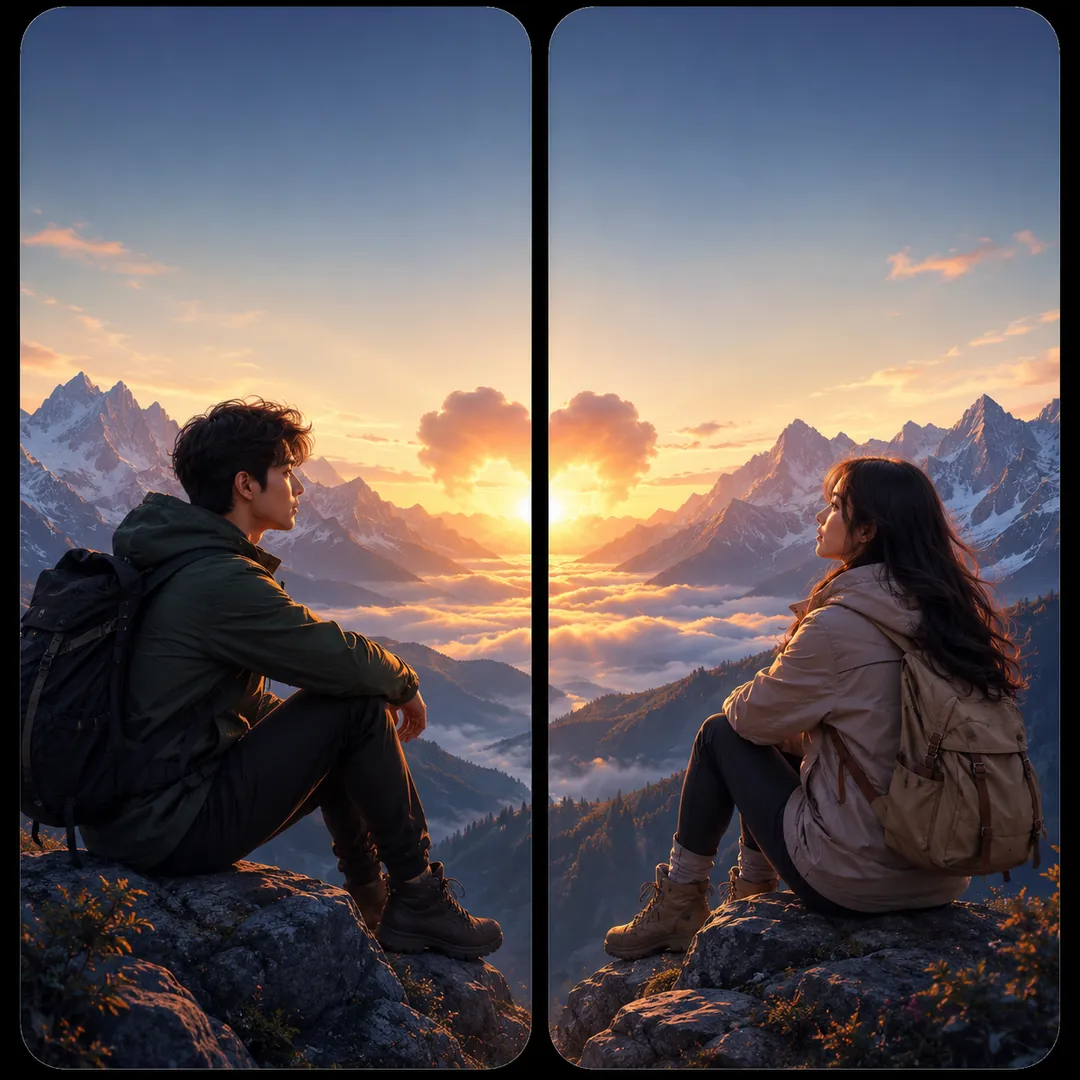
From the two attached photos, create one square image of two wallpaper panels that carry one adventure. The first person is on the left, the second on the right, each keeping their own face and features, in hiking jackets and boots. Destination: [Mountains], jagged snow peaks stretching across both panels with a winding trail through the middle. Lighting: [sunrise], pink and gold on the ridges, crisp air, a sense of distance. Keep the top of each panel quiet for the phone clock.
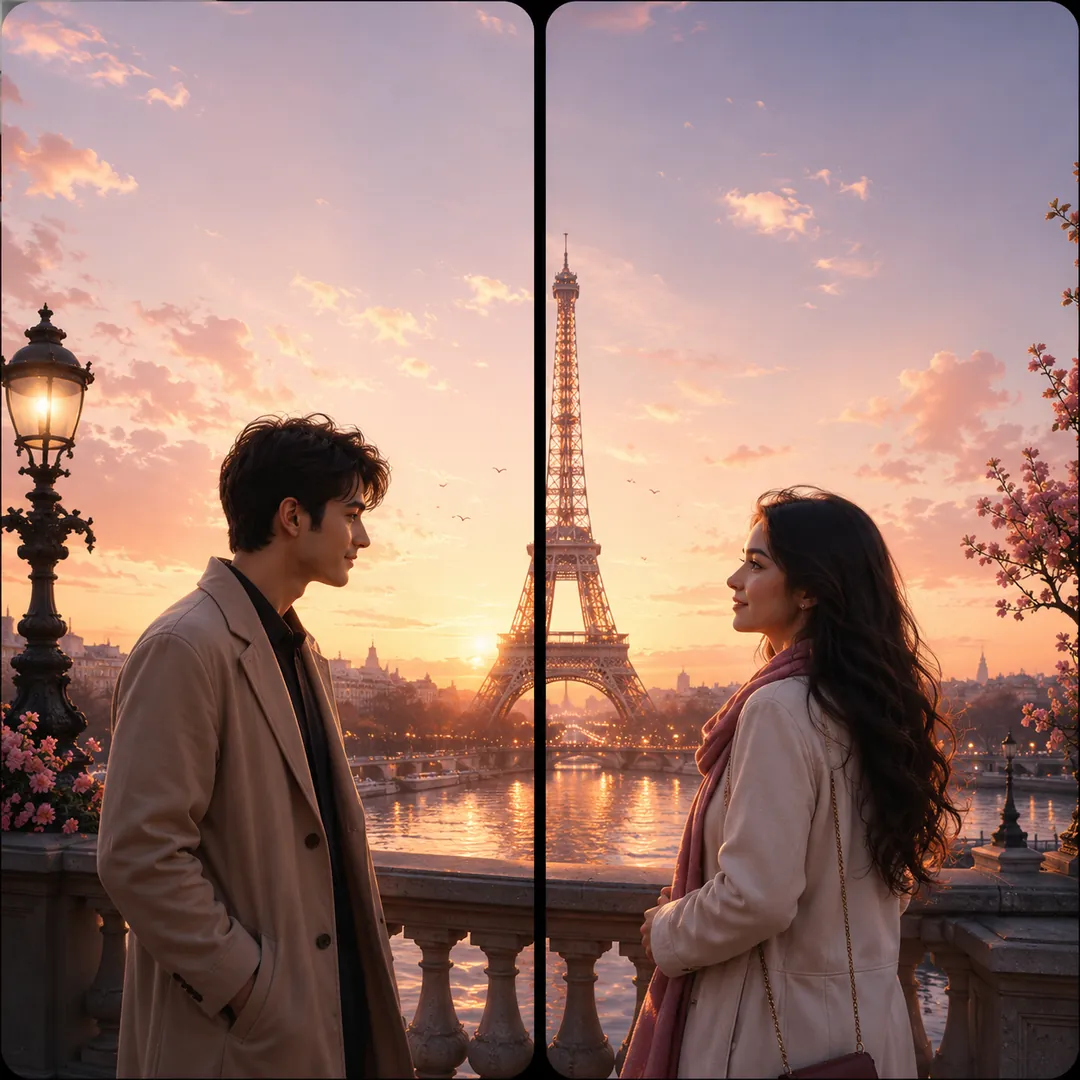
Use the two attached photos to make one square image with two phone panels that share a single destination. The first person stands on the left, the second on the right, their faces unchanged. Destination: [Paris], a glowing Eiffel Tower rising across the centre gap, café tables, cobblestones and soft lamplight below it. Lighting: [golden hour], warm and romantic, both dressed for a stroll. Matching colour and perspective on both sides, with a calm area at the top of each panel for the clock.
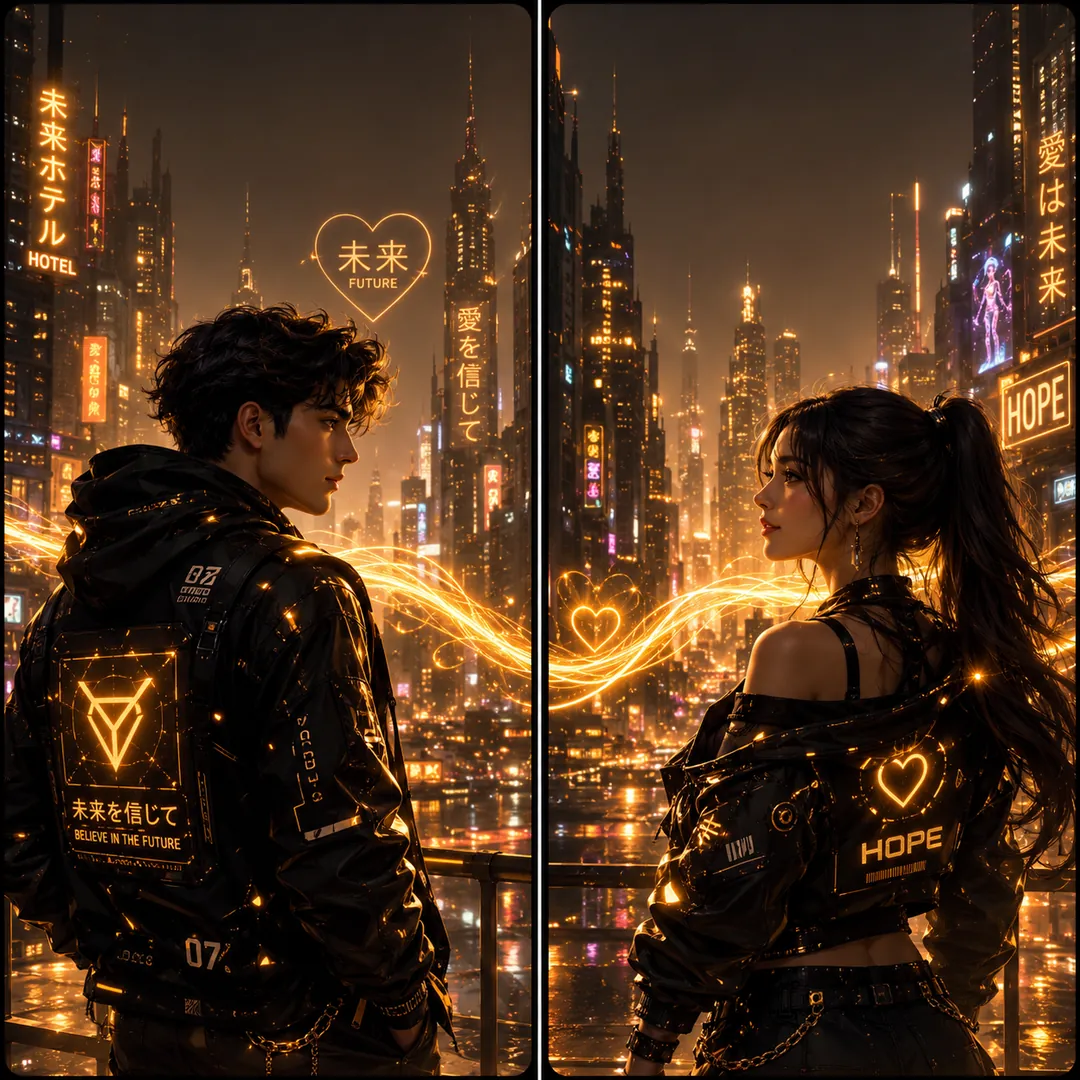
Create a square image from the two attached photos: a pair of phone wallpapers side by side forming one sci-fi scene. The first person is on the left, the second on the right, each keeping their own face and features. Concept: [Cyberpunk Duo], both in sleek techwear on a rain-slick neon city street, glowing signs and light trails flowing across the centre gap. Colour mood: [bold and vibrant], magenta and cyan reflections on wet ground, and a calm strip at the top of each panel for the clock.
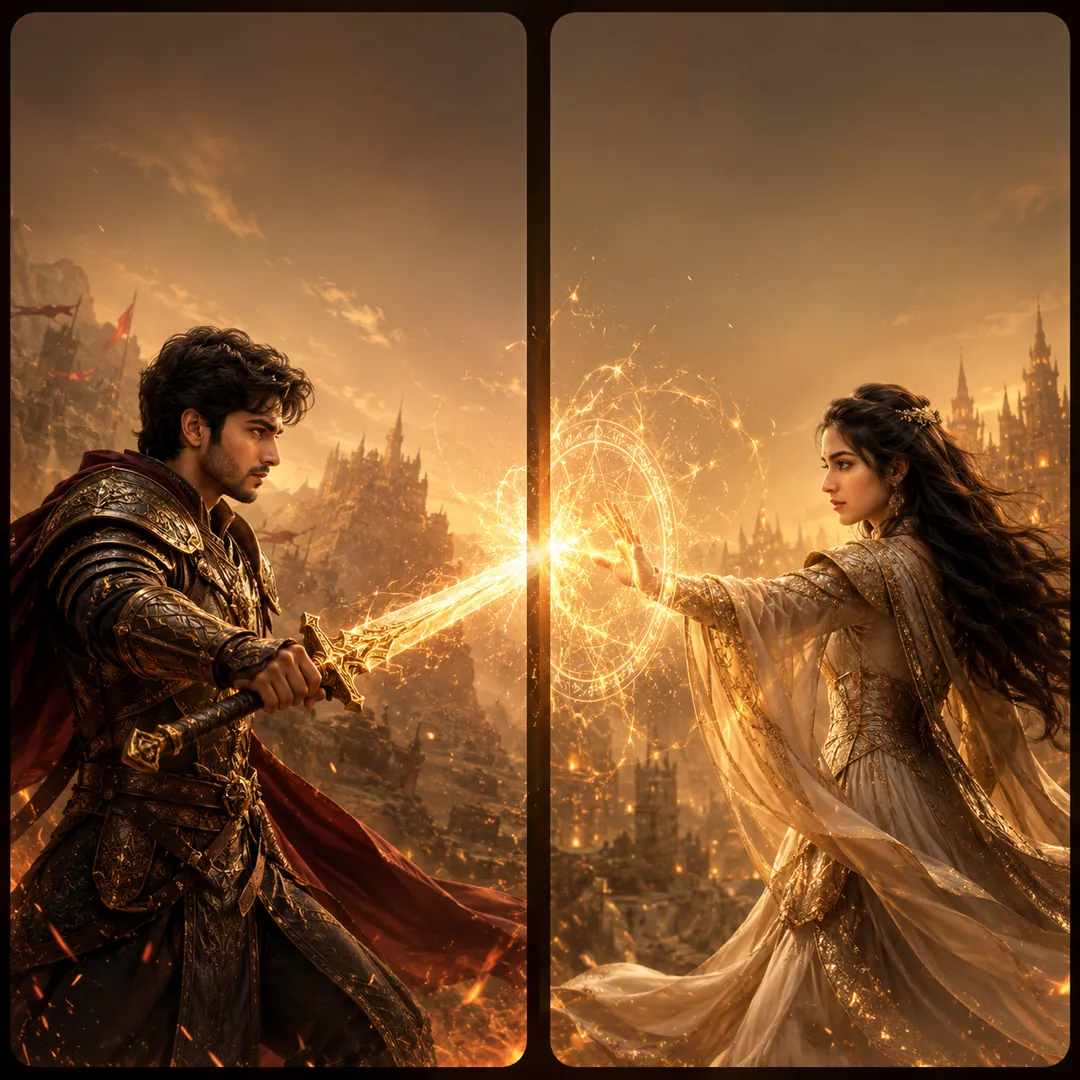
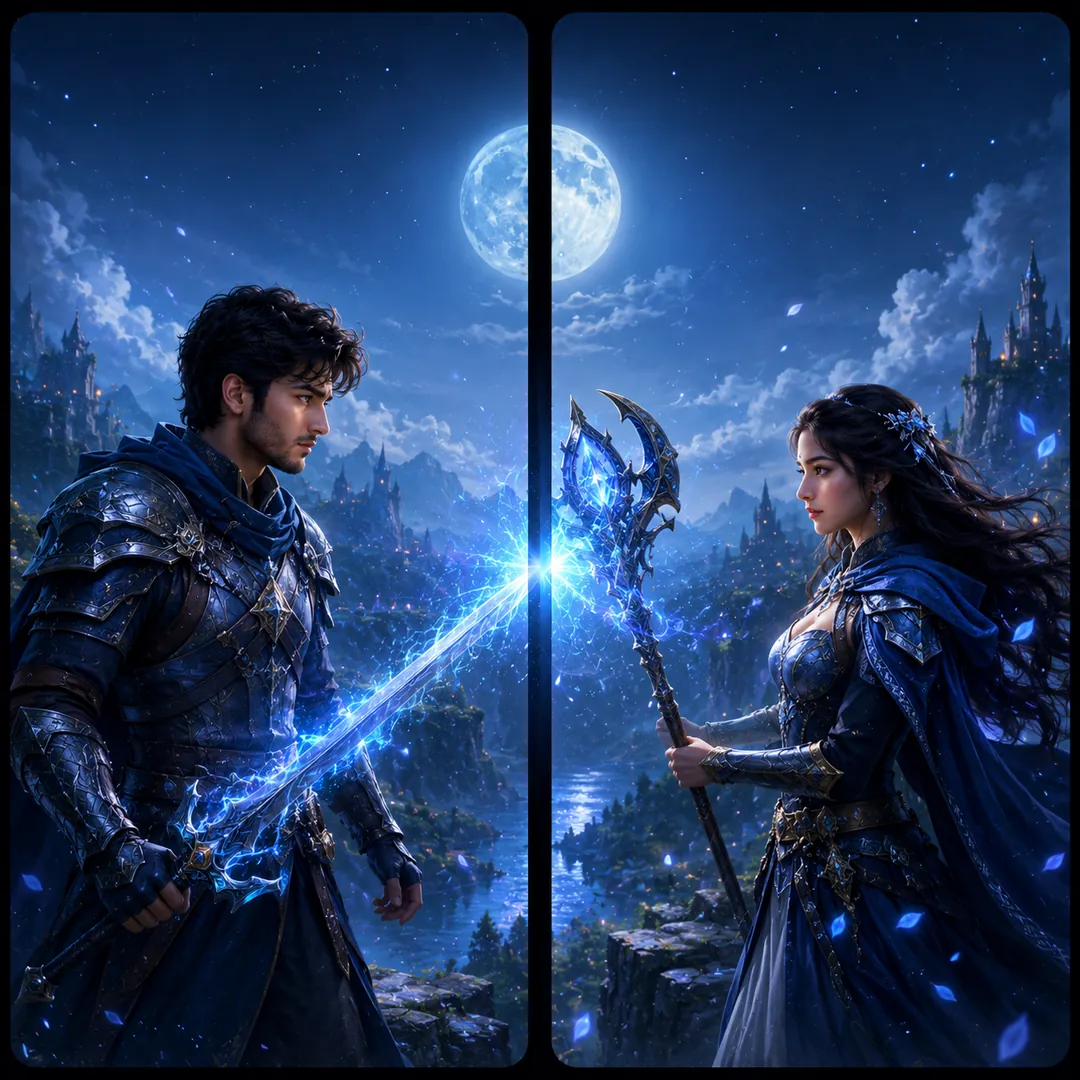
Turn the two people in the attached photos into a matched pair of game-hero wallpapers on one square canvas, two panels side by side. The first appears on the left, the second on the right, each with their own recognisable face. Concept: [Warrior & Mage], one as a mighty armoured fighter and the other as a mystic caster in flowing robes, the sword and the spell meeting at the centre gap in one burst of light. Colour mood [bold and vibrant], dramatic fantasy lighting, clean space at the top of each panel.
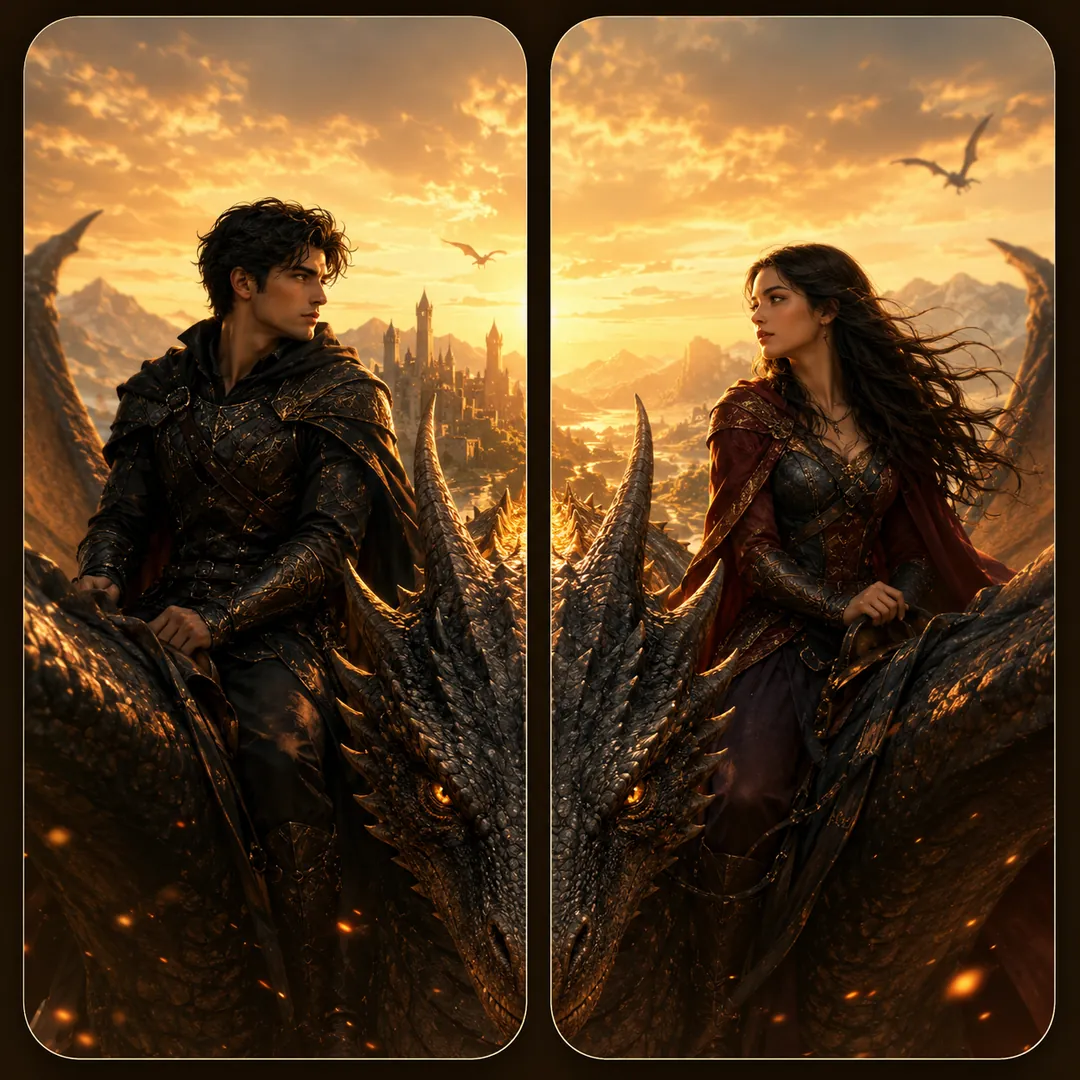
Use the two attached photos to create one square image of two phone wallpapers that join into a mythic scene. Each person stands alone in their own panel, face and features unchanged: the first on the left, the second on the right. Concept: [Dragon Riders], both as brave riders in leather and armour, one great dragon stretching its body across the seam so its wings and tail run through both panels. Epic sky, sweeping light, colour mood [cool and dreamy], and a calm top area for the clock.
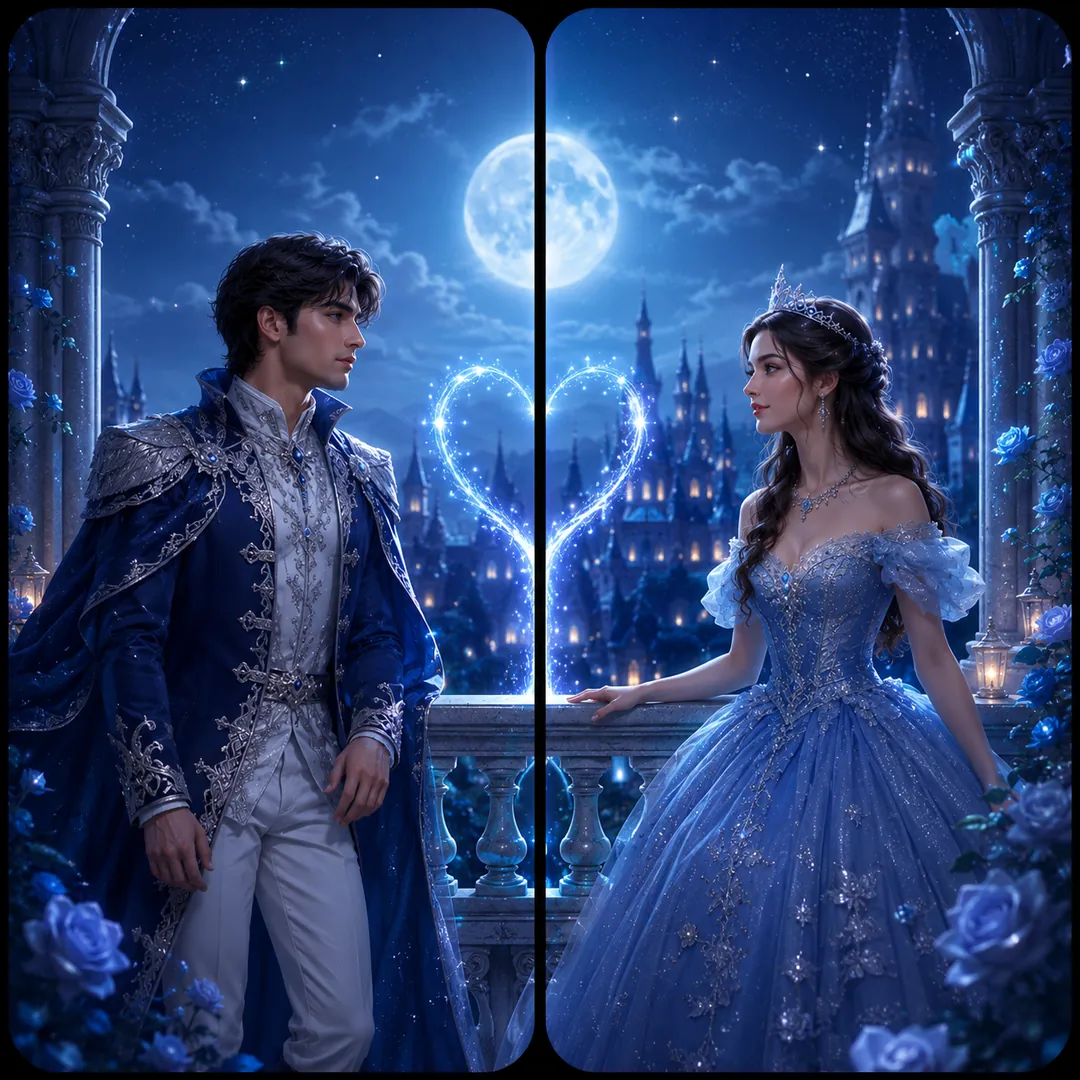
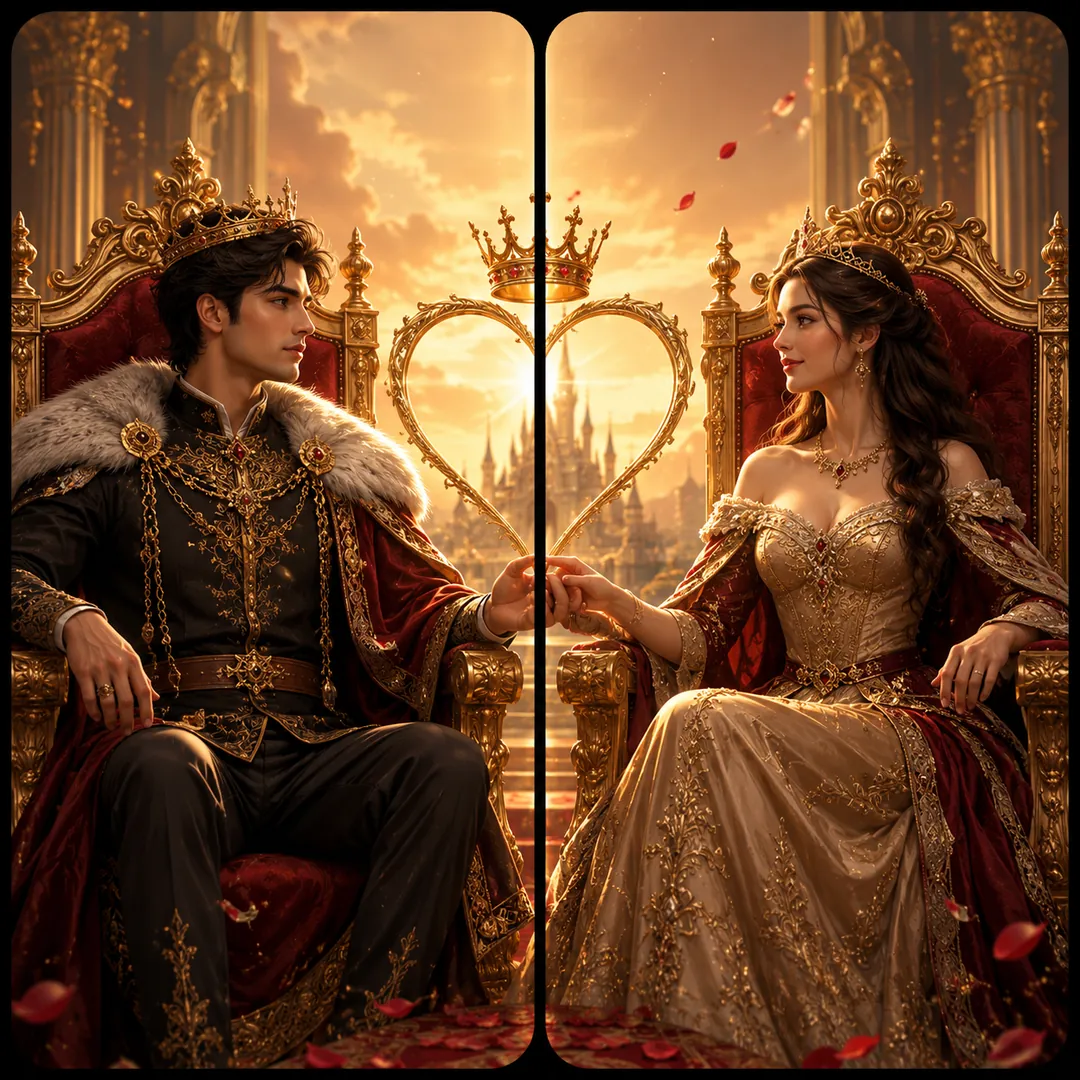
From the two attached photos, make a square image with two matching phone panels. The first person is a regal king on the left, the second a queen on the right, in royal robes and crowns, both keeping their own faces and features. Concept: [King & Queen], two thrones facing each other across the centre gap, velvet, gold trim and candlelit stone behind them. Colour mood: [warm glow]. One continuous scene across both panels, with calm space at the top of each for the clock.
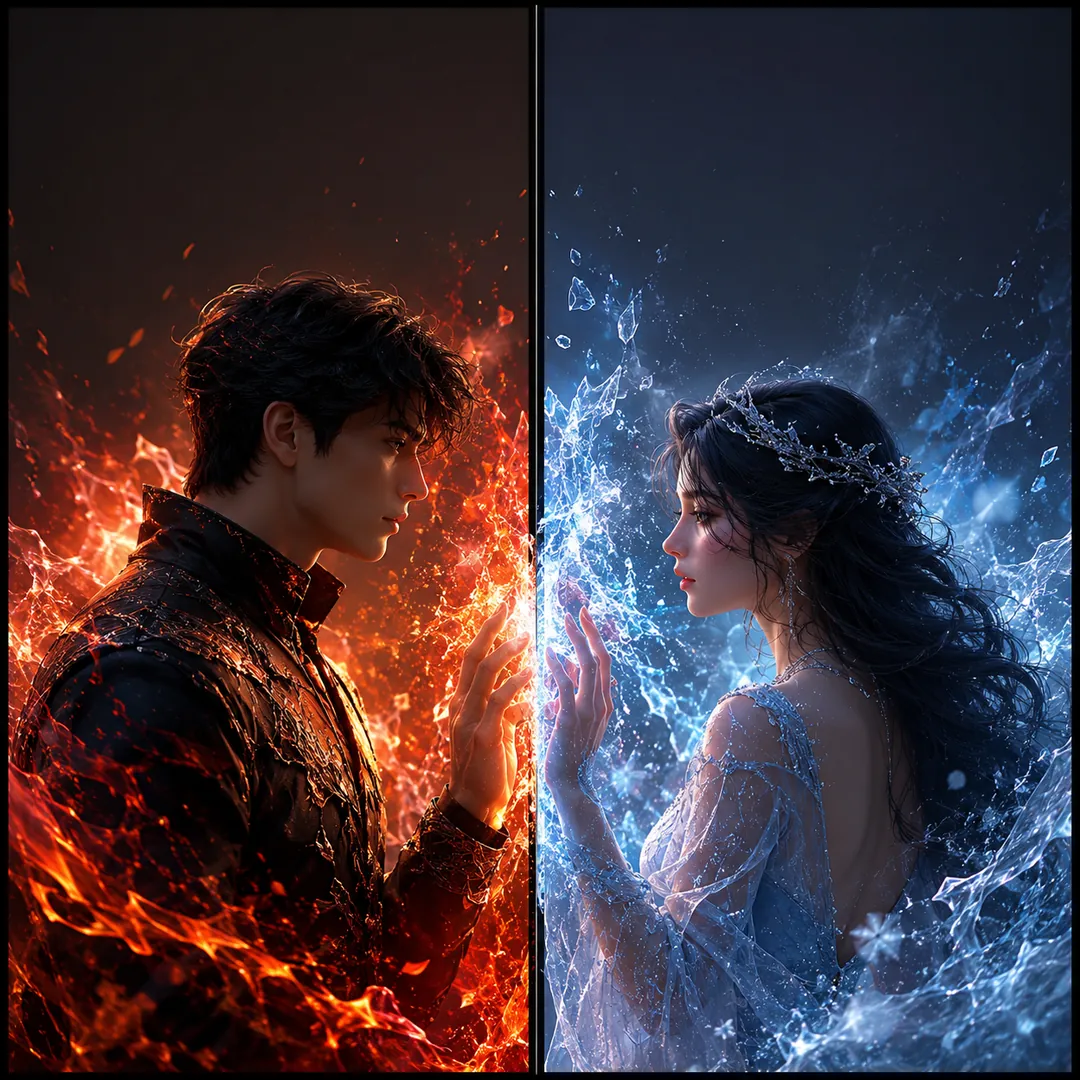
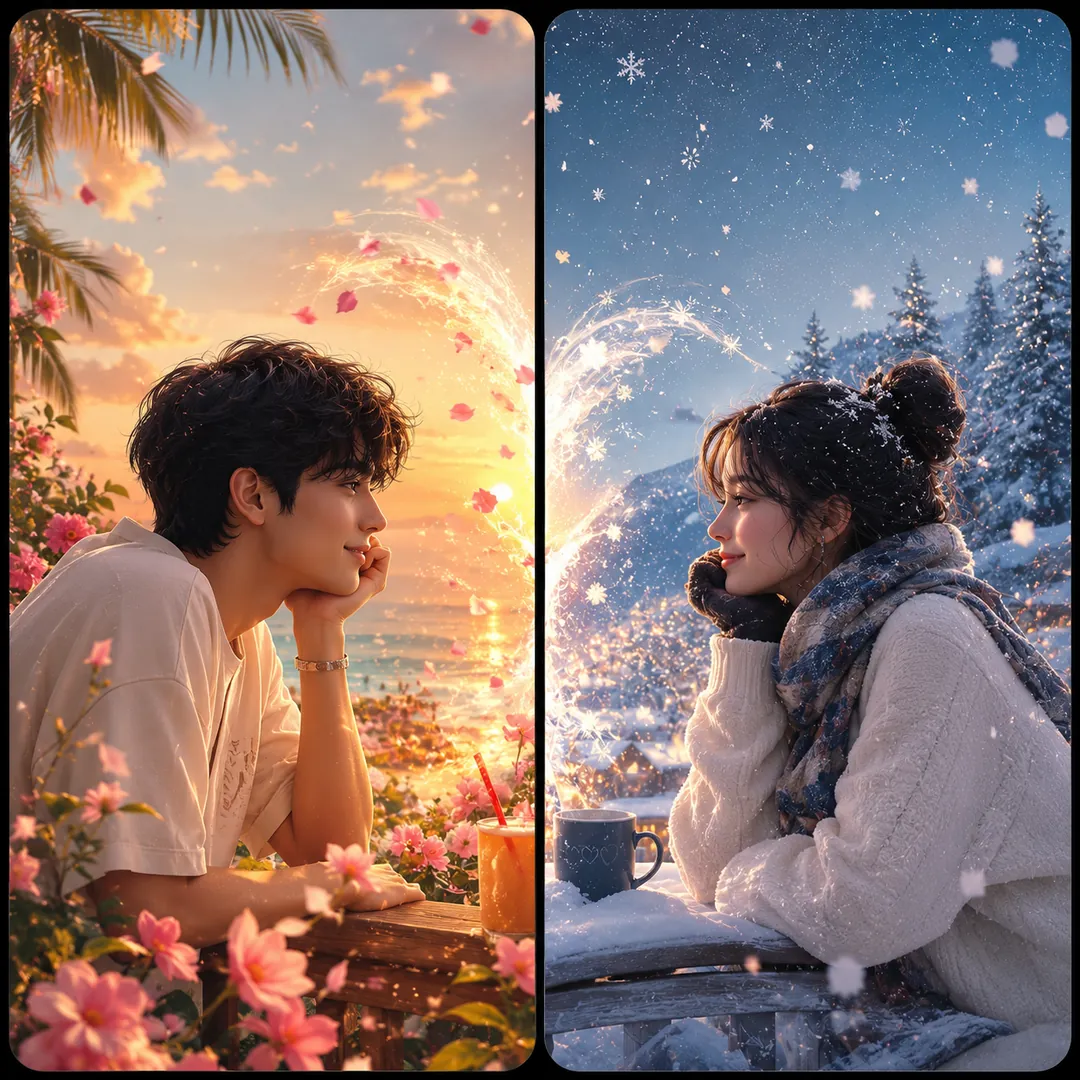
Using the two attached photos, build one square image of two phone wallpapers side by side. The first person on the left is lit by glowing orange fire, the second on the right by cool crystalline ice, each face kept true to their photo. Theme: [Fire & Ice], embers and frost drifting toward each other and meeting dramatically at the centre gap, where warm and cold light mix. Rich contrast, cinematic and intense, with the top of each panel left clean for the clock.
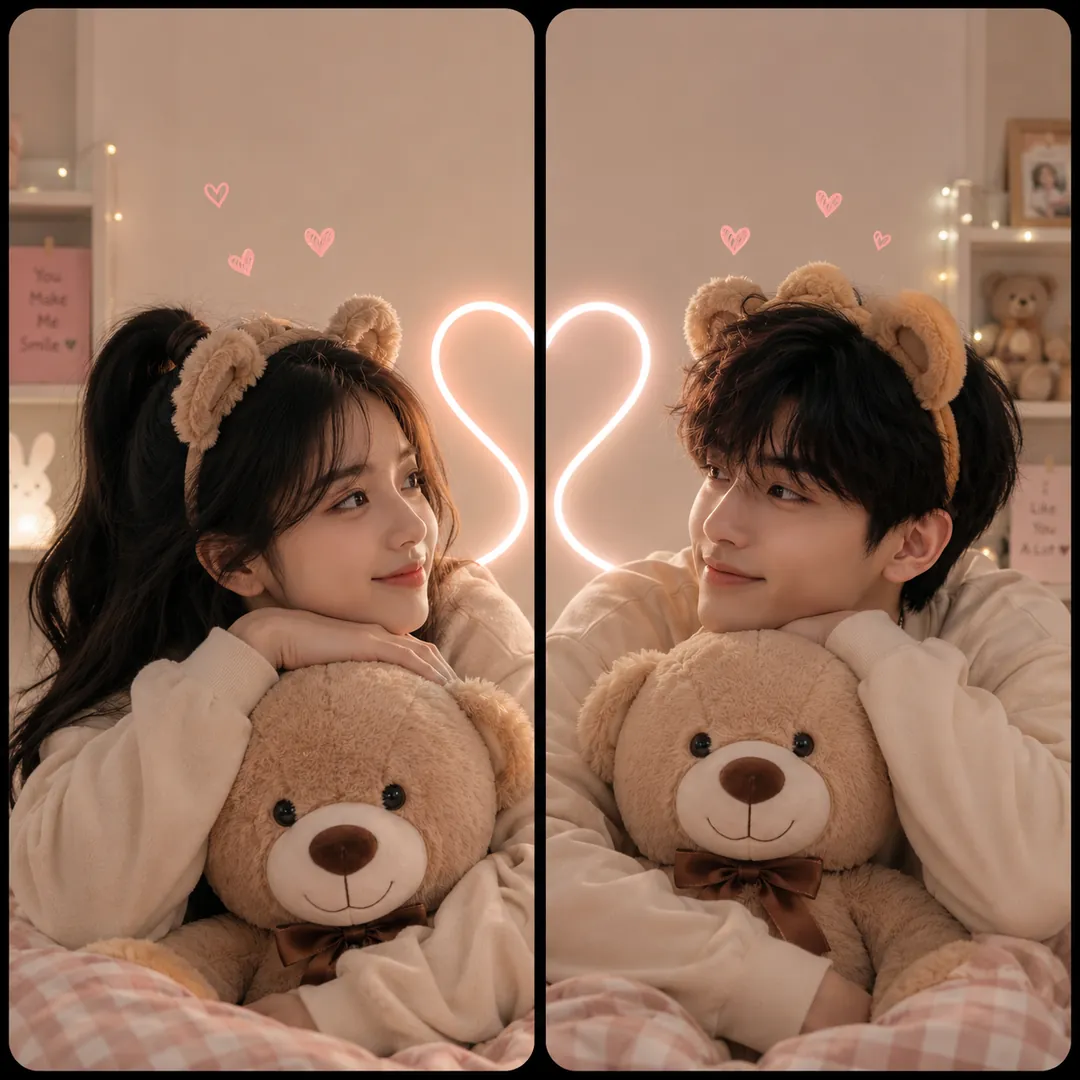
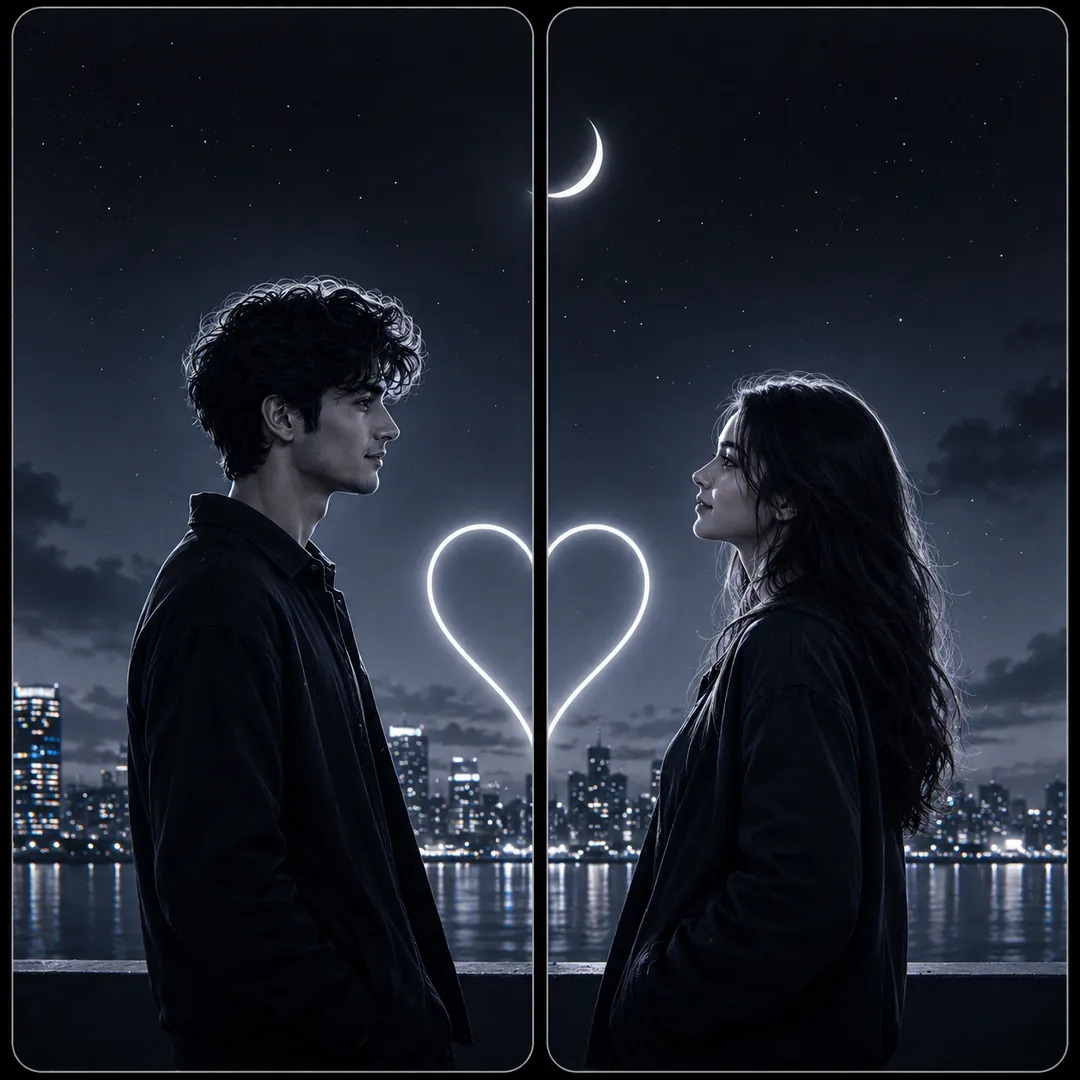
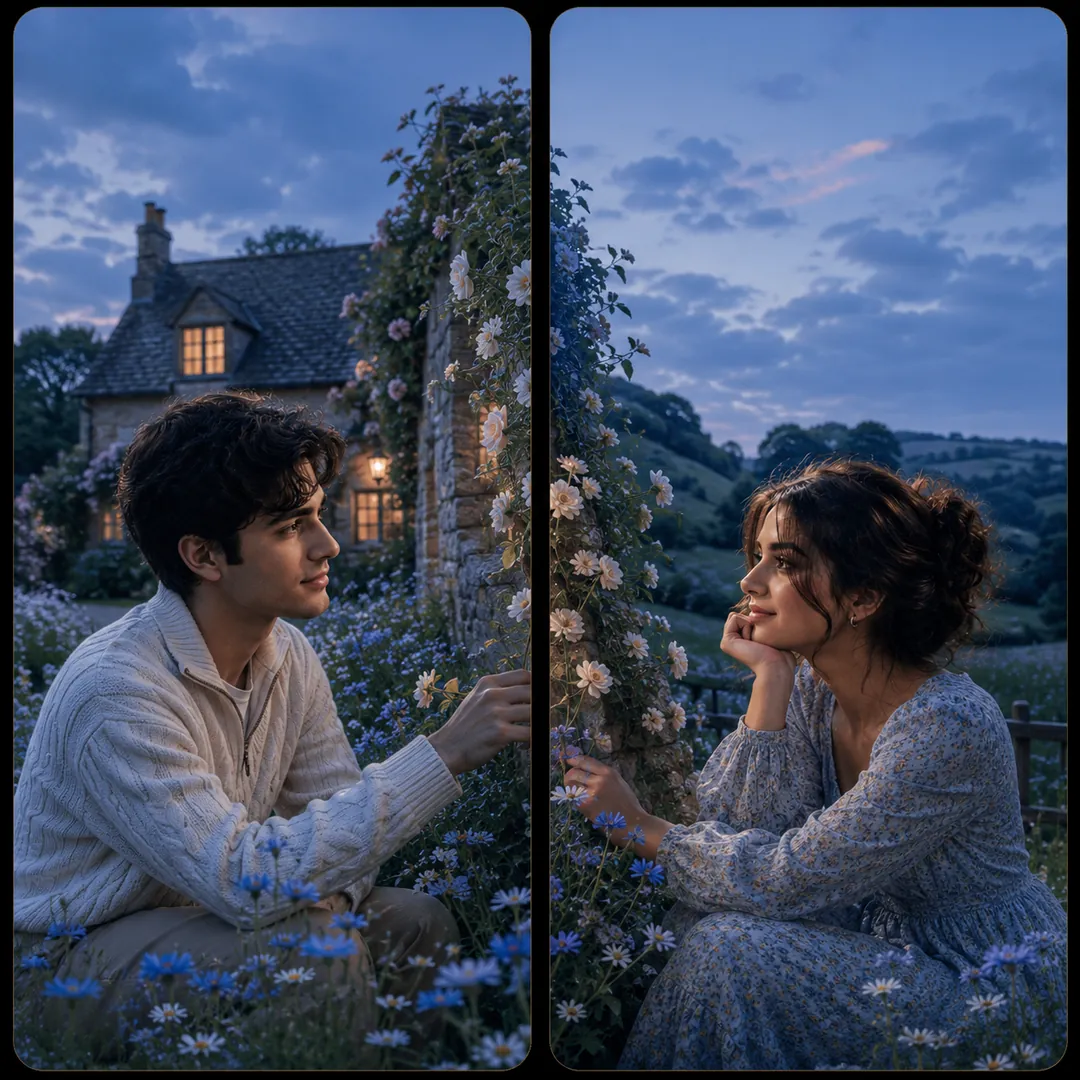
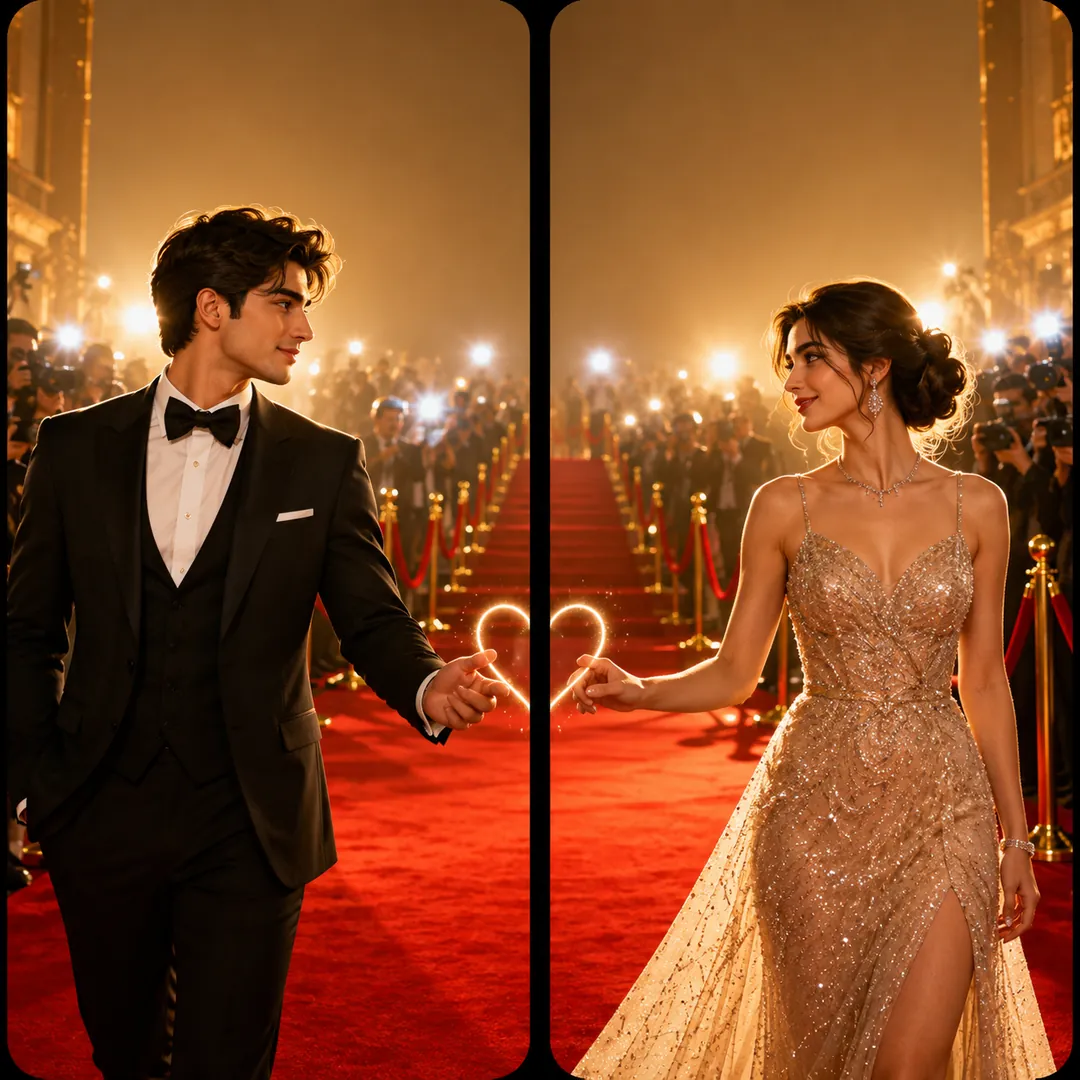
Next festivals to make photos for
All 14 styles in Matching Wallpapers
Every style here returns a square image, sized for a profile picture or a post and works from two photos, one for each person.
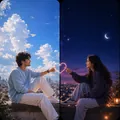
Sun & Moon Duality
Two skies meeting at the seam: sun and moon, daylight and stars, golden hour and blue.
Options: Theme, Mood.
Make one square image from the two attached photos, as two tall phone panels that meet at a seam.
Get the AI prompt for Sun & Moon Duality
- Copy the prompt
- Open your AI app
- Attach your photo and send
Make one square image from the two attached photos, as two tall phone panels that meet at a seam. The first person is on the left under a radiant golden sun, the second on the right under a glowing silver moon, both keeping their own faces and features. Theme: [Sun & Moon], daylight warm on one side and cool starlight on the other, the two skies blending at the centre gap. Elegant, balanced composition, with a quiet area at the top of each panel for the clock.
Prefer one tap with no pasting, and your face kept the same? Use the app.

Sweet & Playful
Bubble tea, cartoons, chibis, the two of you asleep, heart balloons rising.
Options: Concept, Mood.
From the two attached photos, make a square image with two phone panels that share one sweet moment.
Get the AI prompt for Sweet & Playful
- Copy the prompt
- Open your AI app
- Attach your photo and send
From the two attached photos, make a square image with two phone panels that share one sweet moment. First person left, second person right, faces and features unchanged. Concept: [Bubble Tea], the two of them sharing one drink, a long striped straw and a trail of little hearts crossing the centre gap, tapioca pearls and cups in pastel colours. Mood: [playful], bright daylight, clean and happy, with a calm space at the top of each panel for the clock.
Prefer one tap with no pasting, and your face kept the same? Use the app.

Cute Pairs
Cat and dog, two teddies, avocado halves, toast and jam, a pair of sunflowers.
Options: Concept, Mood.
Use the two attached photos to make one square image of two phone wallpapers that are a cute pair.
Get the AI prompt for Cute Pairs
- Copy the prompt
- Open your AI app
- Attach your photo and send
Use the two attached photos to make one square image of two phone wallpapers that are a cute pair. The first person on the left wears soft cat ears, the second on the right wears floppy puppy ears, both keeping their own face and features. Concept: [Cat & Dog], a small heart drawn across the centre gap where the two panels meet, with pastel backgrounds that match. Playful, sweet mood, even bright light, and a calm area at the top of each panel for the clock.
Prefer one tap with no pasting, and your face kept the same? Use the app.
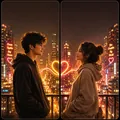
Mood & Scene
Neon city, black and white, florals, a rainy window, a corner of a coffee shop.
Options: Aesthetic, Colour Mood.
Create one square image from the two attached photos, a matched pair of phone wallpapers set in one place.
Get the AI prompt for Mood & Scene
- Copy the prompt
- Open your AI app
- Attach your photo and send
Create one square image from the two attached photos, a matched pair of phone wallpapers set in one place. The first person is on the left, the second on the right, each with their own face and features. Aesthetic: [Neon City], a night street of pink and blue signs, steam from a grate and wet pavement reflecting colour, with the glow flowing across the centre gap. Colour mood: [bold and vibrant]. Cinematic and moody, with quiet space at the top of each panel for the clock.
Prefer one tap with no pasting, and your face kept the same? Use the app.
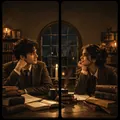
Aesthetic Vibes
Dark academia, cottagecore, old money, vintage film grain, soft pastel.
Options: Aesthetic, Colour Mood.
Take the two people in the attached photos and compose one square image of two phone panels that belong to the same mood.
Get the AI prompt for Aesthetic Vibes
- Copy the prompt
- Open your AI app
- Attach your photo and send
Take the two people in the attached photos and compose one square image of two phone panels that belong to the same mood. First person left, second person right, their faces kept as in the photos. Aesthetic: [Dark Academia], tweed jackets, knit scarves, stacked old books and a candlelit library with brass lamps and wooden shelves flowing across the gap. Colour mood: [warm glow], muted browns and deep green, soft grain, and a calm top area on each panel for the clock.
Prefer one tap with no pasting, and your face kept the same? Use the app.

Glam & Gold
Red carpet, hotel lobby, diamonds, black and gold, or a palace interior.
Options: Scene, Colour Mood.
Using the two attached photos, create one square image of two matching phone wallpapers.
Get the AI prompt for Glam & Gold
- Copy the prompt
- Open your AI app
- Attach your photo and send
Using the two attached photos, create one square image of two matching phone wallpapers. The first person stands on the left and the second on the right, faces and features unchanged, both dressed for a premiere. Scene: [Red Carpet], a long red carpet and a wall of camera flashes running across the centre gap, velvet ropes at either side. Colour mood: [warm glow], with gold and deep red, glossy and glamorous, and a clean empty band at the top of each panel for the clock.
Prefer one tap with no pasting, and your face kept the same? Use the app.

Billionaire Life
A luxury car, a private jet, a yacht deck, a penthouse window.
Options: Scene, Colour Mood.
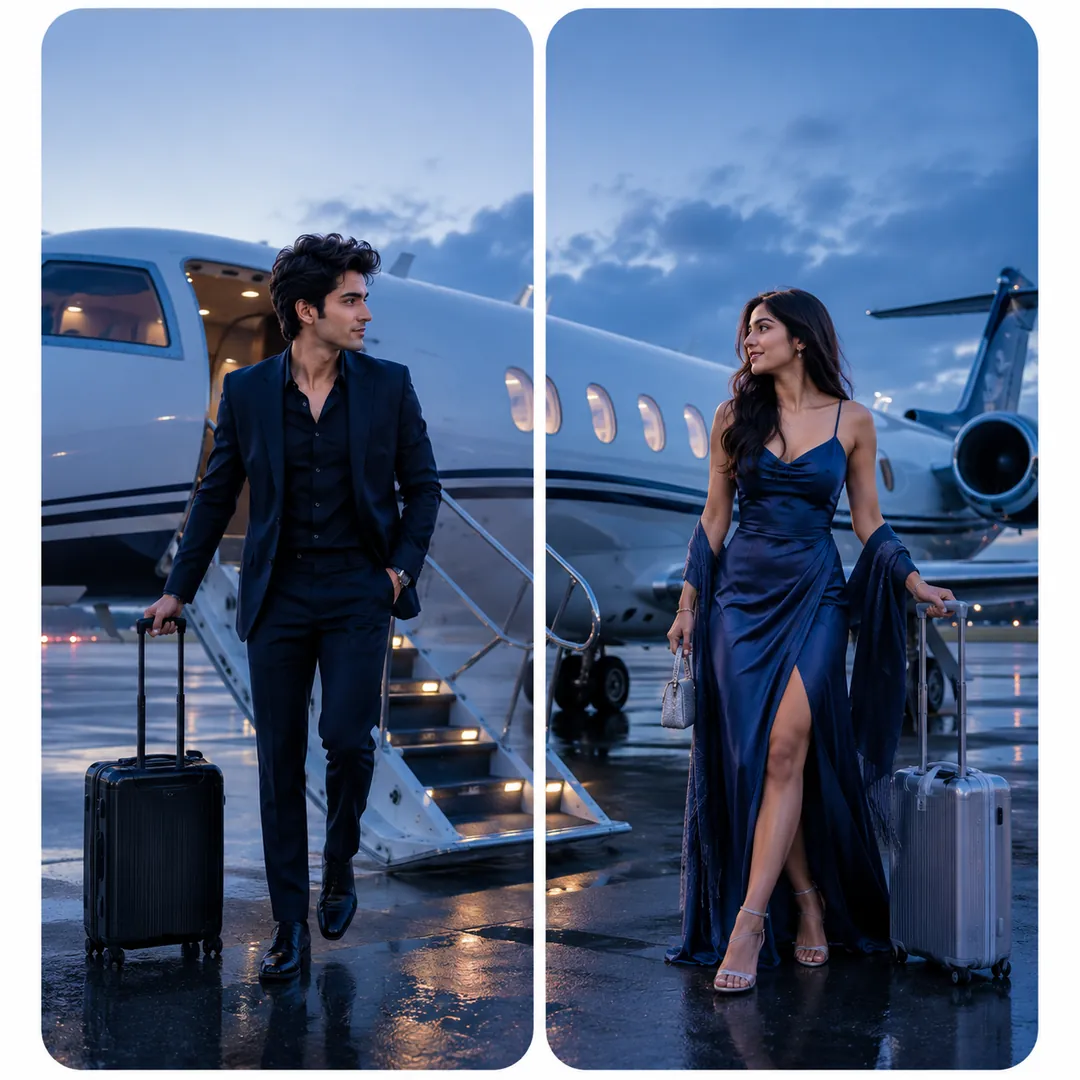
Make a square image from the two attached photos, two phone wallpapers side by side showing one glamorous scene.
Get the AI prompt for Billionaire Life
- Copy the prompt
- Open your AI app
- Attach your photo and send
Make a square image from the two attached photos, two phone wallpapers side by side showing one glamorous scene. The first person on the left and the second on the right step out of a long black luxury car whose open doors and sleek body span the centre gap, both in sharp, expensive evening wear with faces kept true to their photos. Scene: [Luxury Car]. Colour mood: [signature], deep blacks, gold reflections and city lights, with a calm top area on each panel.
Prefer one tap with no pasting, and your face kept the same? Use the app.
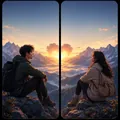
Adventure & Beyond
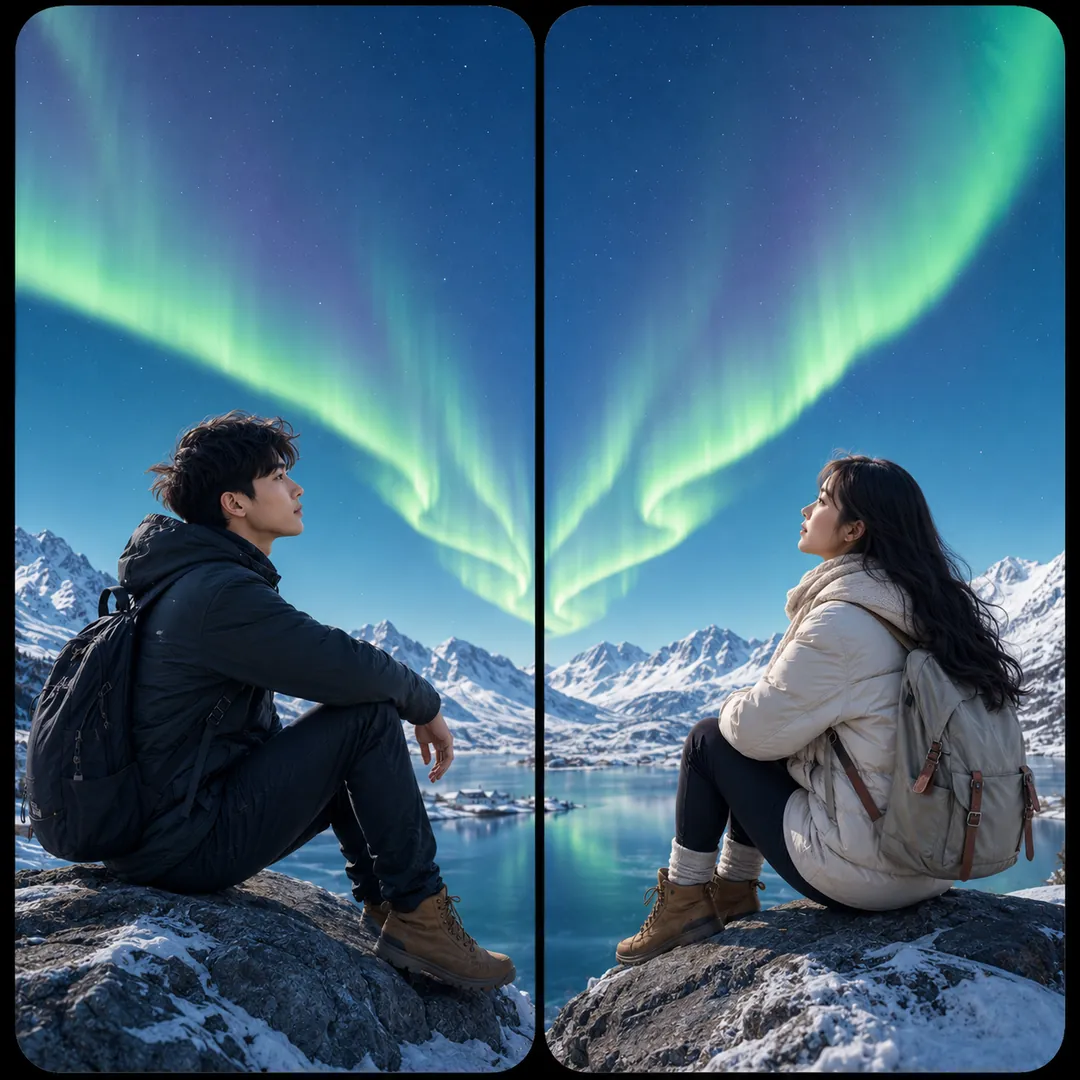
Mountains, northern lights, desert sunset, balloons at dawn, or a world map split down the middle.
Options: Destination, Lighting.
From the two attached photos, create one square image of two wallpaper panels that carry one adventure.
Get the AI prompt for Adventure & Beyond
- Copy the prompt
- Open your AI app
- Attach your photo and send
From the two attached photos, create one square image of two wallpaper panels that carry one adventure. The first person is on the left, the second on the right, each keeping their own face and features, in hiking jackets and boots. Destination: [Mountains], jagged snow peaks stretching across both panels with a winding trail through the middle. Lighting: [sunrise], pink and gold on the ridges, crisp air, a sense of distance. Keep the top of each panel quiet for the phone clock.
Prefer one tap with no pasting, and your face kept the same? Use the app.

Dream Destinations
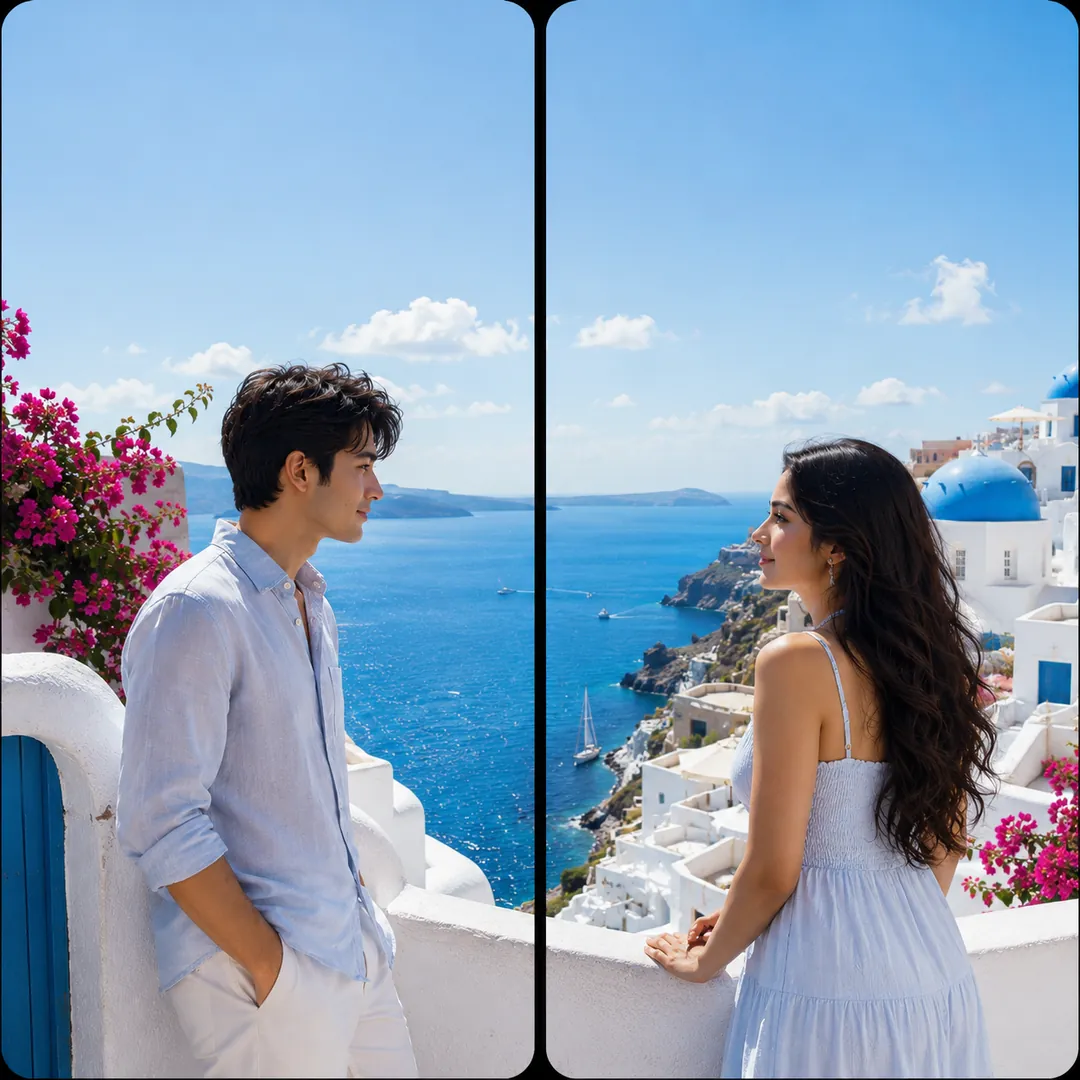
Paris, Santorini, Venice, cherry blossom, the Maldives. One destination across two screens.
Options: Destination, Lighting.
Use the two attached photos to make one square image with two phone panels that share a single destination.
Get the AI prompt for Dream Destinations
- Copy the prompt
- Open your AI app
- Attach your photo and send
Use the two attached photos to make one square image with two phone panels that share a single destination. The first person stands on the left, the second on the right, their faces unchanged. Destination: [Paris], a glowing Eiffel Tower rising across the centre gap, café tables, cobblestones and soft lamplight below it. Lighting: [golden hour], warm and romantic, both dressed for a stroll. Matching colour and perspective on both sides, with a calm area at the top of each panel for the clock.
Prefer one tap with no pasting, and your face kept the same? Use the app.

Sci-Fi Gamers
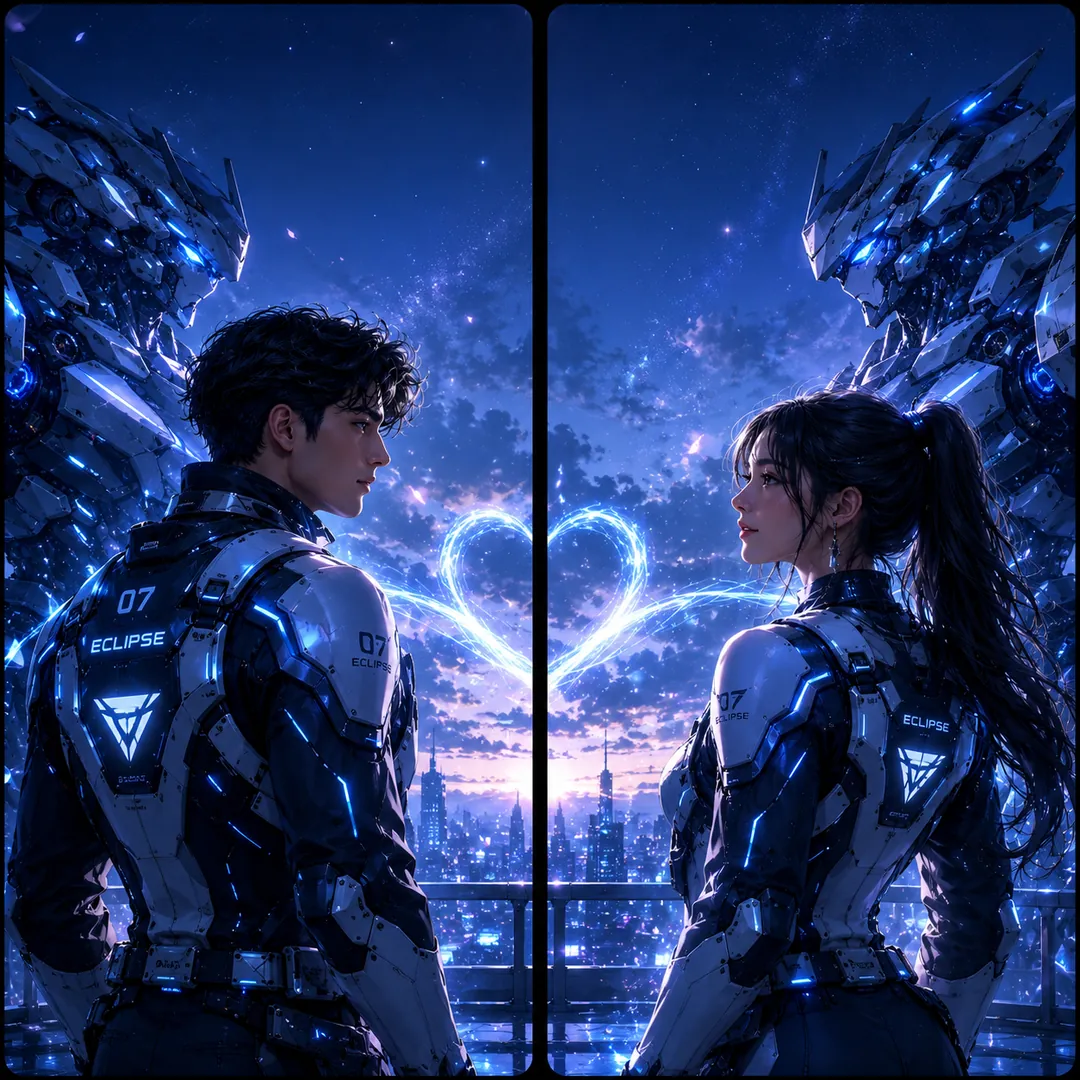
A cyberpunk duo, twin mechs, space soldiers, or a pixel pair.
Options: Concept, Colour Mood.
Create a square image from the two attached photos: a pair of phone wallpapers side by side forming one sci-fi scene.
Get the AI prompt for Sci-Fi Gamers
- Copy the prompt
- Open your AI app
- Attach your photo and send
Create a square image from the two attached photos: a pair of phone wallpapers side by side forming one sci-fi scene. The first person is on the left, the second on the right, each keeping their own face and features. Concept: [Cyberpunk Duo], both in sleek techwear on a rain-slick neon city street, glowing signs and light trails flowing across the centre gap. Colour mood: [bold and vibrant], magenta and cyan reflections on wet ground, and a calm strip at the top of each panel for the clock.
Prefer one tap with no pasting, and your face kept the same? Use the app.
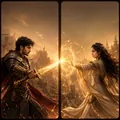
Game Heroes
Warrior and mage, paired RPG heroes, fantasy knights, samurai and ninja.
Options: Concept, Colour Mood.
Turn the two people in the attached photos into a matched pair of game-hero wallpapers on one square canvas, two panels side by side.
Get the AI prompt for Game Heroes
- Copy the prompt
- Open your AI app
- Attach your photo and send
Turn the two people in the attached photos into a matched pair of game-hero wallpapers on one square canvas, two panels side by side. The first appears on the left, the second on the right, each with their own recognisable face. Concept: [Warrior & Mage], one as a mighty armoured fighter and the other as a mystic caster in flowing robes, the sword and the spell meeting at the centre gap in one burst of light. Colour mood [bold and vibrant], dramatic fantasy lighting, clean space at the top of each panel.
Prefer one tap with no pasting, and your face kept the same? Use the app.
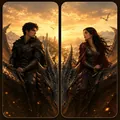
Mythic Lovers
Dragon riders, moon and sun deities, galaxy lovers, heaven meeting earth.
Options: Concept, Colour Mood.
Use the two attached photos to create one square image of two phone wallpapers that join into a mythic scene.
Get the AI prompt for Mythic Lovers
- Copy the prompt
- Open your AI app
- Attach your photo and send
Use the two attached photos to create one square image of two phone wallpapers that join into a mythic scene. Each person stands alone in their own panel, face and features unchanged: the first on the left, the second on the right. Concept: [Dragon Riders], both as brave riders in leather and armour, one great dragon stretching its body across the seam so its wings and tail run through both panels. Epic sky, sweeping light, colour mood [cool and dreamy], and a calm top area for the clock.
Prefer one tap with no pasting, and your face kept the same? Use the app.
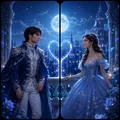
Fantasy Royalty
King and queen, prince and princess, angel and devil. One crown each.
Options: Concept, Colour Mood.
From the two attached photos, make a square image with two matching phone panels.
Get the AI prompt for Fantasy Royalty
- Copy the prompt
- Open your AI app
- Attach your photo and send
From the two attached photos, make a square image with two matching phone panels. The first person is a regal king on the left, the second a queen on the right, in royal robes and crowns, both keeping their own faces and features. Concept: [King & Queen], two thrones facing each other across the centre gap, velvet, gold trim and candlelit stone behind them. Colour mood: [warm glow]. One continuous scene across both panels, with calm space at the top of each for the clock.
Prefer one tap with no pasting, and your face kept the same? Use the app.
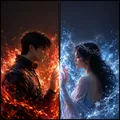
Elemental Duality
Opposites that hold together: fire and ice, summer and winter, light and shadow.
Options: Theme, Mood.
Using the two attached photos, build one square image of two phone wallpapers side by side.
Get the AI prompt for Elemental Duality
- Copy the prompt
- Open your AI app
- Attach your photo and send
Using the two attached photos, build one square image of two phone wallpapers side by side. The first person on the left is lit by glowing orange fire, the second on the right by cool crystalline ice, each face kept true to their photo. Theme: [Fire & Ice], embers and frost drifting toward each other and meeting dramatically at the centre gap, where warm and cold light mix. Rich contrast, cinematic and intense, with the top of each panel left clean for the clock.
Prefer one tap with no pasting, and your face kept the same? Use the app.
How to use these prompts in Gemini (Nano Banana) or ChatGPT
- Pick a prompt above and tap Copy prompt, or Open in Gemini to copy and open it in one go.
- In Gemini or ChatGPT, attach a clear photo of your face (or of everyone in the picture).
- Paste the prompt, fill in anything in [brackets], and send.
- Not quite right? Reply with one change, such as "warmer light" or "keep my face exactly the same".
From selfie to Matching Wallpapers in three taps
Pick a style
Choose a look from the Matching Wallpapers collection above. No editing skill needed.
Upload a photo
Add a clear, well-lit selfie. It is used only to make your image and is deleted afterward.
Generate and share
Your AI photo is ready in seconds to download or share anywhere.
Tips for the best result
Each partner should upload a clear front-facing selfie; after generating, crop the square image down the middle so each phone gets its half.
Why a split-screen set is the fun kind of matching
Ordinary matching wallpapers just look similar. A his-and-hers split-screen set does something better: it is one picture cut in half, so when you and your partner hold your phones side by side, the two halves line up into a single scene. Apart, each phone shows a beautiful wallpaper on its own; together, they complete each other, which is the whole point. Trendy AI Lab generates both halves at the same time so they actually align, keeps both faces recognisable, and leaves a calm strip at the top of each half for the clock.
A closer look at the styles
The collection is built around pairs that only make sense as two halves of one idea. A red-string-of-fate look ties the two phones together with a single thread that continues across the seam. A sun-and-moon set gives one partner the day sky and the other the night, meeting in the middle. Fantasy-royalty looks style you as a matching king and queen or prince and princess across the pair, and there are matching art styles that render both of you in the same illustrated or painterly treatment so the halves share one visual language.
Every set works the same clever way. Each partner uploads a clear front-facing selfie, and both halves are generated together as a single square image of two side-by-side panels forming one scene. After it is ready, you crop the square down the middle so each phone gets its own half. Because the two sides are made in the same pass, colours, lighting, and the elements that cross the centre line stay consistent, which is what makes them meet up when the phones touch.
Ideas and occasions
This is a playful way to say you are a pair. Set them together on a date night and show friends how the phones complete the picture. They make a sweet anniversary or Valentine's surprise, and a great reveal for a status update or a joint post: one partner shares their half, the other shares theirs, and the comments do the rest. Long-distance couples get a version of holding hands across the seam even when they are apart, and best friends or siblings can use the matching art sets just as happily as romantic partners.
Getting the best result
- Each partner should upload a clear, front-facing selfie in even light so both faces read cleanly on their own half.
- After generating, crop the square image straight down the middle; keep the split centred so the two halves rejoin exactly.
- Decide who takes which side before you set them, especially for sun-and-moon or king-and-queen looks where the halves are not interchangeable.
- Check the finished pair by holding both phones together; if the seam does not line up the way you want, regenerate and crop again.
- Keep the top of each half clear of busy detail so your clock and notifications sit comfortably over the art.
Line up the picture across both phones. Each style's prompt is free to copy, or make the pair in the app.
Matching Wallpapers: photos, prompts and plans explained
How does one image become two wallpapers?
The app makes a single square with two panels side by side. You crop it down the centre, and each half becomes one phone's wallpaper, so the two line up when the phones are next to each other.
Do both halves have to be generated at once?
Yes, and that is the point. Generating them together is what keeps the lighting, colour, and cross-seam elements aligned so the halves actually join into one scene.
Does it only work for couples?
No. The matching art and fantasy sets work just as well for close friends or siblings who want a shared, two-phone look.
How do I make a photo from the Matching Wallpapers collection?
Open the Trendy AI Lab app, pick a style from the Matching Wallpapers collection, upload a photo, and the app generates your image in seconds. You can then download or share it.
What photo works best for Matching Wallpapers?
Each partner should upload a clear front-facing selfie; after generating, crop the square image down the middle so each phone gets its half.
Is Trendy AI Lab free?
The prompt for every style is free: copy it into ChatGPT or Gemini. Making the image in the app, with your face kept the same, needs a weekly or monthly plan, and the browser image tools are free with no account.
Which platforms is it available on?
The image tools work in any browser, on phone or desktop. The AI trends are in the Android app, with the iOS version coming soon.
How is my photo used?
Your photo is sent to a third-party AI service only to generate your image, and the upload is deleted afterwards. It is never used for advertising.
Make yours from the Matching Wallpapers collection
Copy a free prompt for any style here, or make it with your own face in the Trendy AI Lab app.

 Coming soon