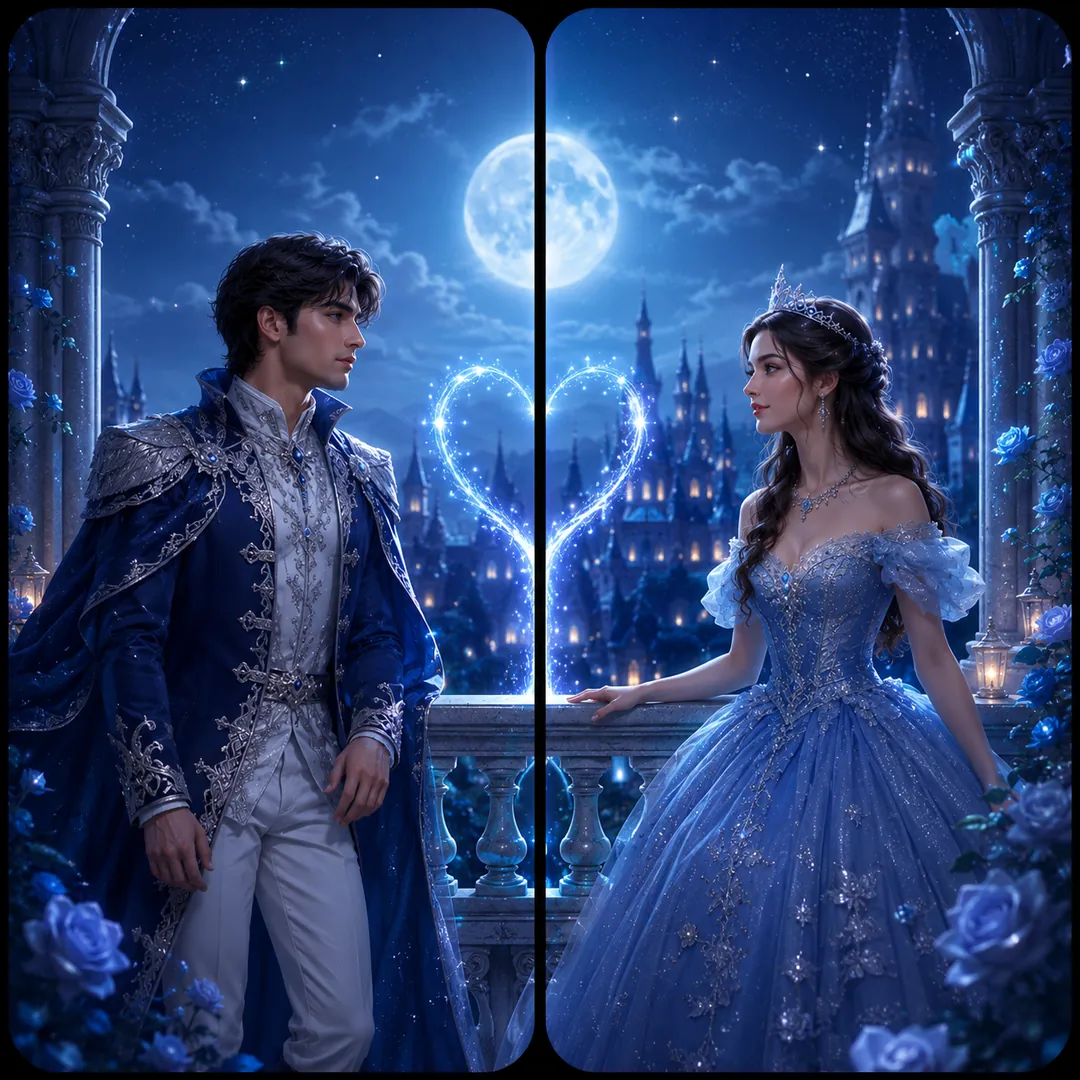
Fantasy Royalty
King and queen, prince and princess, angel and devil. One crown each.
AI prompt for Fantasy Royalty
- Copy the prompt
- Open your AI app
- Attach your photo and send
From the two attached photos, make a square image with two matching phone panels. The first person is a regal king on the left, the second a queen on the right, in royal robes and crowns, both keeping their own faces and features. Concept: [King & Queen], two thrones facing each other across the centre gap, velvet, gold trim and candlelit stone behind them. Colour mood: [warm glow]. One continuous scene across both panels, with calm space at the top of each for the clock.
Prefer one tap with no pasting, and your face kept the same? Use the app.

 Coming soon
More Fantasy Royalty examples
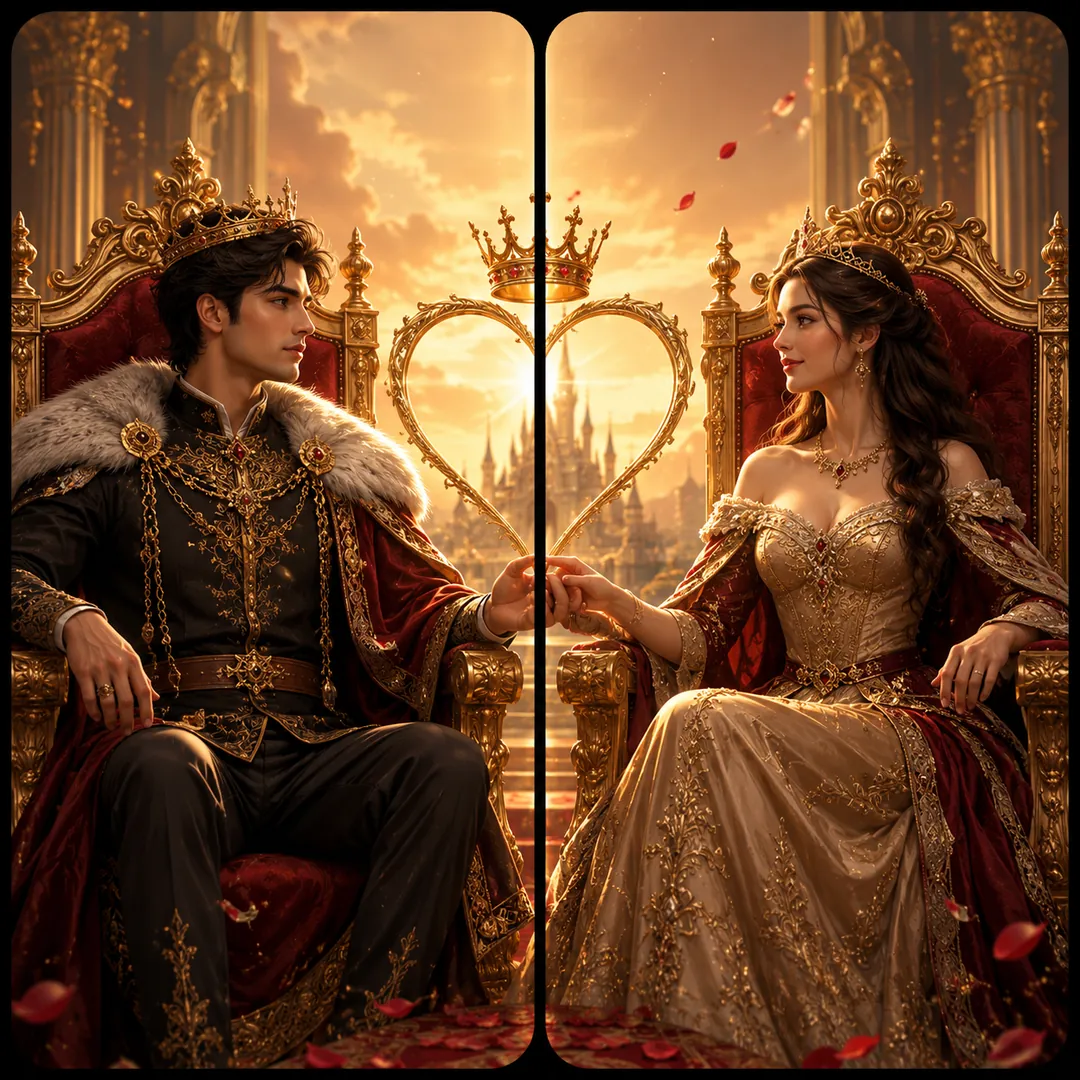
What is the Fantasy Royalty effect?
Fantasy Royalty is an AI photo effect from the Matching Wallpapers collection in the Trendy AI Lab app. Upload a selfie and the AI recreates it in this style in seconds, so you get a polished, share-worthy image with no editing skills needed.
How to get the best Fantasy Royalty result
Each partner should upload a clear front-facing selfie; after generating, crop the square image down the middle so each phone gets its half.
What you get from Fantasy Royalty
Fantasy Royalty returns a square image, sized for a profile picture or a post. It works from two photos, one for each person and you can set Concept and Colour Mood before generating.
More about Matching Wallpapers
The Matching Wallpapers collection makes 'his & hers' split-screen sets, two wallpapers, one for each phone, that line up into a single picture when you hold your phones side by side, from a red string of fate to sun & moon, fantasy royalty and matching art styles.
Make your Fantasy Royalty in three taps
Pick a style
Choose this look in the Trendy AI Lab app, no design skills needed.
Upload a selfie
Add a photo from your gallery. It's used only to make your image.
Generate & share
Your AI image is ready in seconds, download or share it anywhere.
Questions about Fantasy Royalty
How do I make a Fantasy Royalty photo?
Open the Trendy AI Lab app, choose the Fantasy Royalty style, upload two photos, one for each person, and the app generates your image in seconds.
What photo works best for Fantasy Royalty?
Each partner should upload a clear front-facing selfie; after generating, crop the square image down the middle so each phone gets its half.
Do I need two photos for Fantasy Royalty?
Yes. Fantasy Royalty composes both people into one image, so it asks for a separate photo of each. They do not have to be taken together.
Can I personalise my Fantasy Royalty photo?
Yes. Fantasy Royalty lets you set Concept and Colour Mood before you generate, so two people running the same style get different results.
Which platforms is it available on?
The image tools work in any browser, on phone or desktop. The AI trends are in the Android app, with the iOS version coming soon.
More Matching Wallpapers styles
View all →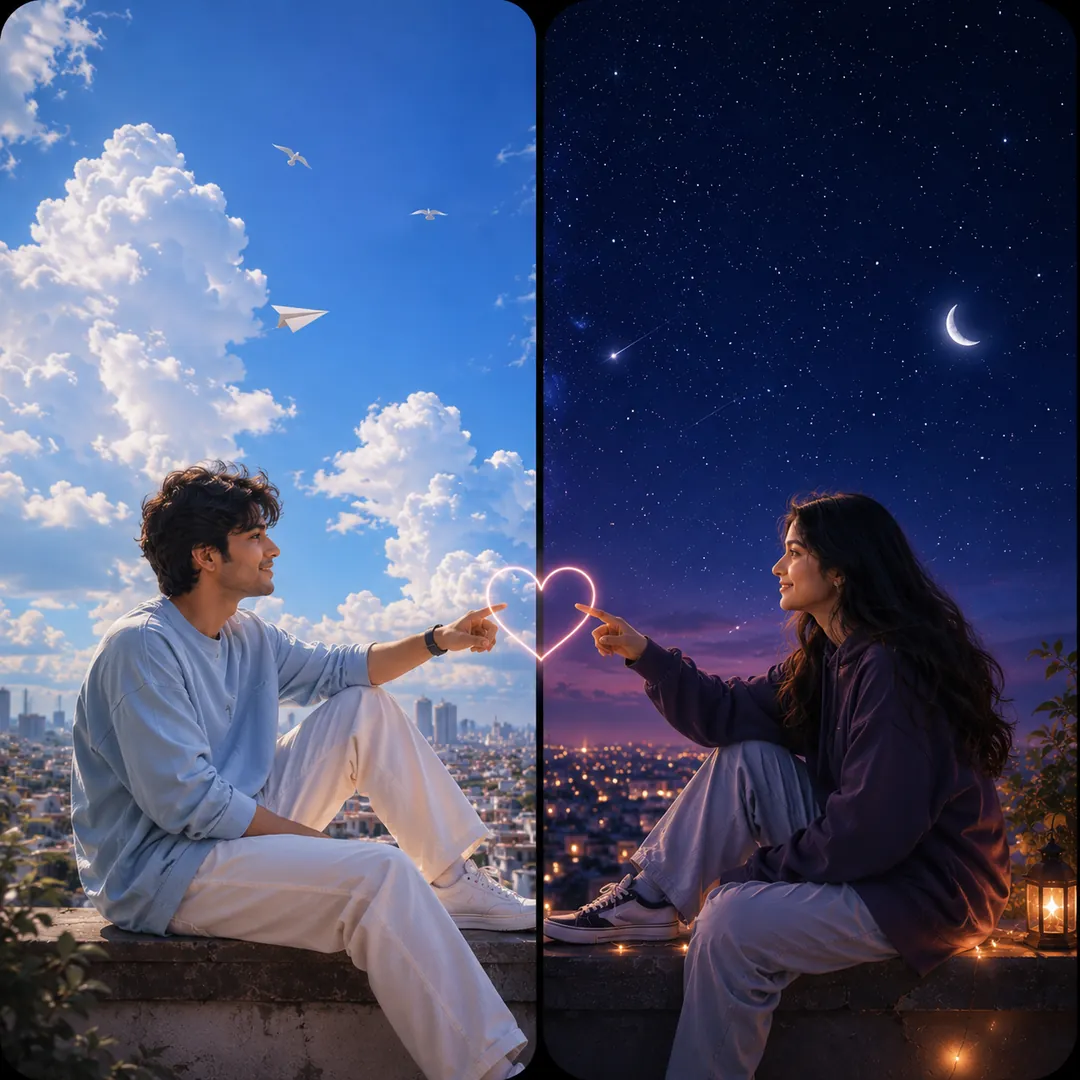
Make one square image from the two attached photos, as two tall phone panels that meet at a seam. The first person is on the left under a radiant golden sun, the second on the right under a glowing silver moon, both keeping their own faces and features. Theme: [Sun & Moon], daylight warm on one side and cool starlight on the other, the two skies blending at the centre gap. Elegant, balanced composition, with a quiet area at the top of each panel for the clock.
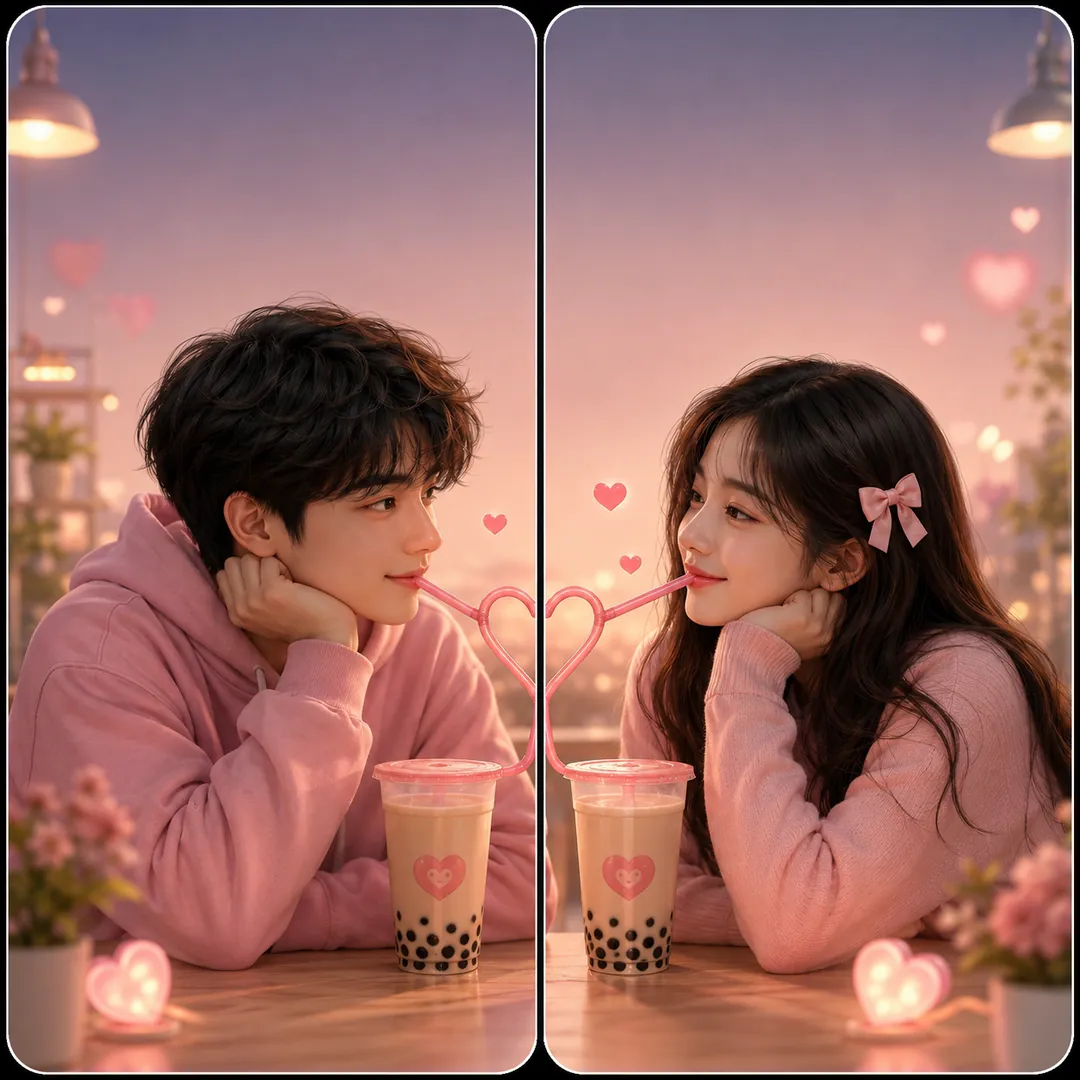
From the two attached photos, make a square image with two phone panels that share one sweet moment. First person left, second person right, faces and features unchanged. Concept: [Bubble Tea], the two of them sharing one drink, a long striped straw and a trail of little hearts crossing the centre gap, tapioca pearls and cups in pastel colours. Mood: [playful], bright daylight, clean and happy, with a calm space at the top of each panel for the clock.
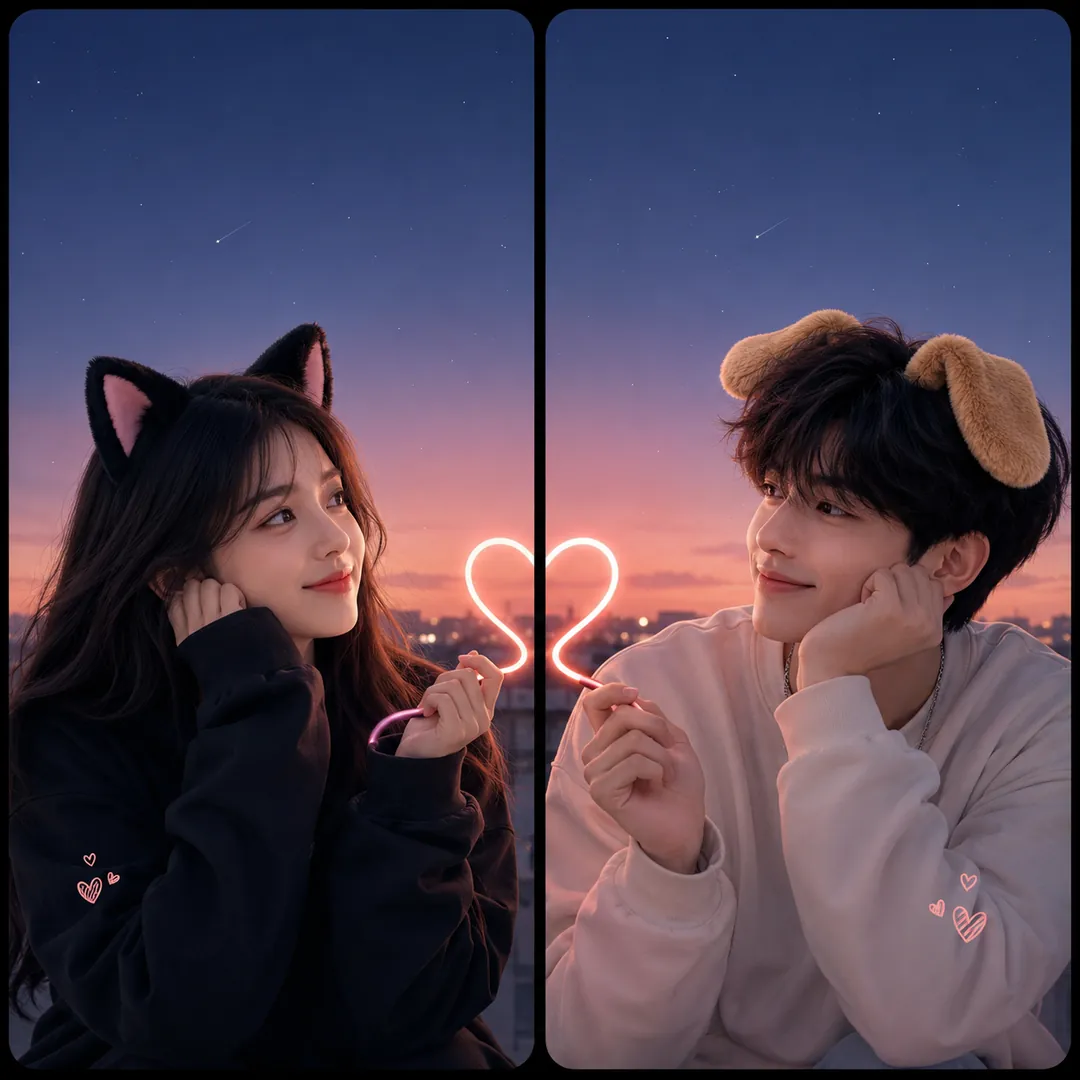
Use the two attached photos to make one square image of two phone wallpapers that are a cute pair. The first person on the left wears soft cat ears, the second on the right wears floppy puppy ears, both keeping their own face and features. Concept: [Cat & Dog], a small heart drawn across the centre gap where the two panels meet, with pastel backgrounds that match. Playful, sweet mood, even bright light, and a calm area at the top of each panel for the clock.
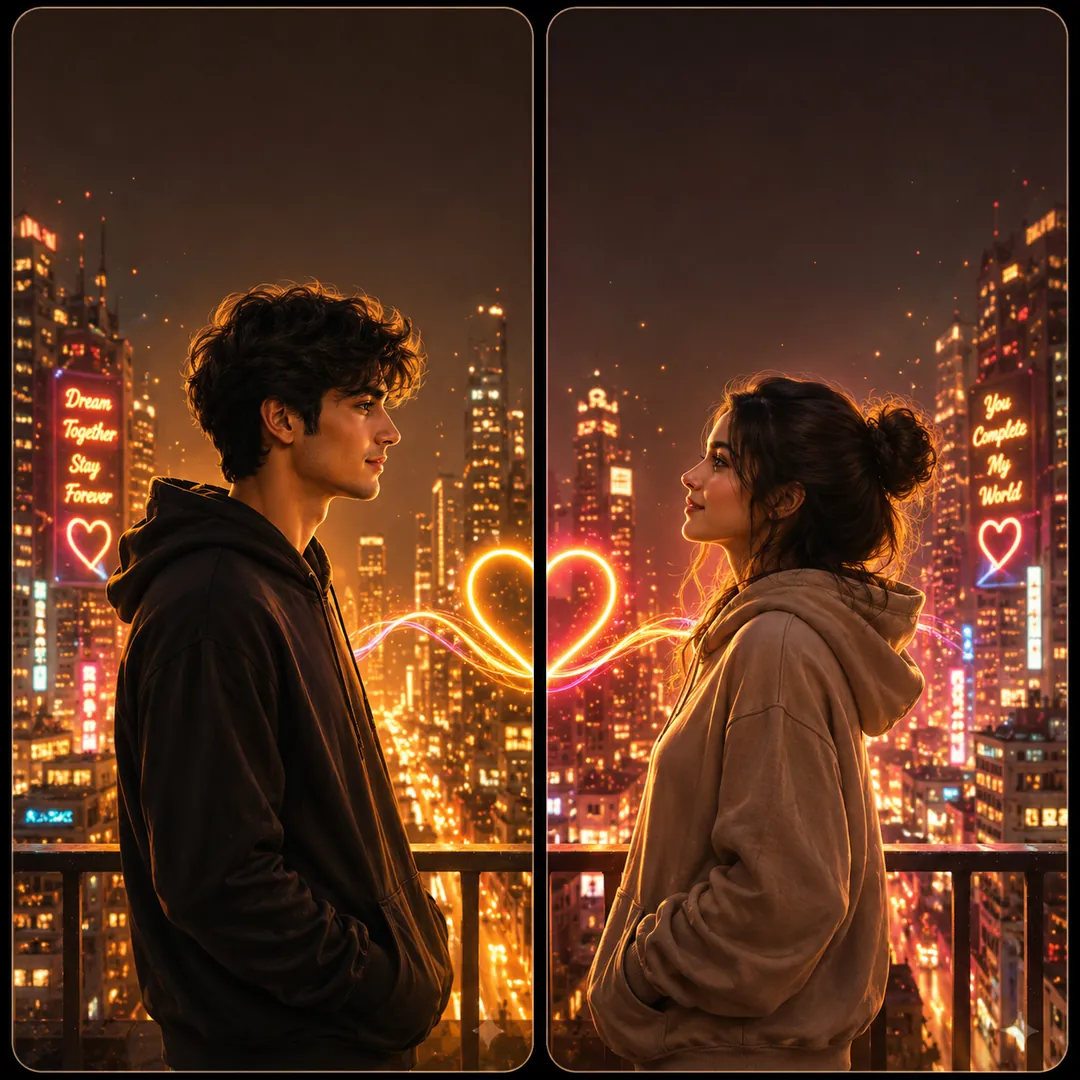
Create one square image from the two attached photos, a matched pair of phone wallpapers set in one place. The first person is on the left, the second on the right, each with their own face and features. Aesthetic: [Neon City], a night street of pink and blue signs, steam from a grate and wet pavement reflecting colour, with the glow flowing across the centre gap. Colour mood: [bold and vibrant]. Cinematic and moody, with quiet space at the top of each panel for the clock.
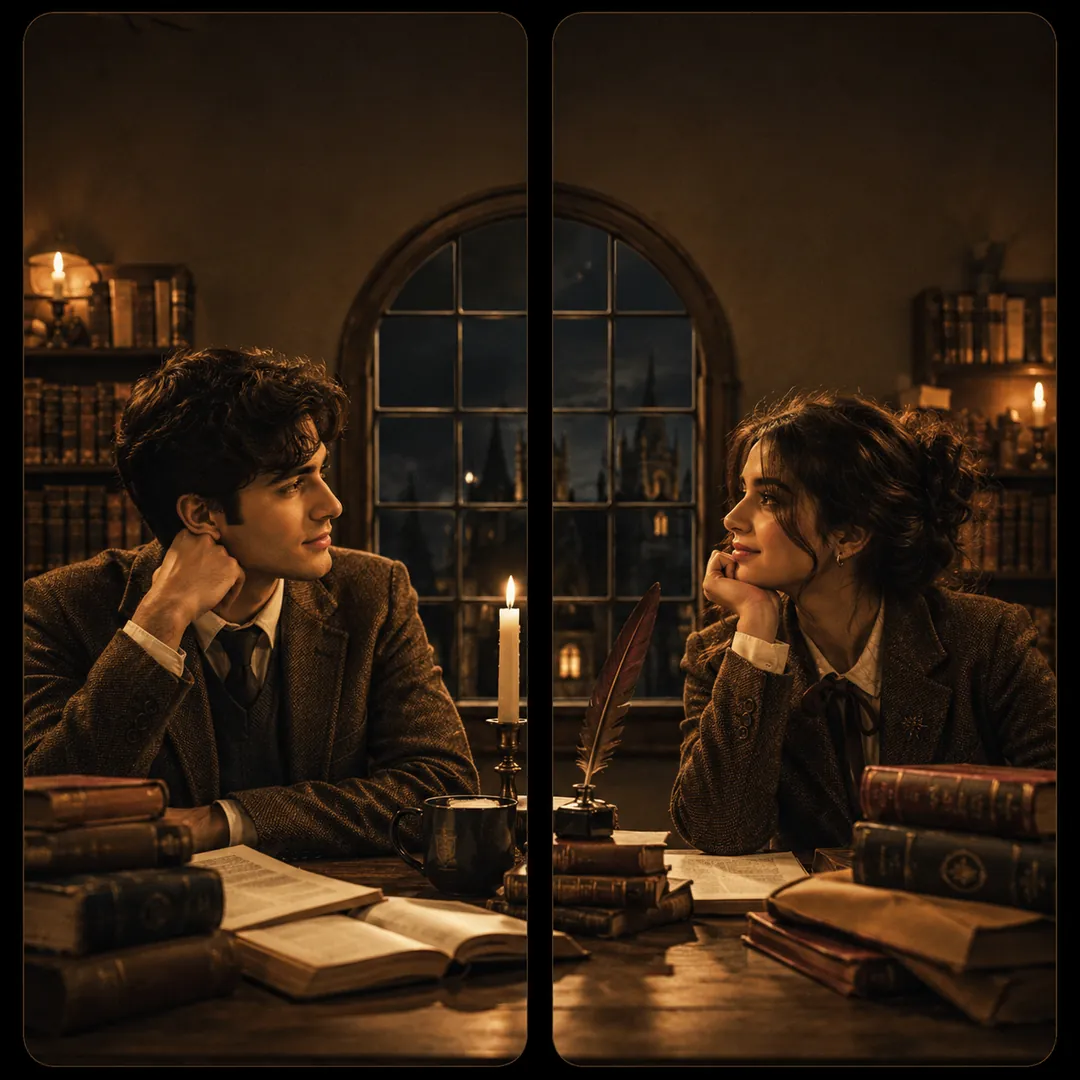
Take the two people in the attached photos and compose one square image of two phone panels that belong to the same mood. First person left, second person right, their faces kept as in the photos. Aesthetic: [Dark Academia], tweed jackets, knit scarves, stacked old books and a candlelit library with brass lamps and wooden shelves flowing across the gap. Colour mood: [warm glow], muted browns and deep green, soft grain, and a calm top area on each panel for the clock.
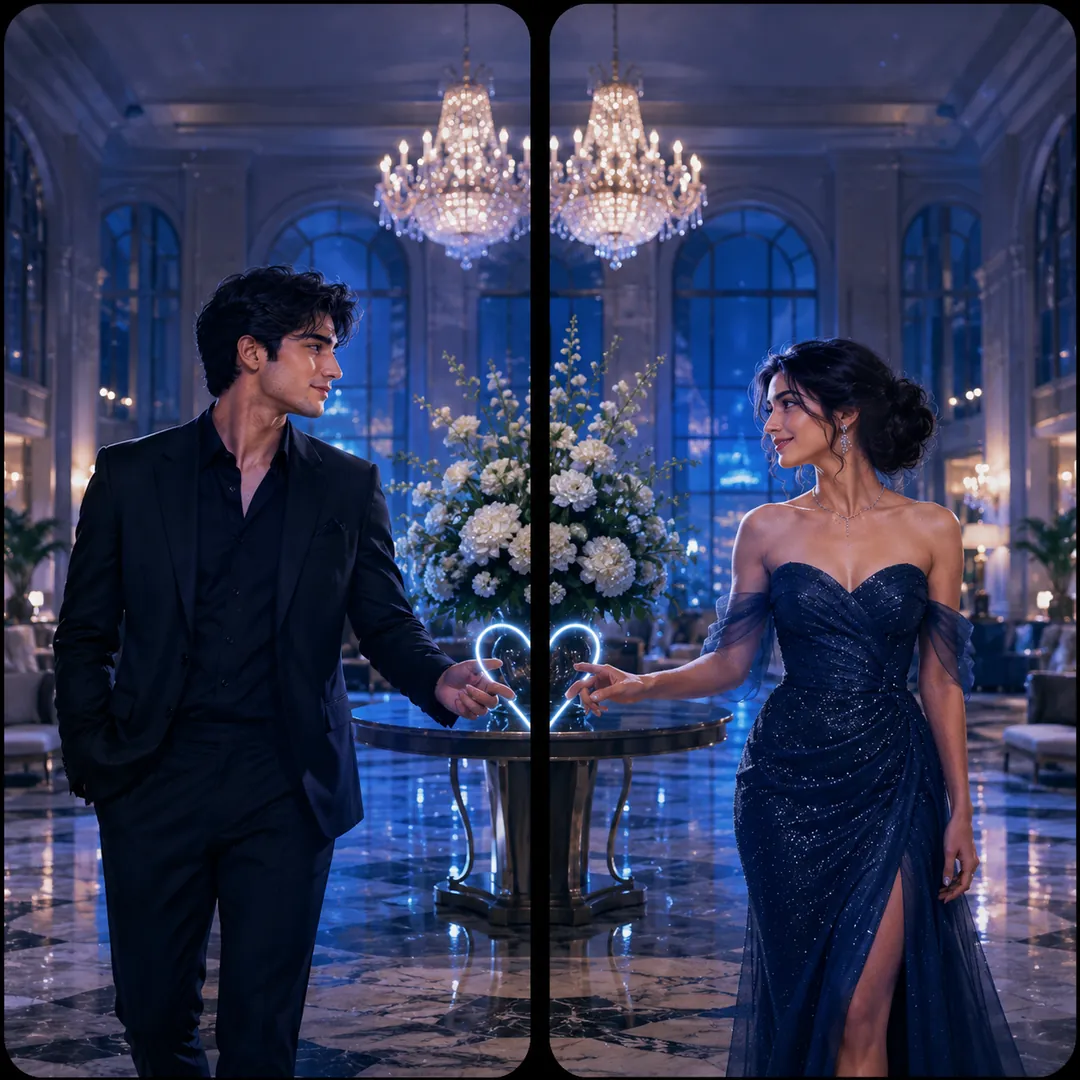
Using the two attached photos, create one square image of two matching phone wallpapers. The first person stands on the left and the second on the right, faces and features unchanged, both dressed for a premiere. Scene: [Red Carpet], a long red carpet and a wall of camera flashes running across the centre gap, velvet ropes at either side. Colour mood: [warm glow], with gold and deep red, glossy and glamorous, and a clean empty band at the top of each panel for the clock.
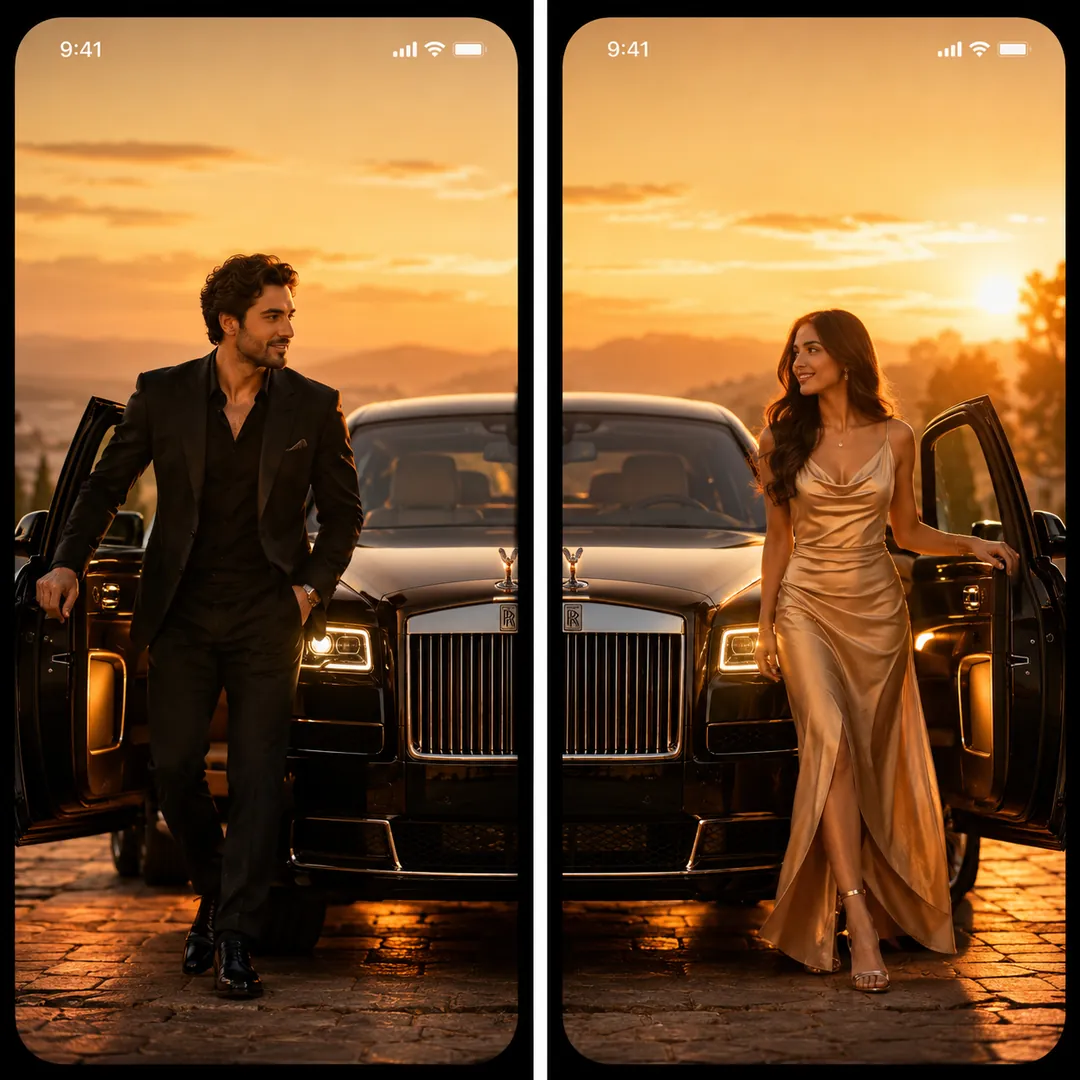
Make a square image from the two attached photos, two phone wallpapers side by side showing one glamorous scene. The first person on the left and the second on the right step out of a long black luxury car whose open doors and sleek body span the centre gap, both in sharp, expensive evening wear with faces kept true to their photos. Scene: [Luxury Car]. Colour mood: [signature], deep blacks, gold reflections and city lights, with a calm top area on each panel.
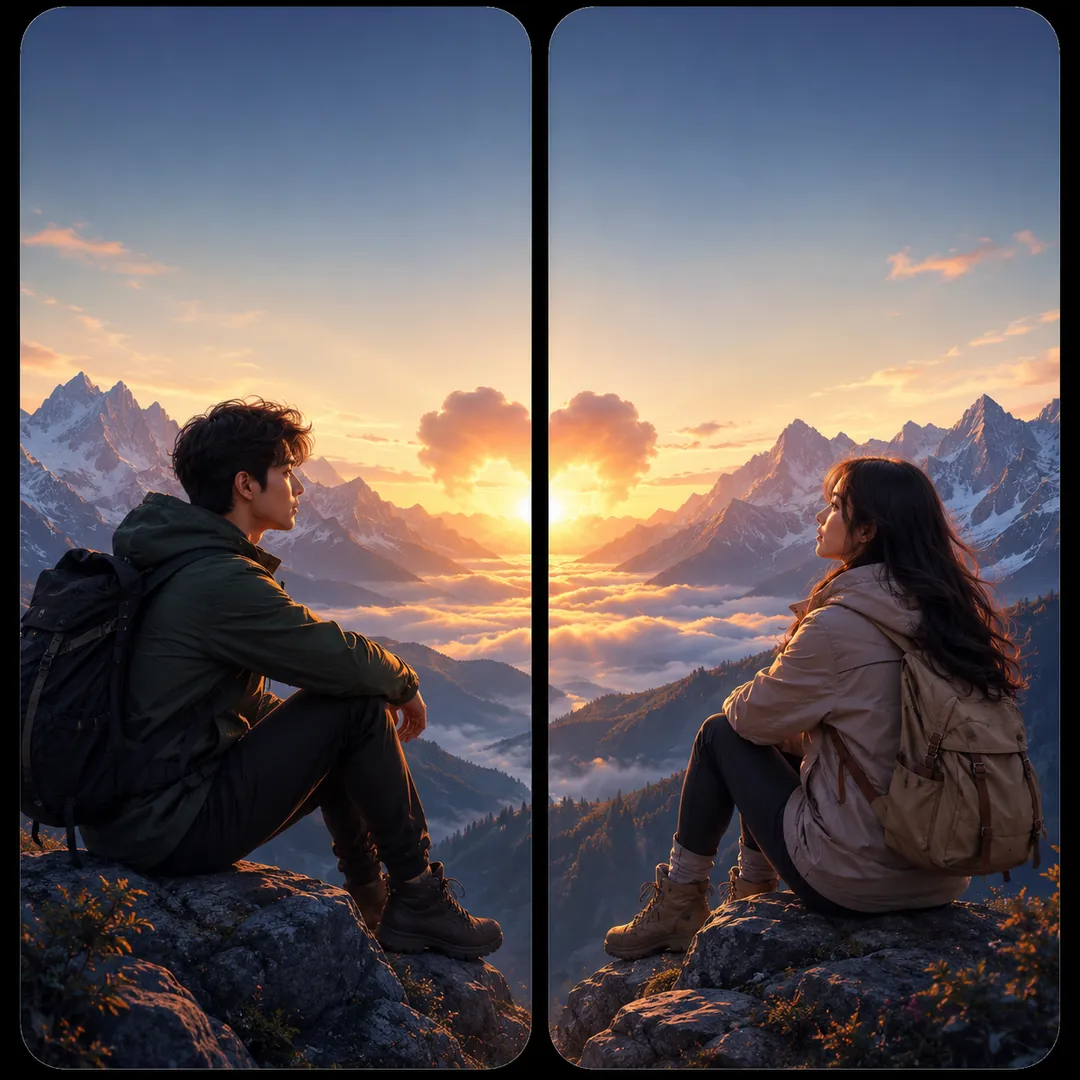
From the two attached photos, create one square image of two wallpaper panels that carry one adventure. The first person is on the left, the second on the right, each keeping their own face and features, in hiking jackets and boots. Destination: [Mountains], jagged snow peaks stretching across both panels with a winding trail through the middle. Lighting: [sunrise], pink and gold on the ridges, crisp air, a sense of distance. Keep the top of each panel quiet for the phone clock.
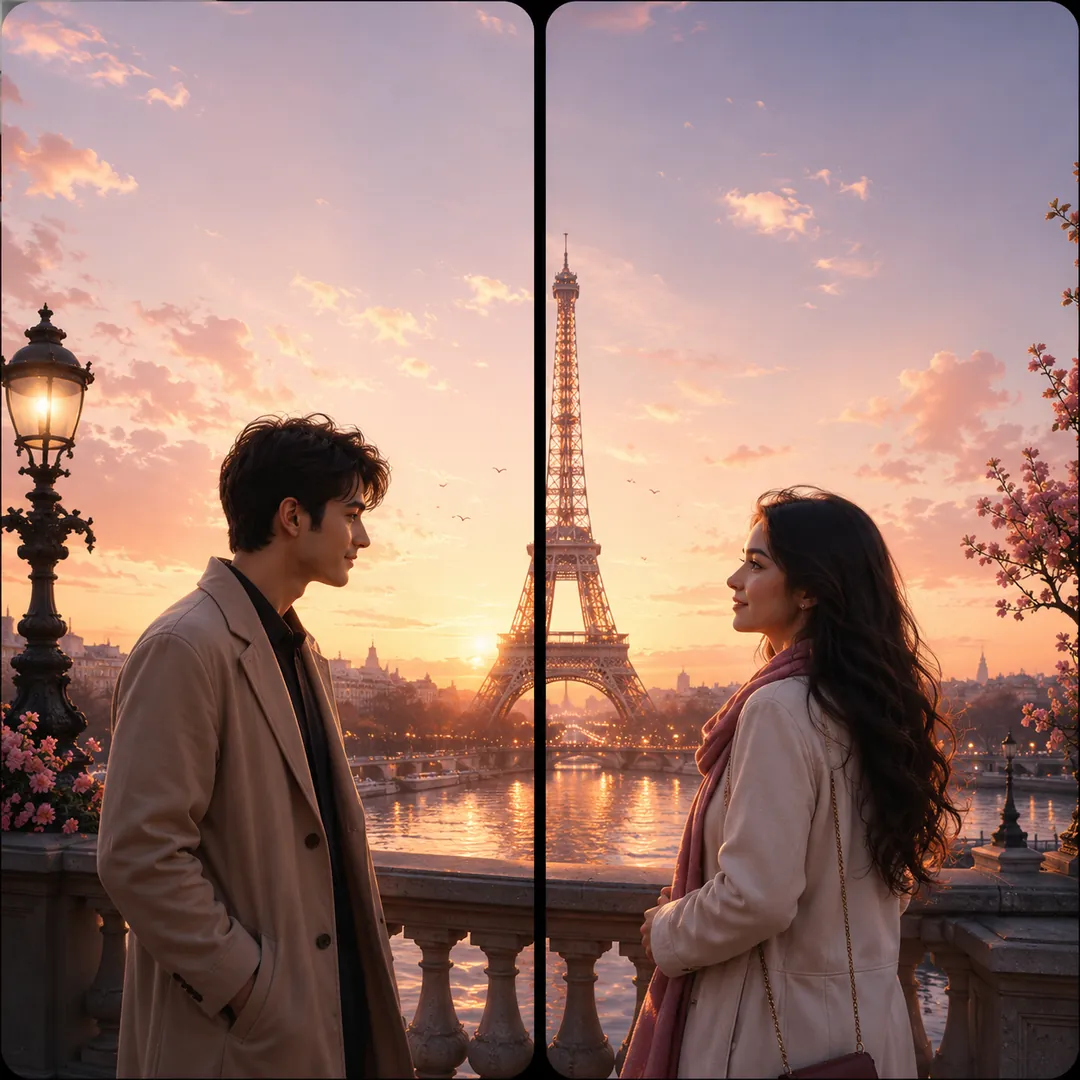
Use the two attached photos to make one square image with two phone panels that share a single destination. The first person stands on the left, the second on the right, their faces unchanged. Destination: [Paris], a glowing Eiffel Tower rising across the centre gap, café tables, cobblestones and soft lamplight below it. Lighting: [golden hour], warm and romantic, both dressed for a stroll. Matching colour and perspective on both sides, with a calm area at the top of each panel for the clock.
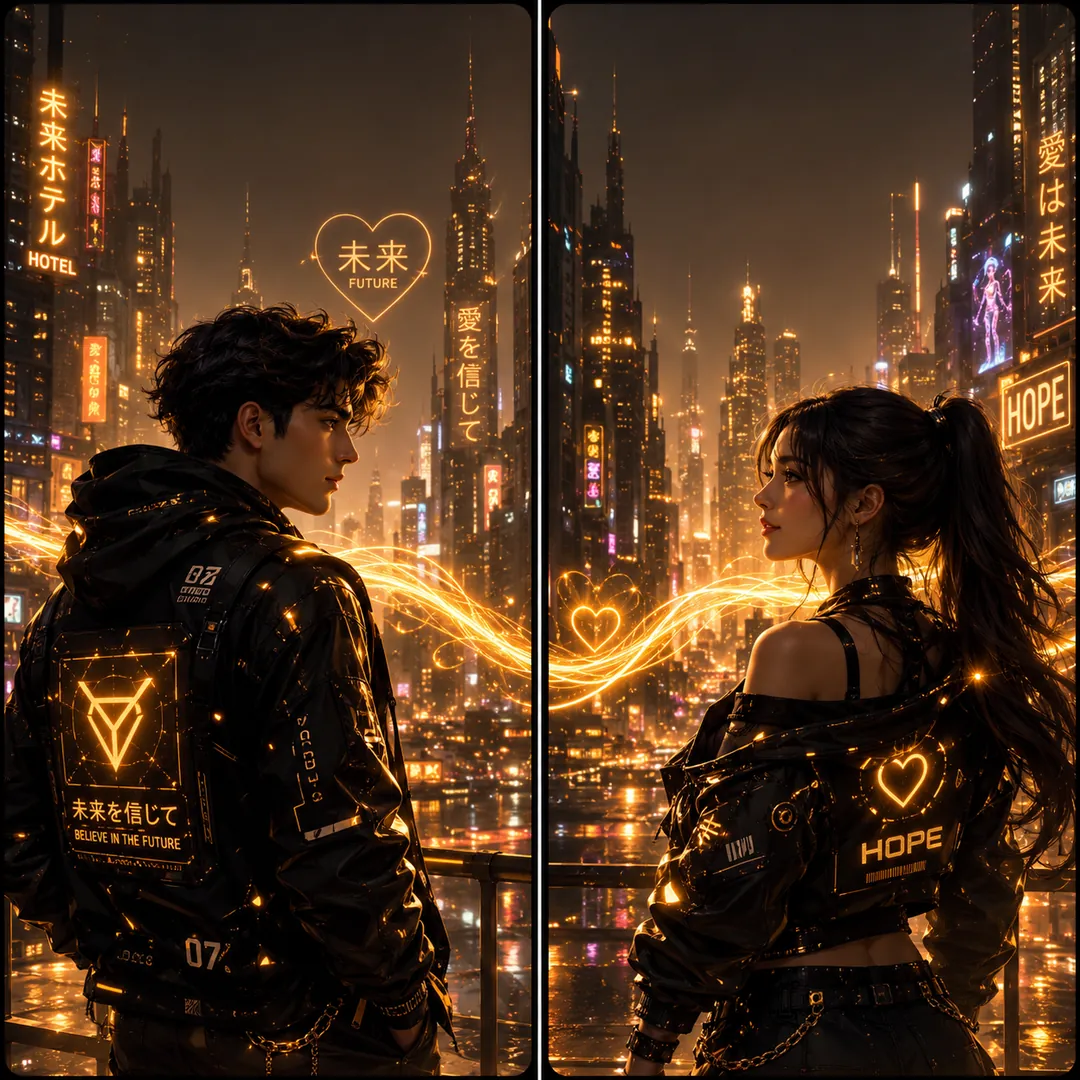
Create a square image from the two attached photos: a pair of phone wallpapers side by side forming one sci-fi scene. The first person is on the left, the second on the right, each keeping their own face and features. Concept: [Cyberpunk Duo], both in sleek techwear on a rain-slick neon city street, glowing signs and light trails flowing across the centre gap. Colour mood: [bold and vibrant], magenta and cyan reflections on wet ground, and a calm strip at the top of each panel for the clock.
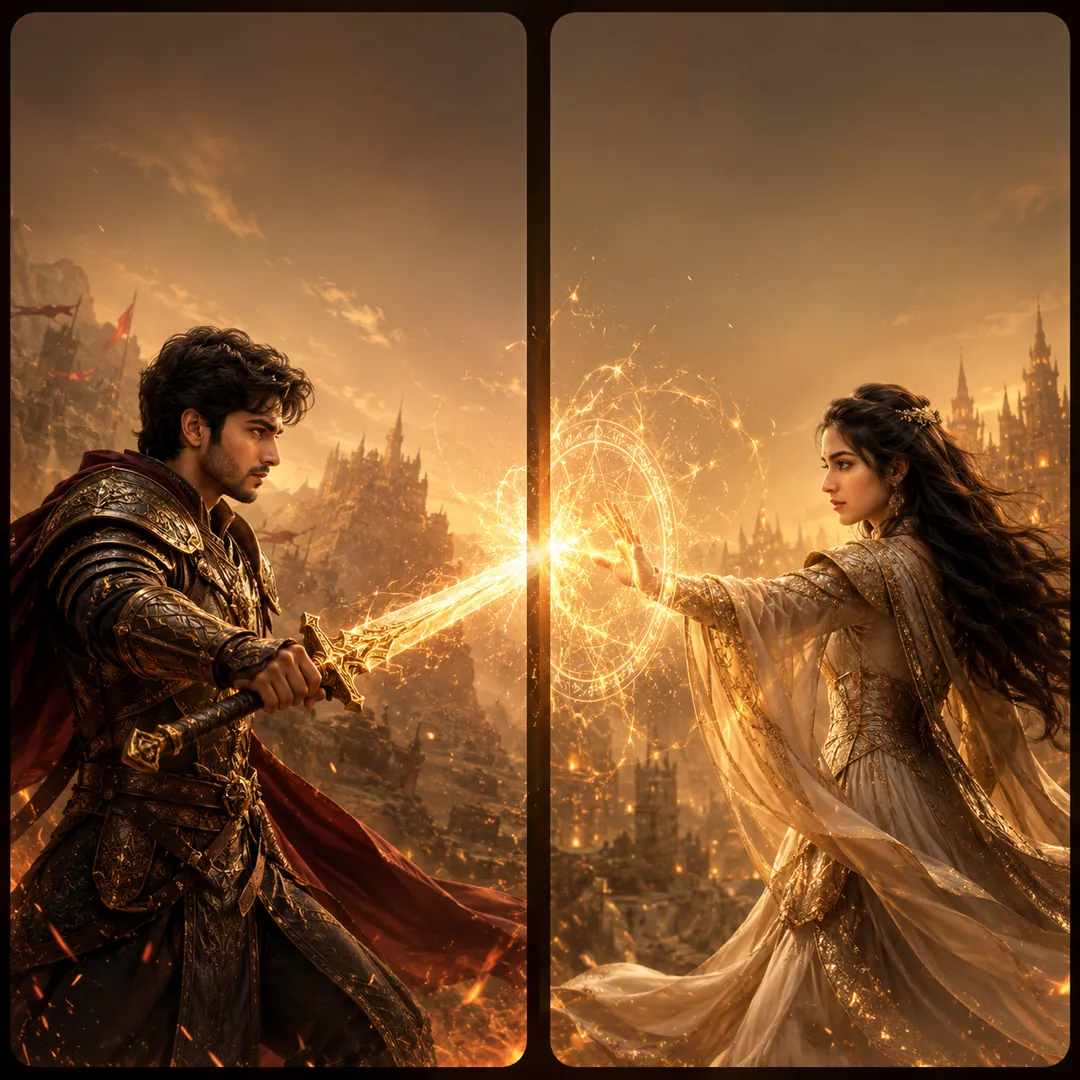
Turn the two people in the attached photos into a matched pair of game-hero wallpapers on one square canvas, two panels side by side. The first appears on the left, the second on the right, each with their own recognisable face. Concept: [Warrior & Mage], one as a mighty armoured fighter and the other as a mystic caster in flowing robes, the sword and the spell meeting at the centre gap in one burst of light. Colour mood [bold and vibrant], dramatic fantasy lighting, clean space at the top of each panel.
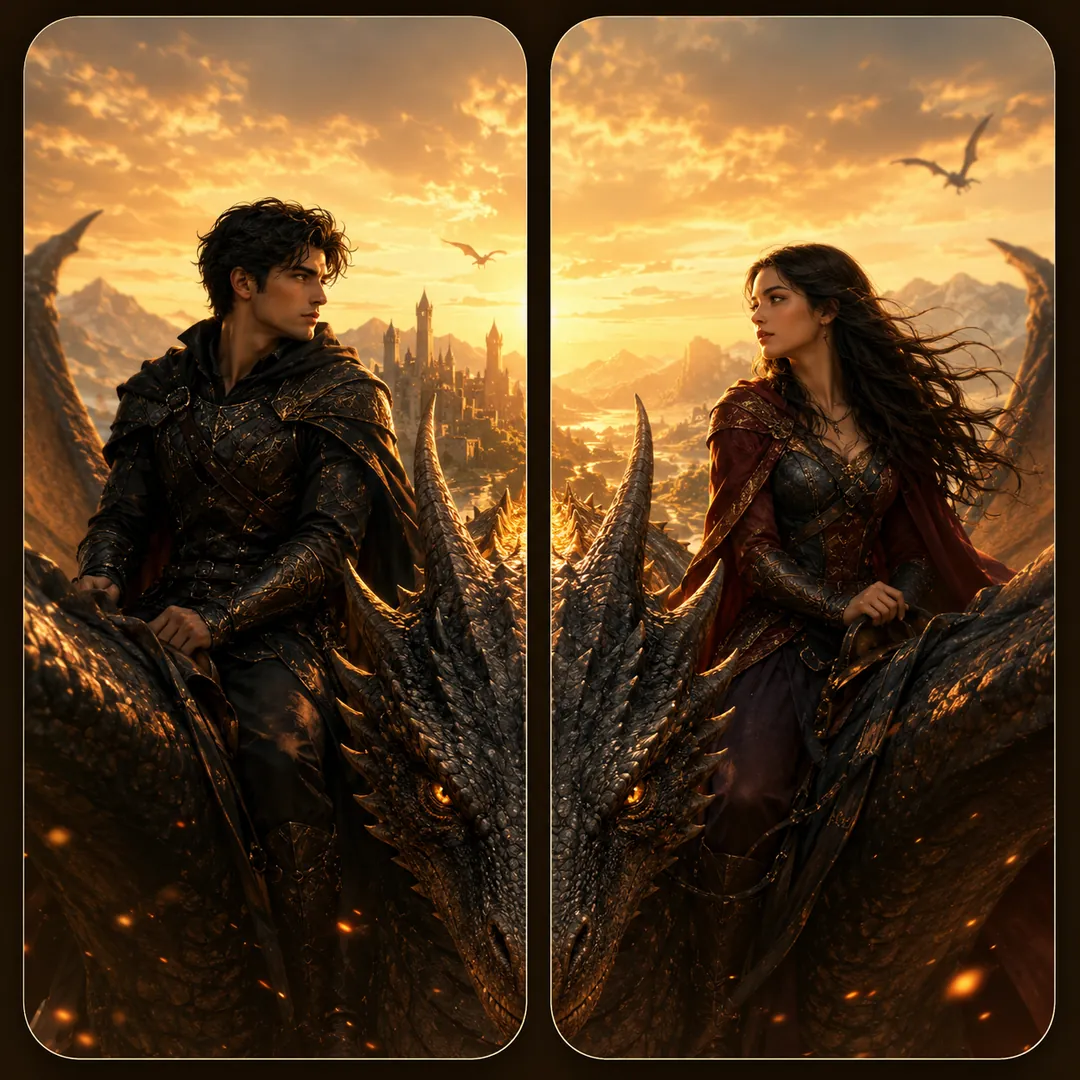
Use the two attached photos to create one square image of two phone wallpapers that join into a mythic scene. Each person stands alone in their own panel, face and features unchanged: the first on the left, the second on the right. Concept: [Dragon Riders], both as brave riders in leather and armour, one great dragon stretching its body across the seam so its wings and tail run through both panels. Epic sky, sweeping light, colour mood [cool and dreamy], and a calm top area for the clock.
Try Fantasy Royalty now
Copy the free prompt above, or download Trendy AI Lab to make it with your own face.
Coming soon