Dussehra evening has a look everyone knows: the crowd on the ground, the effigy going up, sparks in a dark sky. A Dussehra AI photo puts you in that scene from one selfie, ready for your status before the fireworks start. Here is what you can make with Trendy AI Lab, and how.
Dussehra AI photo ideas to try
- Ravana Dahan Night. You in festive wear in the crowd, firelight on your face and the effigy burning far behind you. The one that looks most like the night itself.
- Ram Leela Stage. The family sitting among the audience at an open-air Ram Leela, painted backdrops and oil lamps lighting the stage. Best with a group photo.
- Vijayadashami Blessing. A quiet portrait at a home altar with shami leaves, marigolds and lit diyas. Good for a calm profile picture on the day.
- Dussehra Family Celebration. Everyone together at the fair, strings of lights and food stalls around you.
- Dussehra Victory Portrait. A confident stance against a dusk sky, the effigy a silhouette in the distance. Made for a story.
A Dussehra greeting for your business
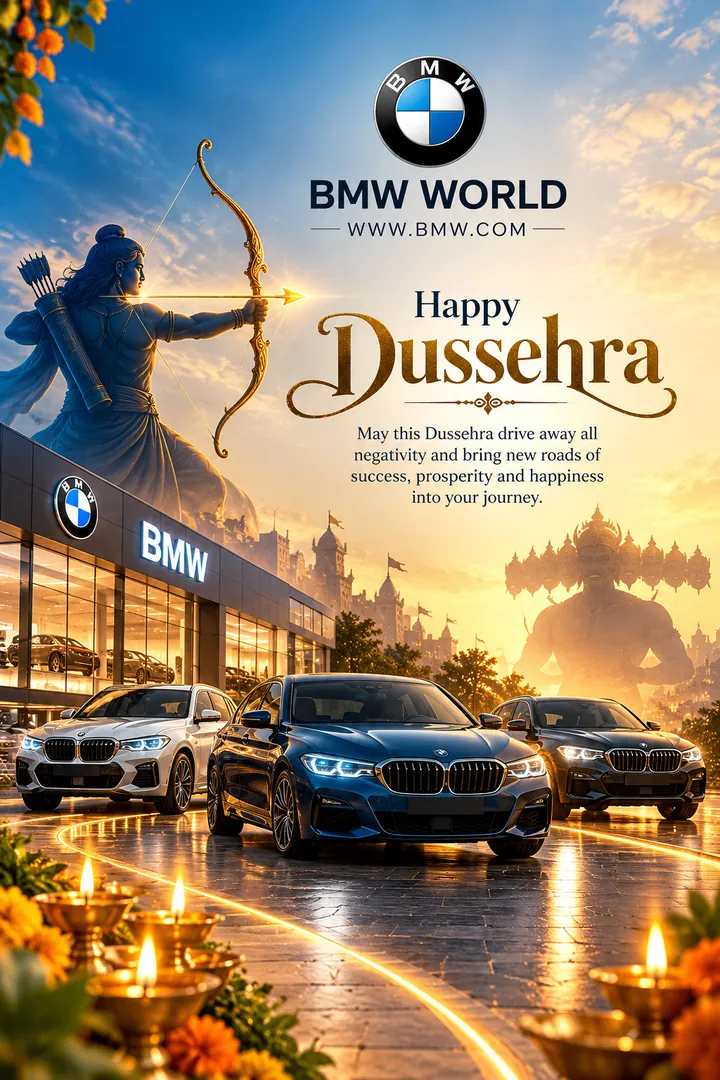
Shops, salons and small offices post a greeting on Vijayadashami, a day many see as a good one to start something new. The Dussehra Business Greeting style makes a square post with a golden bow and arrow and festive decor, built around your business. You fill in the business name, the type of business, a colour theme and your own greeting message. It works as a WhatsApp Business status, a post for your customers or the picture on your shop's page.
Happy Dussehra photo editing, with your own words
Most styles let you pick the outfit and the setting, and add a greeting. "Happy Dussehra" and "Shubh Vijayadashami" are ready to go, or type your own line with your name or your family's. Use the Victory Portrait mood option if you want it more triumphant or more calm.
Want a Dussehra AI prompt instead?
Every style on the collection page has a copy-and-paste prompt, with quick links to open it in ChatGPT, Gemini, Grok or Copilot. Attach your photo there and send. The app is the one-tap way: no pasting, and your face is kept the same.
Made with respect
You appear as yourself at the festival, never as Lord Rama or any deity. The Ram Leela performers stay small figures on the stage, and the blessing scene stays calm, the way the day is meant to feel.
How to make one
- Open the Dussehra collection in the app.
- Pick a style for a solo photo, the family or your business.
- Upload a clear photo and choose your outfit, setting and greeting.
- Generate, then share to WhatsApp or Instagram.
A photo tip
Pick a front-facing photo with your whole face in soft light, no sunglasses. The firelight scenes add strong orange light, so a photo that is not too dark or too warm already gives the cleanest result. For a family style, get everyone in one frame.
Ready to try it? Download Trendy AI Lab and make your first Dussehra photo free with rewarded ads.



 Coming soon