AI photo prompts
Pick a look, copy its prompt, and paste it into ChatGPT, Gemini or Grok with your photo. Or skip the copy-paste and make the same look in one tap in the app.
 Adventure Squad
Friends
Adventure Squad
Friends
 Celebrity Street Style
Hollywood
Celebrity Street Style
Hollywood
 Cozy Reading Corner
Cozy
Cozy Reading Corner
Cozy
 Miami Beach
Cities
Miami Beach
Cities
 Reindeer in the Snow
Christmas
Reindeer in the Snow
Christmas
 National Park Road Trip
Outdoors
National Park Road Trip
Outdoors
 National Park Road Trip
Road Trip
National Park Road Trip
Road Trip
 Newborn Welcome
Milestones
Newborn Welcome
Milestones
 Friends New Year's Celebration
New Year
Friends New Year's Celebration
New Year
 Halloween With My Pet
My Pet
Halloween With My Pet
My Pet
 City Date Night
Valentine's
City Date Night
Valentine's
 Disco Night
Music
Disco Night
Music
 Cowboy Campfire
Cowboy
Cowboy Campfire
Cowboy
 Cute Easter Baby Portrait
Easter
Cute Easter Baby Portrait
Easter
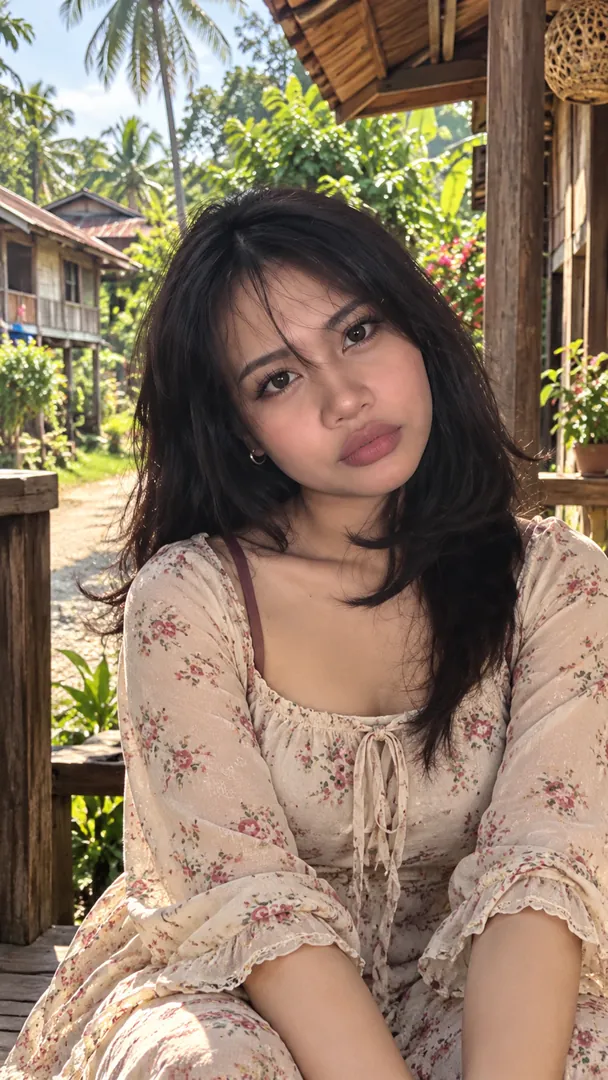 Kampung Lifestyle Portrait
Merdeka
Kampung Lifestyle Portrait
Merdeka
 Oud & Perfume Boutique
Cultural & Fashion
Oud & Perfume Boutique
Cultural & Fashion
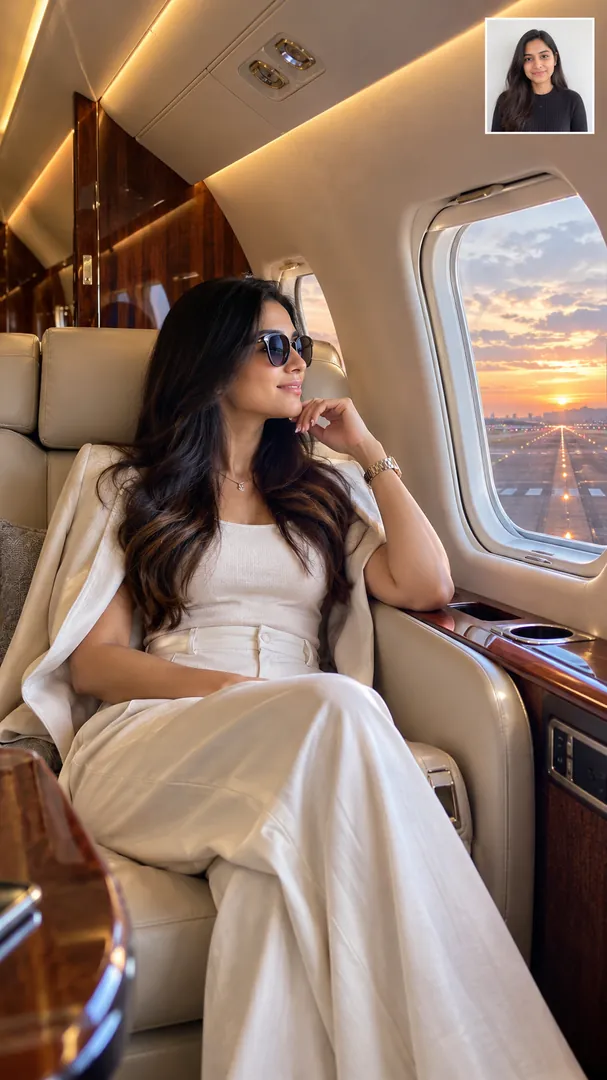 Private Jet Lounge
Lifestyle
Private Jet Lounge
Lifestyle
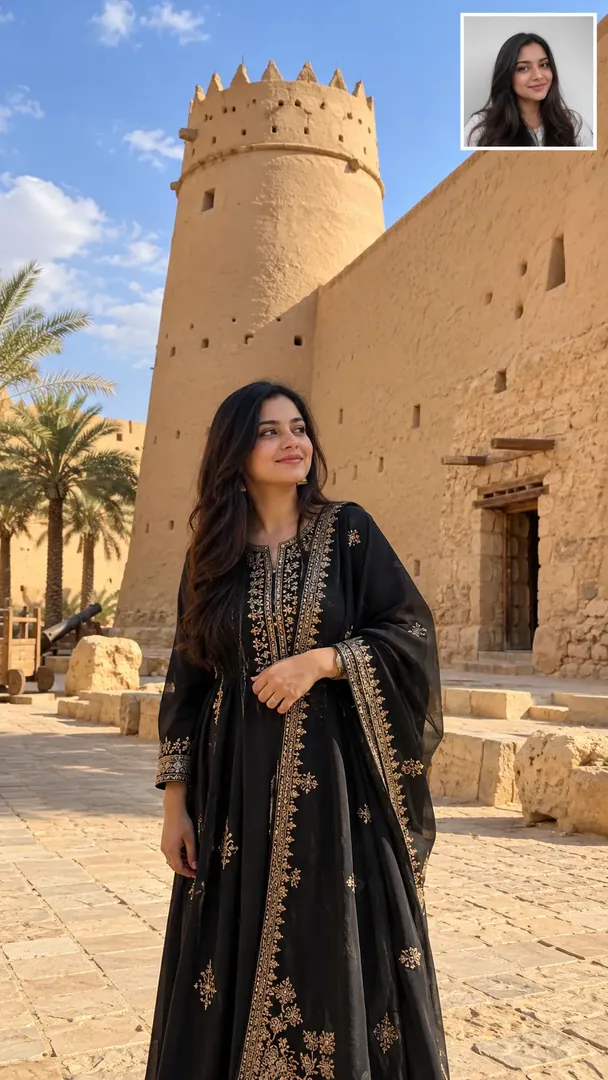 Masmak Fortress Heritage
Heritage
Masmak Fortress Heritage
Heritage
 Janadriyah Heritage Festival
Festivals
Janadriyah Heritage Festival
Festivals
 Hot Air Balloon Desert
Desert
Hot Air Balloon Desert
Desert
 Desert Dunes
Travel
Desert Dunes
Travel
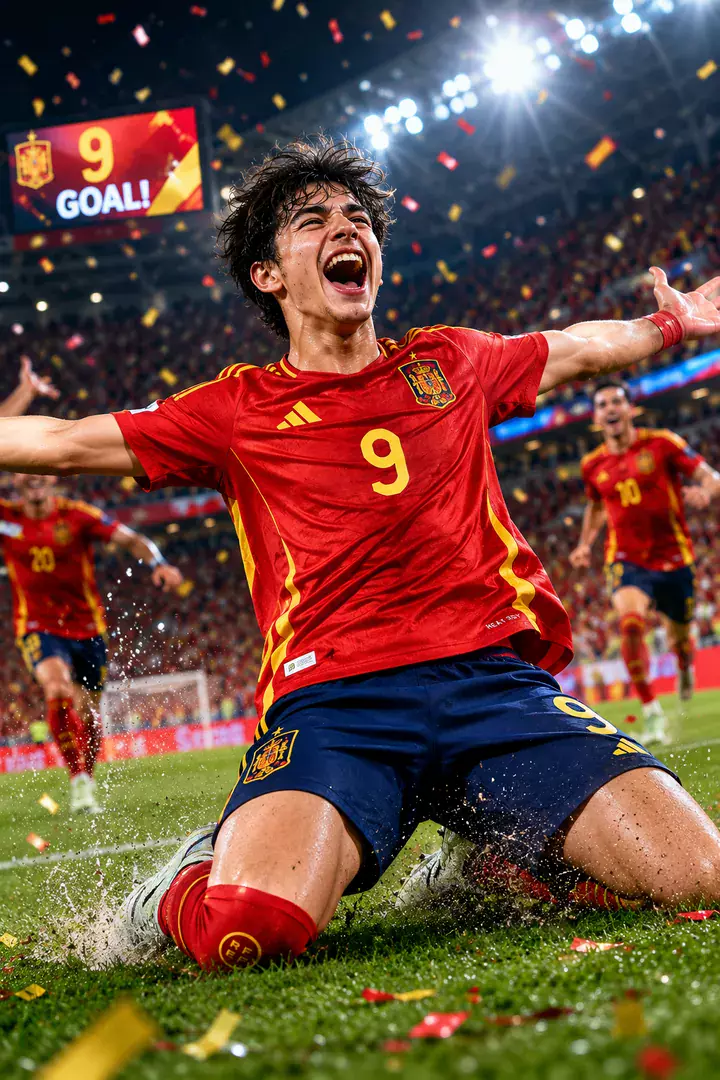 Goal Celebration
Football
Goal Celebration
Football
 Beverly Hills Luxury
Hollywood
Beverly Hills Luxury
Hollywood
 Autumn Country Road
Cozy
Autumn Country Road
Cozy
 Washington D.C. Monuments
Cities
Washington D.C. Monuments
Cities
 Santa Portrait
Christmas
Santa Portrait
Christmas
 Niagara Falls
Outdoors
Niagara Falls
Outdoors
 Classic Roadside Diner
Road Trip
Classic Roadside Diner
Road Trip
 First Home
Milestones
First Home
Milestones
 Cozy New Year's Eve at Home
New Year
Cozy New Year's Eve at Home
New Year
 Christmas With My Pet
My Pet
Christmas With My Pet
My Pet
 Cozy Valentine's Morning
Valentine's
Cozy Valentine's Morning
Valentine's
 Indie Music Café
Music
Indie Music Café
Music
 Lone Cowboy Sunset
Cowboy
Lone Cowboy Sunset
Cowboy
 Luxury Easter Table
Easter
Luxury Easter Table
Easter
 Gulf Wedding Look
Cultural & Fashion
Gulf Wedding Look
Cultural & Fashion
How to use an AI photo prompt
Copy a prompt
Pick a look above and copy its prompt. Swap any words in square brackets for your own details.
Open your AI app
Open ChatGPT, Gemini, Grok or Copilot, attach a clear, well-lit photo of yourself and paste the prompt.
Send and save
Send it and save the image. Not quite right? Ask for one change at a time, such as the light or the outfit.
Questions about AI photo prompts
How do I use an AI photo prompt?
Pick a look, copy its prompt, then open ChatGPT, Gemini, Grok or Copilot, attach your photo and paste the prompt. Replace any words in square brackets with your own details before you send it.
Which AI apps work with these prompts?
Any image generator that accepts a photo and a text prompt. The Open in ChatGPT, Grok and Copilot buttons fill the prompt in for you; Gemini has no such link, so the prompt is copied and you paste it there.
What do the words in square brackets mean?
They are placeholders for your own choices, such as a setting, a name or a colour. Swap them for what you want, or delete them to let the AI decide.
Are the prompts free?
Yes. Copy as many as you like, with no account and no sign-up.
Will my face stay the same?
Every prompt asks the AI to keep your face, skin tone and features unchanged, but general chat apps can still drift. The Trendy AI Lab app makes the same looks in one tap from your selfie.