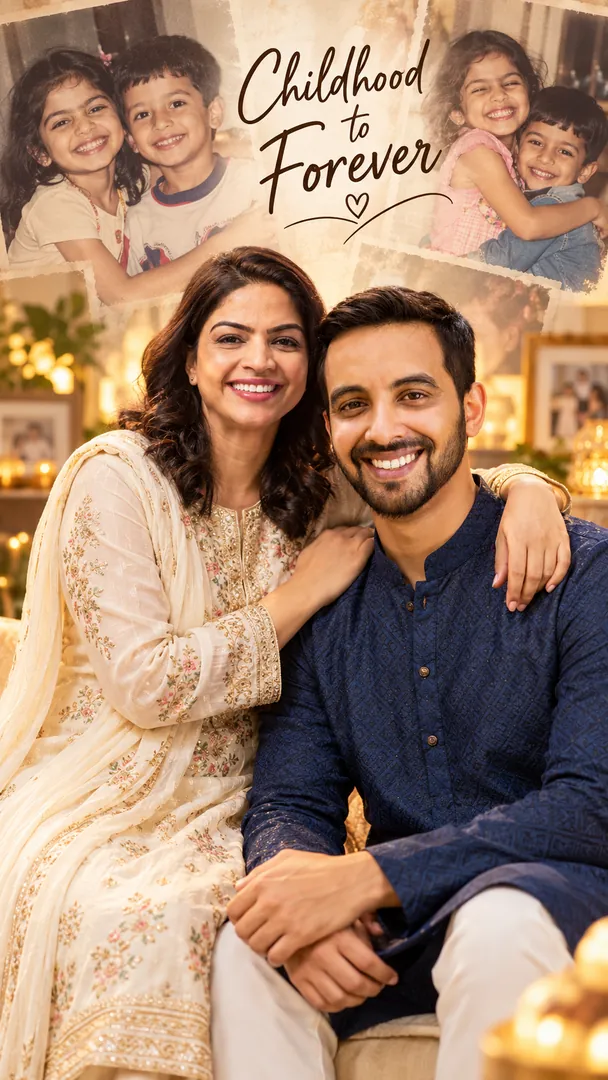
Childhood to Forever
Create a nostalgic sibling portrait celebrating the journey from childhood to adulthood, capturing lifelong memories and an unbreakable brother-sister bond while preserving both identities.
AI prompt for Childhood to Forever
- Copy the prompt
- Open your AI app
- Attach your photo and send
Using the attached photo of me, create a square image in the Childhood to Forever style from the Bhai Dooj collection. Create a nostalgic sibling portrait celebrating the journey from childhood to adulthood, capturing lifelong memories and an unbreakable brother-sister bond while preserving both identities. Keep my face, skin tone and features exactly the same. Realistic detail and natural light, no text unless asked.
Prefer one tap with no pasting, and your face kept the same? Use the app.

 Coming soon
More Childhood to Forever examples
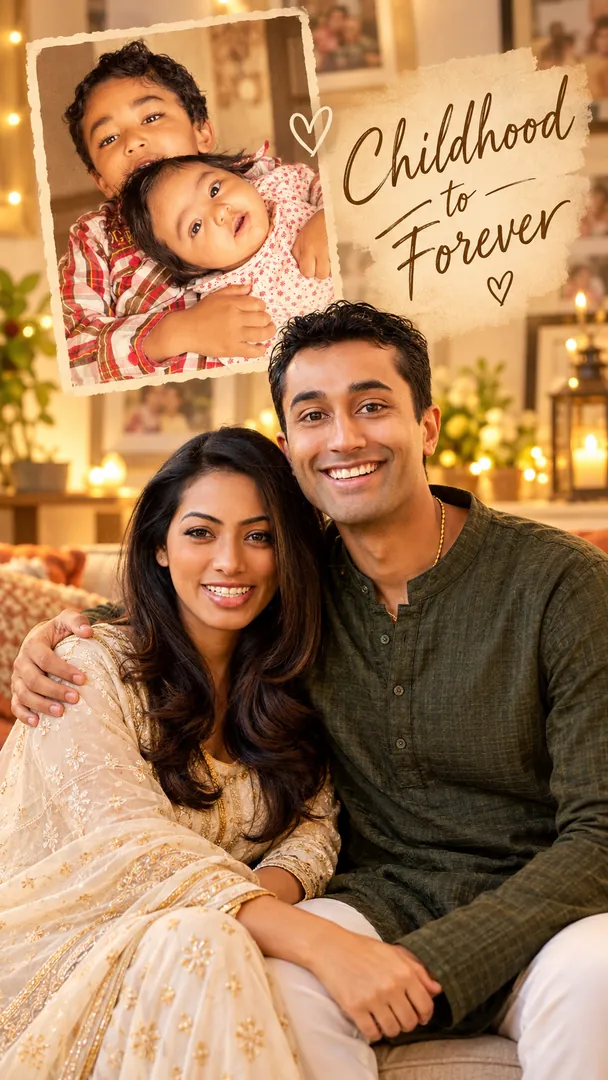
What is the Childhood to Forever effect?
Childhood to Forever is an AI photo effect from the Bhai Dooj collection in the Trendy AI Lab app. Upload a selfie and the AI recreates it in this style in seconds, so you get a polished, share-worthy image with no editing skills needed.
How to get the best Childhood to Forever result
Use a clear, well-lit photo where your face is easy to see. Front-facing selfies with a plain background give the AI the most to work with.
What you get from Childhood to Forever
Childhood to Forever returns a square image, sized for a profile picture or a post. It works from one photo and needs nothing else from you.
Make your Childhood to Forever in three taps
Pick a style
Choose this look in the Trendy AI Lab app, no design skills needed.
Upload a selfie
Add a photo from your gallery. It's used only to make your image.
Generate & share
Your AI image is ready in seconds, download or share it anywhere.
Questions about Childhood to Forever
How do I make a Childhood to Forever photo?
Open the Trendy AI Lab app, choose the Childhood to Forever style, upload one photo, and the app generates your image in seconds.
What photo works best for Childhood to Forever?
A clear, well-lit photo where the face is easy to see. Front-facing shots with an uncluttered background give the AI the most to work with.
How many photos does Childhood to Forever need?
Just one. Childhood to Forever works from a single upload, and you can run it again on a different photo as often as you like.
What do I get from Childhood to Forever?
A square image, sized for a profile picture or a post, ready to download or share.
Is Trendy AI Lab free?
Yes. The browser image tools are free with no account at all. In the app you earn free credits by watching rewarded ads, or buy credit packs.
More Bhai Dooj styles
View all →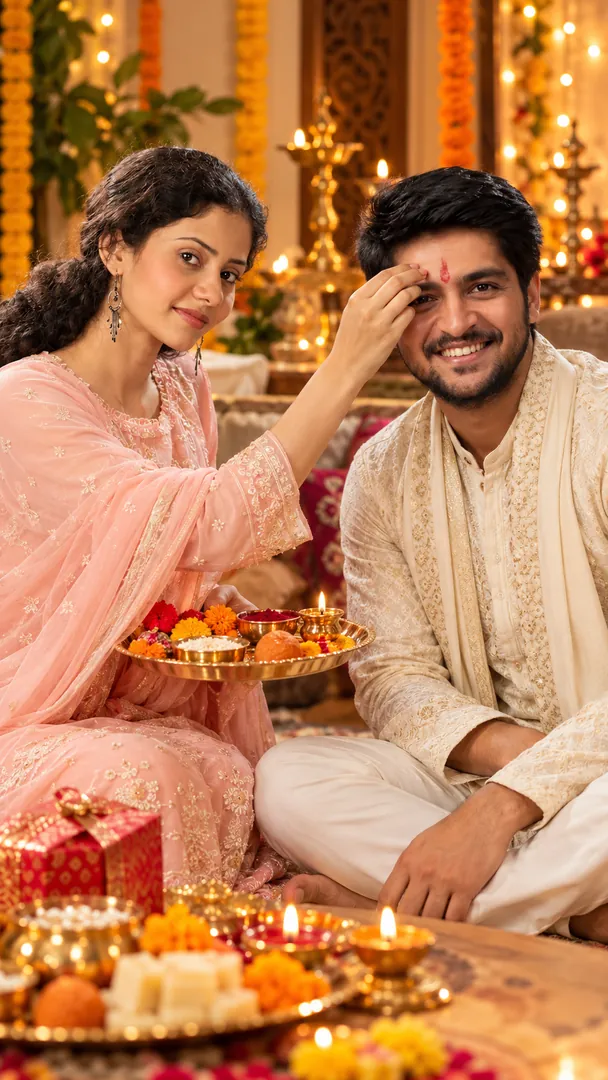
Using the attached photo of me, create a square image in the Bhai Dooj Tilak Ceremony style from the Bhai Dooj collection. Create a heartwarming Bhai Dooj portrait of a sister applying tilak to her brother, with traditional outfits, a decorated puja thali, and festive home décor while preserving both identities. Keep my face, skin tone and features exactly the same. Realistic detail and natural light, no text unless asked.
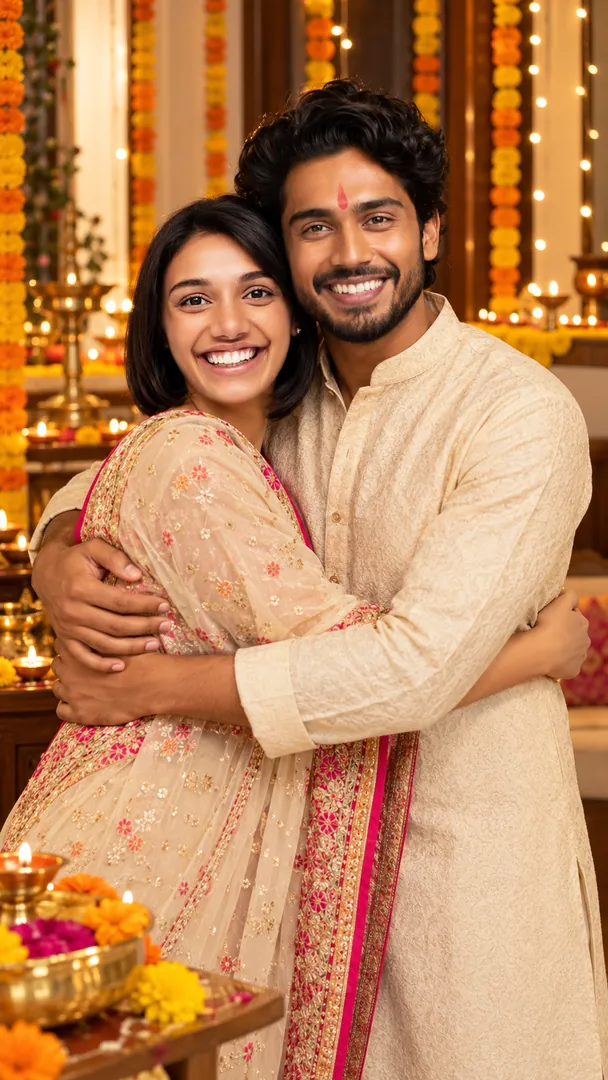
Using the attached photo of me, create a square image in the Sibling Hug style from the Bhai Dooj collection. Create a beautiful Bhai Dooj sibling portrait featuring traditional Indian outfits, warm smiles, festive decorations, and an authentic celebratory atmosphere while preserving both identities. Keep my face, skin tone and features exactly the same. Realistic detail and natural light, no text unless asked.
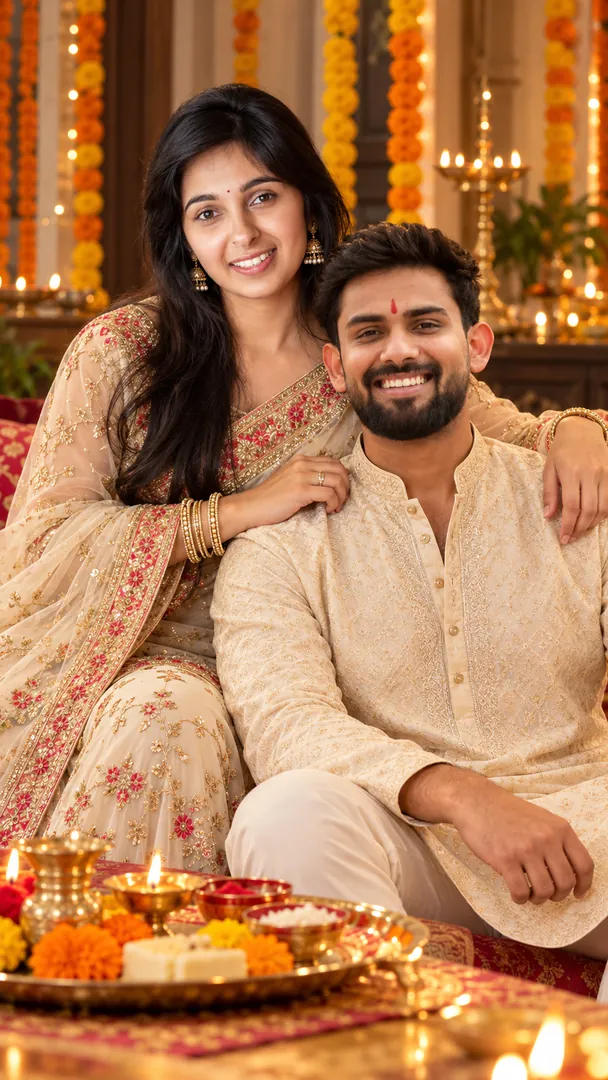
Using the attached photo of me, create a square image in the Bhai Dooj Traditional style from the Bhai Dooj collection. Create a beautiful Bhai Dooj sibling portrait featuring traditional Indian outfits, warm smiles, festive decorations, and an authentic celebratory atmosphere while preserving both identities. Keep my face, skin tone and features exactly the same. Realistic detail and natural light, no text unless asked.
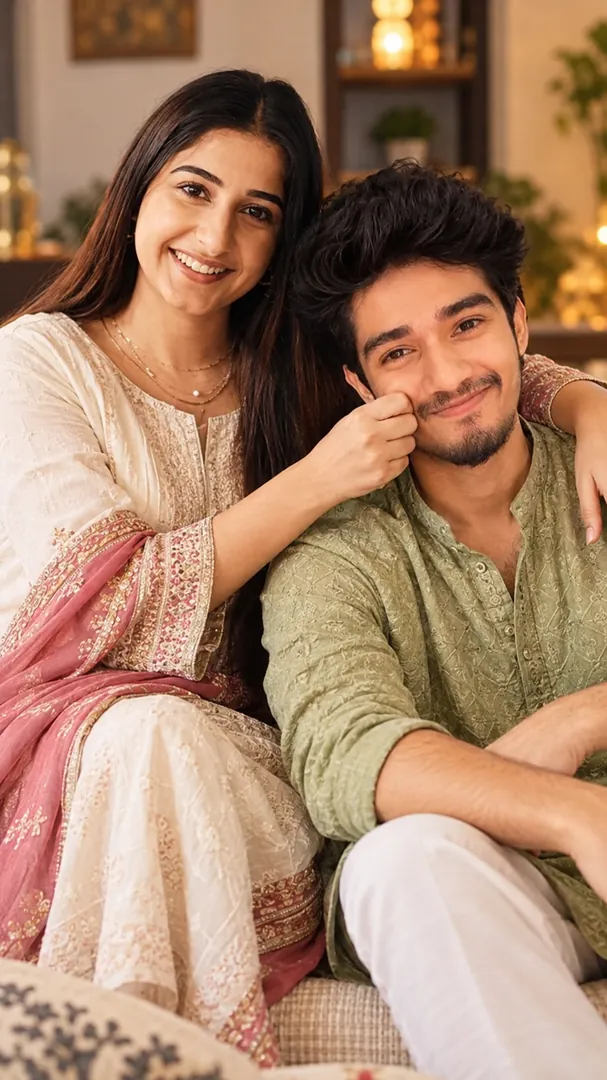
Using the attached photo of me, create a square image in the Candid Sibling Moments style from the Bhai Dooj collection. Capture a spontaneous, joyful moment between a brother and sister with genuine laughter, natural poses, and warm sibling chemistry while preserving both identities. Keep my face, skin tone and features exactly the same. Realistic detail and natural light, no text unless asked.
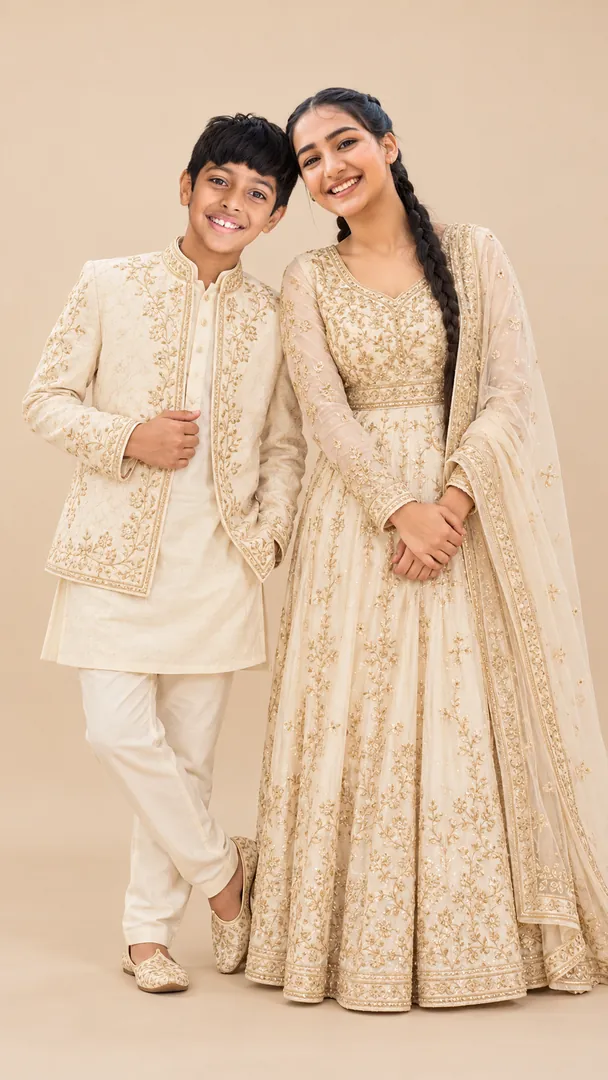
Using the attached photo of me, create a square image in the Minimalist Sibling Portrait style from the Bhai Dooj collection. Create a timeless, minimalist brother-sister portrait with coordinated neutral outfits, a clean studio background, and natural warmth while preserving both identities. Keep my face, skin tone and features exactly the same. Realistic detail and natural light, no text unless asked.
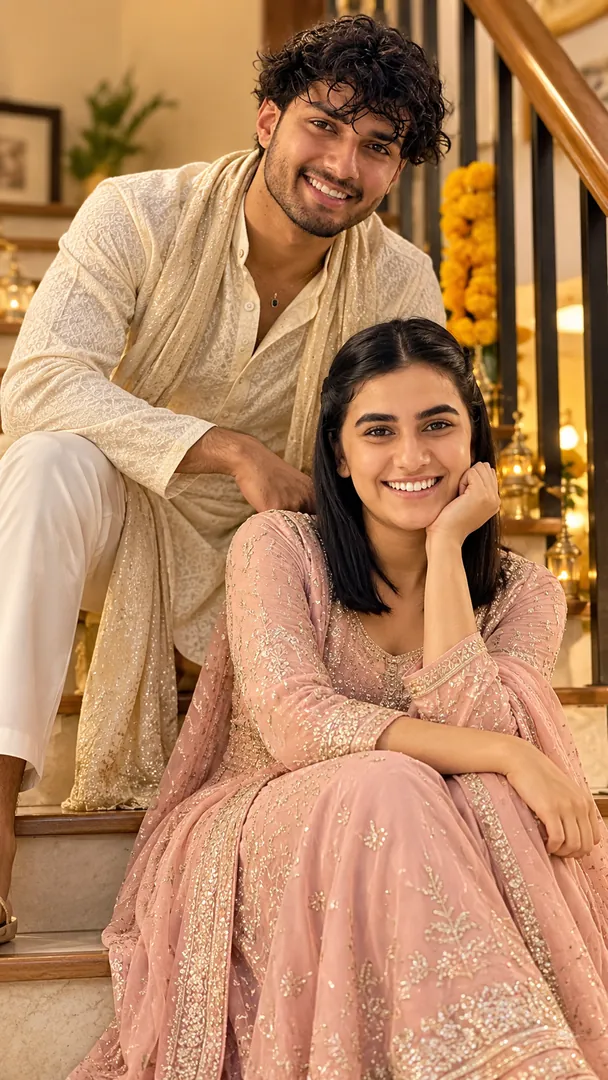
Using the attached photo of me, create a square image in the Playful Staircase Portrait style from the Bhai Dooj collection. Create a fun, candid sibling portrait featuring a brother and sister sitting on elegant staircase steps, sharing playful expressions and genuine laughter while preserving both identities. Keep my face, skin tone and features exactly the same. Realistic detail and natural light, no text unless asked.
Try Childhood to Forever now
Download Trendy AI Lab and create your first AI photo free with rewarded ads.
Coming soon