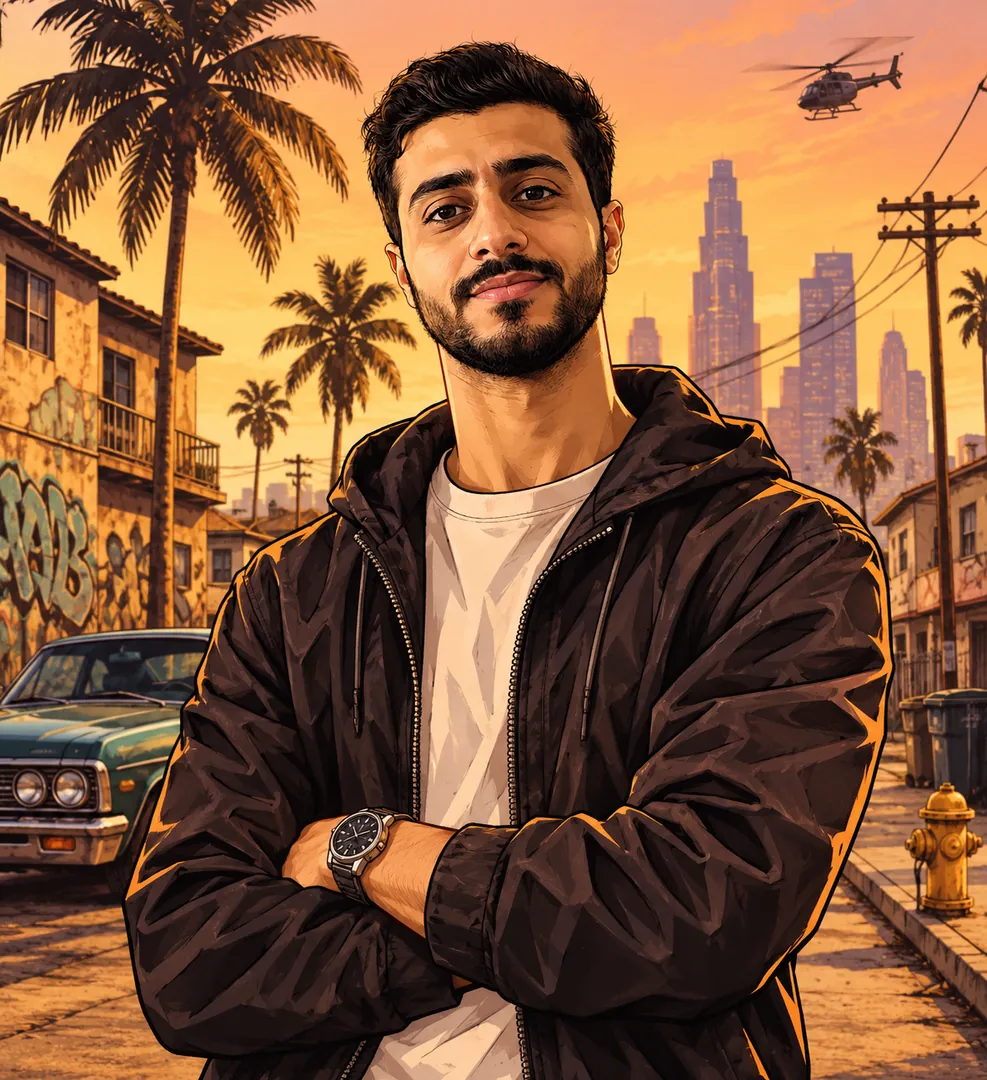
San Andreas Street Style
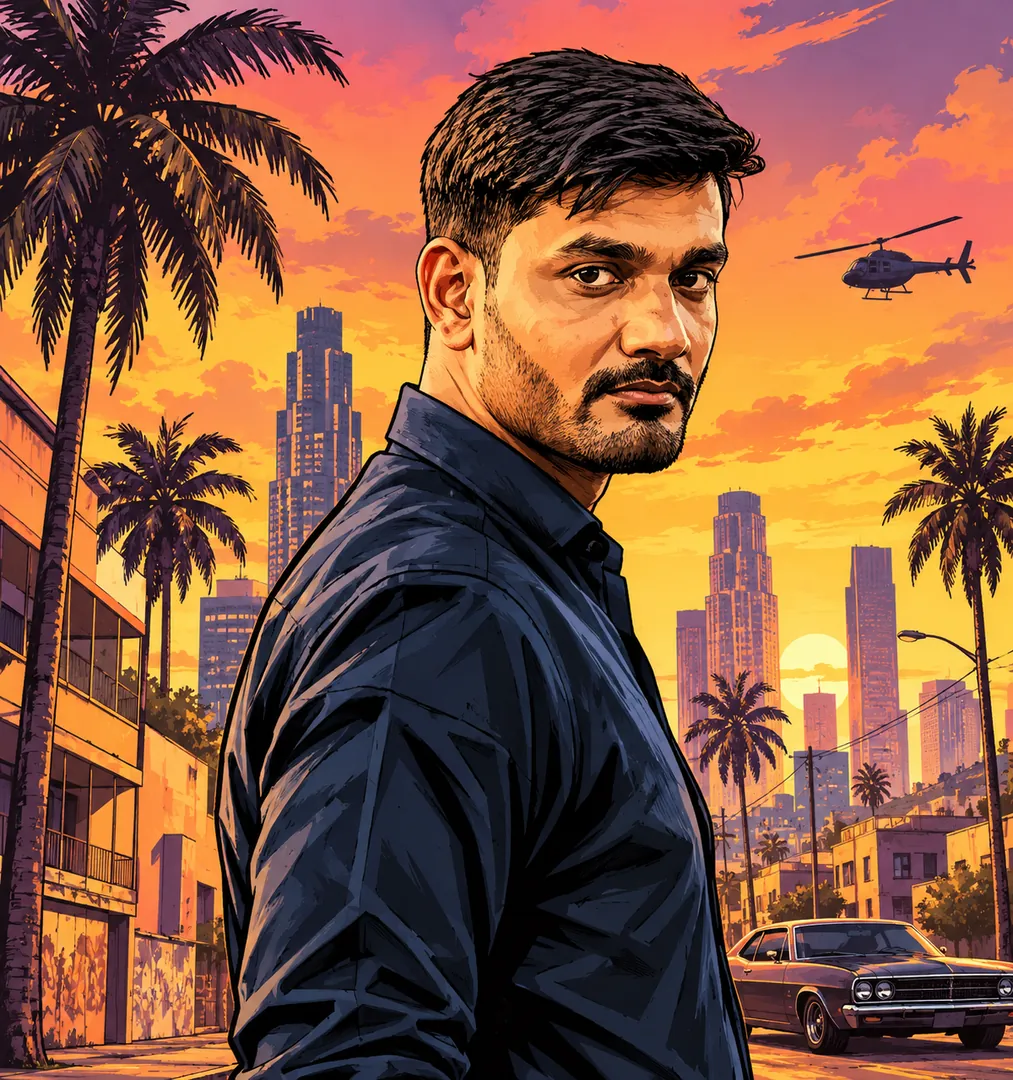
Transform your photo into San Andreas-inspired street artwork featuring urban streetwear, gritty city environments, bold game-style illustrations and cinematic street atmosphere.
AI prompt for San Andreas Street Style
- Copy the prompt
- Open your AI app
- Attach your photo and send
Using the attached photo of me, create a tall 9:16 image in the San Andreas Street Style style from the GTA Game Art collection. Transform your photo into San Andreas-inspired street artwork featuring urban streetwear, gritty city environments, bold game-style illustrations and cinematic street atmosphere. Keep my face, skin tone and features exactly the same. Realistic detail and natural light, no text unless asked.
Prefer one tap with no pasting, and your face kept the same? Use the app.

 Coming soon
What is the San Andreas Street Style effect?
San Andreas Street Style is an AI photo effect from the GTA Game Art collection in the Trendy AI Lab app. Upload a selfie and the AI recreates it in this style in seconds, so you get a polished, share-worthy image with no editing skills needed.
How to get the best San Andreas Street Style result
Use a clear, well-lit photo where your face is easy to see. Front-facing selfies with a plain background give the AI the most to work with.
What you get from San Andreas Street Style
San Andreas Street Style returns a tall 9:16 image, sized to fill a phone screen. It works from one photo and needs nothing else from you.
More about GTA Game Art
The GTA Game Art collection transforms your photos into bold, game-inspired character artwork. Create cinematic portraits, urban street-style illustrations, retro neon city looks and iconic gaming-inspired posters. Upload your photo and explore different artistic styles inspired by open-world video games while keeping your face recognizable.
Make your San Andreas Street Style in three taps
Pick a style
Choose this look in the Trendy AI Lab app, no design skills needed.
Upload a selfie
Add a photo from your gallery. It's used only to make your image.
Generate & share
Your AI image is ready in seconds, download or share it anywhere.
Questions about San Andreas Street Style
How do I make a San Andreas Street Style photo?
Open the Trendy AI Lab app, choose the San Andreas Street Style style, upload one photo, and the app generates your image in seconds.
What photo works best for San Andreas Street Style?
A clear, well-lit photo where the face is easy to see. Front-facing shots with an uncluttered background give the AI the most to work with.
How many photos does San Andreas Street Style need?
Just one. San Andreas Street Style works from a single upload, and you can run it again on a different photo as often as you like.
What do I get from San Andreas Street Style?
A tall 9:16 image, sized to fill a phone screen, ready to download or share.
Is Trendy AI Lab free?
The prompt for every style is free: copy it into ChatGPT or Gemini. Making the image in the app, with your face kept the same, needs a weekly or monthly plan, and the browser image tools are free with no account.
More GTA Game Art styles
View all →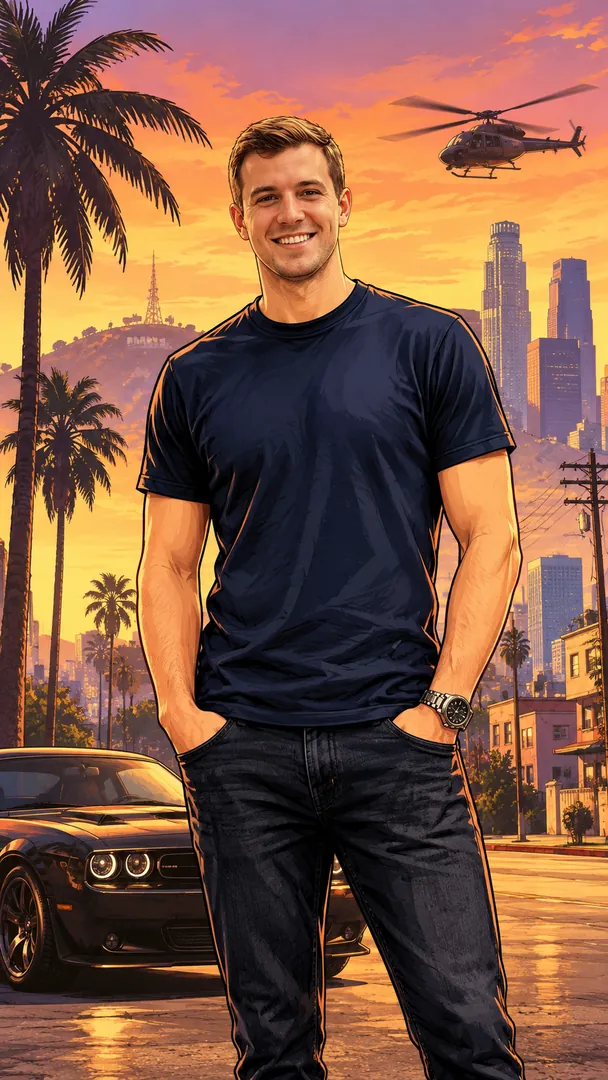
Using the attached photo of me, create a tall 9:16 image in the GTA V Cover Art style from the GTA Game Art collection. Transform your photo into iconic GTA V-inspired cover artwork featuring bold illustrated details, cinematic lighting, dramatic character composition and the vibrant atmosphere of Los Santos. Keep my face, skin tone and features exactly the same. Realistic detail and natural light, no text unless asked.
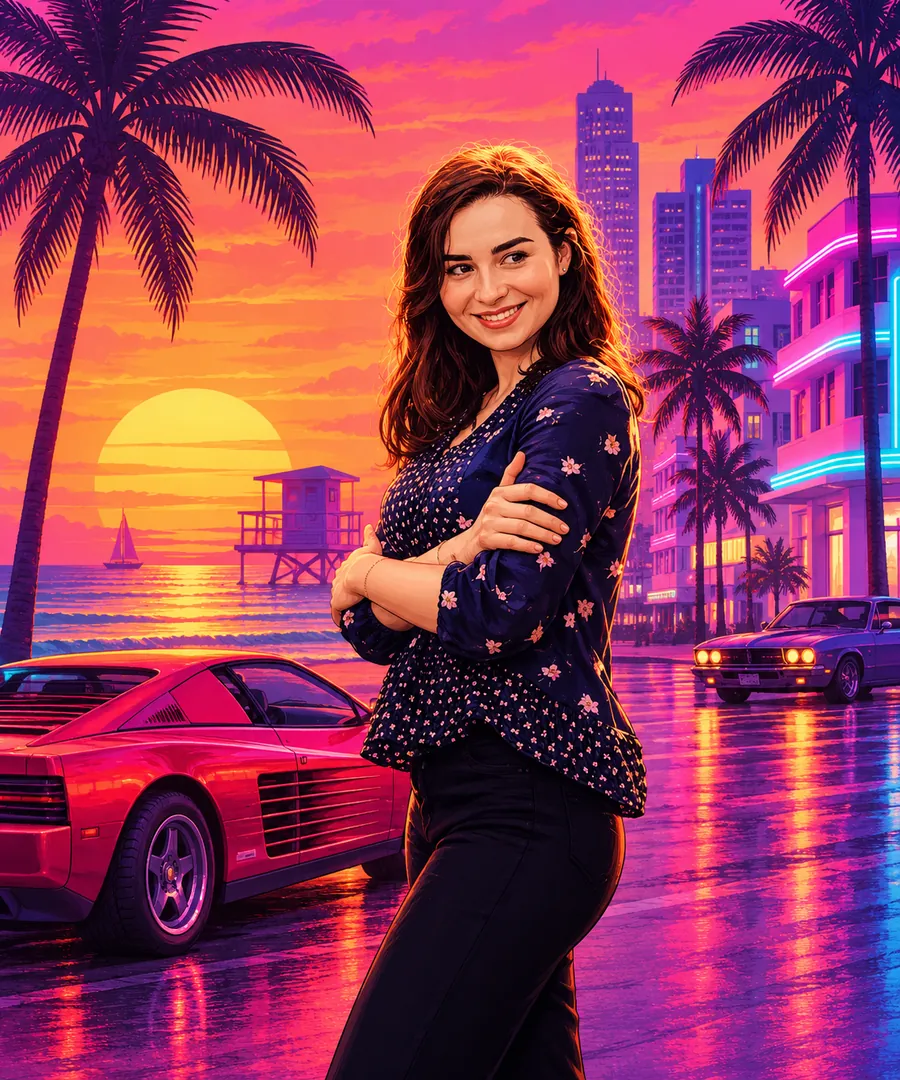
Using the attached photo of me, create a tall 9:16 image in the Vice City Neon style from the GTA Game Art collection. Transform your photo into a retro Vice City-inspired neon artwork with vibrant pink and purple skies, glowing city lights, palm trees and a cinematic 1980s gaming aesthetic. Keep my face, skin tone and features exactly the same. Realistic detail and natural light, no text unless asked.
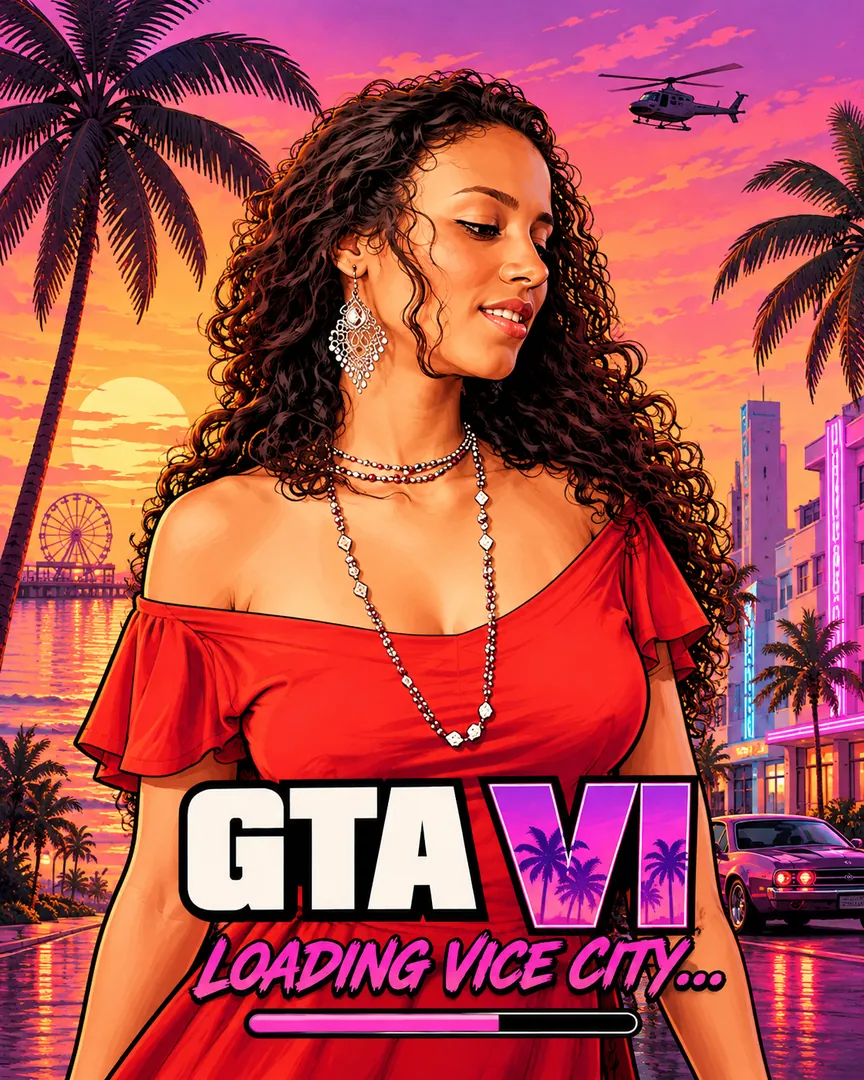
Using the attached photo of me, create a tall 9:16 image in the GTA Loading Screen style from the GTA Game Art collection. Transform your photo into a cinematic GTA-inspired loading screen illustration with stylized character artwork, dramatic lighting, rich colors and a polished open-world gaming aesthetic. Keep my face, skin tone and features exactly the same. Realistic detail and natural light, no text unless asked.
Using the attached photo of me, create a tall 9:16 image in the GTA Comic Poster style from the GTA Game Art collection. Turn your photo into a bold GTA-inspired comic poster with dramatic outlines, vibrant colors, cinematic shadows and an iconic illustrated game character look. Keep my face, skin tone and features exactly the same. Realistic detail and natural light, no text unless asked.
Try San Andreas Street Style now
Copy the free prompt above, or download Trendy AI Lab to make it with your own face.
Coming soon