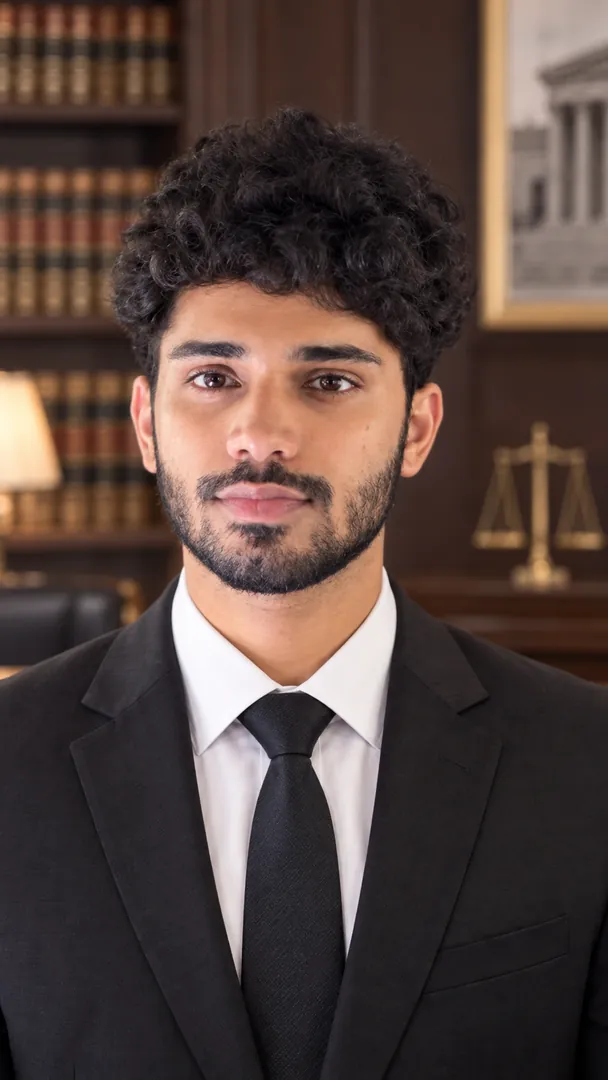
Legal Portrait Pro AI Prompt
A front-facing lawyer headshot set in a law office, courtroom or legal library, your likeness untouched.
AI prompt for Legal Portrait Pro
- Copy the prompt
- Open your AI app
- Attach your photo and send
Create a lawyer's portrait from the attached photo: charcoal suit, white shirt and a muted tie or silk scarf, standing upright and looking straight into the camera with a steady, approachable expression. The setting is a [legal setting, for example law office] with shelves of leather bound books and a polished oak desk, softly out of focus. Their face and features stay the same as in the photo. Warm library light, shallow depth of field, brown and navy tones, vertical 9:16.
Prefer one tap with no pasting, and your face kept the same? Use the app.

 Coming soon
What is the Legal Portrait Pro effect?
Legal Portrait Pro is an AI photo effect from the Professional Headshot collection in the Trendy AI Lab app. Upload a selfie and the AI recreates it in this style in seconds, so you get a polished, share-worthy image with no editing skills needed.
How to get the best Legal Portrait Pro result
Use a front-facing photo in even light with your shoulders in frame.
What you get from Legal Portrait Pro
Legal Portrait Pro returns a tall 9:16 image, sized to fill a phone screen. It works from one photo and you can set Legal Style before generating.
More about Professional Headshot
The Professional Headshot collection turns a selfie into a polished headshot with AI: a LinkedIn profile photo, a formal suit or saree photo, a resume or CV photo, a classic studio or outdoor headshot, corporate, legal and medical looks, and a standard ID photo, with your face kept the same. Every style has a prompt you can copy into ChatGPT or Gemini with your photo.
Make your Legal Portrait Pro in three taps
Pick a style
Choose this look in the Trendy AI Lab app, no design skills needed.
Upload a selfie
Add a photo from your gallery. It's used only to make your image.
Generate & share
Your AI image is ready in seconds, download or share it anywhere.
Questions about Legal Portrait Pro
How do I make a Legal Portrait Pro photo?
Open the Trendy AI Lab app, choose the Legal Portrait Pro style, upload one photo, and the app generates your image in seconds.
What photo works best for Legal Portrait Pro?
Use a front-facing photo in even light with your shoulders in frame.
How many photos does Legal Portrait Pro need?
Just one. Legal Portrait Pro works from a single upload, and you can run it again on a different photo as often as you like.
Can I personalise my Legal Portrait Pro photo?
Yes. Legal Portrait Pro lets you set Legal Style before you generate, so two people running the same style get different results.
Is Trendy AI Lab free?
The prompt for every style is free: copy it into ChatGPT or Gemini. Making the image in the app, with your face kept the same, needs a weekly or monthly plan, and the browser image tools are free with no account.
More Professional Headshot styles
View all →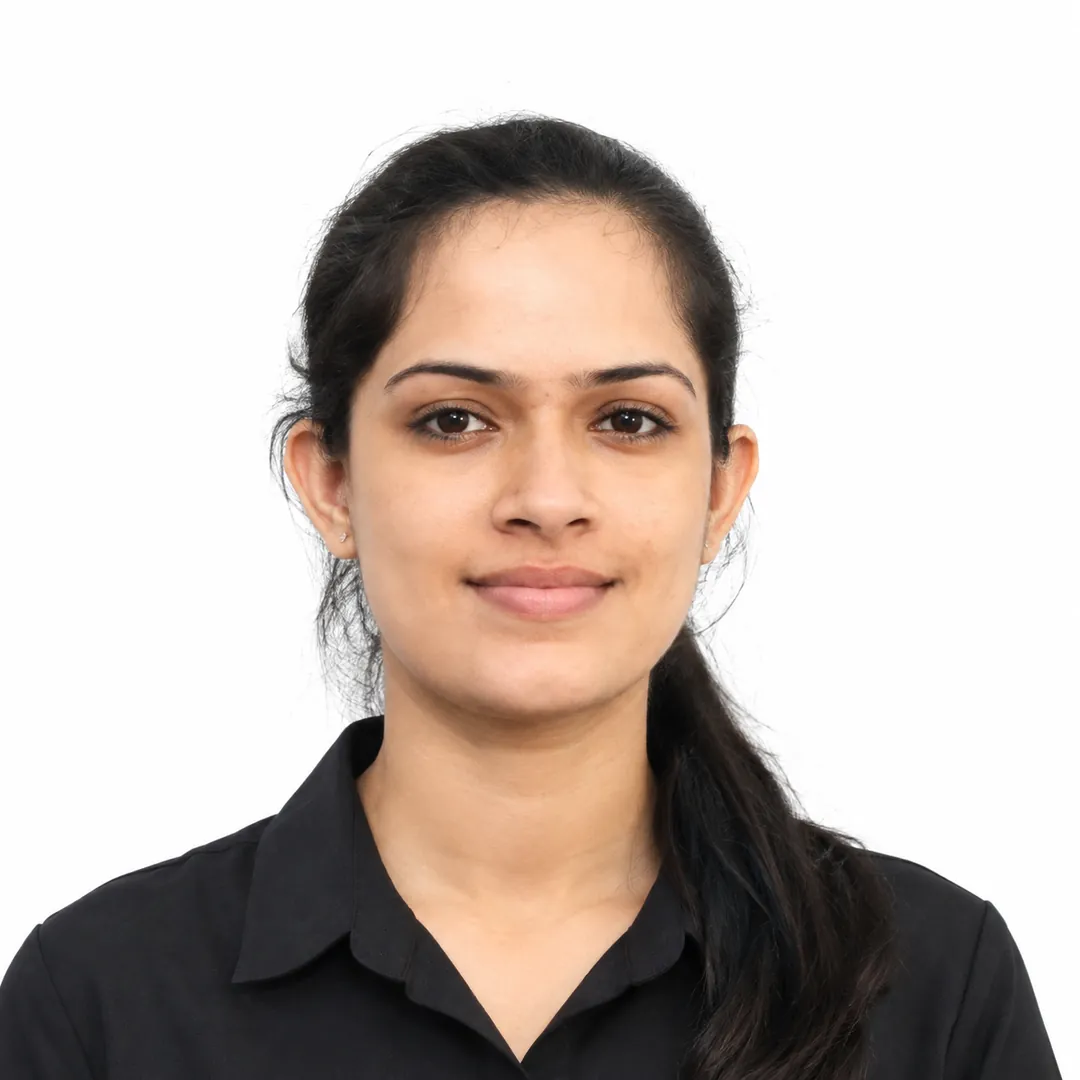
Convert the attached photo into a plain passport style picture: head and shoulders centred, facing straight at the camera, a neutral relaxed expression with the mouth closed, both ears visible, even light with no shadows on the face or wall. Background: [colour, for example white]. Clothing: [clothing, for example professional], like a collared shirt and blazer. Do not retouch, reshape or smooth the face: same features, hairstyle and skin tone as in the photo. Vertical 9:16.
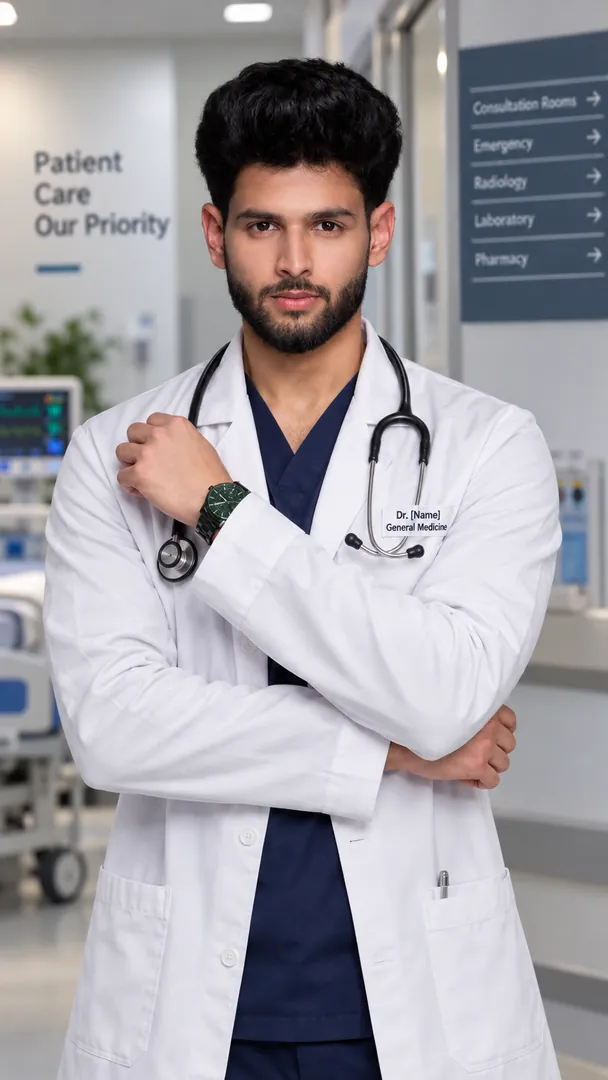
Turn the attached photo into a doctor's professional headshot: white coat over a crisp shirt, stethoscope around the neck, a calm confident expression, shoulders square to the camera. Behind them, a softly blurred [setting, for example modern clinic] with clean white walls and a hint of glass. Keep the face, hair and skin exactly as photographed. Soft studio light from the front, 85mm lens look, cool clinical tones, vertical 9:16.
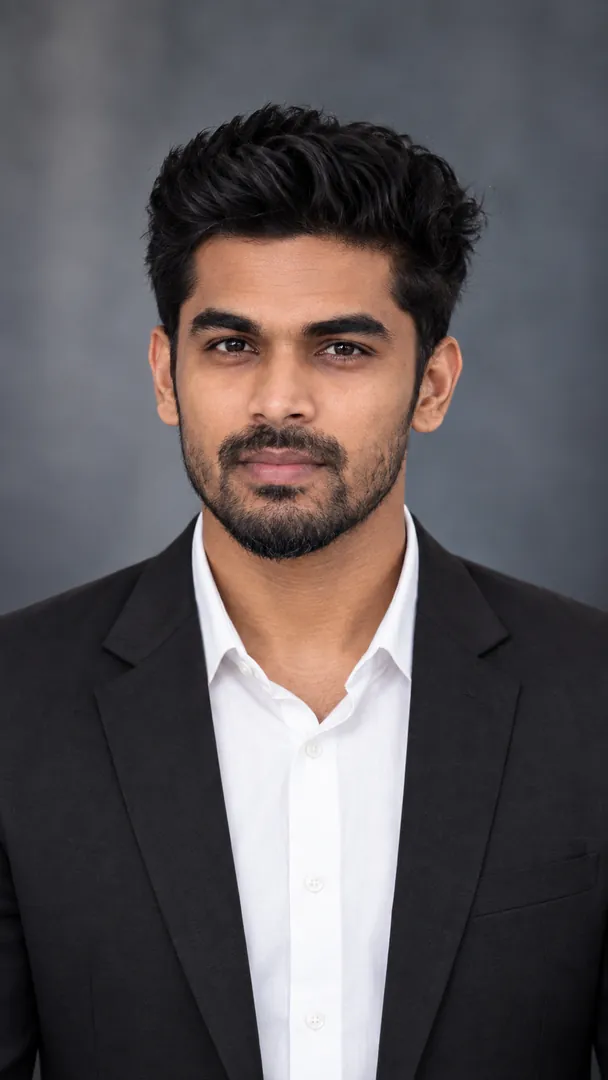
Make a business headshot from the attached photo: a tailored dark suit with an open collar shirt, shoulders squared to the camera, level eyes, a warm composed smile. Behind them, a blurred [style, for example executive office] with glass walls and a city skyline in the haze. Face, hair and skin must match the photo, with nothing smoothed away. Soft key light with gentle fill, 105mm portrait lens feel, navy and grey tones, vertical 9:16.
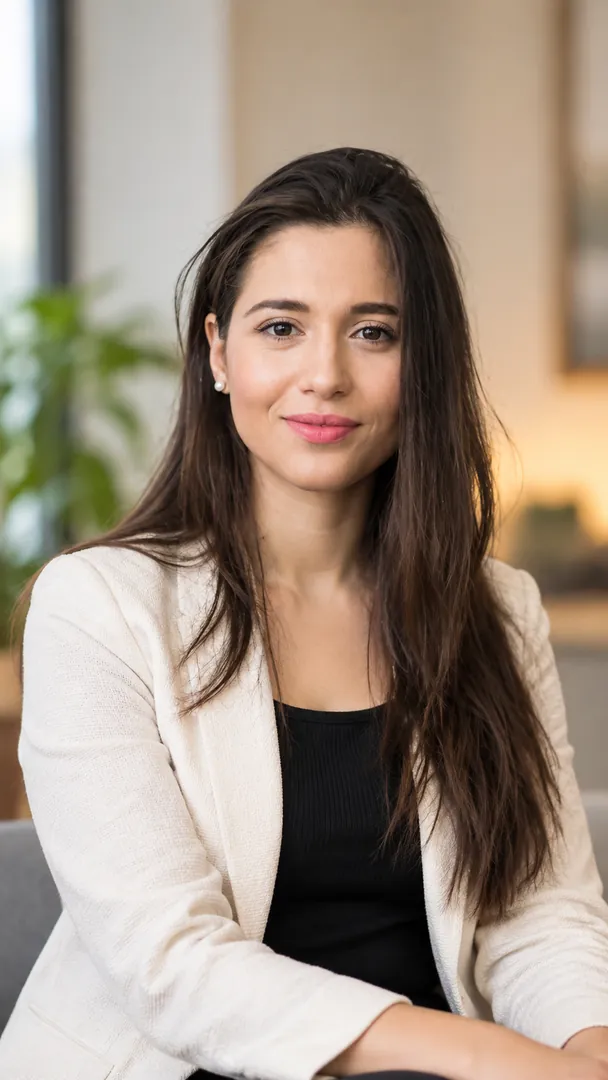
Using the attached photo, make a professional LinkedIn profile photo of me: chest- up, head centred with space above it, body turned slightly and face to the camera, a warm, confident smile. I wear [outfit, for example a tailored blazer over a plain shirt]. Background: [background, for example a softly blurred modern office]. Keep my face exactly as photographed, natural skin texture, no retouching. Soft, even front light. Vertical 9:16.
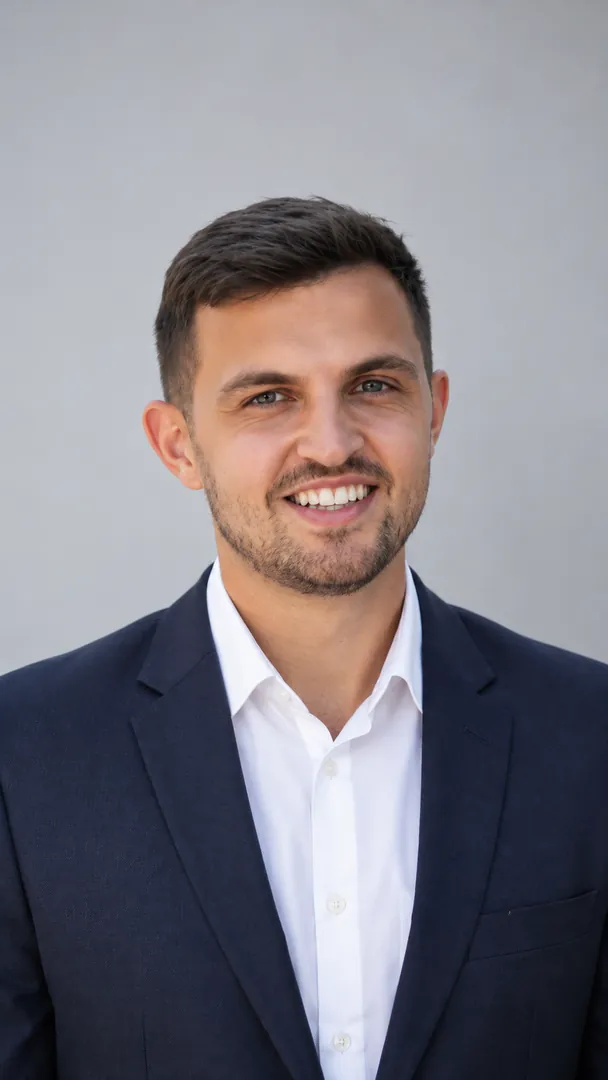
Turn the attached photo into a formal photo of me wearing [formal wear, for example a tailored navy suit with a white shirt and a plain tie], fitted naturally to my shoulders. Straight-on, chest-up, shoulders squared, level eyes, a calm pleasant expression. Plain [background, for example white] background, even studio light. Keep my face exactly as in the photo. Vertical 9:16.
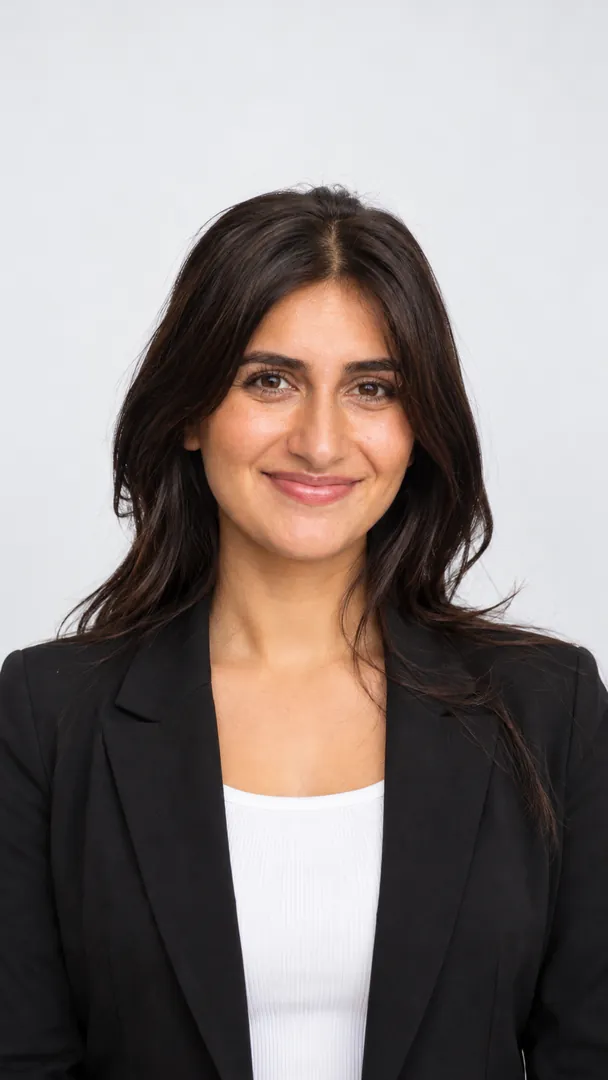
Make a resume photo from the attached photo: head and shoulders, straight-on, level eyes, a natural closed-mouth smile, hair neat. I wear [outfit, for example a smart collared shirt]. Plain [background, for example light grey] background, evenly lit with no shadow behind my head. Keep my face exactly as photographed. Vertical 9:16.
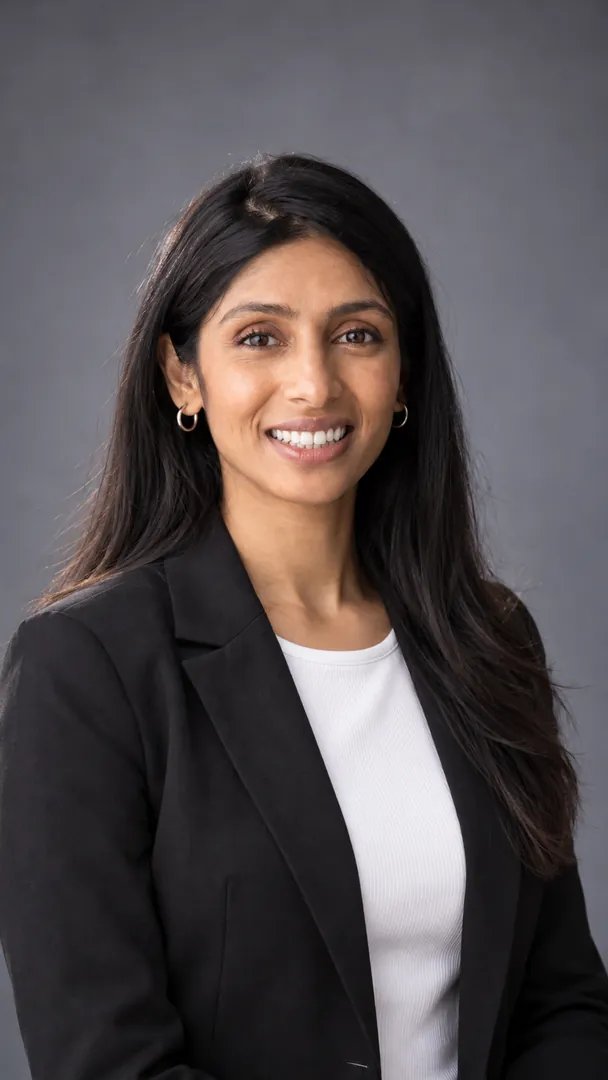
Create a classic studio headshot of me from the attached photo on a [backdrop, for example mottled grey painted canvas] backdrop: shoulders turned slightly, face to the camera, soft side light with a subtle rim light on my hair, a relaxed confident expression. I wear [outfit, for example a dark suit with a white shirt]. Keep my face exactly as in the photo. Vertical 9:16.
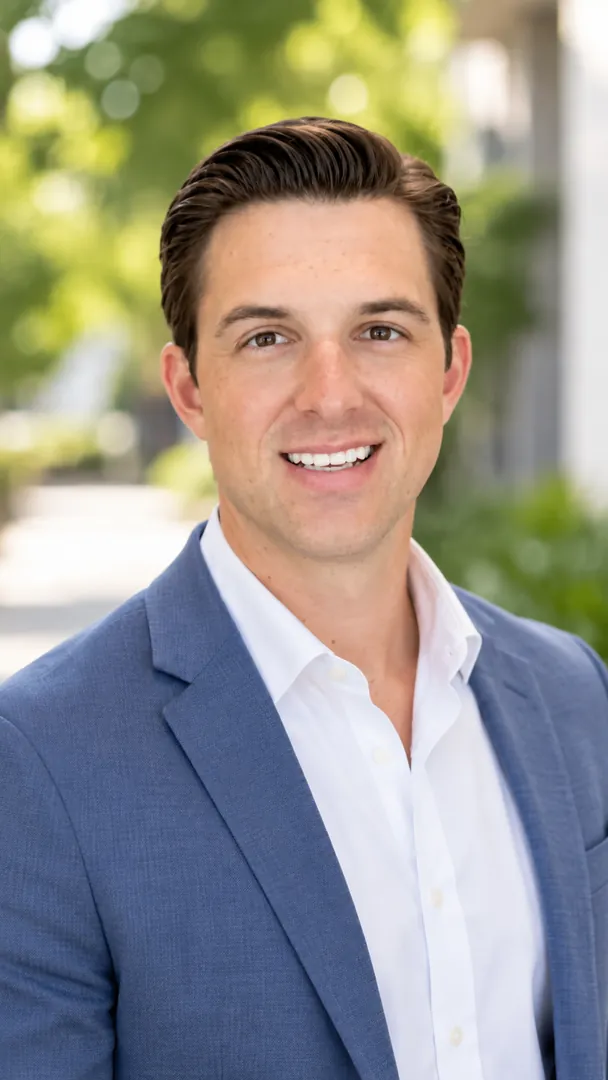
Make an outdoor headshot of me from the attached photo in soft open shade on a bright day, with [background, for example green trees in a park] melting into soft bokeh behind me, a relaxed genuine smile, chest-up and slightly off-centre. I wear [outfit, for example a tailored blazer]. Keep my face exactly as photographed, natural skin. Vertical 9:16.
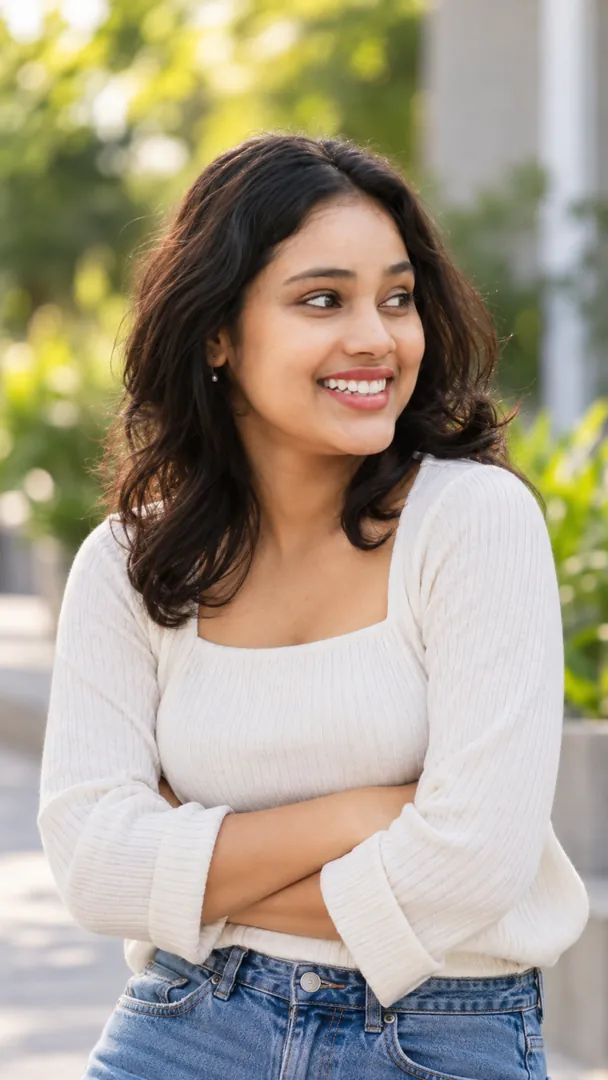
Using the attached photo, make a smart-casual team page headshot of me in [outfit, for example a crew-neck sweater], arms loosely crossed, waist-up, an easy smile, with [background, for example a bright co-working space with plants] softly blurred behind. Keep my face exactly as in the photo. Vertical 9:16.
Try Legal Portrait Pro now
Copy the free prompt above, or download Trendy AI Lab to make it with your own face.
Coming soon