
You have seen it on Instagram and on magazine covers: a big word sits behind a person, so their head and shoulders overlap the letters. It is called the text behind image effect, and it used to need careful masking in Photoshop. Here is how to make it free in your browser, and how to use it on a couple photo with both your names.
What the text behind image effect is
There are three layers: the background, the text, then the person cut out and placed back on top. The text looks printed into the scene instead of stuck over it. It works best when:
- The person fills a good part of the frame and their outline is clear.
- There is open sky, wall or space behind their head for the letters.
- The word is short: a name, a date, a place or one word like "FOREVER".
Make it in three steps
- Open the free Text Behind Image tool and upload your photo. It finds the people in it automatically.
- Type your text, then pick a font, size and colour. Bold display fonts read best behind a head.
- Move the text up or down until the top of the letters sits behind your heads, then download.
You can switch the text to a gradient, add an outline or a soft glow, and a 3D shadow if the background is busy.
Couple photo ideas with text behind you
- Both your names, such as "RIYA & ARJUN", in a wide bold font across the sky.
- The date you met or your wedding date, for an anniversary post.
- One word for the two of you: "US", "ALWAYS" or "FOREVER".
- The place from a trip photo, like "GOA" or "PARIS", in large letters behind you.
- A short line in your own language, for a status your family will understand.
Start with an AI couple wallpaper
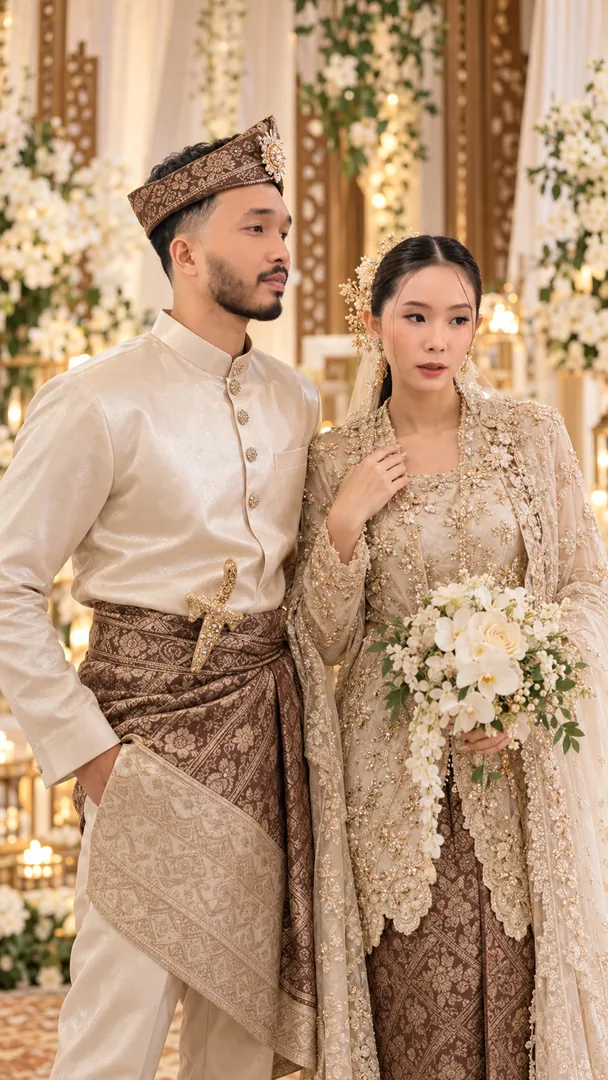
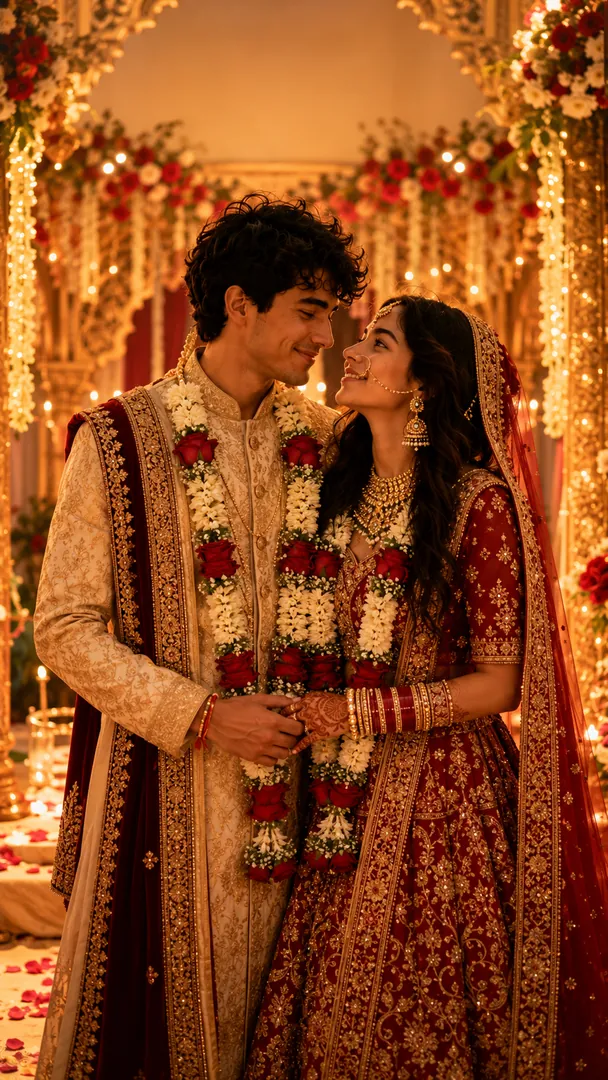
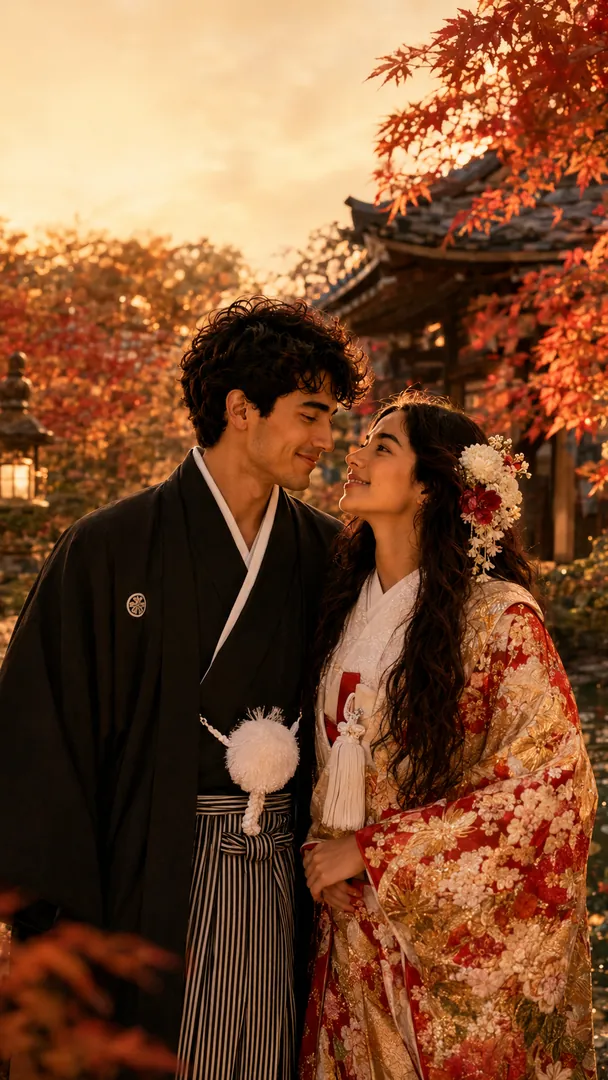
A plain photo works, but an AI couple portrait gives the effect a cleaner base: a clear outline, open sky above your heads and a 9:16 frame that fits a phone. In the Trendy AI Lab app, pick a couple style such as Anime Romance, City Nights, Fairytale Wedding or Desi Romance, upload a photo of each of you, and save the result. Then open it in the text behind image tool and add your names. Our couple wallpaper ideas post has more styles to try.
Tips for a clean result
- Keep the text on the upper half, so faces always stay fully visible.
- Pick a colour that contrasts with the background: white on a dark sky, dark on a bright one.
- If an outline looks rough around hair, choose a photo with a plainer background.
- Two short words beat one long sentence.
Ready to try it? Download Trendy AI Lab, make your AI couple wallpaper free with rewarded ads, then add your names behind it.



 Coming soon