AI photo prompts
Pick a look, copy its prompt, and paste it into ChatGPT, Gemini or Grok with your photo. Or skip the copy-paste and make the same look in one tap in the app.
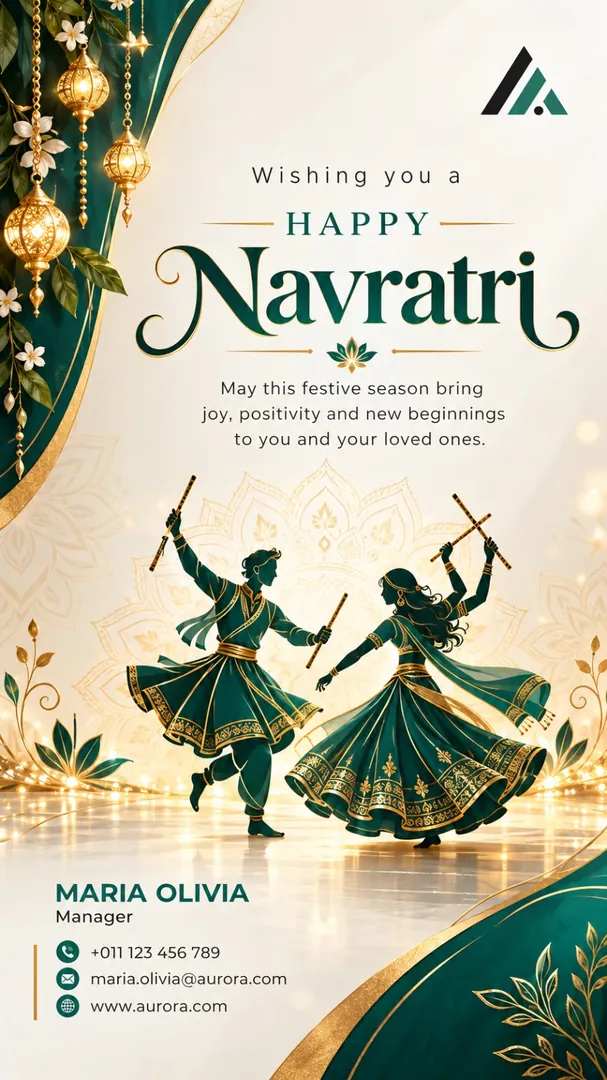 Business Wishing Card
Navratri
Business Wishing Card
Navratri
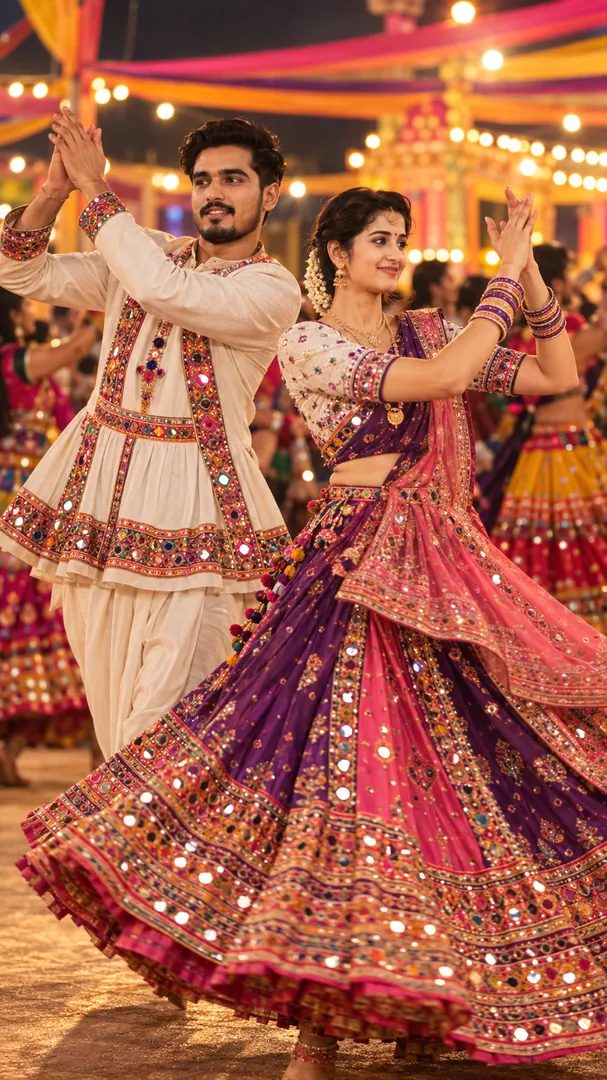 Garba Spin
Navratri
Garba Spin
Navratri
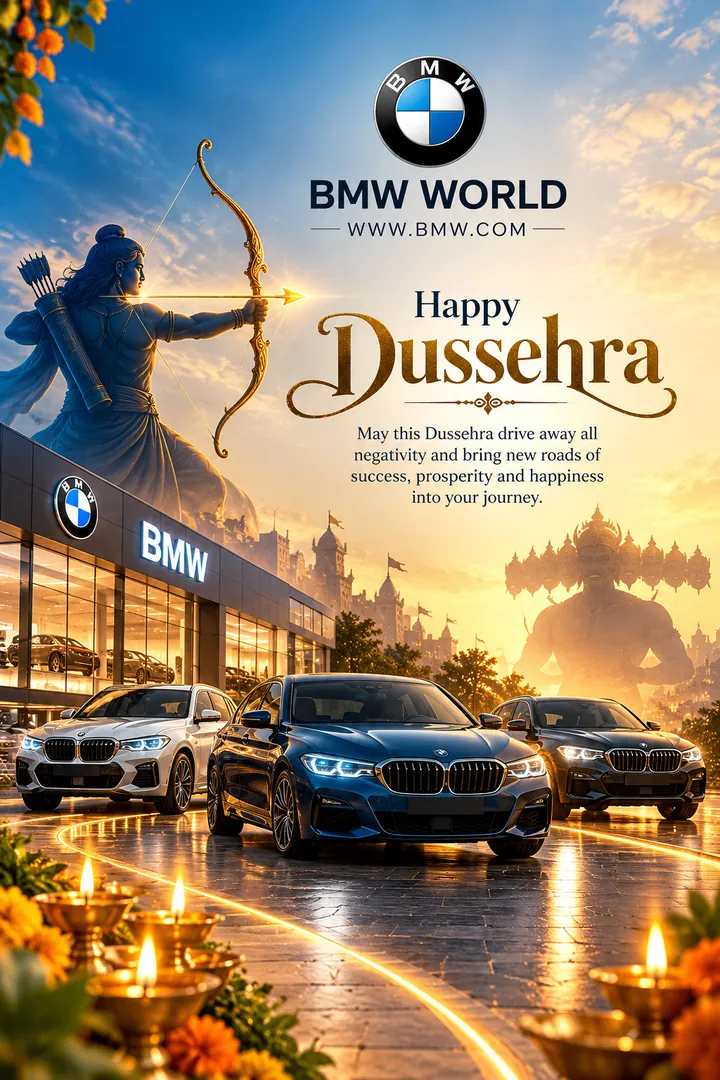 Dussehra Business Greeting
Dussehra
Dussehra Business Greeting
Dussehra
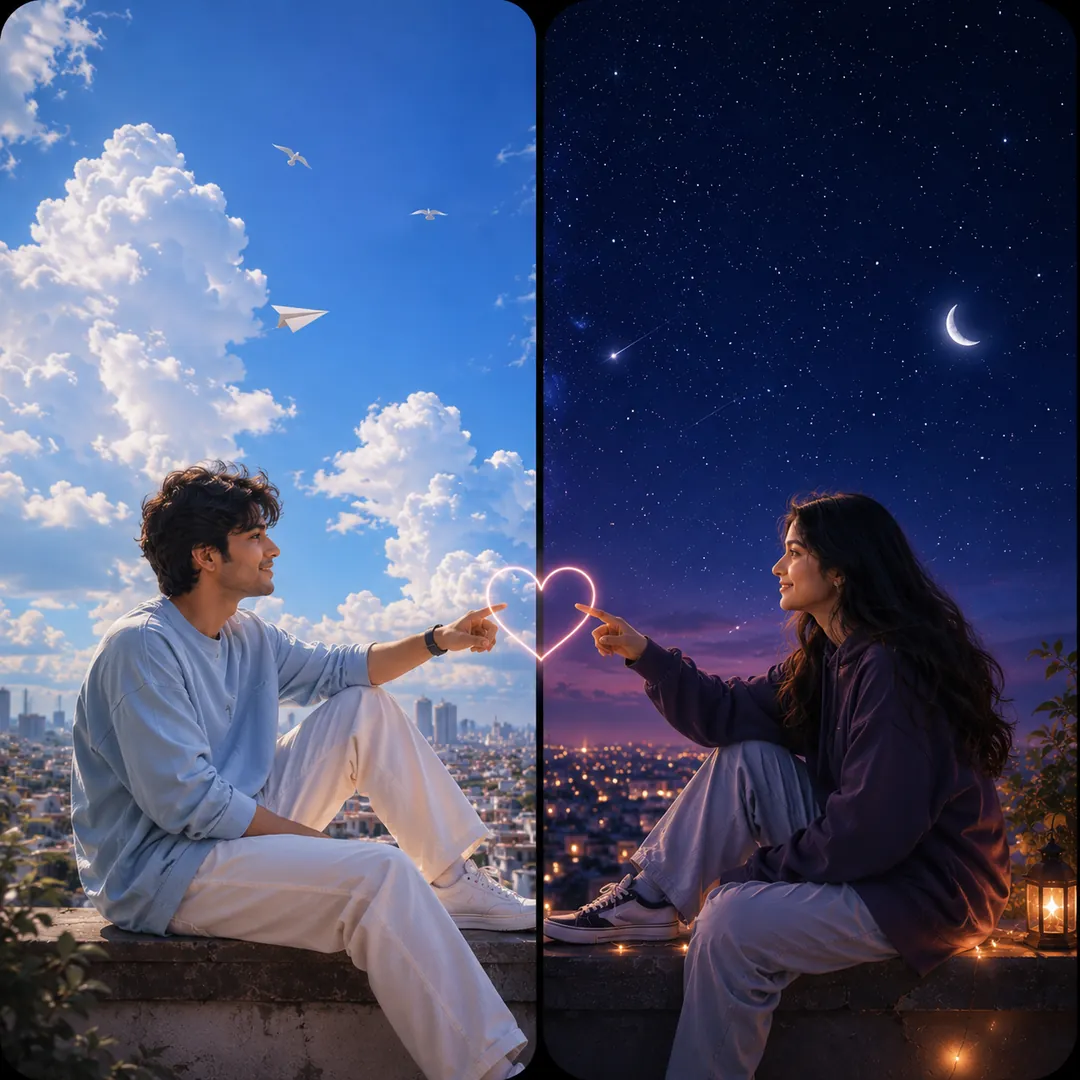 Sun & Moon Duality
Matching
Sun & Moon Duality
Matching
 1950s Suburban America
Retro
1950s Suburban America
Retro
 Explorer's Lift-Off
Birthday
Explorer's Lift-Off
Birthday
 Pop Art
Cartoon
Pop Art
Cartoon
 Vaporwave 80s
Cartoon
Vaporwave 80s
Cartoon
 Aesthetic Collage
Cartoon
Aesthetic Collage
Cartoon
 Storybook Buddy
Cartoon
Storybook Buddy
Cartoon
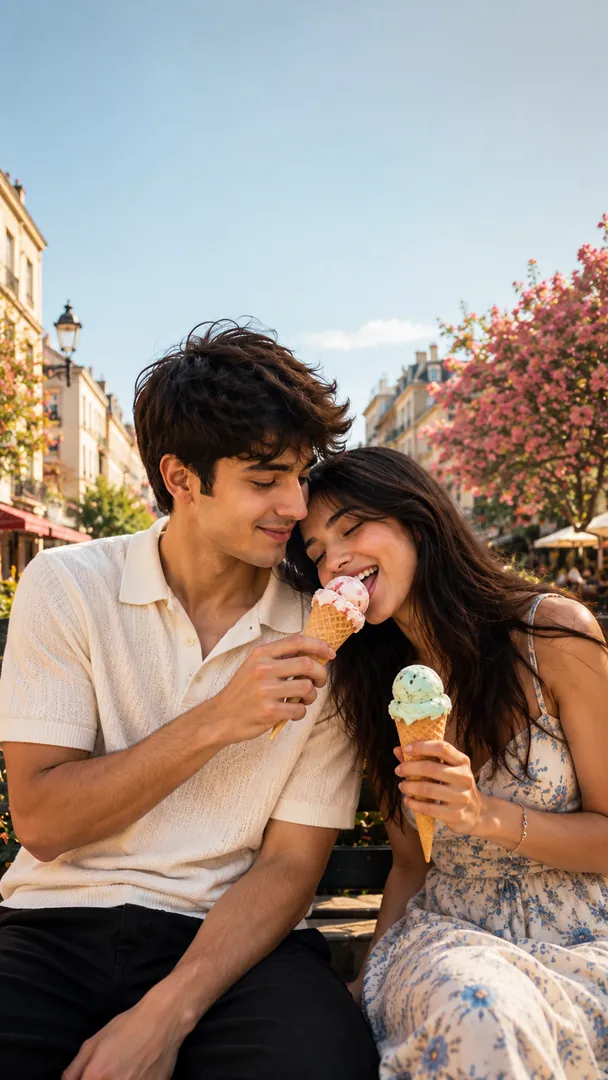 Everyday Cute
Couples
Everyday Cute
Couples
 Signature Shots
Couples
Signature Shots
Couples
 Monsoon Romance
Couples
Monsoon Romance
Couples
 Desi Romance
Couples
Desi Romance
Couples
 Anime Romance
Couples
Anime Romance
Couples
 Rakhi Thali Portrait
Rakhi
Rakhi Thali Portrait
Rakhi
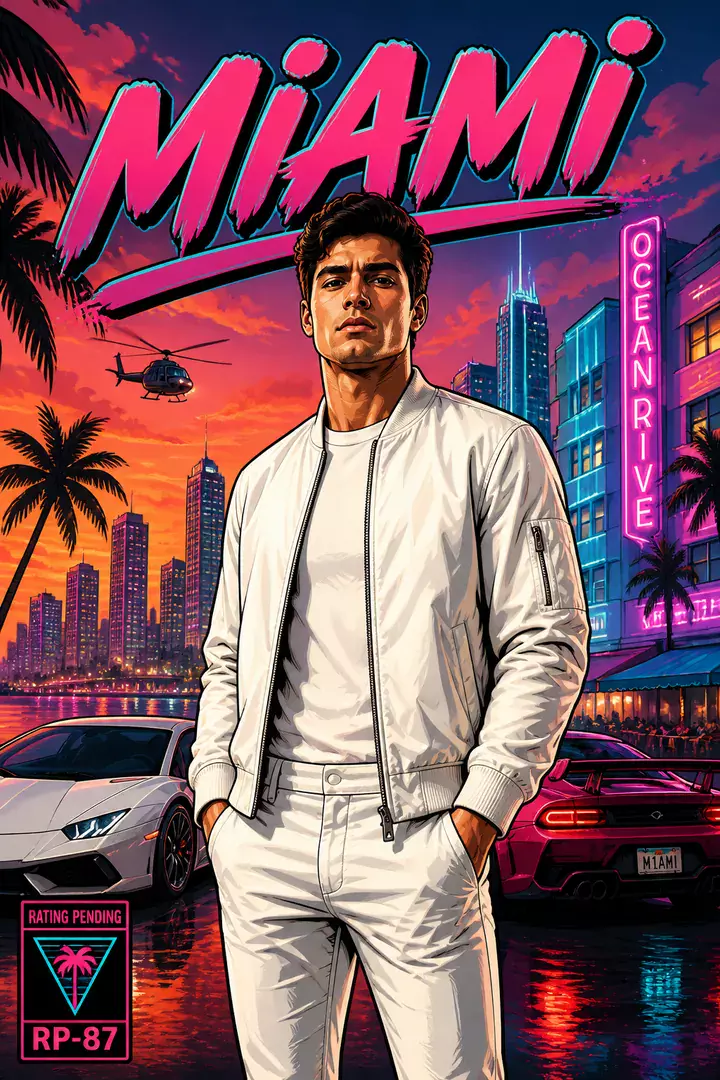 Open-World Crime
Gaming
Open-World Crime
Gaming
 Snow & Winter
Travel
Snow & Winter
Travel
 Mini-Me in Hand
Chibi
Mini-Me in Hand
Chibi
 Scrapbook Journal
Chibi
Scrapbook Journal
Chibi
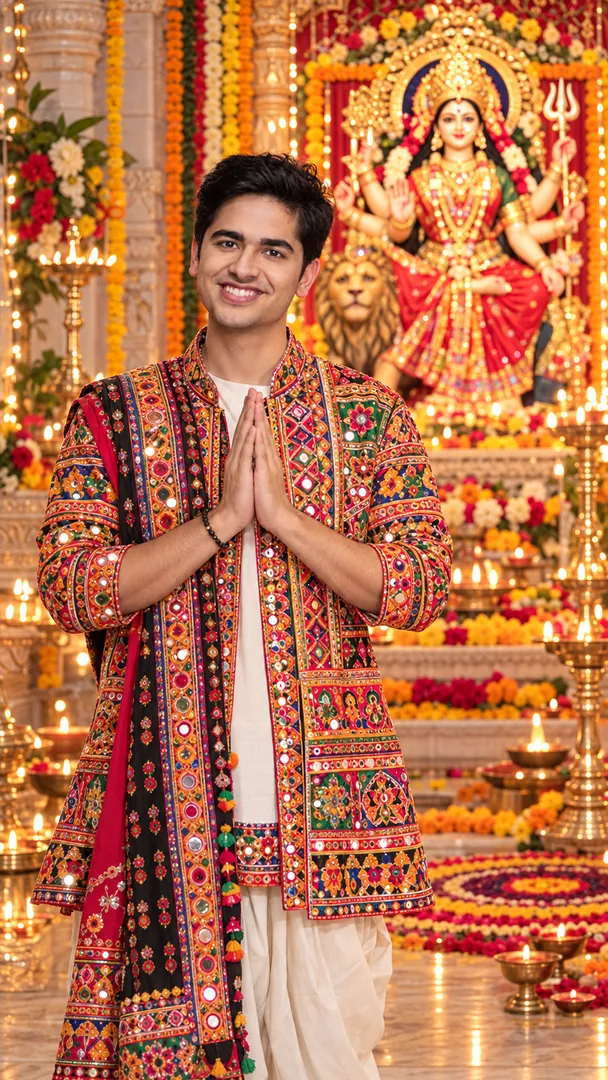 Navratri Darshan
Navratri
Navratri Darshan
Navratri
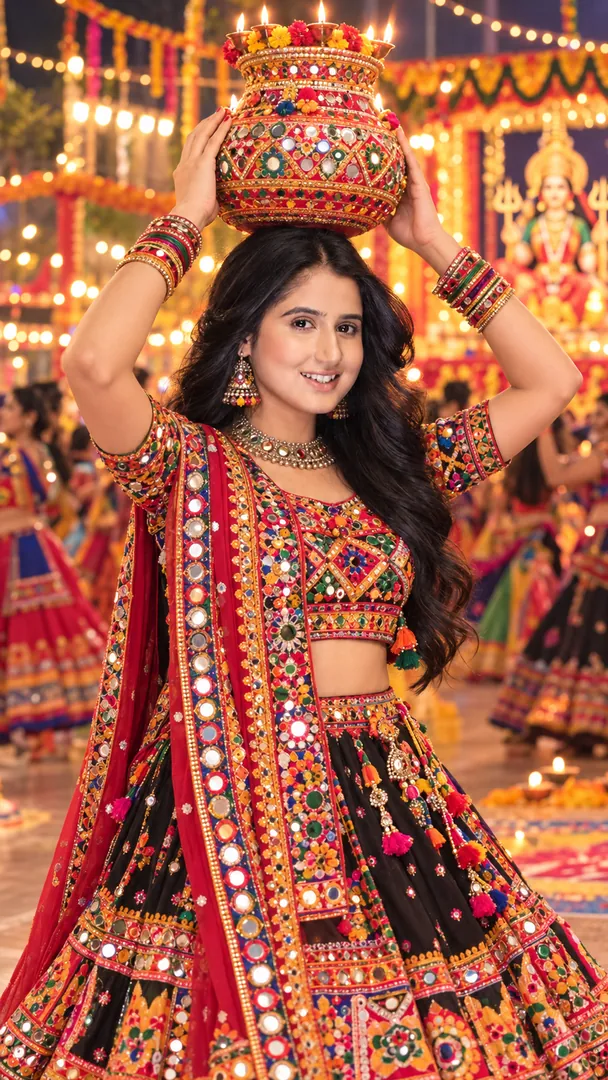 Garbo Garba
Navratri
Garbo Garba
Navratri
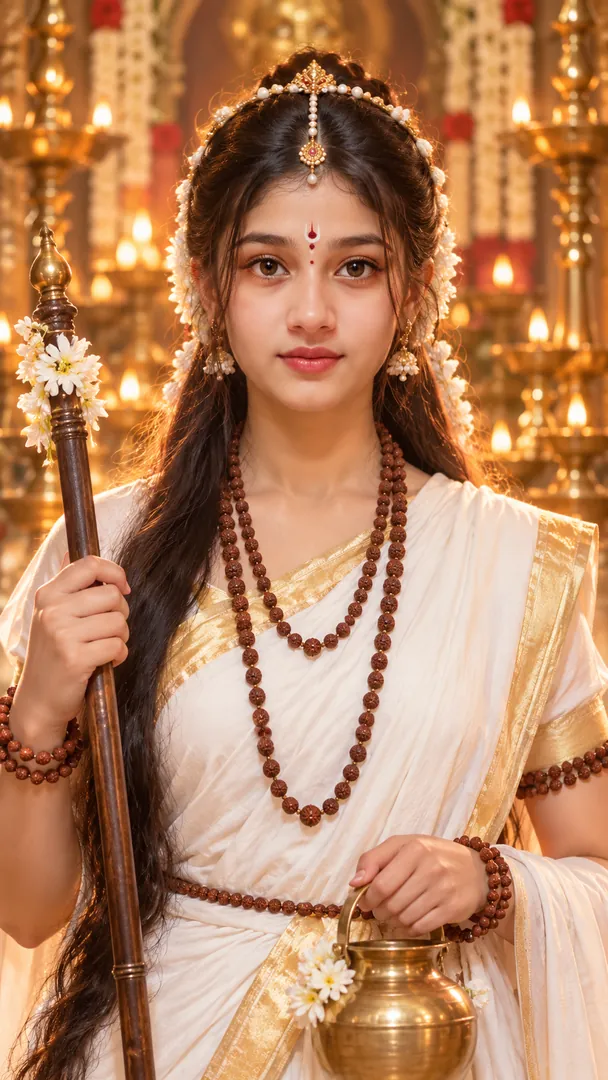 Navratri Mata Rani Getup
Navratri
Navratri Mata Rani Getup
Navratri
 Pandal Hopping
Durga Puja
Pandal Hopping
Durga Puja
 Dandiya Night
Navratri
Dandiya Night
Navratri
 Sindoor Khela
Durga Puja
Sindoor Khela
Durga Puja
 Chaniya Choli Portrait
Navratri
Chaniya Choli Portrait
Navratri
 Dhunuchi Dance
Durga Puja
Dhunuchi Dance
Durga Puja
 Kids Garba
Navratri
Kids Garba
Navratri
 Red & White Saree Portrait
Durga Puja
Red & White Saree Portrait
Durga Puja
 Nine Colours Grid
Navratri
Nine Colours Grid
Navratri
 Family Ashtami Anjali
Durga Puja
Family Ashtami Anjali
Durga Puja
 Haunted Pumpkin Farm
Halloween
Haunted Pumpkin Farm
Halloween
 Ravana Dahan Night
Dussehra
Ravana Dahan Night
Dussehra
 Victorian Haunted Mansion
Halloween
Victorian Haunted Mansion
Halloween
 Ram Leela Stage
Dussehra
Ram Leela Stage
Dussehra
How to use an AI photo prompt
Copy a prompt
Pick a look above and copy its prompt. Swap any words in square brackets for your own details.
Open your AI app
Open ChatGPT, Gemini, Grok or Copilot, attach a clear, well-lit photo of yourself and paste the prompt.
Send and save
Send it and save the image. Not quite right? Ask for one change at a time, such as the light or the outfit.
Questions about AI photo prompts
How do I use an AI photo prompt?
Pick a look, copy its prompt, then open ChatGPT, Gemini, Grok or Copilot, attach your photo and paste the prompt. Replace any words in square brackets with your own details before you send it.
Which AI apps work with these prompts?
Any image generator that accepts a photo and a text prompt. The Open in ChatGPT, Grok and Copilot buttons fill the prompt in for you; Gemini has no such link, so the prompt is copied and you paste it there.
What do the words in square brackets mean?
They are placeholders for your own choices, such as a setting, a name or a colour. Swap them for what you want, or delete them to let the AI decide.
Are the prompts free?
Yes. Copy as many as you like, with no account and no sign-up.
Will my face stay the same?
Every prompt asks the AI to keep your face, skin tone and features unchanged, but general chat apps can still drift. The Trendy AI Lab app makes the same looks in one tap from your selfie.