
AI prompt for Dandiya Night
- Copy the prompt
- Open your AI app
- Attach your photo and send
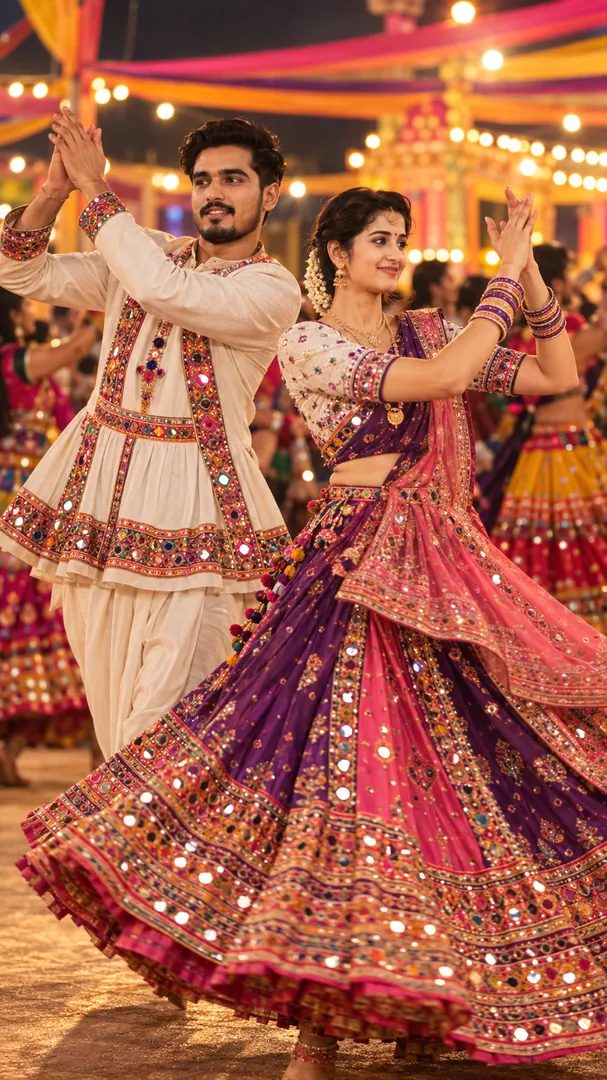
Show me with dandiya sticks raised mid raas at a properly lit Dandiya night, using my attached photo, wearing [outfit, for example traditional Garba wear]. Keep my face unchanged. A circle of dancers in colourful costumes behind me, [lighting mood, for example warm golden festival lighting with soft glowing bokeh], an energetic pose, 35mm lens. Vertical 9:16.
Prefer one tap with no pasting, and your face kept the same? Use the app.

 Coming soon
More Dandiya Night examples

What is the Dandiya Night effect?
Dandiya Night is an AI photo effect from the Navratri collection in the Trendy AI Lab app. Upload a selfie and the AI recreates it in this style in seconds, so you get a polished, share-worthy image with no editing skills needed.
How to get the best Dandiya Night result
Use a clear, well-lit photo showing your full face so the festival lighting and jewellery detail sit naturally on it.
What you get from Dandiya Night
Dandiya Night returns a tall 9:16 image, sized to fill a phone screen. It works from one photo and you can set Outfit and Lighting mood before generating.
More about Navratri
The Navratri collection turns your photo into festive AI Garba photos, a mid-spin Garba portrait, a Dandiya night, a detailed chaniya choli fashion portrait, a kids' twirl and a nine-colour look grid, keeping your face recognizable while the outfit, venue and lighting are styled around you.
Make your Dandiya Night in three taps
Pick a style
Choose this look in the Trendy AI Lab app, no design skills needed.
Upload a selfie
Add a photo from your gallery. It's used only to make your image.
Generate & share
Your AI image is ready in seconds, download or share it anywhere.
Questions about Dandiya Night
How do I make a Dandiya Night photo?
Open the Trendy AI Lab app, choose the Dandiya Night style, upload one photo, and the app generates your image in seconds.
What photo works best for Dandiya Night?
Use a clear, well-lit photo showing your full face so the festival lighting and jewellery detail sit naturally on it.
How many photos does Dandiya Night need?
Just one. Dandiya Night works from a single upload, and you can run it again on a different photo as often as you like.
Can I personalise my Dandiya Night photo?
Yes. Dandiya Night lets you set Outfit and Lighting mood before you generate, so two people running the same style get different results.
Which platforms is it available on?
The image tools work in any browser, on phone or desktop. The AI trends are in the Android app, with the iOS version coming soon.
More Navratri styles
View all →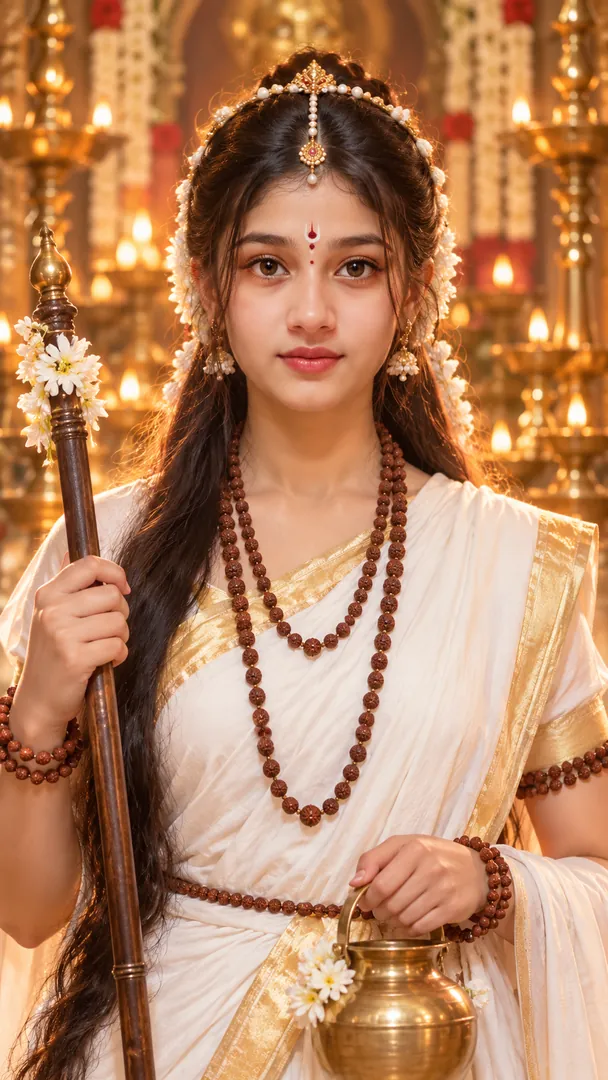
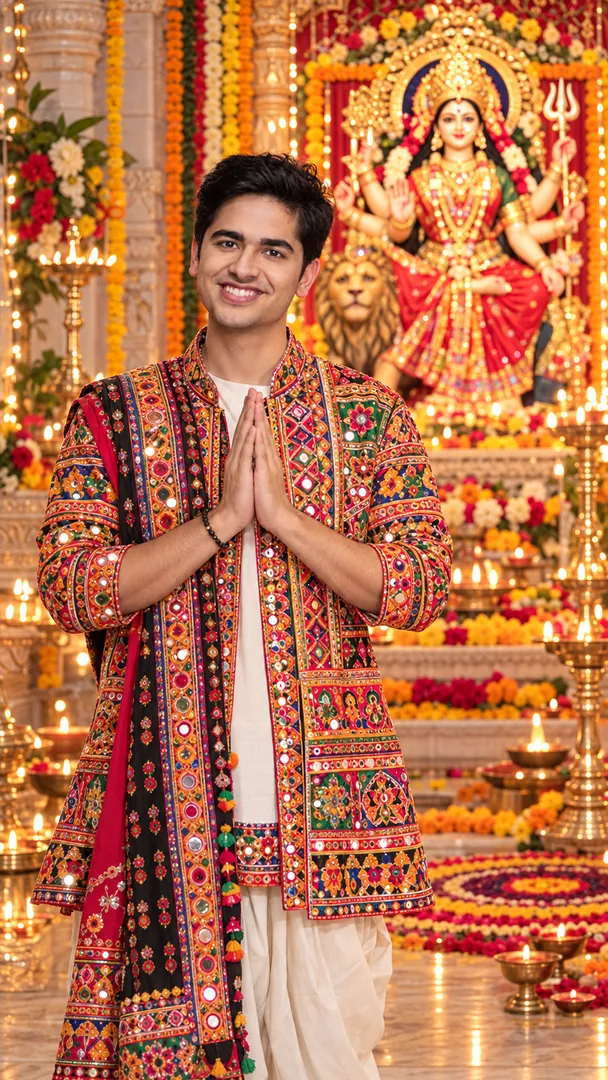
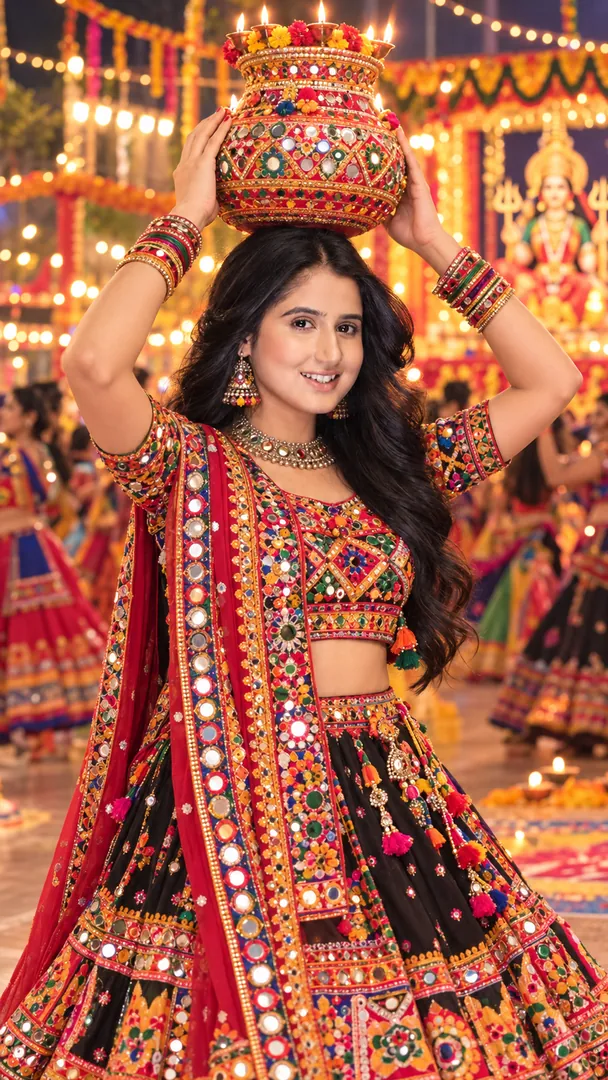
Show me from the attached photo performing Garba with a decorated, lit clay Garbo pot balanced on my head and both hands lightly steadying it, in traditional Gujarati festive dress such as chaniya choli or kediyu with dhoti, mirror work catching the light. A courtyard at night, strings of marigold and fairy lights. My face and features stay exactly the same. Joyful calm smile, warm glow, 50mm lens, a hint of swirling motion, vertical 9:16.
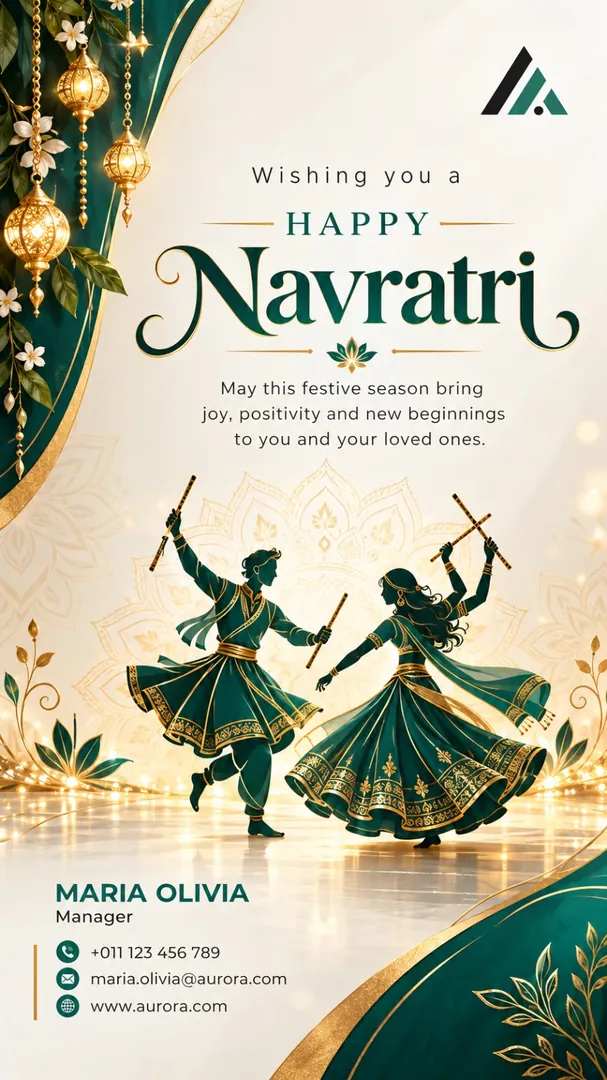
Design a Navratri greeting poster from the attached business card, using the business name, address, phone and logo exactly as printed, nothing redrawn or invented. Greeting: [greeting, for example Happy Navratri]. Business: [business name], [industry, for example retail store]. Give it [region, for example Gujarat]'s festive look: dandiya sticks, a glowing clay pot, mirror work, in deep purple and warm gold, with one or two tools of the trade placed neatly. Clean readable lettering, generous margins, vertical 9:16.


Try Dandiya Night now
Copy the free prompt above, or download Trendy AI Lab to make it with your own face.
Coming soon