AI photo prompts
Pick a look, copy its prompt, and paste it into ChatGPT, Gemini or Grok with your photo. Or skip the copy-paste and make the same look in one tap in the app.
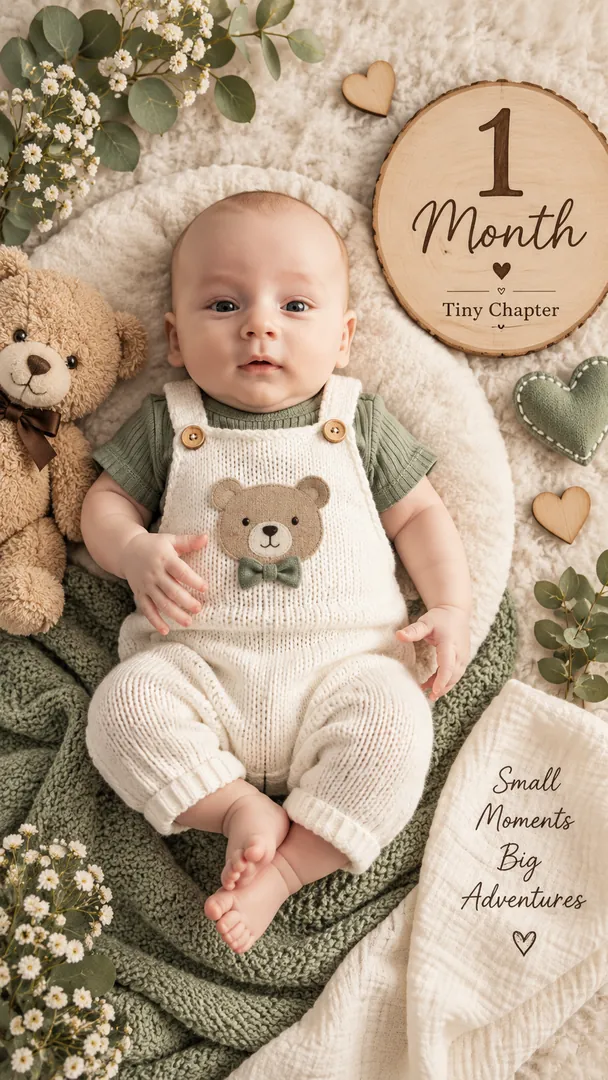 Tiny Chapters
Baby Photoshoot
Tiny Chapters
Baby Photoshoot
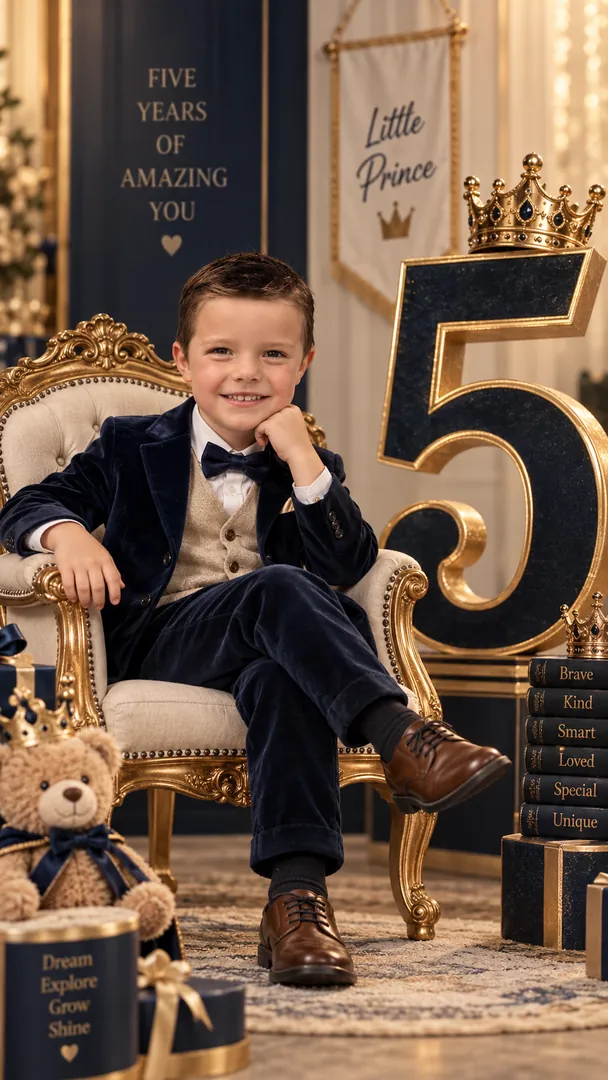 Growing Chapter
Baby Photoshoot
Growing Chapter
Baby Photoshoot
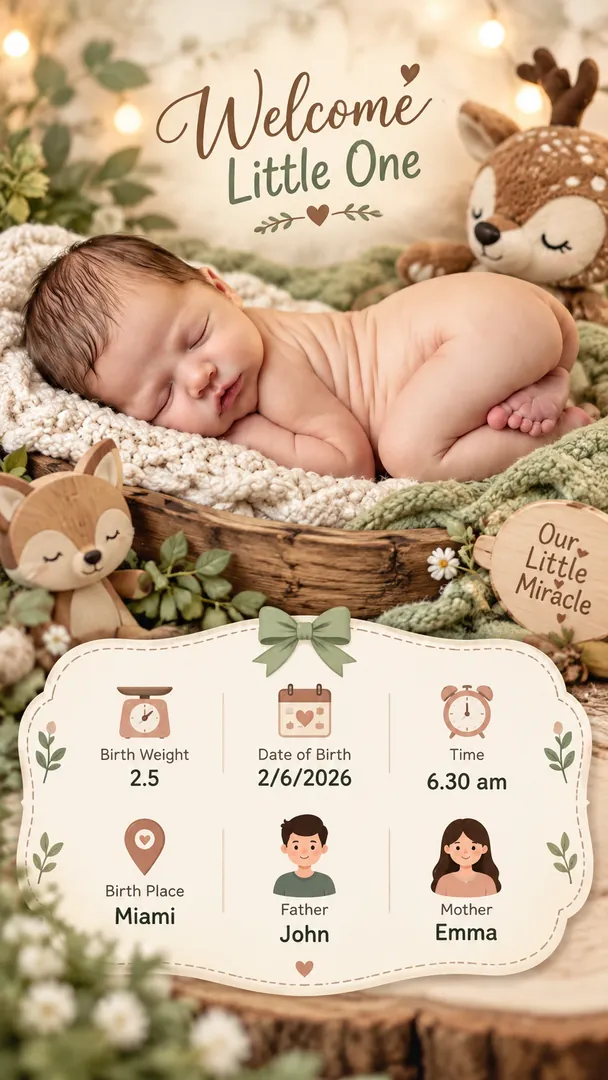 First Hello
Baby Photoshoot
First Hello
Baby Photoshoot
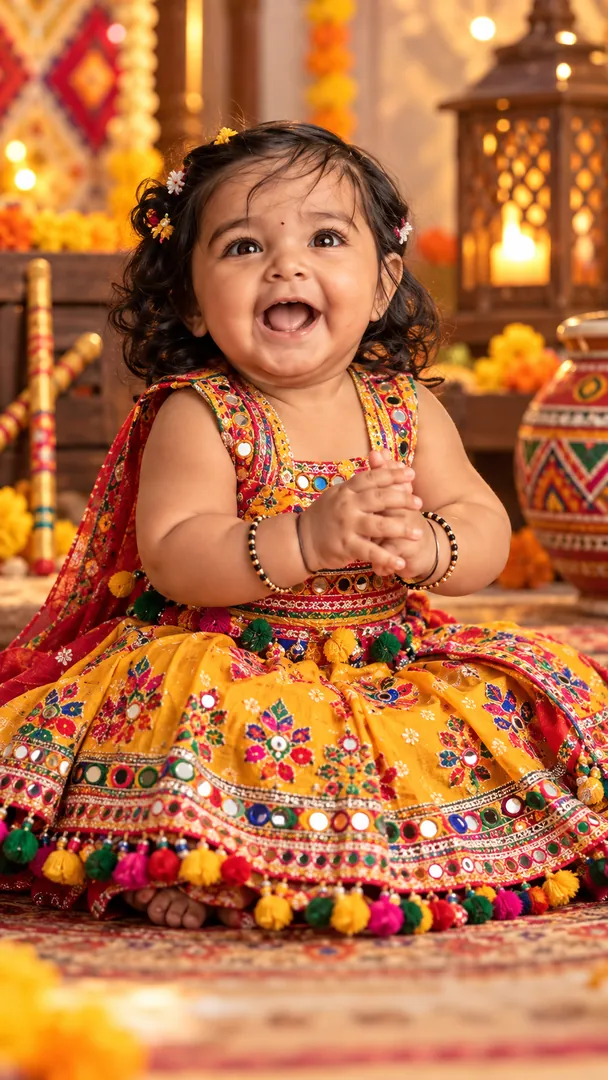 Festive Photoshoot
Baby Photoshoot
Festive Photoshoot
Baby Photoshoot
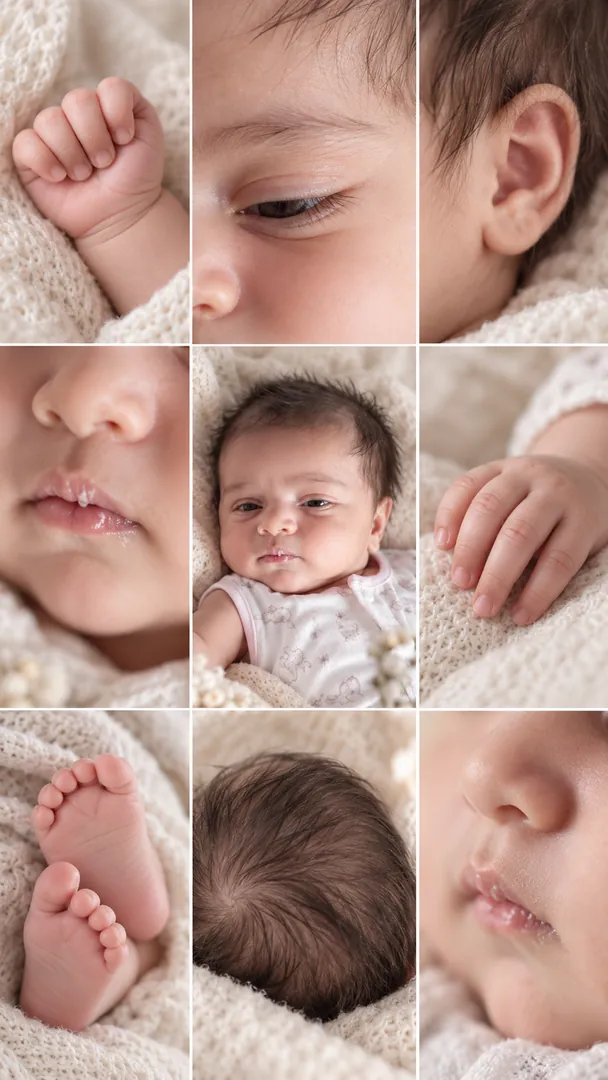 Tiny Details
Baby Photoshoot
Tiny Details
Baby Photoshoot
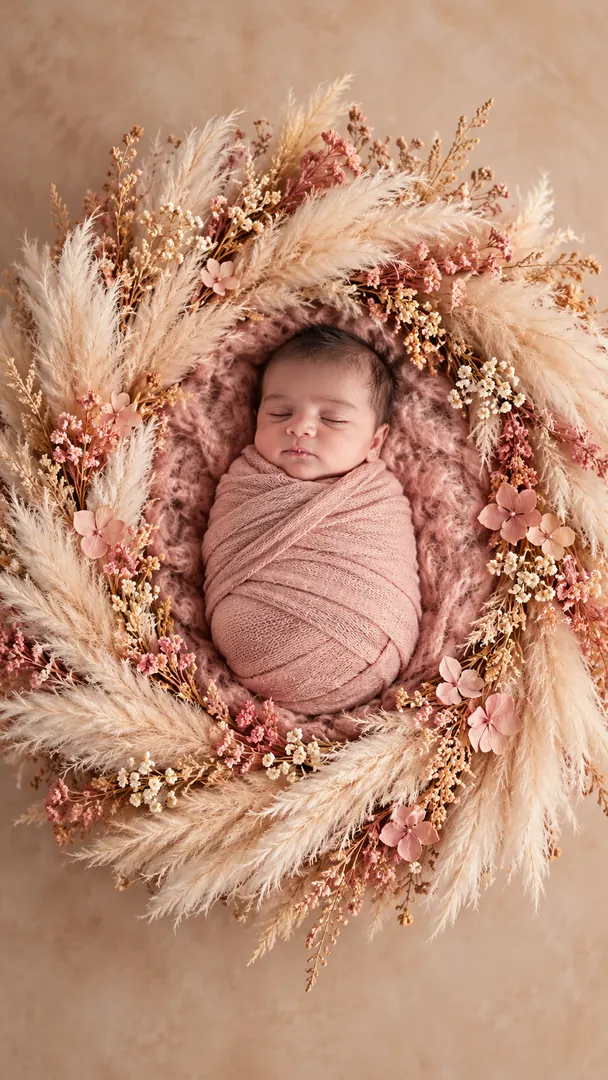 Wrapped in Wonder
Baby Photoshoot
Wrapped in Wonder
Baby Photoshoot
 Diya Wall Portrait
Diwali
Diya Wall Portrait
Diwali
 Rangoli Courtyard
Diwali
Rangoli Courtyard
Diwali
 Sparkler Night
Diwali
Sparkler Night
Diwali
 Lakshmi Puja at Home
Diwali
Lakshmi Puja at Home
Diwali
 Diwali Couple Glow
Diwali
Diwali Couple Glow
Diwali
 1980s Street Style
Retro
1980s Street Style
Retro
 1950s American Diner
Retro
1950s American Diner
Retro
 1980s Cinema Night
Retro
1980s Cinema Night
Retro
 Retro Roller Skating Night
Retro
Retro Roller Skating Night
Retro
 1970s Living Room
Retro
1970s Living Room
Retro
 1980s Rock & Roll
Retro
1980s Rock & Roll
Retro
 Classic American Muscle Cars
Retro
Classic American Muscle Cars
Retro
 1990s Nostalgia
Retro
1990s Nostalgia
Retro
 Retro Shopping Mall
Retro
Retro Shopping Mall
Retro
 Vintage Roadside Café
Retro
Vintage Roadside Café
Retro
 Polaroid Summer America
Retro
Polaroid Summer America
Retro
 Vintage County Fair
Retro
Vintage County Fair
Retro
 1980s California Beach
Retro
1980s California Beach
Retro
 American Retro Music Night
Retro
American Retro Music Night
Retro
 Old Route 66 America
Retro
Old Route 66 America
Retro
 Spotlight
Birthday
Spotlight
Birthday
 Milestone Poster
Birthday
Milestone Poster
Birthday
 Meet Your Younger Self
Birthday
Meet Your Younger Self
Birthday
 Cake Smash
Birthday
Cake Smash
Birthday
 Storybook Fairytale
Birthday
Storybook Fairytale
Birthday
 Superstar Studio
Birthday
Superstar Studio
Birthday
 Floral Collage
Birthday
Floral Collage
Birthday
 Fairy Garden Princess
Birthday
Fairy Garden Princess
Birthday
 Aesthetic Glow
Birthday
Aesthetic Glow
Birthday
 Photocard Booth
Birthday
Photocard Booth
Birthday
How to use an AI photo prompt
Copy a prompt
Pick a look above and copy its prompt. Swap any words in square brackets for your own details.
Open your AI app
Open ChatGPT, Gemini, Grok or Copilot, attach a clear, well-lit photo of yourself and paste the prompt.
Send and save
Send it and save the image. Not quite right? Ask for one change at a time, such as the light or the outfit.
Questions about AI photo prompts
How do I use an AI photo prompt?
Pick a look, copy its prompt, then open ChatGPT, Gemini, Grok or Copilot, attach your photo and paste the prompt. Replace any words in square brackets with your own details before you send it.
Which AI apps work with these prompts?
Any image generator that accepts a photo and a text prompt. The Open in ChatGPT, Grok and Copilot buttons fill the prompt in for you; Gemini has no such link, so the prompt is copied and you paste it there.
What do the words in square brackets mean?
They are placeholders for your own choices, such as a setting, a name or a colour. Swap them for what you want, or delete them to let the AI decide.
Are the prompts free?
Yes. Copy as many as you like, with no account and no sign-up.
Will my face stay the same?
Every prompt asks the AI to keep your face, skin tone and features unchanged, but general chat apps can still drift. The Trendy AI Lab app makes the same looks in one tap from your selfie.