esc
↑ ↓ to move↵ to openesc to close
Blog

Diwali Wishes for Business: Make a Greeting Card With Your Logo or Photo

Diwali Wishes for Business: Make a Greeting Card With Your Logo or Photo

Diwali is the one week of the year when a shop, a clinic or a small brand can send every customer a message and have it welcomed. A greeting with your own logo or your own face gets noticed more than a forwarded image. Diwali falls on 8 November in 2026, so now is the time to get your card ready.

Three ways to make a Diwali card

These styles live in the Diwali collection.

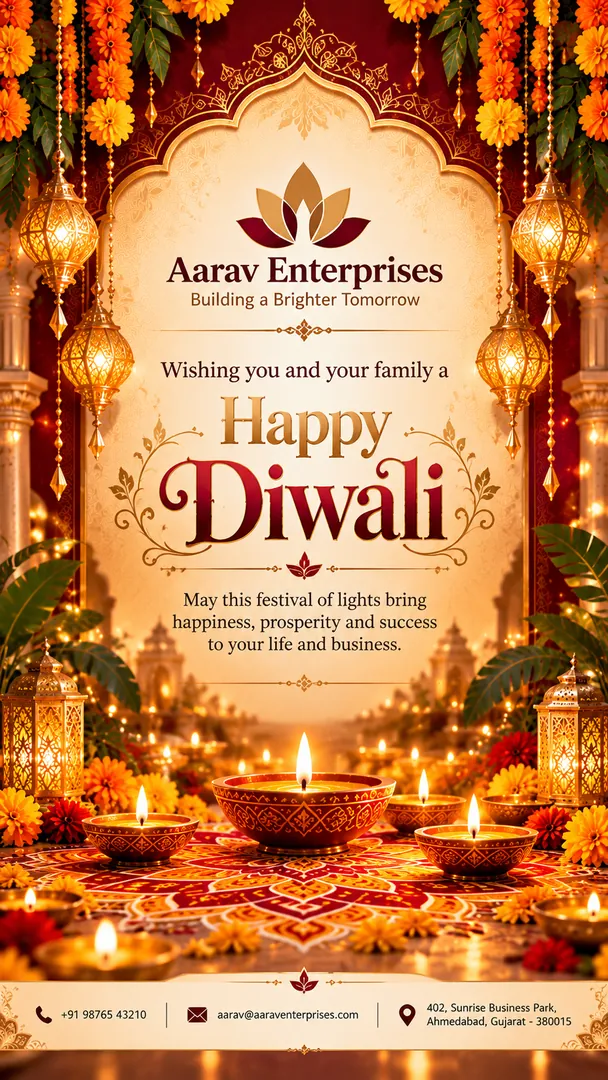
  • Diwali Business Wishes Card. Upload your logo or your visiting card. The card uses your brand colors and the contact details you actually give it, never invented ones. You choose the design style and the greeting text.
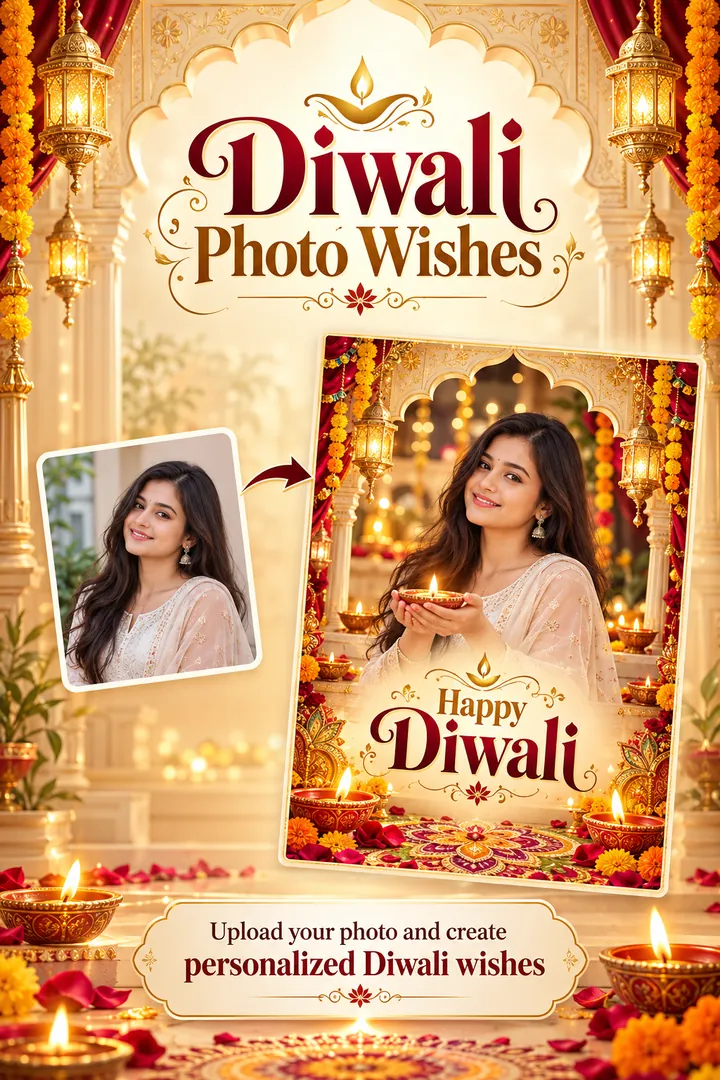
  • Diwali Photo Wishes. Upload your photo and add your greeting. Good for a shop owner, a doctor or an agent whose customers know their face.
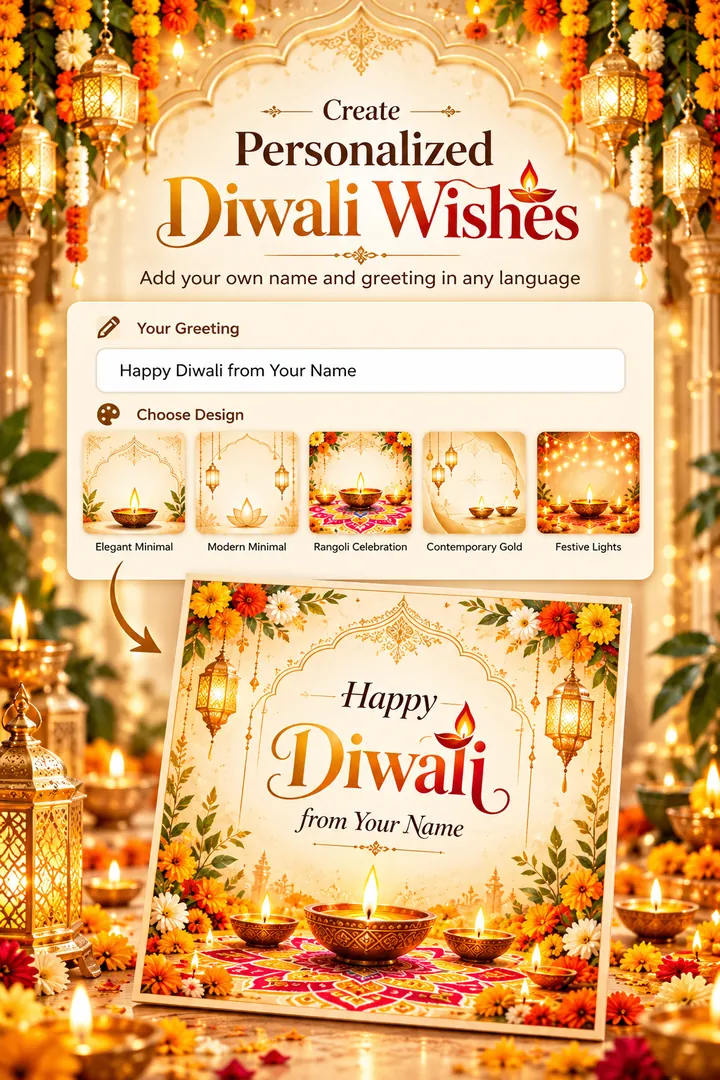
  • Dynamic Diwali Wishes. A card with your name and your wishes, in any language, with no photo needed. Pick one of several light designs with diyas, rangoli and gold.

Diwali wishes for business clients you can copy

Keep it short. One line of thanks and one line of good wishes is enough on a card.

  • Thank you for your trust this year. Wishing you and your family a bright and prosperous Diwali.
  • May this Diwali bring light to your home and growth to your business. Happy Diwali from all of us.
  • Wishing our customers, partners and their families a safe and joyful Diwali.
  • Thank you for being with us. Here is to a sweet Diwali and a strong year ahead.
  • Shubh Deepavali! Thank you for your support, and best wishes for the new year.

For partners and associates, add a line about working together next year. For customers, thank them and keep it warm.

Where to send it

  • WhatsApp Business: send it to your broadcast list and set it as your status.
  • Instagram and Facebook: post it on your page and pin it for the week.
  • Google Business Profile: add it as an update, so people searching for you see it.
  • Print: a card with your logo works on a counter or with each delivery.

Key facts about Diwali

  • Diwali means "row of lights", from the Sanskrit dipavali. (BBC)
  • It falls on the new moon night of the month of Kartika and is celebrated over five days. (Incredible India)
  • Business people see Diwali as a good day to start a new accounting year, because of its link with Lakshmi, the goddess of wealth. (BBC)

How to make your card

  1. Open the Diwali collection and pick one of the three styles above.
  2. Upload your logo, visiting card or photo, or skip the upload for Dynamic Diwali Wishes.
  3. Choose the design and type your greeting. Use your real business name and details.
  4. Generate, then share to WhatsApp, Instagram or your page.

A tip for logos

Use a clear, flat image of your logo on a plain background, not a blurry photo of a signboard. If your logo has a messy background, clean it up first with the free background remover. For your own photo, a front-facing picture in soft light works best.

Copy the free prompt for any of these styles, or download Trendy AI Lab and make your Diwali business card in the app with a plan.

Supal Savaliya · Founder, Trendy AI Lab

Supal Savaliya founded Trendy AI Lab and built the app's style catalog. They test every style on real photos before it ships, and base these guides on what actually works rather than on the marketing copy. Last reviewed . Spotted something wrong? Tell us and we will correct it.

Try these Diwali styles

View all →
Diwali Business Wishes Card: AI Diwali photo effect

Using the attached photo of me, create a tall 9:16 image in the Diwali Business Wishes Card style from the Diwali collection. Create personalized Diwali business greetings using your visiting card, original logo, brand colors, and available contact details. Keep my face, skin tone and features exactly the same. Realistic detail and natural light, no text unless asked. Fill in these details: Design Style: [your design style], Greeting Text: [your greeting text].

Diwali Business Wishes CardDiwali
Diya Wall Portrait: AI Diwali photo effect

Create a Diwali portrait of me from the attached photo, standing before a wall of lit brass diyas set in niches, with marigold garlands and a rangoli at my feet, wearing [outfit, for example traditional festive wear]. Keep my face exactly as photographed. Warm gold glow and soft bokeh, with clear space at the top for the greeting [Happy Diwali], spelled exactly. 85mm lens, vertical 9:16.

Diya Wall PortraitDiwali
Rangoli Courtyard: AI Diwali photo effect

Show everyone in the attached photo gathered around an intricate rangoli in a courtyard, lit by diyas and strings of fairy lights, in [outfit, for example traditional Indian festive wear]. Rangoli: [rangoli style, for example a large floral petal design in marigold orange and rose pink]. Keep every face exactly as in the photo. Evening light, relaxed smiles, and the greeting [Happy Diwali] spelled exactly. Vertical 9:16.

Rangoli CourtyardDiwali
Dynamic Diwali Wishes: AI Diwali photo effect

Using the attached photo of me, create a tall 9:16 image in the Dynamic Diwali Wishes style from the Diwali collection. Create a beautiful personalized Diwali greeting card with your own name and wishes in any language. Choose from five elegant light-theme designs featuring diyas, rangoli, golden accents, and festive lights. Perfect for sharing with family and friends on WhatsApp and social media. No photo upload required. Keep my face, skin tone and features exactly the same. Realistic detail and natural light, no text unless asked. Fill in these details: Choose Design: [your choose design], Your Greeting: [your your greeting].

Dynamic Diwali WishesDiwali
Sparkler Night: AI Diwali photo effect

Make a Diwali sparkler night from the attached photo: the person holding a lit sparkler at arm's length, trails of light drawn in the dark air, rows of diyas and warm bokeh behind. Outfit: [outfit, for example a bright traditional festive outfit]. Effect: [sparkler effect, for example long golden sparkler trails]. Keep the face exactly as in the photo, natural and safe. Greeting [Happy Diwali], spelled exactly. Vertical 9:16.

Sparkler NightDiwali
Lakshmi Puja at Home: AI Diwali photo effect

Show me quietly at the home altar for Lakshmi Puja, hands folded, from the attached photo, with the decorated Lakshmi idol shown with care and dignity: [puja setting, for example a carved wooden home mandir]. Dress: [outfit, for example dignified traditional festive wear]. Keep my face exactly as photographed. Oil lamps, marigolds, incense smoke, soft amber light, a calm mood. Vertical 9:16.

Lakshmi Puja at HomeDiwali
Diwali Couple Glow: AI Diwali photo effect

Put everyone in the attached photo together in the gold of diyas and fairy lights, standing close at [setting, for example a candlelit balcony above a glowing city], in [outfit, for example elegant traditional Indian festive wear]. Keep every face exactly as in the photo. Warm bokeh, soft rim light, 85mm lens. Add the greeting [Happy Diwali], spelled exactly. Vertical 9:16.

Diwali Couple GlowDiwali
Diwali Photo Wishes: AI Diwali photo effect

Using the attached photo of me, create a tall 9:16 image in the Diwali Photo Wishes style from the Diwali collection. Create personalized Diwali photo wishes in five elegant styles. Upload your photo, add your greeting, and create a festive card for sharing. Keep my face, skin tone and features exactly the same. Realistic detail and natural light, no text unless asked. Fill in these details: Choose Your Diwali Style: [your choose your diwali style], Personalize Your Greeting: [your personalize your greeting].

Diwali Photo WishesDiwali
Little Diya Lighter: AI Diwali photo effect

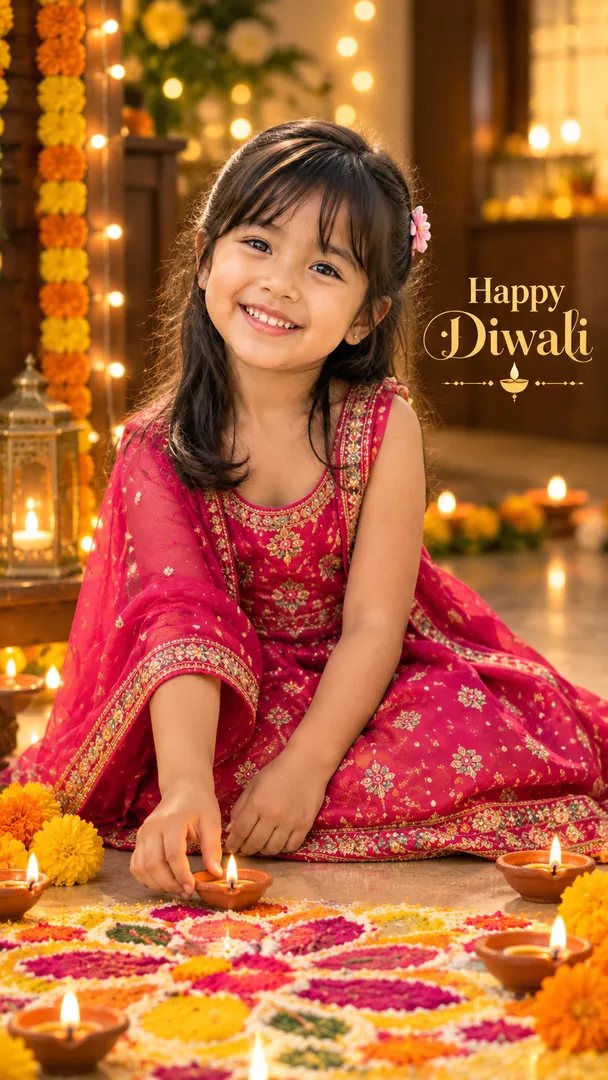
Using the attached photo of my child, make a cosy Diwali portrait at home: my child [moment, for example carefully setting a small lit diya on the edge of a rangoli], in [outfit, for example a bright traditional festive outfit], surrounded by small clay diyas, marigolds and soft fairy lights. Keep my child's face exactly as in the photo, and keep every flame small and well away from their clothes and hair. Shot at the child's eye level. Greeting [Happy Diwali], spelled exactly. Vertical 9:16.

Little Diya LighterDiwali
Rooftop Lanterns & Fireworks: AI Diwali photo effect

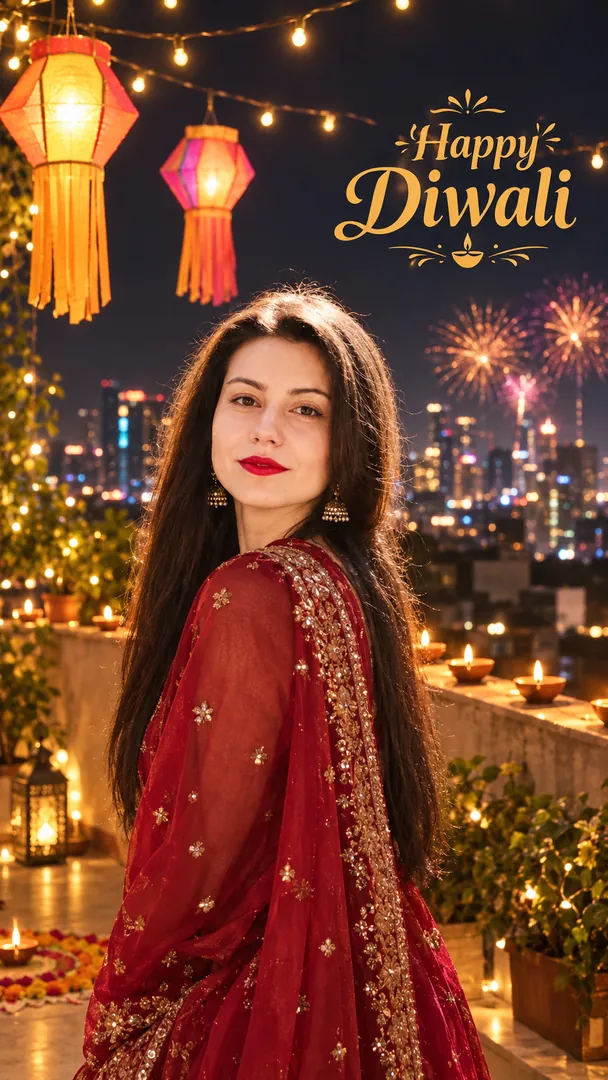
Create a Diwali night portrait of me from the attached photo, [setting, for example on a city rooftop above a glowing skyline], paper akash kandil lanterns and warm string lights overhead, diyas along the parapet and fireworks blooming far off over the city. I wear [outfit, for example traditional festive wear] and look back at the camera mid laugh. Keep my face exactly as photographed. Greeting [Happy Diwali], spelled exactly. Vertical 9:16.

Rooftop Lanterns & FireworksDiwali

Make your own AI photo

Copy a free prompt from any style, or make the image with your own face in the Trendy AI Lab app.

Get it on Google Play Download on the App Store Coming soon