
Halloween is the biggest costume night of the year, and you do not need a studio, a makeup kit or a sewing machine to look the part. A single selfie is all it takes to become a vampire, a witch or the star of a spooky poster. With Trendy AI Lab, you can turn one selfie into a share-worthy Halloween photo in seconds, no editing skills needed.
What is this year's Halloween AI photo trend?
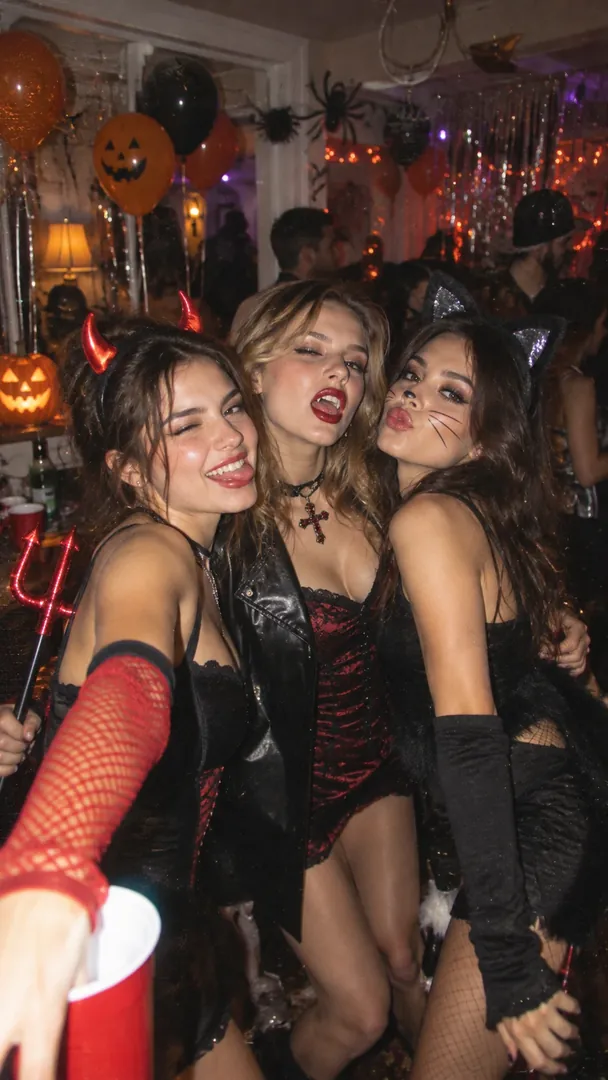
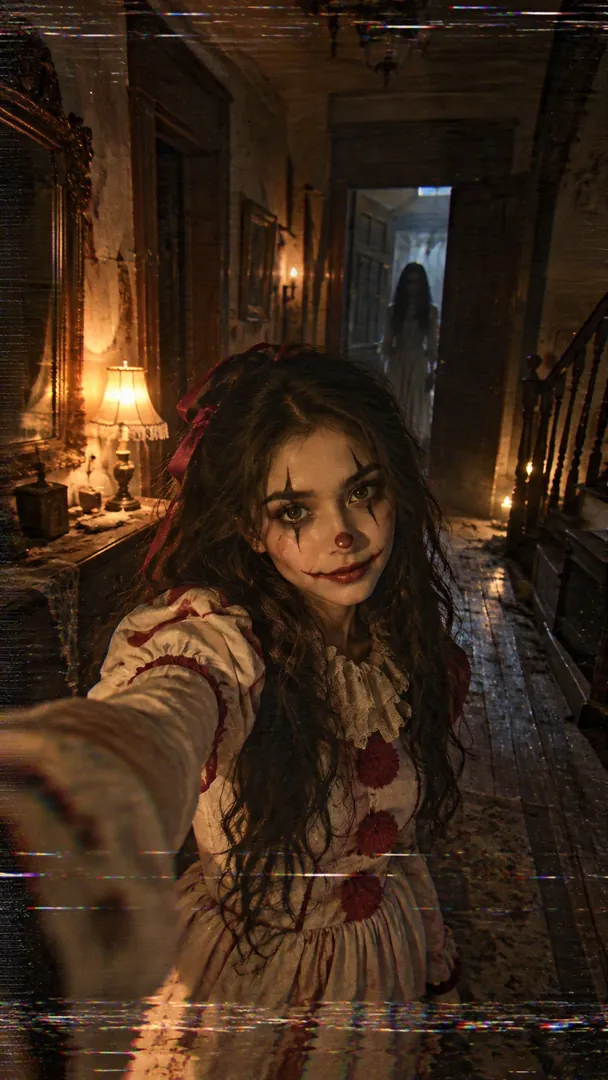
The look everyone is posting is a Y2K flash photo: a cluttered early-2000s bedroom at night, a harsh on-camera flash, grain and something spooky standing in the background. Two cousins run alongside it, a 90s camcorder horror still and an old 1950s family-album snapshot.
- Y2K Flash Night. You on glossy purple bedding with a corded phone, and a bedsheet ghost in the doorway behind you.
- 90s VHS Horror Still. A torch beam in dark woods, tracking lines, and a shape standing far back in the trees.
- 1950s Vintage Halloween. Black and white film, a homemade costume and carved pumpkins on the porch steps.
The viral versions often borrow a famous slasher-film mask. These keep the look and use an original ghost or silhouette instead, so the photo is yours to post.
Prefer Gemini or ChatGPT?
Every look in the Halloween collection comes with a prompt you can copy for free. Paste it into Gemini or ChatGPT, attach a clear selfie and send. Keep the line that asks to keep your face the same, so the result still looks like you.
Which Halloween photo ideas can I try?
- Costume transforms: vampire, witch, zombie or superhero. Slip into a classic Halloween character while your own face stays recognisable underneath the look.
- A cinematic haunted mansion or foggy pumpkin patch. A moody, movie-poster scene with drifting fog, carved pumpkins and eerie light behind you.
- An elegant masquerade ball or Day of the Dead look. A dramatic, ornate style with masks, candles and rich detail for something more glamorous than gory.
- A cozy black-cat-and-pumpkins porch portrait. A warmer, autumnal take with twinkling lights, a black cat and a porch full of jack-o'-lanterns.
What are the key facts about Halloween?
- Halloween grew from Samhain, an ancient Celtic festival marking the end of the harvest. The night before All Saints Day on 1 November became known as All Hallows Eve, then Halloween. (Library of Congress)
- The first jack-o'-lanterns were carved from turnips in Ireland. Irish emigrants to the United States switched to pumpkins. (Government of Ireland)
- Mexico's Day of the Dead takes place at the end of October and the start of November. UNESCO listed it in 2008. (UNESCO)
How do I make a Halloween photo?
- Open the Halloween collection in the Trendy AI Lab app and pick a style.
- Upload a selfie. Your face stays recognisable while the AI restyles the outfit, pose, expression and scene to match the look. Your photo is used only to make the image and is deleted afterward.
- Add a greeting message if the style allows it, for a spooky card you can send.
- Generate. Your Halloween photo is ready in seconds.
- Download and share on WhatsApp, Instagram or anywhere.
How do I get the best Halloween photo?
- Use a clear, front-facing selfie where your whole face is visible.
- Shoot in good, even light so your features translate cleanly into the look.
- Keep the background simple so the AI focuses on you.
- Avoid heavy shadows or existing costume makeup that can confuse the transform.
Where should I share my photo?
When your Halloween photo is ready, download it and drop it into the group chat, post it to your Instagram story, or set it as your status to kick off the spooky season. It is a fast way to win the costume contest before the party even starts.
FAQ
Is it free? Partly. Each style's prompt is free to copy into another AI app. Creating the image inside Trendy AI Lab takes a weekly unlimited plan or a monthly credit plan, and you can cancel in Google Play at any time.
Will I still look like me? Yes, the AI keeps your face recognisable and restyles everything around it: the costume, the pose and the spooky scene. You get the transformation without losing yourself in it.
Ready to try it? Download Trendy AI Lab on Android and make your first Halloween photo with a plan, or copy the prompt free.



 Coming soon