Hari Merdeka, on 31 August, is Malaysia's independence day. The Jalur Gemilang goes up on homes, cars and shop fronts, timelines turn red, white, blue and yellow, and family group chats fill with "Selamat Hari Merdeka." A greeting with your own face on it stands out from the forwarded images everyone has already seen. With Trendy AI Lab you can make one from a single selfie.
What do you get from the Merdeka photo?
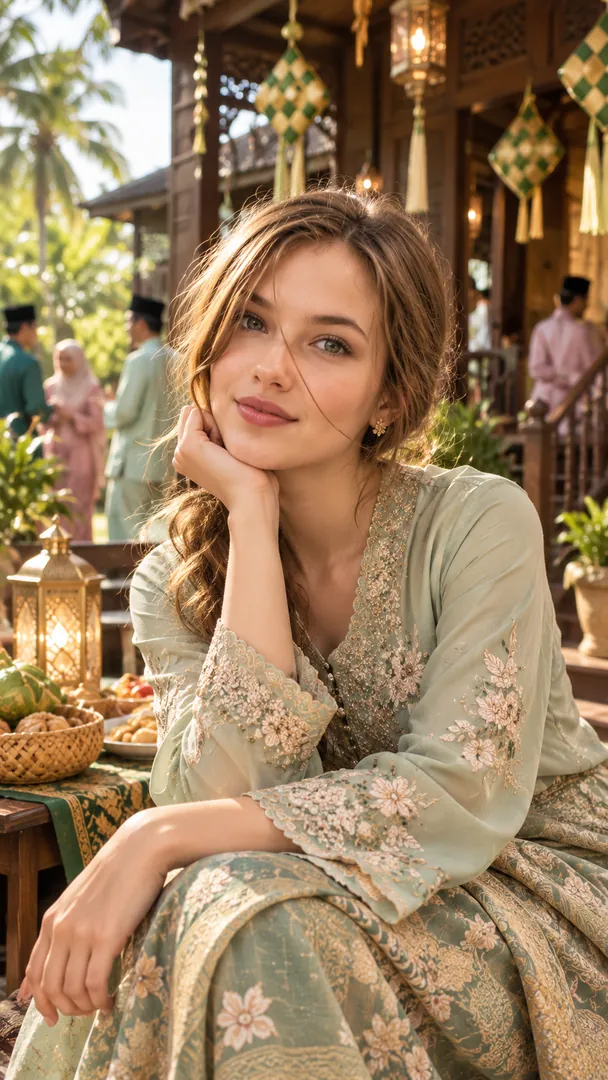
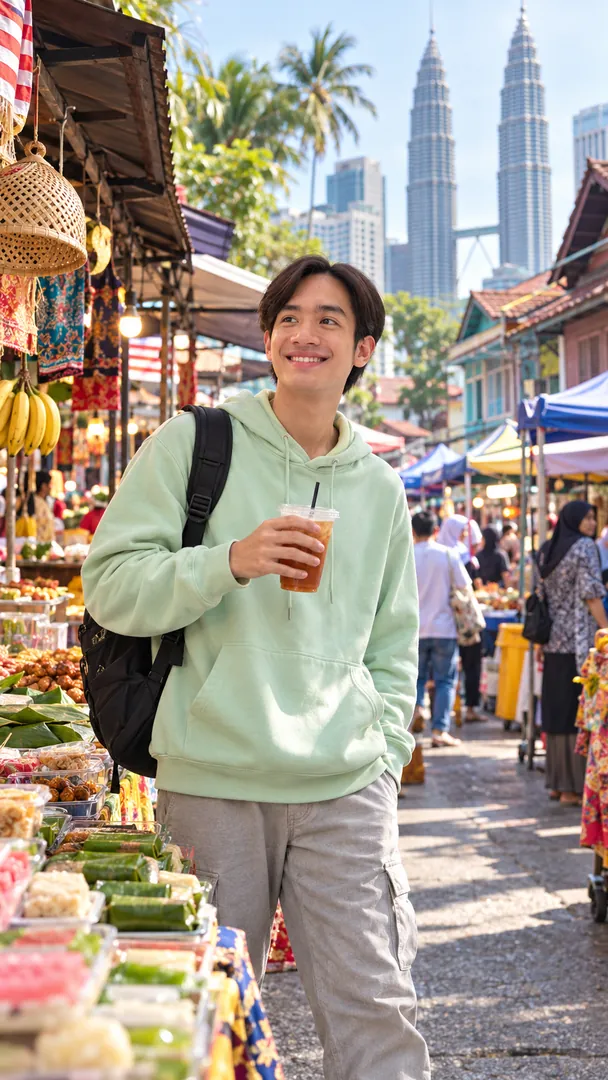
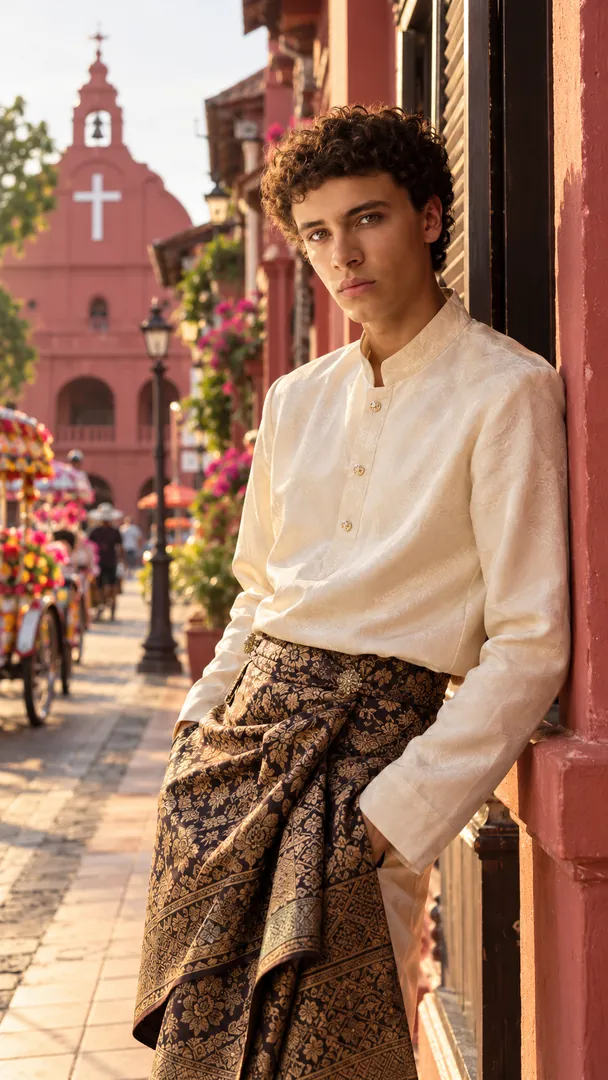
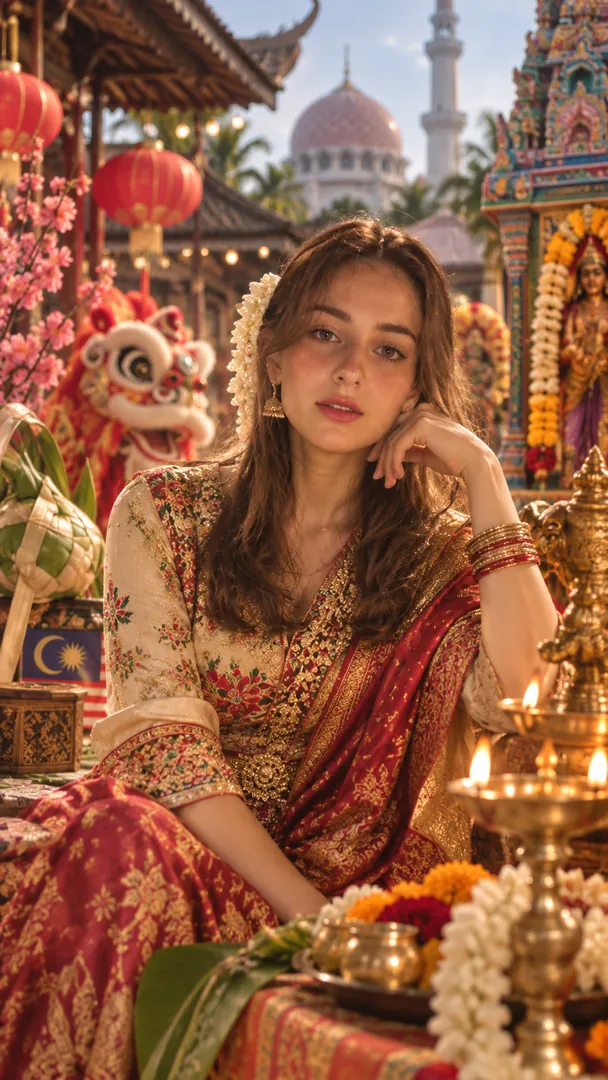
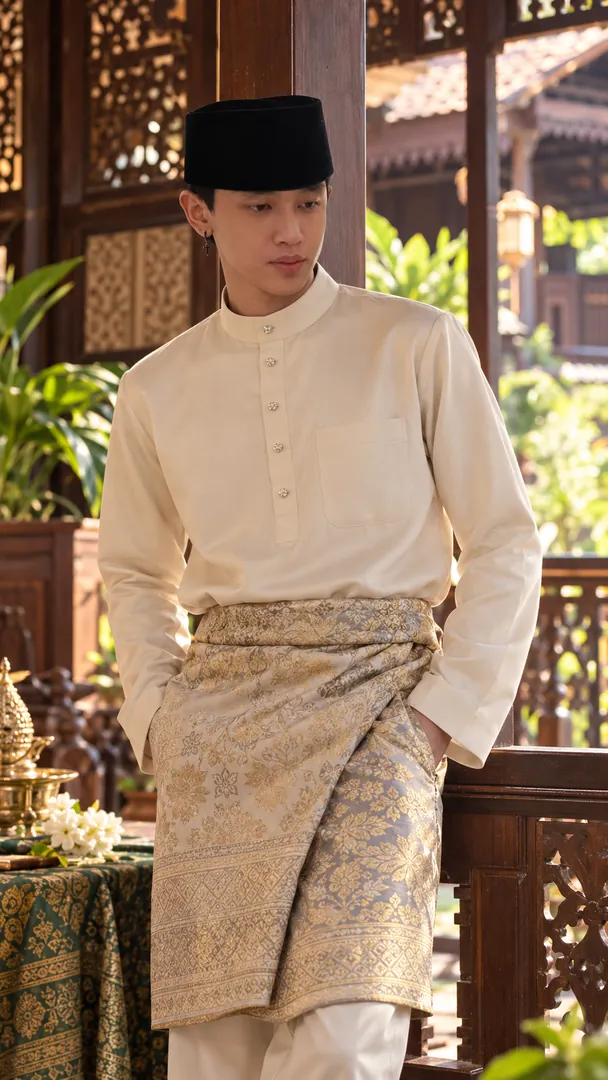
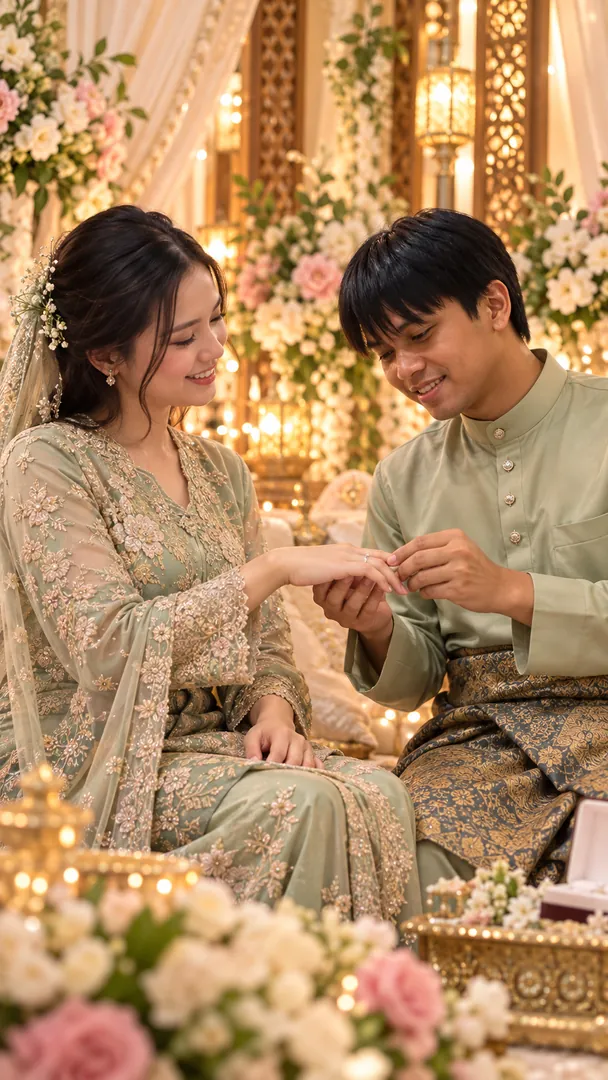
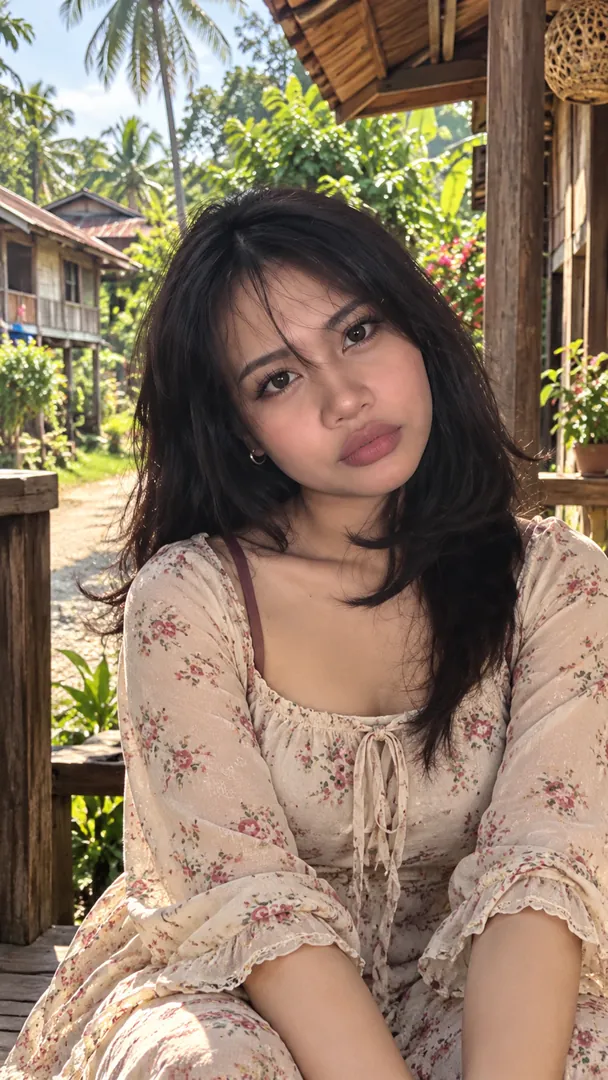
The Malaysia collection includes Malaysia Merdeka Day Wish: a greeting photo of you under the Jalur Gemilang. The message is yours to change. It starts as "Selamat Hari Merdeka", and you can swap it for a short line to a friend or a family name. The same collection also has traditional attire, market, heritage and kampung portraits if you want something beyond a greeting.
What are the key facts about Hari Merdeka?
- The independence of the Federation of Malaya was declared on 31 August 1957, ending a long struggle against colonial rule. (National Archives of Malaysia)
- The Jalur Gemilang has 14 red and white stripes for the 13 states and the Federal Government, with a yellow crescent and star in the royal colour. (MyGovernment)
- Malaysia itself was formed later, on 16 September 1963, when Malaya joined with Sabah, Sarawak and Singapore. (MyGovernment)
How do I make a Merdeka photo?
- Open the Malaysia collection in the app and pick the Merdeka Day Wish style.
- Upload a clear selfie. It is used only to make your image and is deleted within about 24 hours.
- Set your greeting if you want something other than the default.
- Generate. The result is ready in seconds with your face kept recognisable.
- Download and share to your WhatsApp status, Instagram story or a family chat.
Where should I share it?
- WhatsApp status is where most Merdeka greetings are seen.
- Family and office groups get a warmer message from a card that shows you.
- Instagram story works well with the red, white, blue and yellow colours.
- A profile picture for the week of 31 August, if you want something festive.
How do I get the best Merdeka photo?
- Use a front-facing photo with your whole face visible.
- Shoot in even light and avoid strong shadows across your face.
- Keep the background simple so the scene is built around you.
- Skip heavy sunglasses or hats that hide your features.
Frequently asked questions
Is it free? Yes for the prompt, which is free for every style. The app itself makes images on a weekly or monthly plan, with credit top-ups for subscribers.
Can I make it in ChatGPT or Gemini instead? Yes. The collection page has a ready prompt you can copy and open in those apps, where you attach your own photo.
Can I make a gambar AI Merdeka with Malay text? Yes. The greeting is yours to type, so it can be fully in Bahasa Melayu.
Does it work for Hari Malaysia too? The greeting text is editable, so you can change it for 16 September.
Ready to celebrate? Download Trendy AI Lab and make your Malaysia Merdeka Day greeting with a plan, or copy the prompt free.


 Coming soon