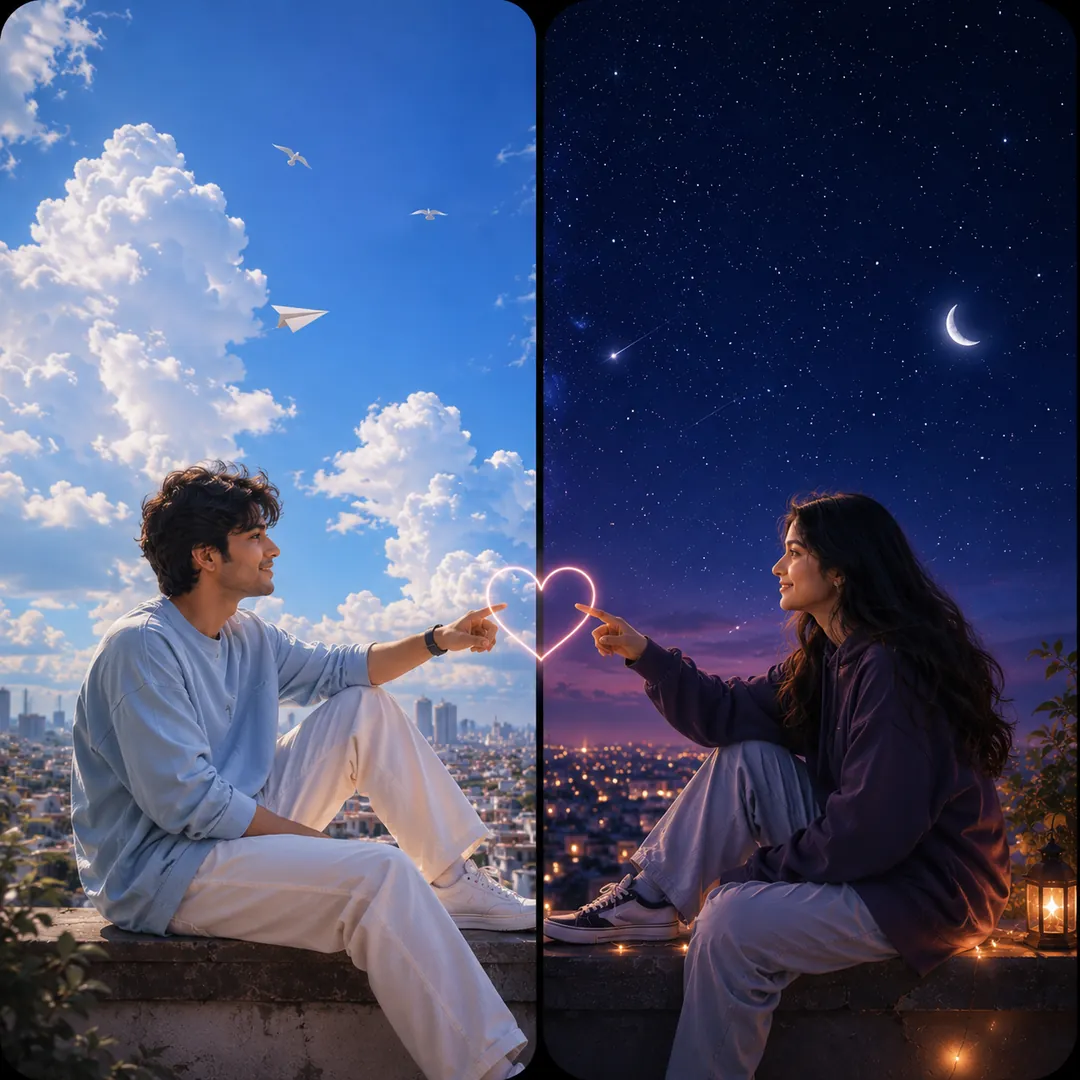
Matching couple wallpapers are the pair of phone backgrounds that only make sense together. On its own each screen looks finished, but hold the two phones side by side and the picture joins up: a sun meets a moon, a crown sits on each of you, a skyline runs from one edge to the other. People search for them as couple split wallpaper, his and hers wallpaper, connecting wallpapers and matching wallpapers for couples, and they all mean the same thing.
With Trendy AI Lab you do not have to draw anything. You upload one photo of you and one of your partner, pick a style, and the app builds both of you into a single split scene.
How connecting couple wallpapers work
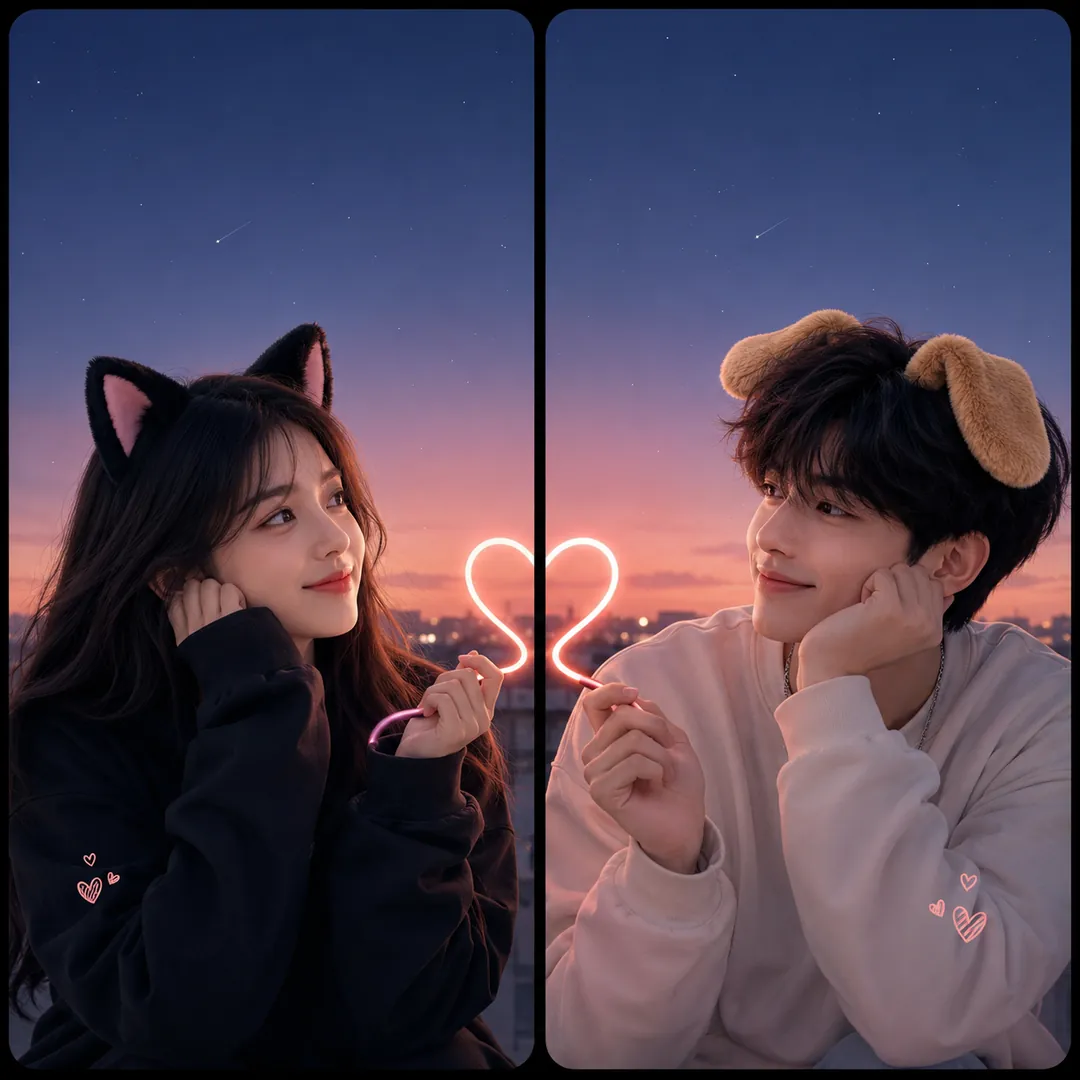
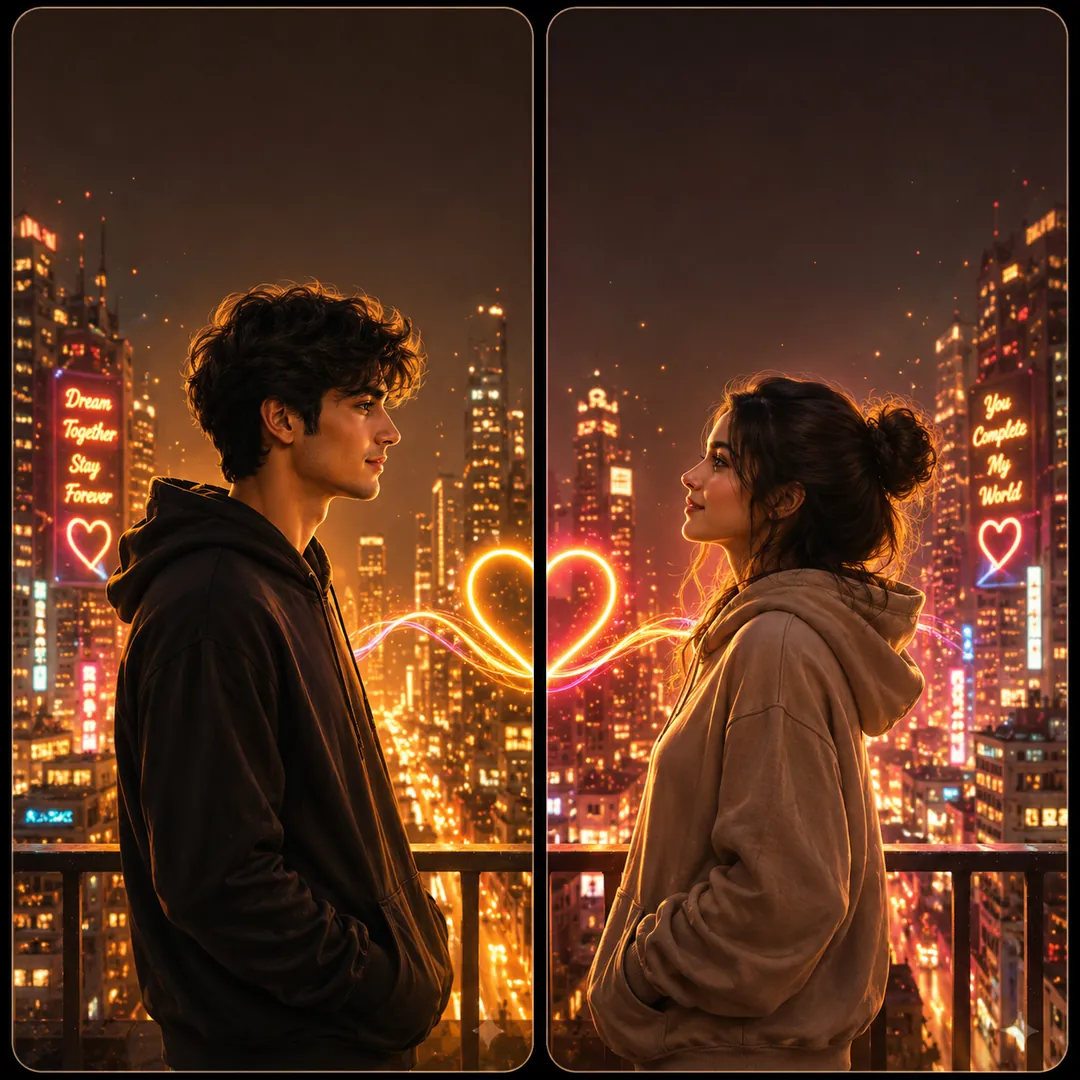
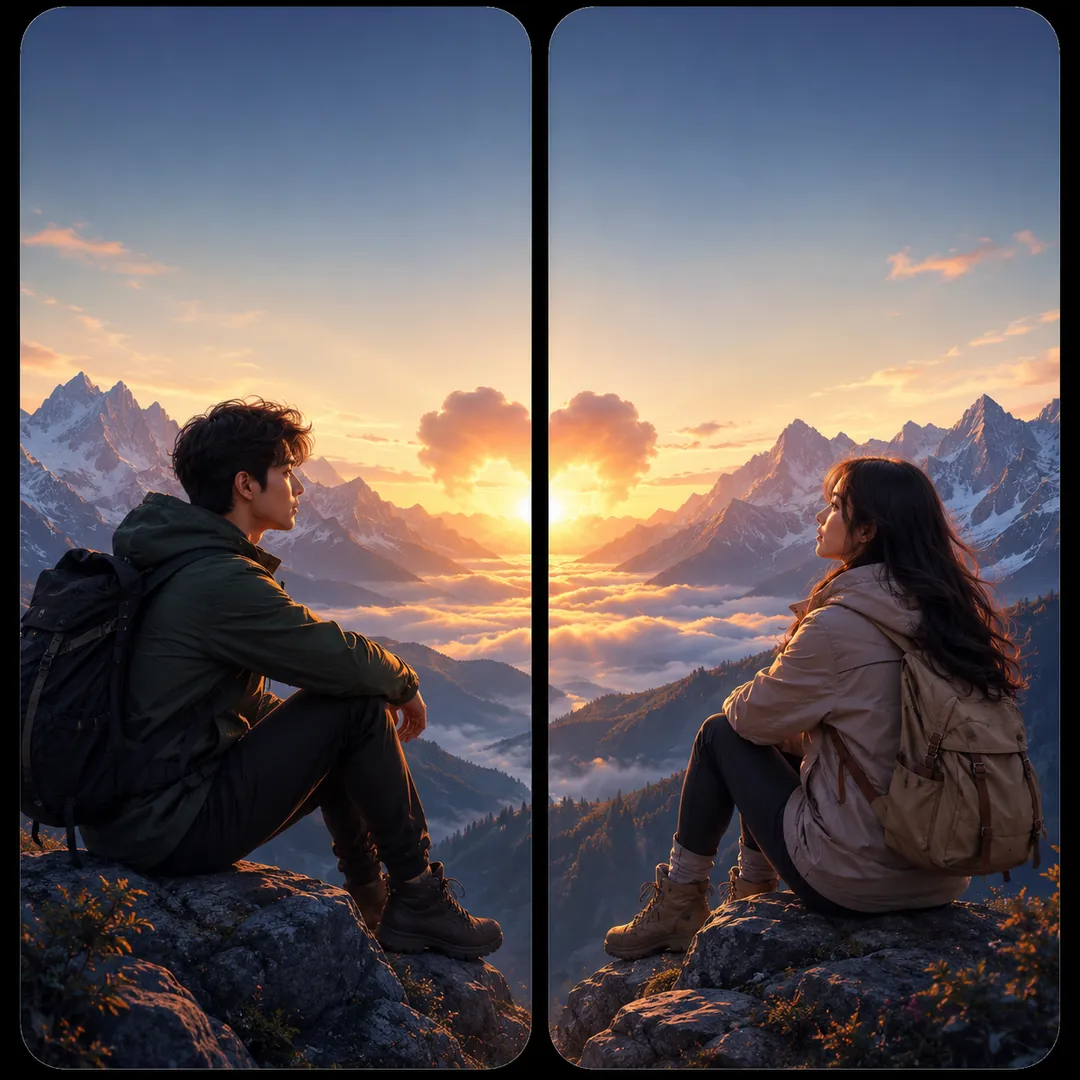
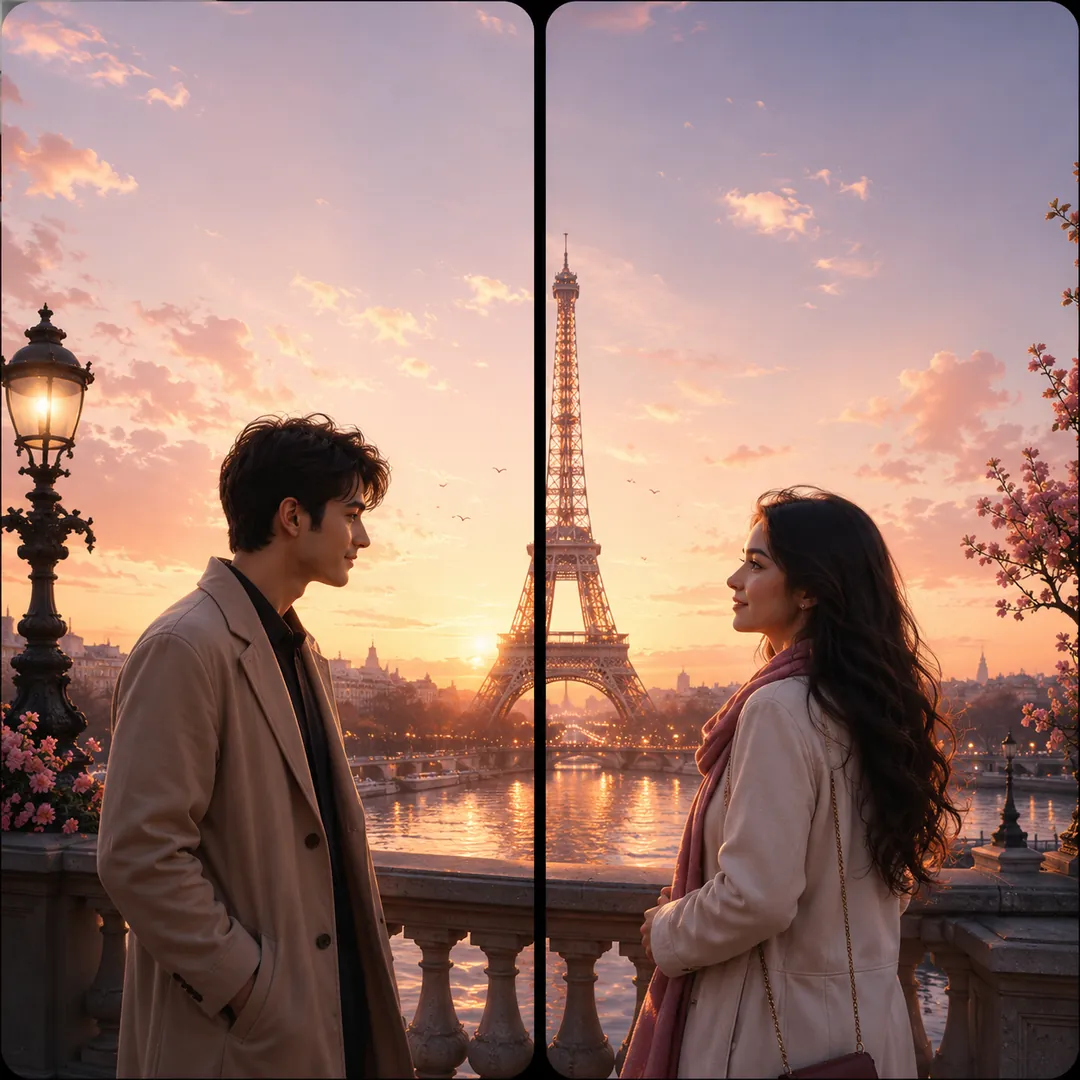
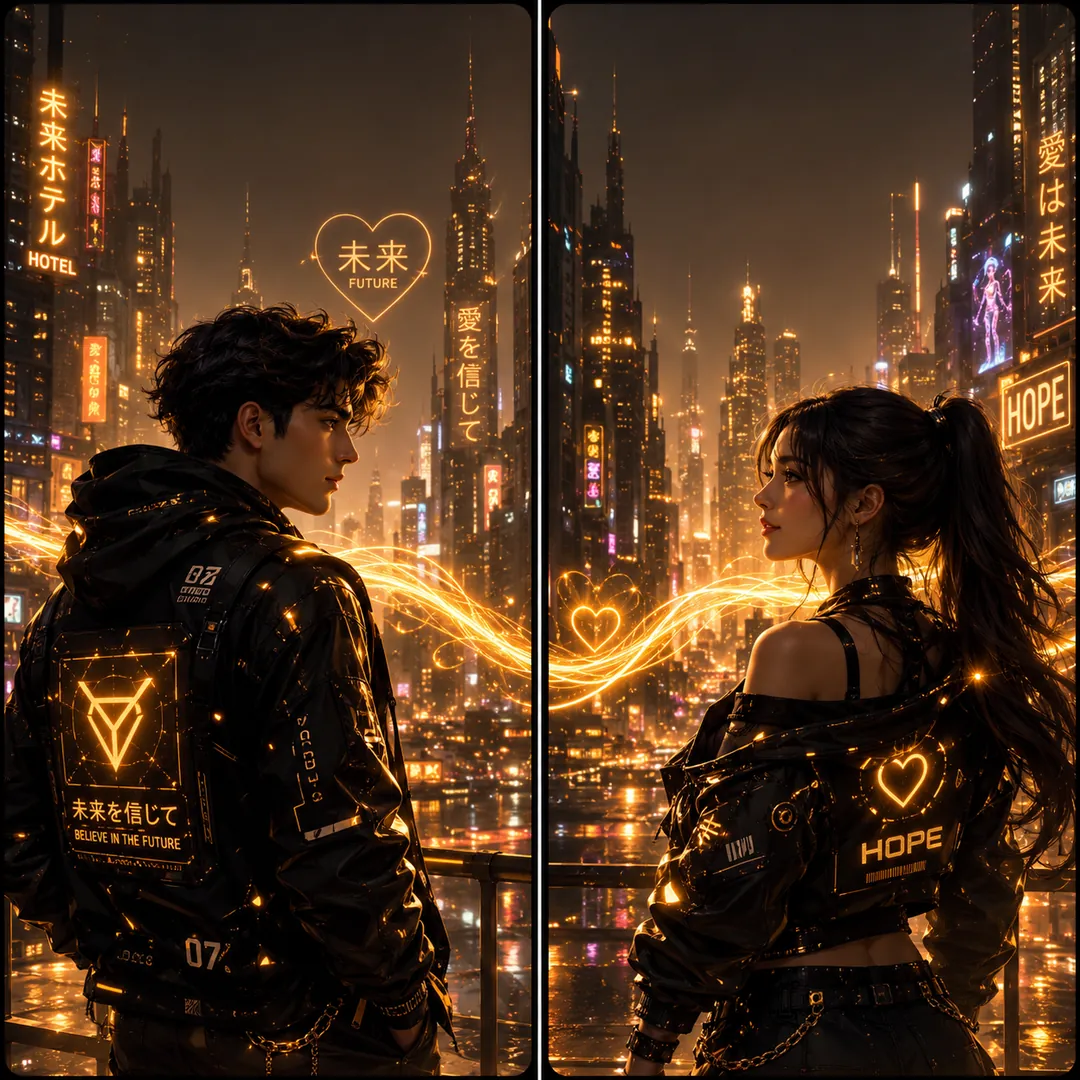
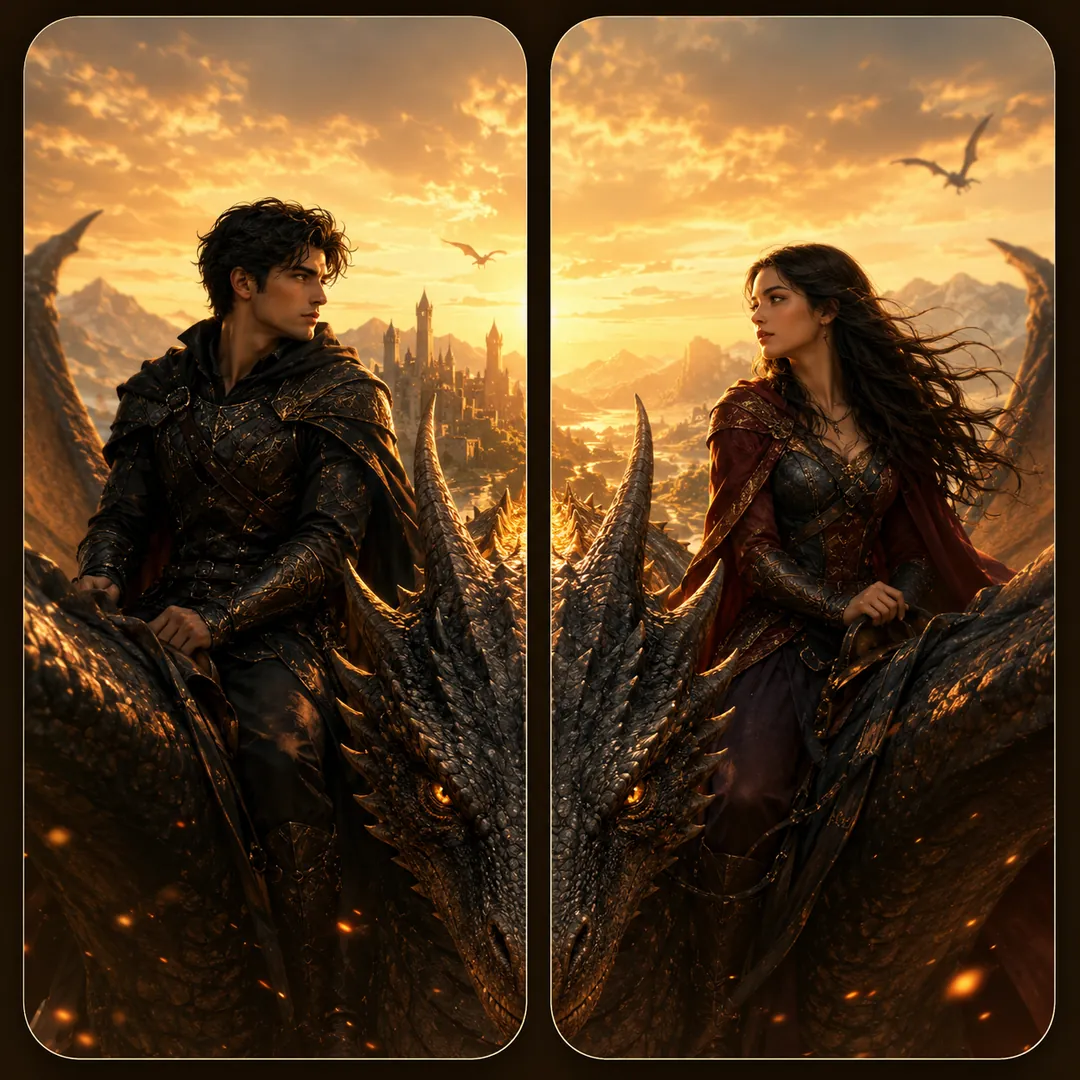
The app generates one square image that holds two tall panels side by side. The scene crosses the middle on purpose: a dragon wing, a bridge, a string of lights or a skyline carries over the edge. You crop the image down the centre, give one half to each phone, and the scene completes when the screens meet.
10 matching couple wallpaper ideas
- Sun and Moon. One of you glows gold with the sun, the other silver with the moon, with two skies meeting at the seam.
- Fire and Ice. Warm flames on one side, cool crystal frost on the other, opposites that hold together.
- King and Queen. Royal robes, one crown each and thrones facing across the gap.
- Dragon Riders. A dragon stretches across both panels to link you, or you become sun and moon deities.
- Warrior and Mage. Paired fantasy heroes whose sword and spell meet in the middle. Game fans also get cyberpunk duos and space soldiers.
- One Destination, Two Screens. Paris, Santorini, Venice, cherry blossom or the Maldives across both phones.
- Adventure. Mountains, northern lights, a desert sunset or balloons at dawn.
- Glam and Gold. A red carpet, a palace interior or a black and gold evening.
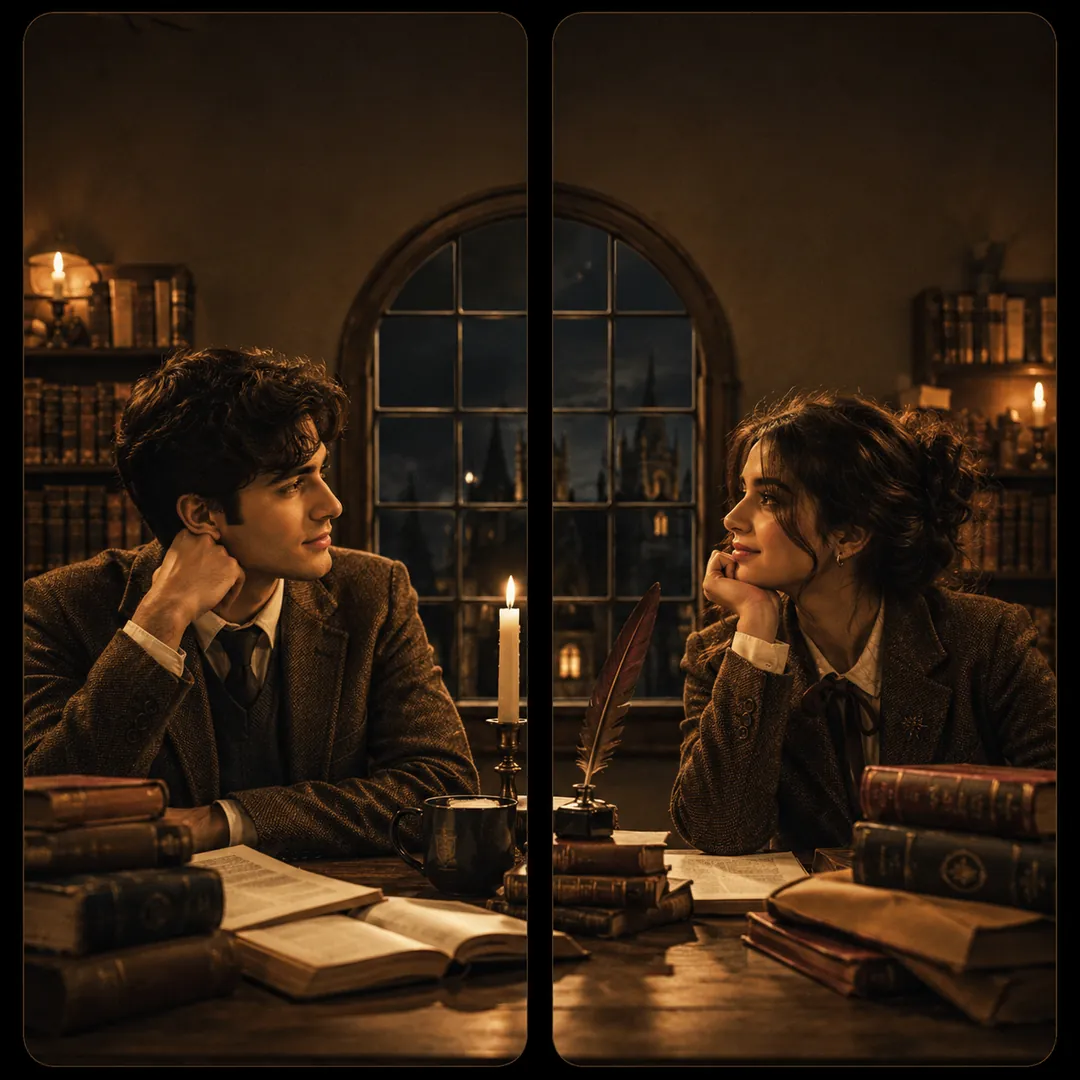
- Aesthetic Looks. Dark academia, cottagecore, old money or soft pastel for a quieter pair.
- Cute Pairs. Cat and dog, two teddies, bubble tea shared between you, or heart balloons rising across both screens.
How do I make my pair?
- Open the Matching Couple Wallpapers collection and pick a style.
- Choose the concept or scene you like. Most styles let you switch it before you generate.
- Upload your photo and your partner's photo.
- Generate, then save the image.
- Crop it down the middle, set one half on each phone, and line them up.
Want to try it in ChatGPT or Gemini?
Every style on the collection page has a copy-and-paste prompt and quick links to open it in ChatGPT, Gemini, Grok or Copilot. Attach your photos there and send. The app is the one-tap way: no prompt to paste, and it handles the two photos for you.
How do I get a perfect match?
- Use a clear, front-facing photo of each person. Good light and a straight-on angle keep you both looking like yourselves.
- Set both halves the same way. If one phone uses the lock screen and the other uses the home screen, the halves will not line up.
- Check the top. Your clock sits over the upper part of each half, so keep that area calm when you pick a scene.
- Match the phone sizes. Very different screens can shift the join by a few pixels.
Frequently asked questions
Do we both need the app? No. One person makes the pair and sends the other half over.
Can we use them as matching lock screens? Yes, and that is where most couples put them. Just set both halves as the lock screen, so the clock sits in the same spot on each phone.
Do I need two photos? Yes, one of each person, so both faces appear in the scene.
Is it free? Partly. Each style's prompt is free to copy into another AI app. Creating the image inside Trendy AI Lab takes a weekly unlimited plan or a monthly credit plan, and you can cancel in Google Play at any time.
Ready to try it? Download Trendy AI Lab and make your first matching couple wallpaper, or copy a free prompt from the collection.





 Coming soon