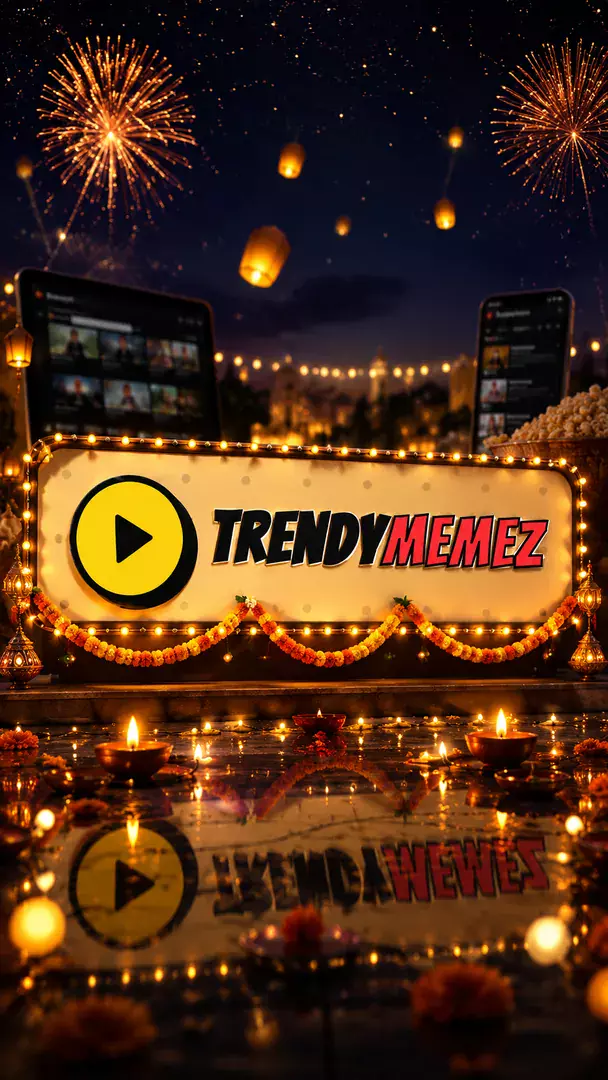
Festival Lights
Your logo dressed for the season in glowing lights, decorations and cultural ornaments.
AI prompt for Festival Lights
- Copy the prompt
- Open your AI app
- Attach your photo and send
Dress the attached logo for the festive season, leaving its shape and lettering exactly as supplied, with warm glowing lights, garlands and cultural ornaments around it. Pick [festival or season, for example Diwali] and let its decorations frame the logo: lamps, lanterns or ribbons, plus a touch of [your industry, for example jewellery]. Rich gold and deep colour with soft bokeh behind. Square image, no extra words. Business name: [your business name].
Prefer one tap with no pasting, and your face kept the same? Use the app.

 Coming soon
More Festival Lights examples
What is the Festival Lights effect?
Festival Lights is an AI photo effect from the Custom Logo Design & Brand Art collection in the Trendy AI Lab app. Upload a selfie and the AI recreates it in this style in seconds, so you get a polished, share-worthy image with no editing skills needed.
How to get the best Festival Lights result
Upload a clean, high-contrast version of your logo, ideally on a plain background, for the sharpest result.
What you get from Festival Lights
Festival Lights returns a square image, sized for a profile picture or a post. It works from one photo and you can set Industry / Business and Region / Market before generating.
More about Custom Logo Design & Brand Art
The Logo Art collection rebuilds your uploaded logo as a creative, scene-integrated concept, forged from industry objects, a 3D diorama, neon signage, claymation and more, tailored to your business and market.
Make your Festival Lights in three taps
Pick a style
Choose this look in the Trendy AI Lab app, no design skills needed.
Upload a selfie
Add a photo from your gallery. It's used only to make your image.
Generate & share
Your AI image is ready in seconds, download or share it anywhere.
Questions about Festival Lights
How do I make a Festival Lights photo?
Open the Trendy AI Lab app, choose the Festival Lights style, upload one photo, and the app generates your image in seconds.
What photo works best for Festival Lights?
Upload a clean, high-contrast version of your logo, ideally on a plain background, for the sharpest result.
How many photos does Festival Lights need?
Just one. Festival Lights works from a single upload, and you can run it again on a different photo as often as you like.
Can I personalise my Festival Lights photo?
Yes. Festival Lights lets you set Industry / Business and Region / Market before you generate, so two people running the same style get different results.
How is my photo used?
Your photo is sent to a third-party AI service only to generate your image, and the upload is deleted afterwards. It is never used for advertising.
More Custom Logo Design & Brand Art styles
View all →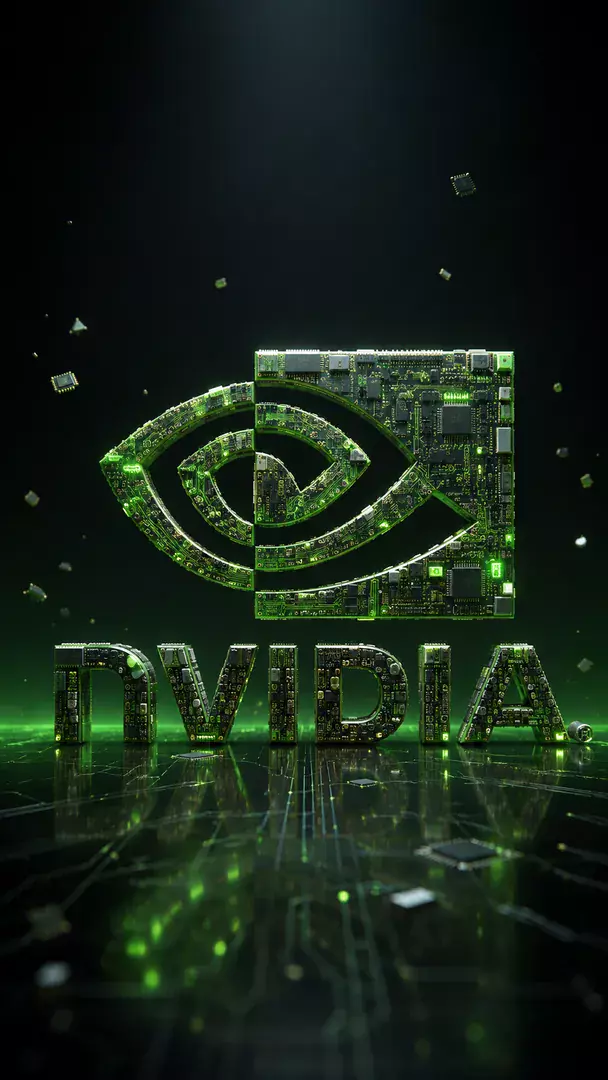
Rebuild the attached logo exactly as supplied, with the same lettering, shapes and proportions, but forge its letterforms out of the tools and materials of [your industry, for example technology]: circuit traces, chips and glowing data lines for tech, or a hammer, spanners and steel for a workshop. Place the finished mark large and centred on a dark gradient backdrop with soft studio light and a faint reflection below. Keep to one clear idea, no clutter and no extra words. Square image. Business name: [your business name].
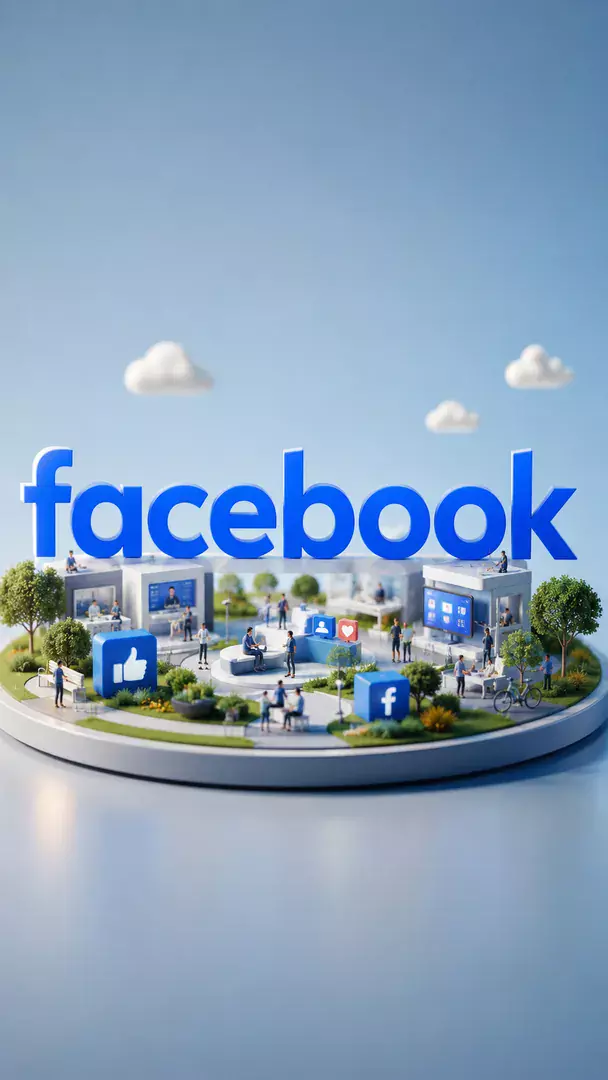
Show the attached logo, kept exactly as supplied with no redrawing of its lettering, as the centrepiece of a tiny diorama built around [your industry, for example technology]: miniature props, little buildings and small figures on a raised base, lit like a museum display model with a tilt shift look. Soft warm key light, shallow depth of field, a clean dark backdrop. One tidy scene, nothing cluttered. Square image. Business name: [your business name].
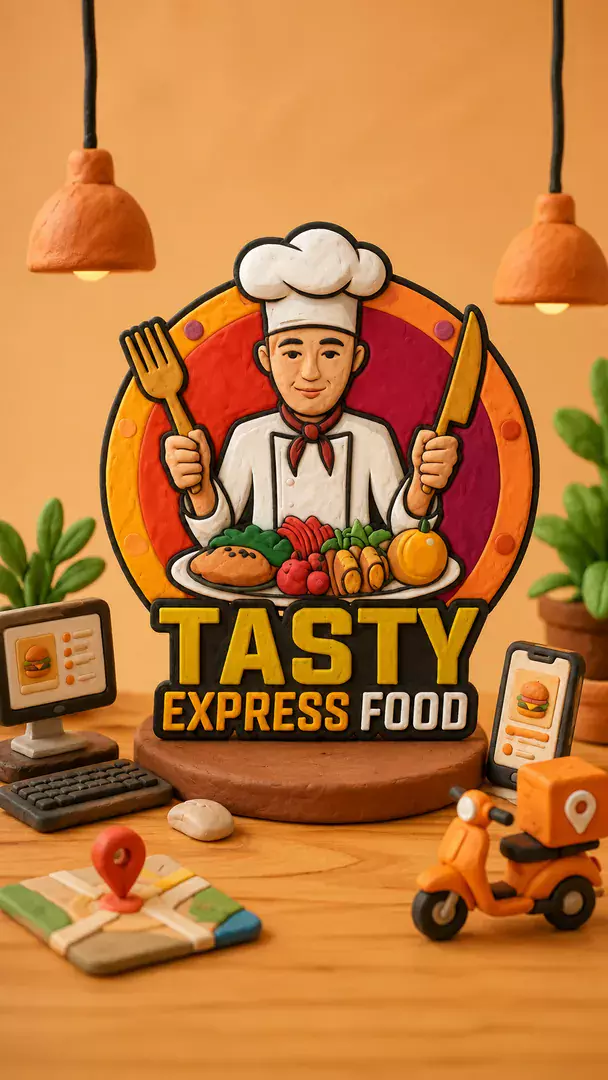
Sculpt the attached logo in soft handmade clay, keeping its shape and lettering exactly as supplied, with visible thumbprints and gentle seams. Around it set a few small clay props from [your industry, for example bakery], in chunky pastel colours on a smooth studio tabletop with warm stop motion style lighting. The logo stays the biggest thing in frame. Square image, no added words. Business name: [your business name].
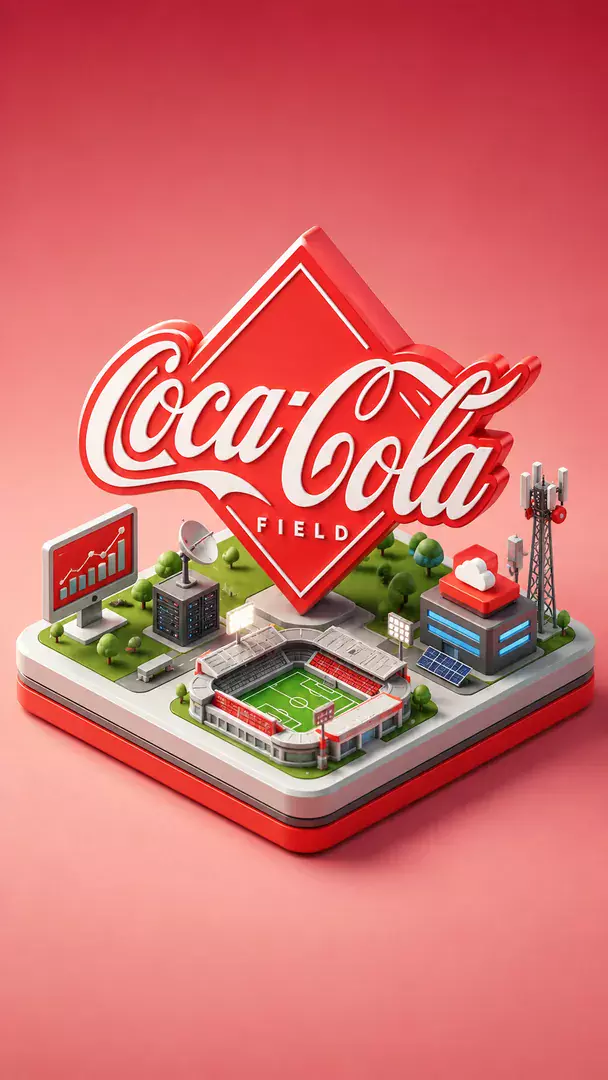
Stand the attached logo, unchanged, on a clean isometric tile floating in a pale gradient space, with a small tidy world of [your industry, for example logistics] laid out around it: little buildings, vehicles and tools in a matching soft palette. View it from a 30 degree isometric angle with soft shadows and crisp edges, as one cohesive scene. Square image, no extra words. Business name: [your business name].
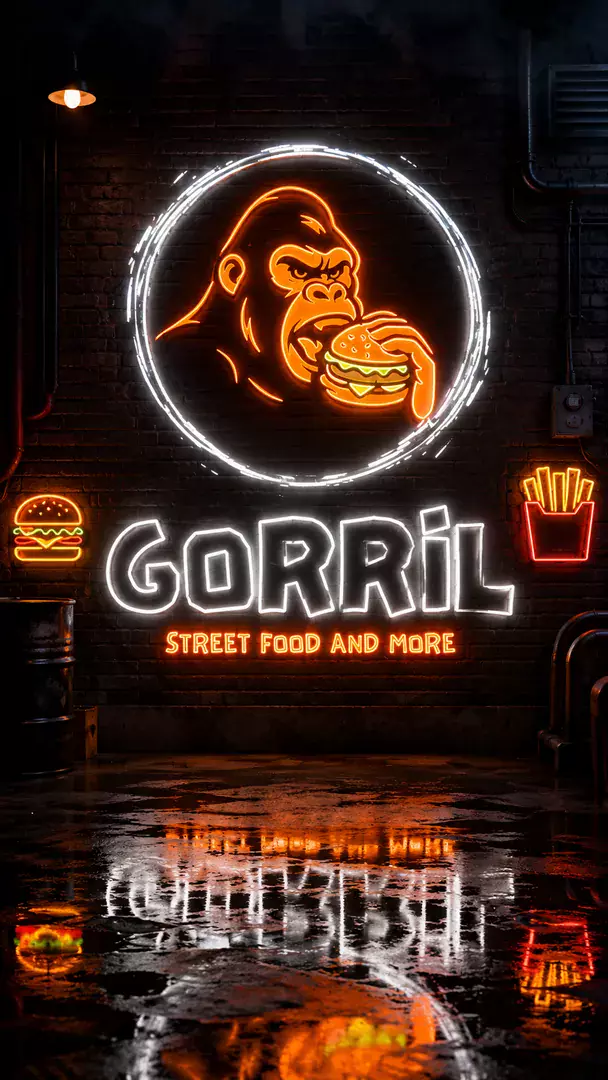
Turn the attached logo into a glowing glass tube neon sign that follows its exact shape and lettering as supplied, with a bright core and a soft coloured halo. Mount it on a dark brick or panelled wall in a setting that suits [your industry, for example coffee shop], with a faint glow spilling over the surface and a little wet reflection beneath. Square image, no extra words. Business name: [your business name].
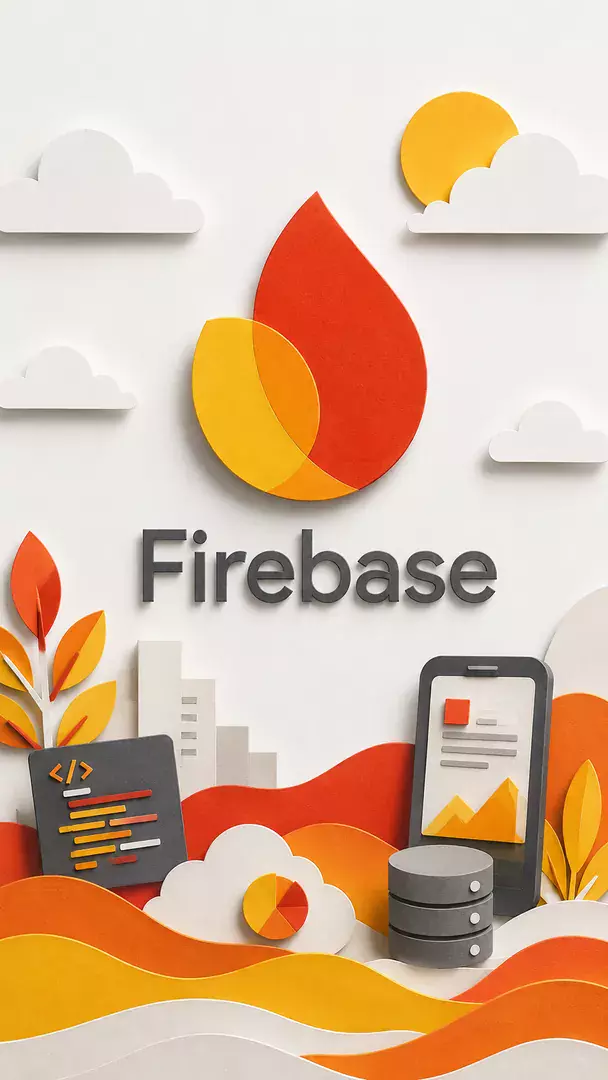
Make the attached logo from layered cut paper, same shape and lettering as supplied, with clean stepped edges and soft shadows between each layer. Stack paper scenery from [your industry, for example travel] behind it, such as hills, buildings or leaves, in a limited palette of four or five colours, lit from one side like a shadow box. Square image, logo large and centred, no extra text. Business name: [your business name].
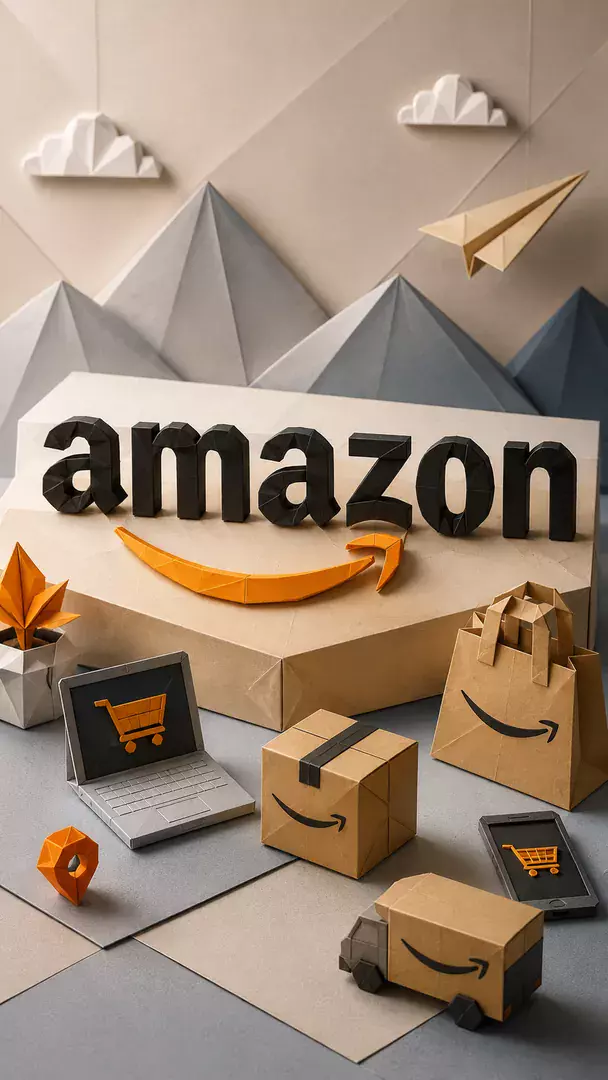
Fold the attached logo out of crisp paper, keeping its outline and lettering exactly as supplied, with sharp creases and clean facets that catch the light. Surround it with a few other folded paper objects from [your industry, for example shipping], such as boats, birds or boxes, on a soft off white surface with gentle shadows. Calm, precise and uncluttered. Square image, no added words. Business name: [your business name].
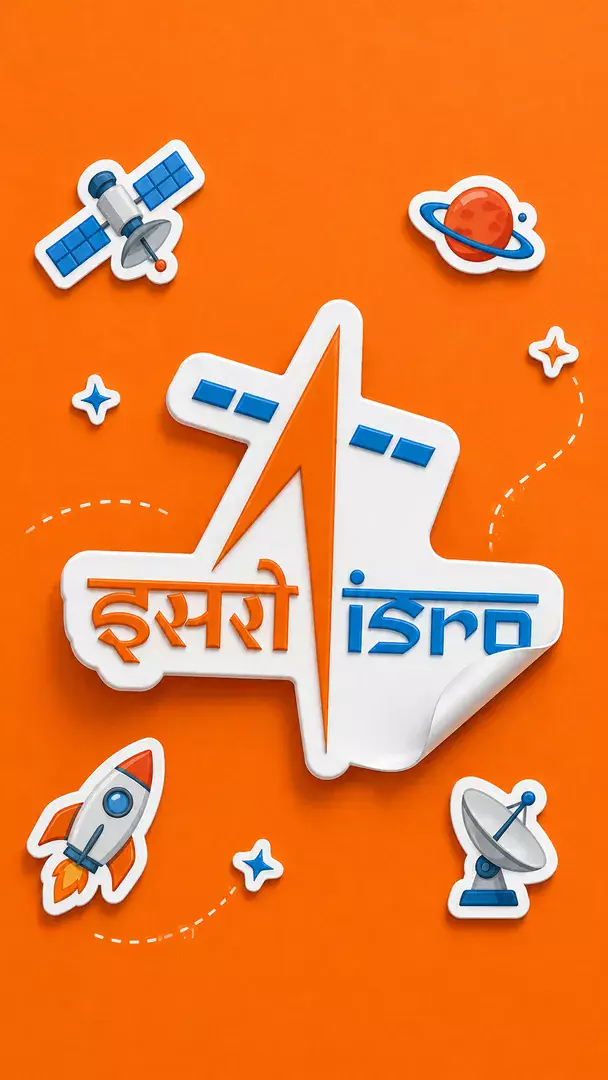
Create a glossy die cut sticker of the attached logo, used exactly as supplied without redrawing its lettering, with a thick white border and a soft highlight sweeping across the surface. Ring it with playful hand drawn doodles from [your industry, for example fitness]: stars, sparks and small icons in bright colours, on a plain pastel background. Square image, logo clearly the biggest element, no extra words. Business name: [your business name].
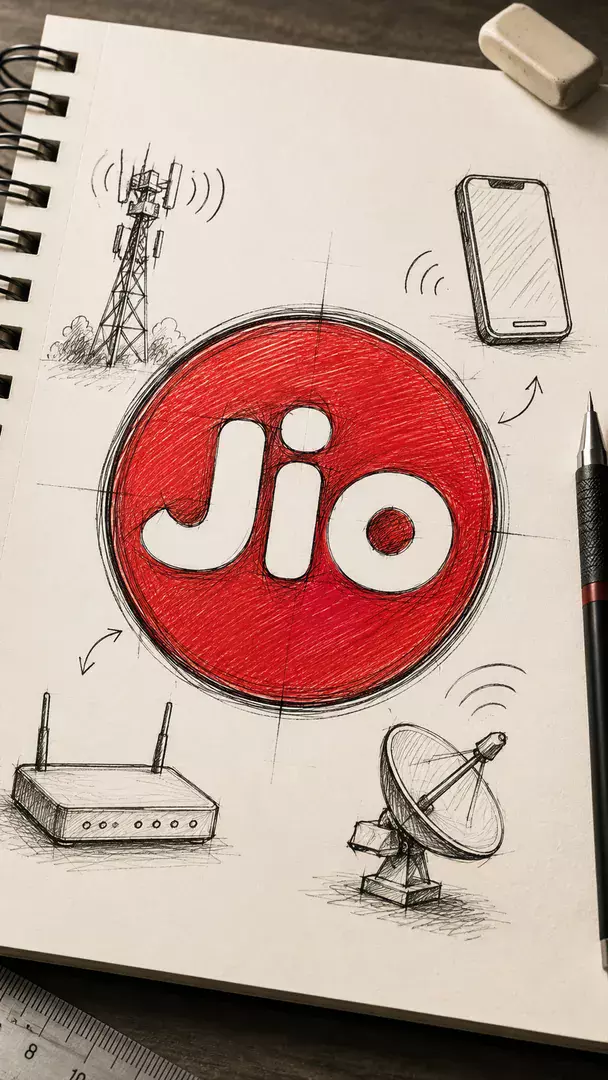
Draw the attached logo as an inked concept sketch on a designer's sketchbook page, tracing its shape and lettering as supplied, with pencil guide lines, construction circles and a few scribbled marks that are not readable words. Add small thumbnail doodles from [your industry, for example architecture] beside it. Cream paper, black ink and one soft marker accent colour. Square image. Business name: [your business name].
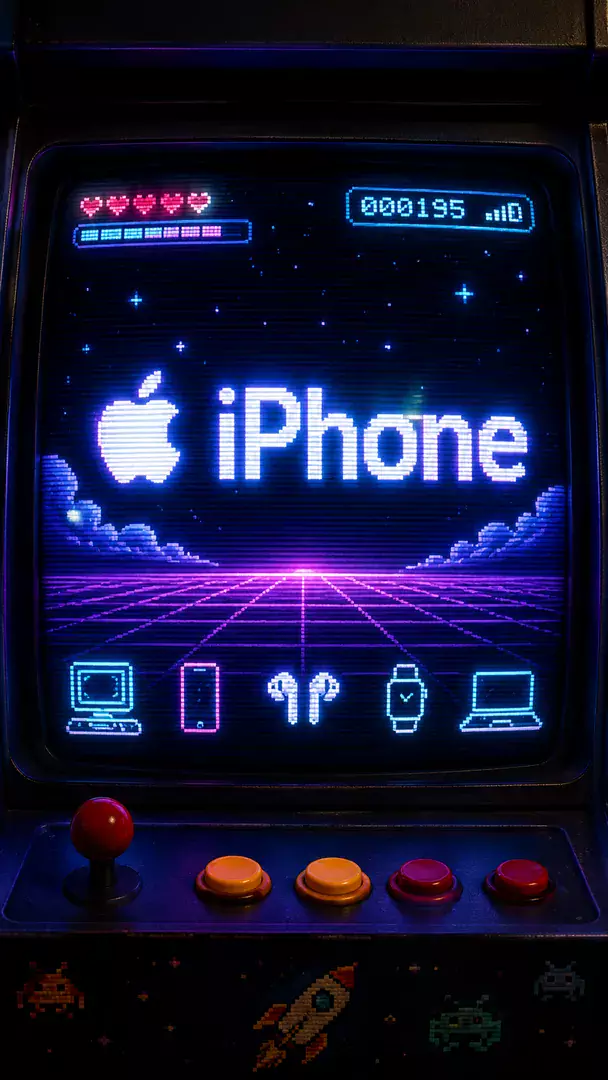
Redraw the attached logo in chunky retro 8 bit pixel blocks, keeping its overall shape and lettering recognisable as supplied, glowing on the screen of an arcade cabinet with scanlines and a soft bloom. Add a few pixel sprites from [your industry, for example food] floating around it, in a limited bright palette against a dark navy screen. Square image, no extra words. Business name: [your business name].
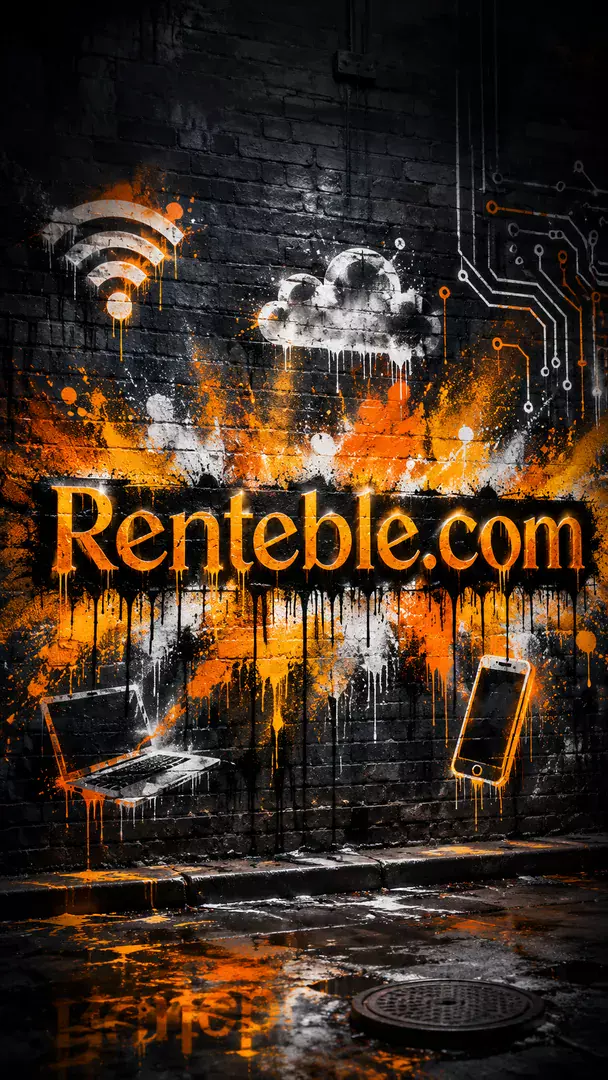
Spray the attached logo onto a wall as a bold street mural, keeping its shapes and lettering exactly as supplied, with vivid paint, soft drips and a little overspray around the edges. Choose an urban setting that suits [your industry, for example music], such as a loading dock or an underpass, with concrete texture and late afternoon light. Square image, logo large and central, no additional words. Business name: [your business name].
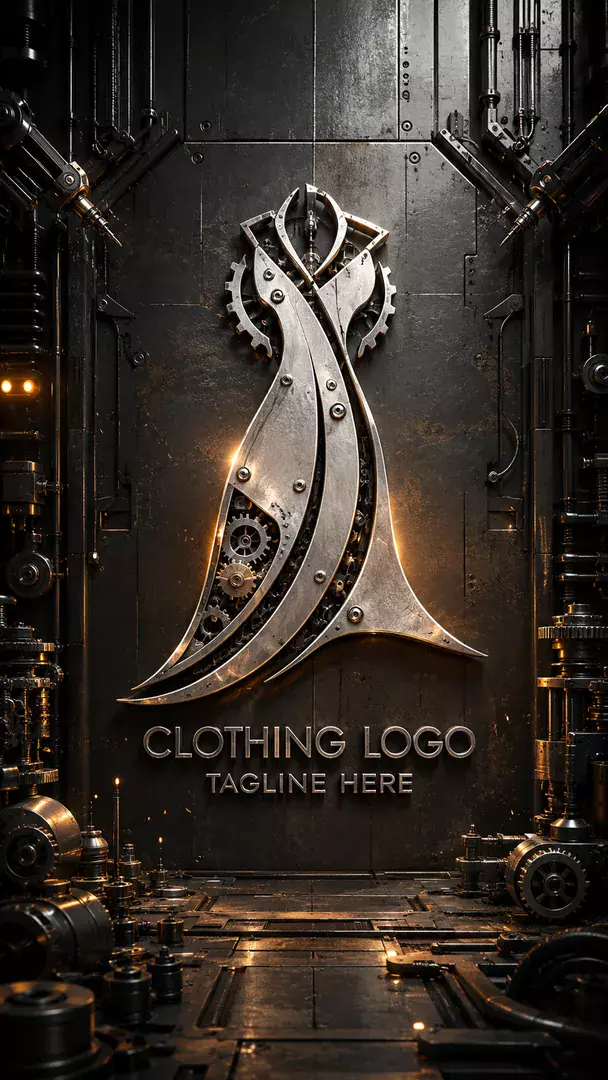
Machine the attached logo from mechanical parts, gears, brushed metal plates and rivets, so its outline and lettering still match the original exactly. Leave the industrial detail visible: bolts, oil sheen and small pistons. Work in a hint of [your industry, for example automotive] through the surrounding parts, on a dark workshop backdrop with a hard rim light. Square image, logo dominant, no extra words. Business name: [your business name].
Try Festival Lights now
Copy the free prompt above, or download Trendy AI Lab to make it with your own face.
Coming soon