
Divine Shravan
A Shravan festival poster: temples, ritual, and Mahadev's presence through the whole frame.
AI prompt for Divine Shravan
- Copy the prompt
- Open your AI app
- Attach your photo and send
Make a Shravan festival poster from my attached photo. I stand in the centre in white clothes with a sandalwood mark and folded hands, a devotee in front of a glowing old Shiva temple with bells, a river with floating lamps, and a faint trident and crescent moon in the sky above. Keep my face recognisable and unchanged. Deep blue evening with warm lamp light, marigolds along the edge. Put this heading at the top in clean lettering, spelled exactly: [Happy Shravan]. Vertical 9:16 poster layout.
Prefer one tap with no pasting, and your face kept the same? Use the app.

 Coming soon
More Divine Shravan examples

What is the Divine Shravan effect?
Divine Shravan is an AI photo effect from the Festival Collection collection in the Trendy AI Lab app. Upload a selfie and the AI recreates it in this style in seconds, so you get a polished, share-worthy image with no editing skills needed.
How to get the best Divine Shravan result
Use a clear, well-lit photo showing your full face so the festival lighting falls naturally on it.
What you get from Divine Shravan
Divine Shravan returns a tall 9:16 image, sized to fill a phone screen. It works from one photo and you can set Poster Text before generating.
More about Festival Collection
The Festival Collection turns your photo into an Indian festival portrait with AI, Onam pookalam and sadya scenes, a Kathakali look, King Mahabali's welcome, the snake boat race, and Shravan devotion at Kedarnath, Mount Kailash and the Jyotirlingas, keeping your face recognisable while the setting is built around you.
Make your Divine Shravan in three taps
Pick a style
Choose this look in the Trendy AI Lab app, no design skills needed.
Upload a selfie
Add a photo from your gallery. It's used only to make your image.
Generate & share
Your AI image is ready in seconds, download or share it anywhere.
Questions about Divine Shravan
How do I make a Divine Shravan photo?
Open the Trendy AI Lab app, choose the Divine Shravan style, upload one photo, and the app generates your image in seconds.
What photo works best for Divine Shravan?
Use a clear, well-lit photo showing your full face so the festival lighting falls naturally on it.
How many photos does Divine Shravan need?
Just one. Divine Shravan works from a single upload, and you can run it again on a different photo as often as you like.
Can I personalise my Divine Shravan photo?
Yes. Divine Shravan lets you set Poster Text before you generate, so two people running the same style get different results.
Which platforms is it available on?
The image tools work in any browser, on phone or desktop. The AI trends are in the Android app, with the iOS version coming soon.
More Festival Collection styles
View all →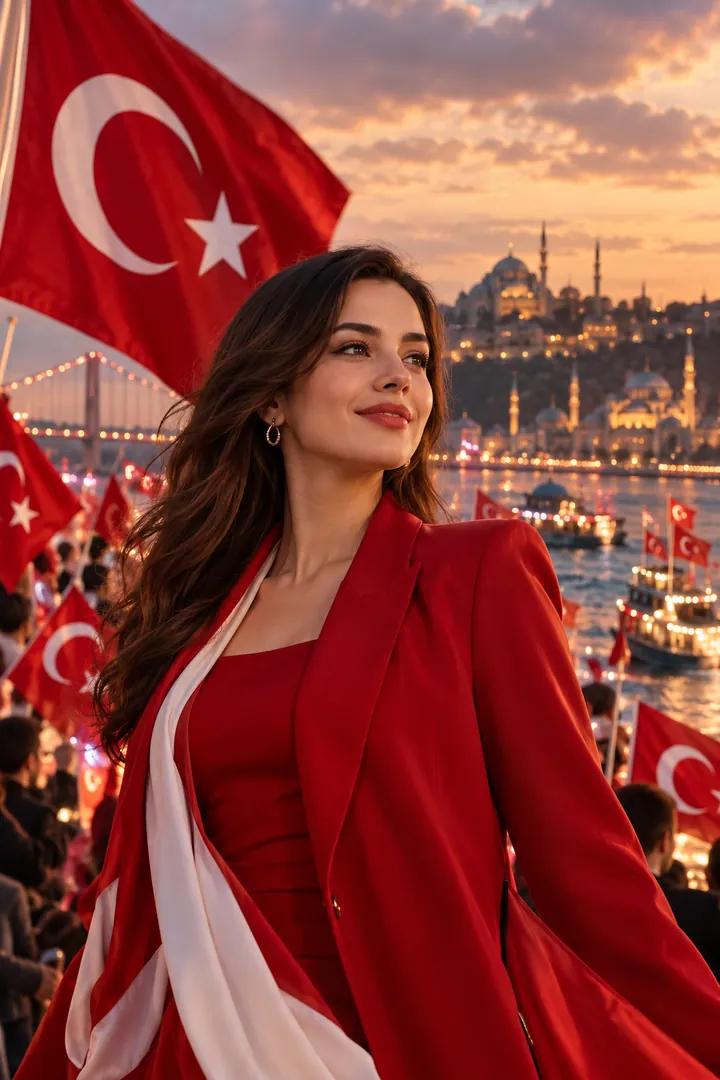
Using the attached photo of me, create a tall 9:16 image in the Turkey Republic Day Celebration style from the Festival Collection collection. Celebrate Turkish Republic Day with cinematic red-and-white flags, Istanbul scenery, and a premium patriotic portrait. Keep my face, skin tone and features exactly the same. Realistic detail and natural light, no text unless asked.
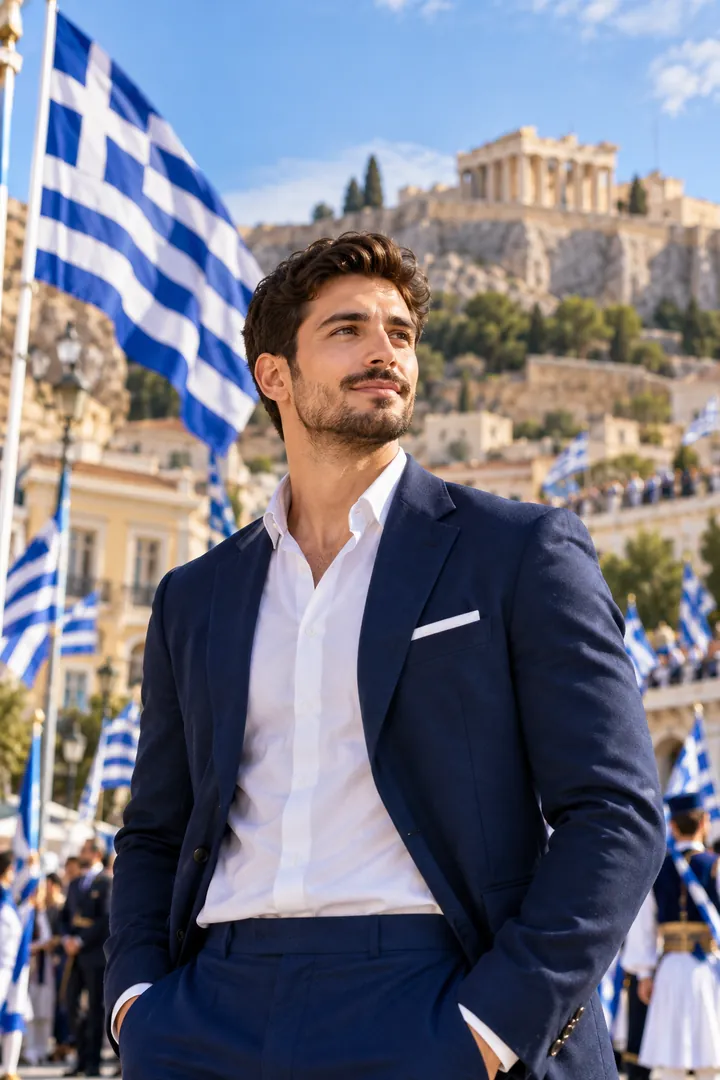
Using the attached photo of me, create a tall 9:16 image in the Ohi Day Greece Celebration style from the Festival Collection collection. Celebrate Greek national pride with cinematic blue-and-white visual Keep my face, skin tone and features exactly the same. Realistic detail and natural light, no text unless asked.

Using the attached photo of me, create a tall 9:16 image in the Kathakali Onam Celebration style from the Festival Collection collection. A Kathakali artist in full face beside you, Kasavu whites on and a pookalam laid out at your feet. Keep my face, skin tone and features exactly the same. Realistic detail and natural light, no text unless asked.

Take the person in my attached photo and seat them beside a huge round pookalam of marigolds, jasmine and red petals laid out on a Kerala courtyard floor. They wear Onam whites, a cream mundu or a set saree with a gold border, and a small flower garland. Their face stays unchanged and fully recognisable. Warm mid morning light, banana leaves and a brass lamp at the edge, soft blur behind. Add a small greeting at the top: [your Onam greeting, for example Happy Onam]. Vertical 9:16, natural festive colour.

Using the attached photo of me, create a tall 9:16 image in the Onam Sadya Feast style from the Festival Collection collection. The Sadya laid out on a banana leaf, Kerala whites on and the whole spread in frame. Keep my face, skin tone and features exactly the same. Realistic detail and natural light, no text unless asked. Fill in these details: Sadya Style: [your sadya style], Dining Atmosphere: [your dining atmosphere].

Make a devotional portrait from my attached photo: I stand with folded hands in simple white clothes and a rudraksha mala, eyes calm, in front of [a colossal serene Shiva statue] on a mountain at dawn. I am a devotee only, never the deity. Keep my face fully recognisable and unchanged. [Streams of divine light] fall through the clouds, soft gold and blue tones, reverent mood, medium close shot. Write this message in clean lettering, spelled exactly: [Har Har Mahadev]. Vertical 9:16.

Edit the attached photo into an Onam welcome scene: I stand in the crowd in a white and gold kasavu outfit, smiling and holding a small plate of flowers, as a king in royal dress arrives down a village lane lined with banana trees and pookalam designs, with [a joyful village celebration] all around. Treat the king with dignity and keep him in the background. My face stays exactly as in the photo. Late afternoon gold light, vertical 9:16, warm colours.

Using my attached photo, show me as a pilgrim on the stone path to Kedarnath, a small ancient grey stone temple behind me and snow capped Himalayan peaks rising beyond it. I wear a warm dark jacket, a saffron scarf and a woollen cap, hands folded, a peaceful smile. Keep my face unchanged, same features and skin tone. Cold crisp morning light with thin mist in the valley, prayer flags moving, breath slightly visible. Natural colours, a calm devotional mood. Vertical 9:16.

Using my attached photo, put me in a long Kerala snake boat among a row of paddlers in matching white mundus and head cloths, paddle raised, mouth open in a cheer, during [an exciting Vallam Kali race] on a wide backwater river. [Cheering festival crowds] fill the banks, water spraying off the oars. My face stays exactly as in the photo. Bright midday sun, fast shutter catching every splash, low angle from the water. Vertical 9:16, lively colours.

Turn my attached photo into a Shravan devotion portrait: I stand on the steps of an old stone Shiva temple by a river at sunrise, wearing simple white clothes, holding a brass lota and a few bilva leaves, a sandalwood mark on my forehead. I am a devotee, nothing more. Keep my face the same as in the photo. Temple bells, marigold garlands and soft mist, warm golden light from the side, shot at eye level on a portrait lens. Vertical 9:16, rich natural colour.

Make a devotional artwork from my attached photo: I stand as a devotee in a graceful dance pose at the centre of a huge circle of flame, a glowing bronze Nataraja statue silhouette behind me, with [a swirling spiral galaxy] filling the sky. I am never the deity, only a dancer in simple dark dhoti and a shawl. Face and features unchanged. Deep indigo and amber tones, sparks drifting, dramatic low light from behind. Visual style: [a glowing bronze-idol aesthetic]. Vertical 9:16.

Create a pilgrimage portrait from my attached photo: I stand outside [Somnath temple, Gujarat, by the Arabian Sea], hands folded, in simple white clothes with a saffron shawl. The temple is shown with dignity and kept in the background. My face stays exactly as it is in the photo. The time is [the golden morning aarti], with brass lamps, marigold garlands and a few devotees blurred behind. Warm sunrise light, portrait lens, calm and reverent mood. Vertical 9:16, natural colour.
Try Divine Shravan now
Copy the free prompt above, or download Trendy AI Lab to make it with your own face.
Coming soon