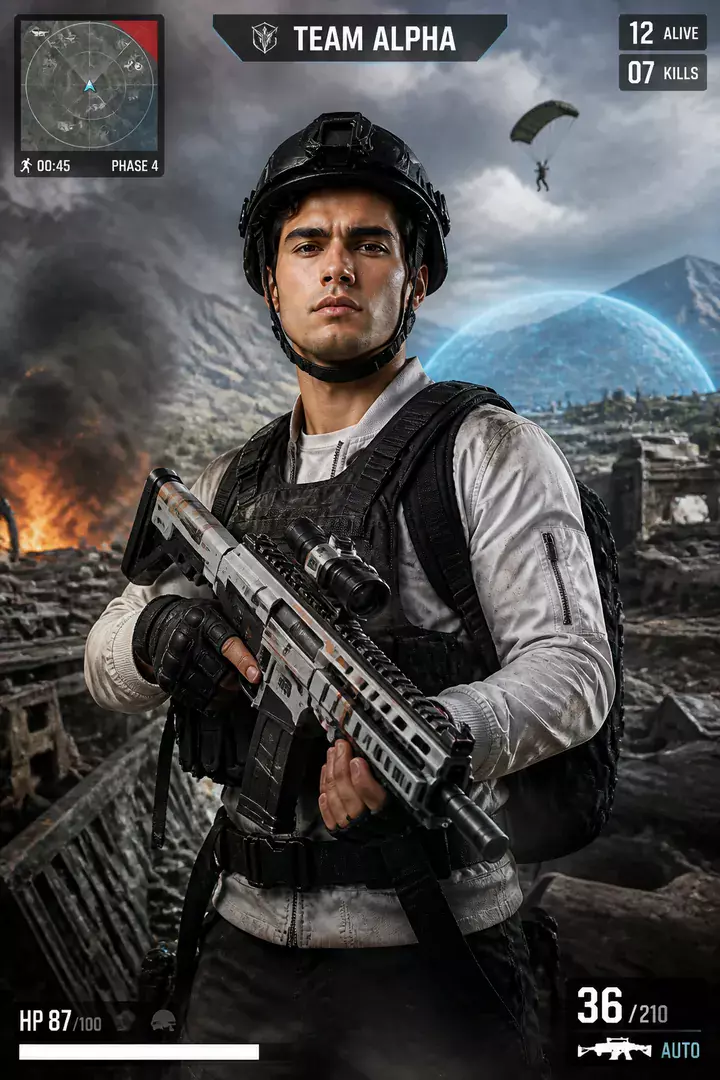
Battle Royale
Photoreal soldier, full loadout, parachute overhead and the HUD already counting players remaining.
AI prompt for Battle Royale
- Copy the prompt
- Open your AI app
- Attach your photo and send
Use the attached photo to turn me into a battle royale soldier mid-drop. Realistic game-trailer look: tactical vest, helmet pushed back, backpack and rifle slung, a parachute canopy above me, a patchwork island and storm wall far below, a small game HUD in the corner showing players left and the squad name [squad name, for example TEAM ALPHA]. Keep my face the same as in the photo, just a little dirt and wind on it. Cool daylight, slight lens flare, vertical 9:16.
Prefer one tap with no pasting, and your face kept the same? Use the app.

 Coming soon
What is the Battle Royale effect?
Battle Royale is an AI photo effect from the Gaming Posters & Gamer Art collection in the Trendy AI Lab app. Upload a selfie and the AI recreates it in this style in seconds, so you get a polished, share-worthy image with no editing skills needed.
How to get the best Battle Royale result
Use a well-lit, front-facing photo so the AI can keep your face in the cover art.
What you get from Battle Royale
Battle Royale returns a tall 9:16 image, sized to fill a phone screen. It works from one photo and you can set Squad name before generating.
More about Gaming Posters & Gamer Art
The Game Zone collection drops you into game-style artwork, open-world crime covers, battle-royale drops, arcade fighters and AAA hero key art, all built from your photo with original, brand-safe designs.
Make your Battle Royale in three taps
Pick a style
Choose this look in the Trendy AI Lab app, no design skills needed.
Upload a selfie
Add a photo from your gallery. It's used only to make your image.
Generate & share
Your AI image is ready in seconds, download or share it anywhere.
Questions about Battle Royale
How do I make a Battle Royale photo?
Open the Trendy AI Lab app, choose the Battle Royale style, upload one photo, and the app generates your image in seconds.
What photo works best for Battle Royale?
Use a well-lit, front-facing photo so the AI can keep your face in the cover art.
How many photos does Battle Royale need?
Just one. Battle Royale works from a single upload, and you can run it again on a different photo as often as you like.
Can I personalise my Battle Royale photo?
Yes. Battle Royale lets you set Squad name before you generate, so two people running the same style get different results.
Which platforms is it available on?
The image tools work in any browser, on phone or desktop. The AI trends are in the Android app, with the iOS version coming soon.
More Gaming Posters & Gamer Art styles
View all →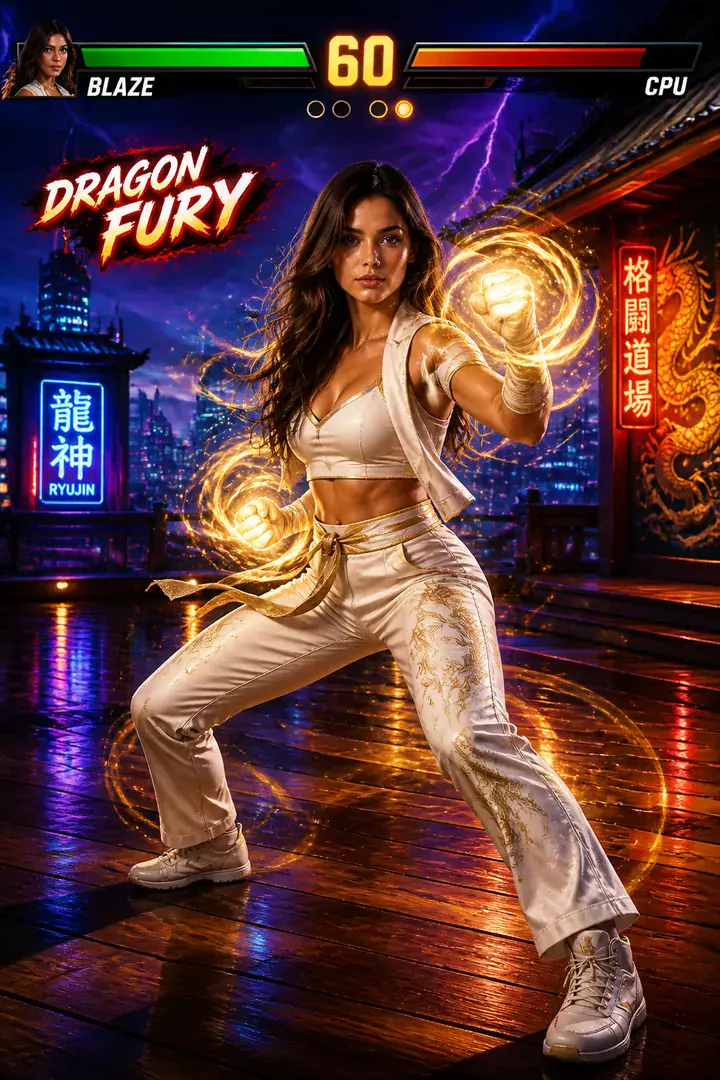
Cast me, from the attached photo, as a playable character on an arcade fighting game select screen. I stand in a powerful stance with wrapped fists, a bright team jacket and glowing energy trailing from one hand, a neon arena behind, two health bars across the top and FIGHT! in big letters. Add my name [fighter name, for example BLAZE] and special move [special move, for example DRAGON FURY] as spelled. Keep my face clearly mine. Painted game art, vertical 9:16.
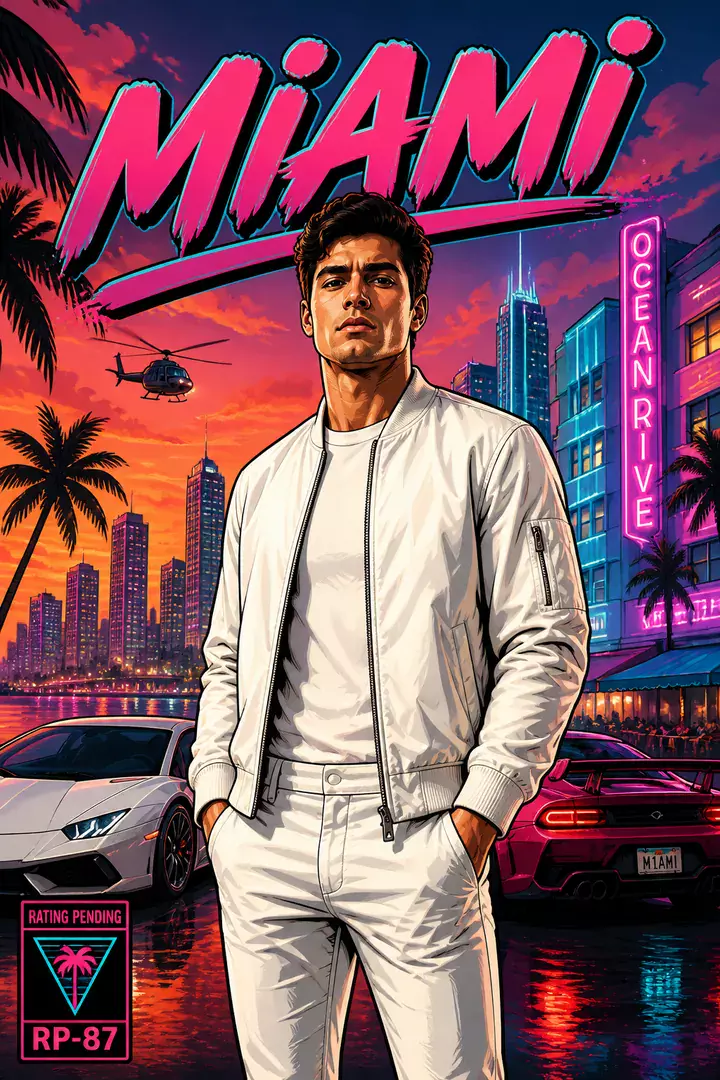
Make me the cover star of an open-world crime game, using the attached selfie. Cel-shaded comic key art with bold ink outlines: I lean on a sports car with sunglasses pushed up, a jacket with the collar flipped, a hot pink and teal neon skyline of [your city, for example MIAMI] behind me, palm trees and a moody dusk sky. My face must stay recognisable, same features and skin tone. Vertical 9:16 poster, a game logo area at the top, no real brand names.
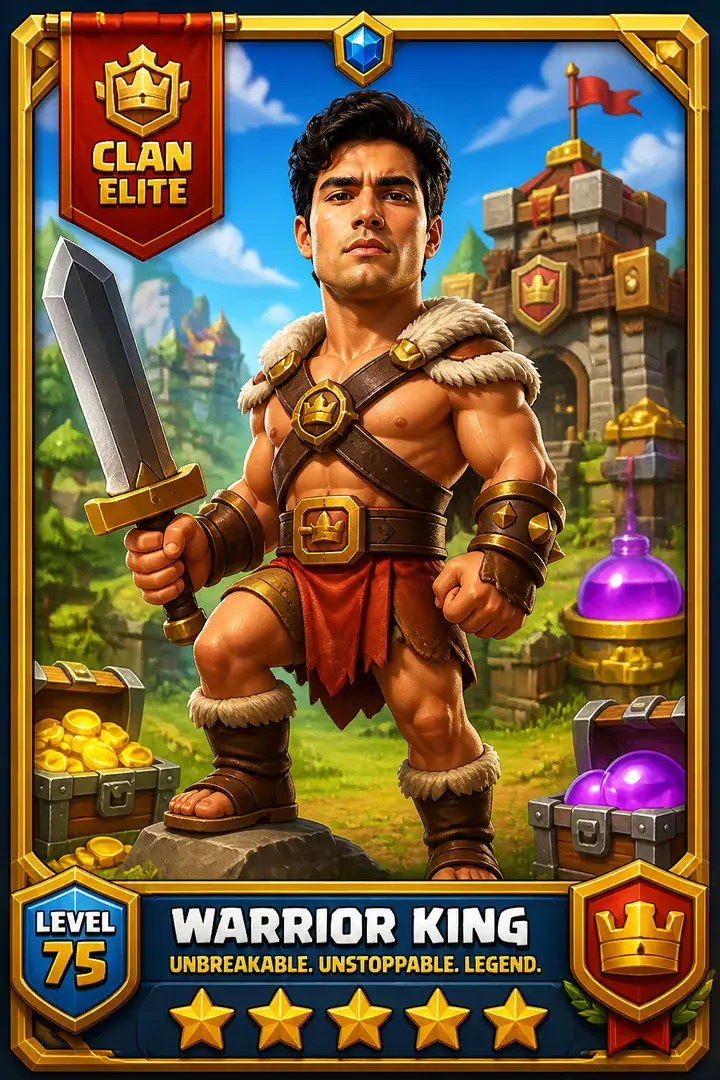
Draw me, from the attached photo, as a hero troop card in a cartoon strategy war game. I am a chunky, confident warrior with a helmet, small shield and oversized sword, standing on a stone arena platform with a ribbon banner reading [clan name, for example CLAN ELITE], a cost badge in the corner and little towers and flags behind. Keep my face recognisable in the cartoon style. Glossy cartoon game art, thick outlines, gold card frame, vertical 9:16.
Try Battle Royale now
Copy the free prompt above, or download Trendy AI Lab to make it with your own face.
Coming soon