esc
↑ ↓ to move↵ to openesc to close
Blog

AI Professional Headshot from a Selfie: Pick the Right One for the Job

AI Professional Headshot from a Selfie: Pick the Right One for the Job

You can make an AI professional headshot from one clear selfie: the AI keeps your face and swaps in the suit, the light and the backdrop. The part most guides skip is that a LinkedIn photo, a resume photo and a startup team page each want a different headshot. Pick by where it will go.

Which AI headshot should I use for LinkedIn?

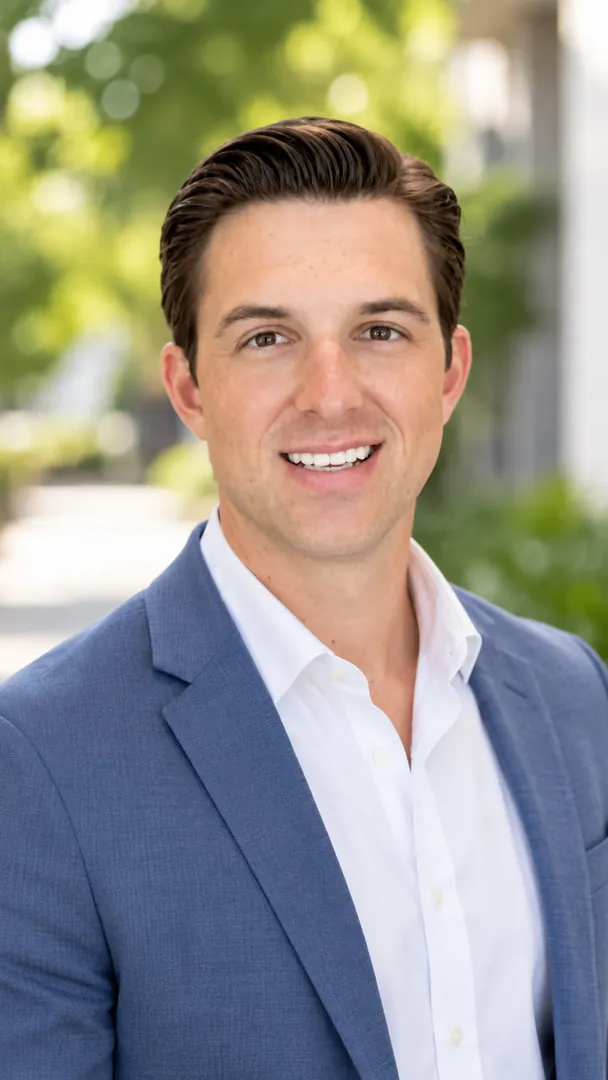
Use a warm, chest-up photo with a soft blurred office or a plain light backdrop. LinkedIn shows your photo as a small circle, so your face needs to fill most of it. A real smile works better here than a serious look, since people are deciding whether to message you.

The LinkedIn Profile Photo style is built for this: chest-up, body turned a little, face to the camera. You can switch the backdrop between Office, Light grey, Dark grey and City view.

What works for a resume or CV photo?

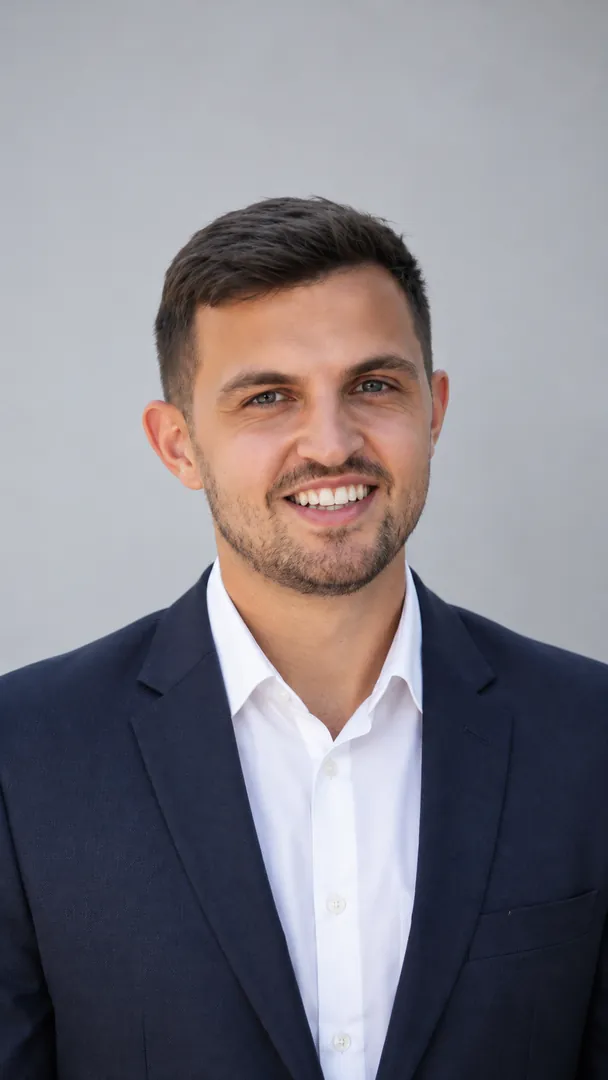
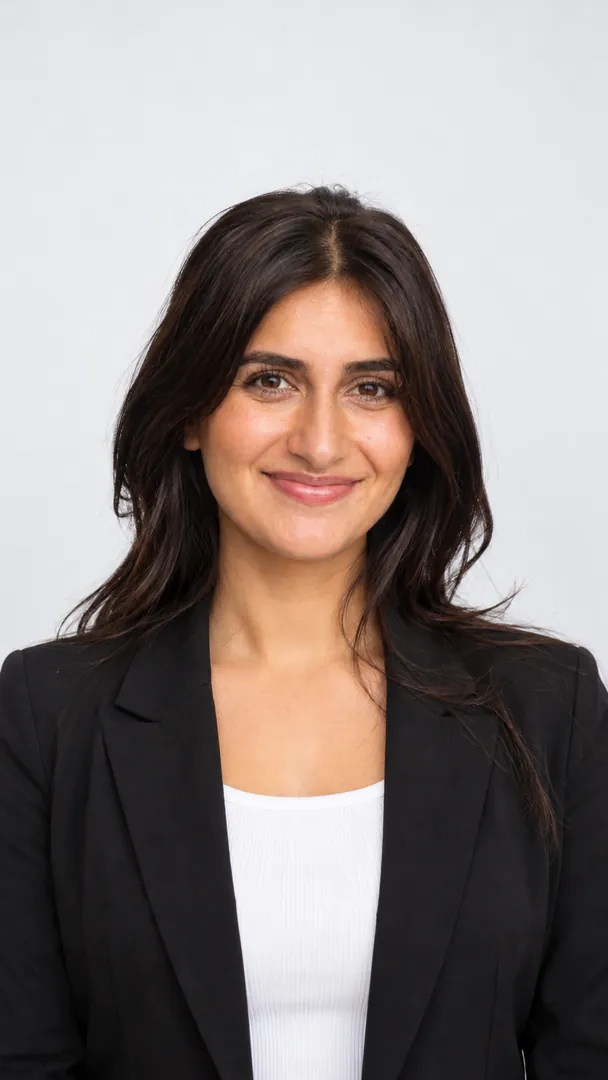
Keep it plain. A resume photo sits next to text and often gets printed, which is why a head-and-shoulders crop on an evenly lit, plain background reads best. Skip the skyline.

The Resume / CV Photo style does exactly that. If a job post or a form asks for a passport style photo instead, use a real, unedited one: forms for IDs and visas reject edited faces.

Which AI professional headshot fits each job?

Here is how the rest of the collection maps to where you will use it:

Where it goes Style Why
Company website, bank, consulting Formal Suit Photo or Corporate Portrait Pro A suit, blazer, saree or Nehru jacket that fits
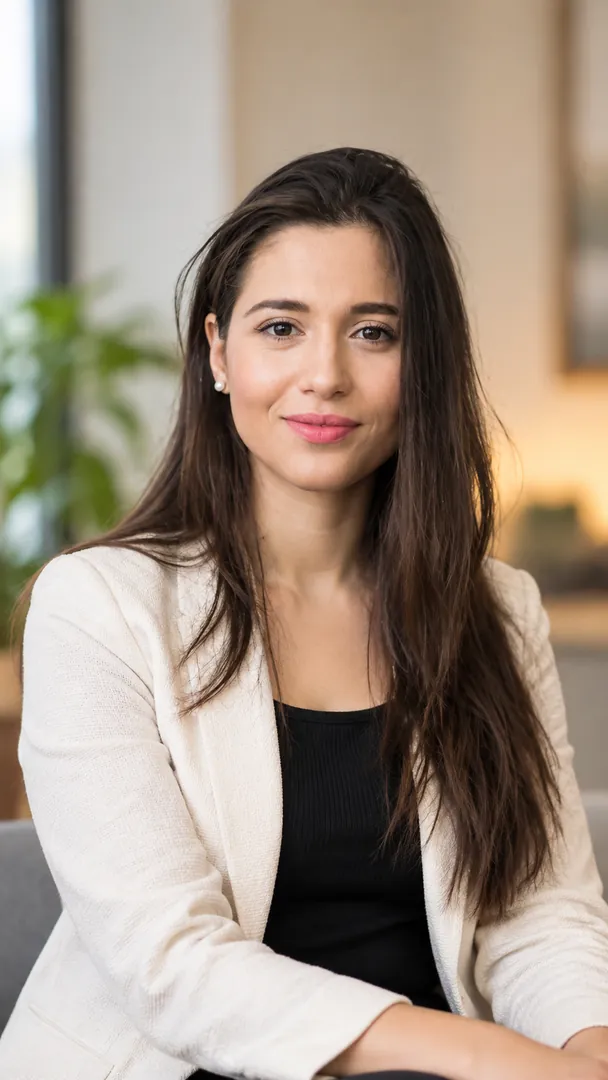
Startup or agency team page Startup / Creative Headshot Smart-casual, a bright office behind you
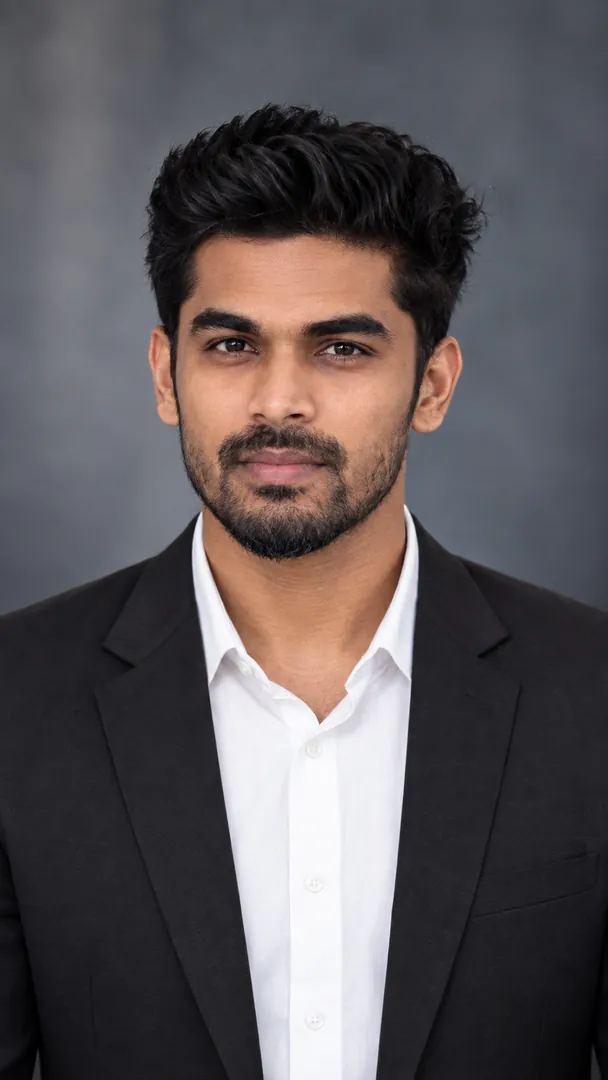
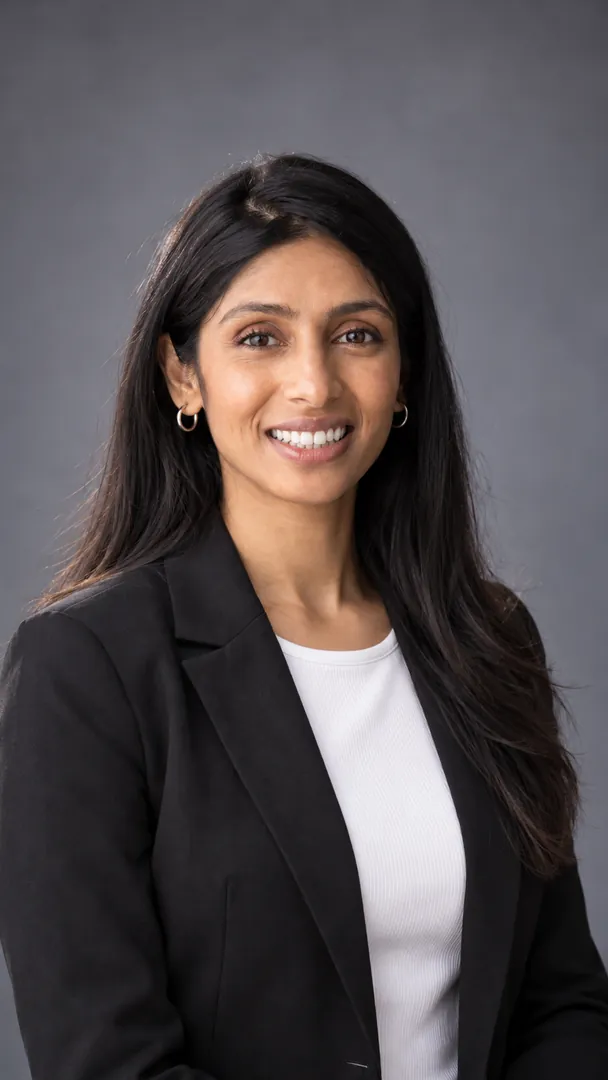
Personal site, speaker bio Studio Grey Headshot A canvas backdrop and soft side light
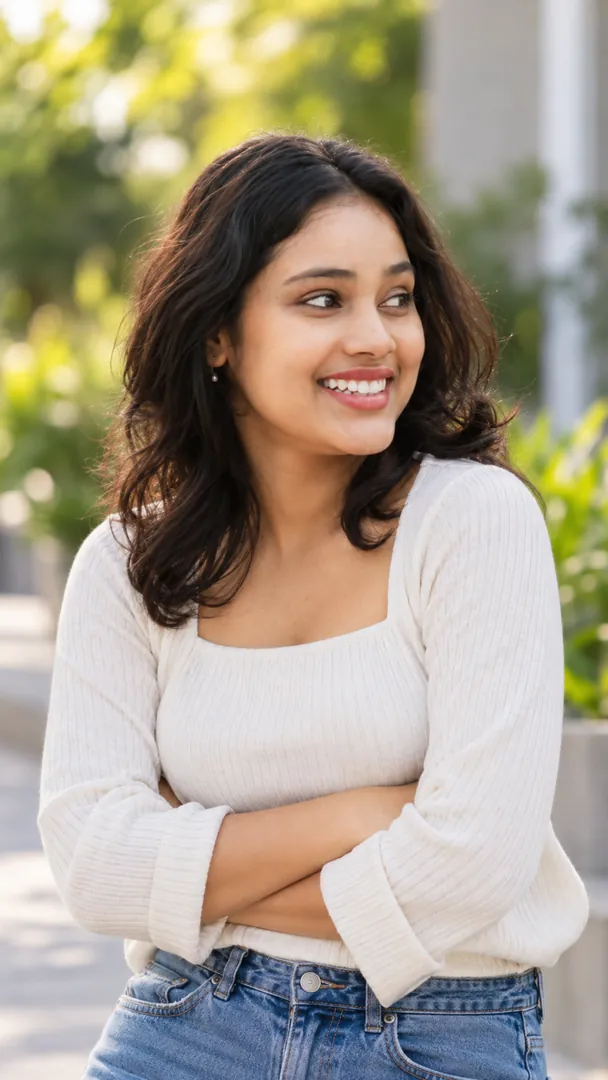
Teacher, coach, campus role Outdoor Natural-Light Headshot Daylight with a street, trees or a campus blurred
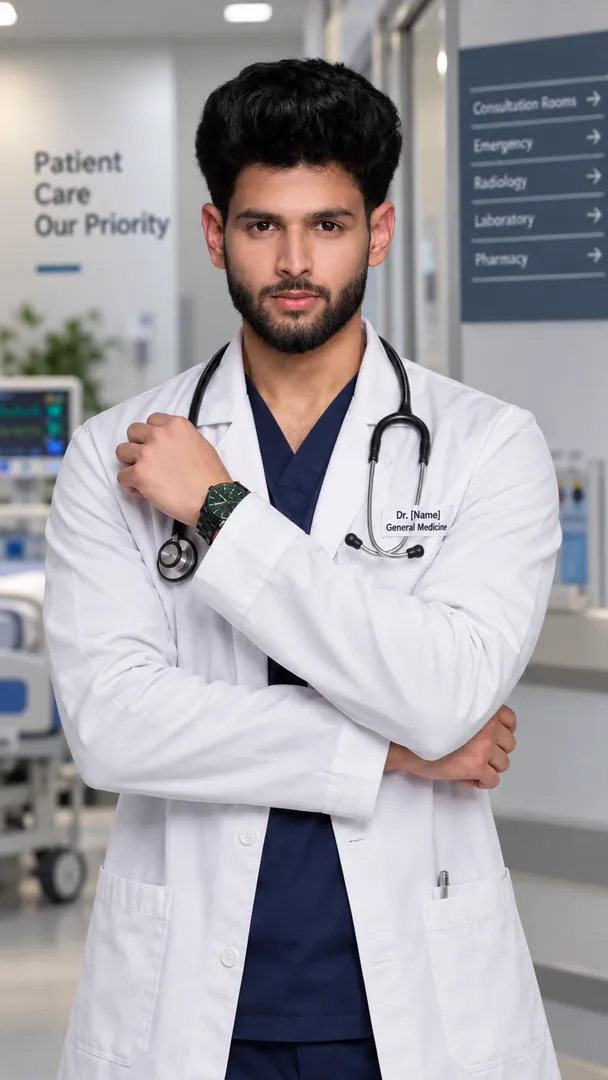
Clinic or hospital profile Medical Portrait Pro A clinic, hospital or lab setting
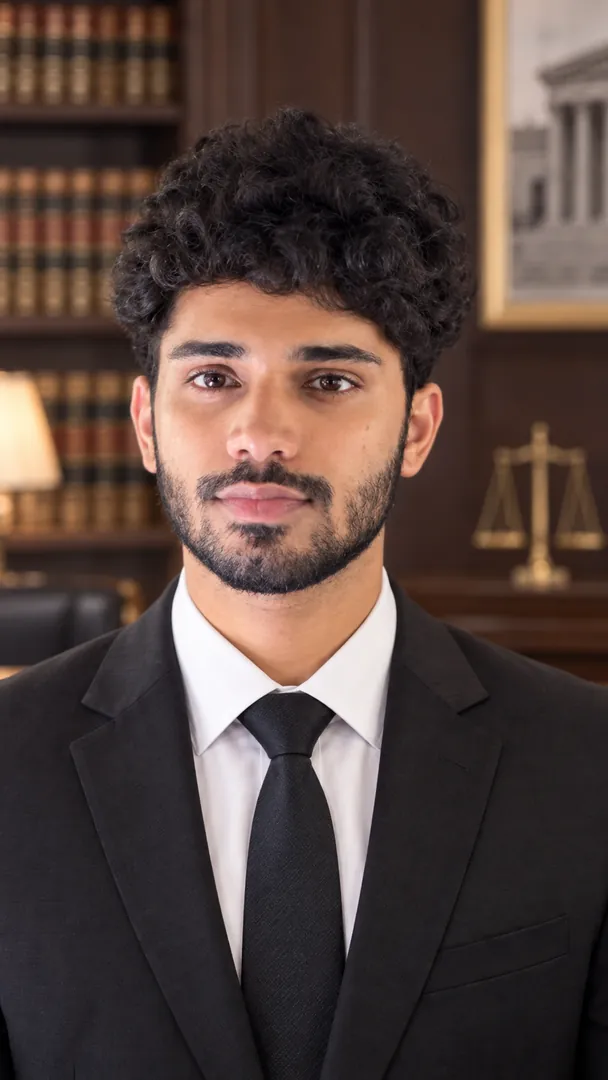
Law firm profile Legal Portrait Pro A law office, courtroom or library

One rule from photographers holds for AI too: dress one level above what you wear on a normal work day. A dark suit reads right in law and finance and stiff on a startup founder.

How do I take a selfie the AI can work with?

Most bad AI headshots start with a bad selfie. Five things fix it:

  1. Face a window, so daylight falls evenly on your face. No light behind you.
  2. Hold the phone at eye level, about an arm's length away.
  3. Take off sunglasses and anything that hides your face.
  4. Keep your hair the way you wear it to work. The AI keeps it.
  5. Use a recent photo. It should look like you on a video call next week.

A plain wall behind you is not needed. The style replaces the background anyway.

Can I make one with ChatGPT or Gemini instead?

Yes. Every style in the collection has a free prompt you can copy into ChatGPT, Gemini, Grok or Copilot along with your photo. A short version for LinkedIn looks like this:

Turn the attached selfie into a professional LinkedIn headshot: chest-up, face to the camera, a warm natural smile, a navy blazer over a white shirt, soft window light, a softly blurred modern office behind. Keep my face, skin tone and features exactly as they are.

That last line matters. Without it, chat models tend to smooth skin and slim faces, and a headshot that does not look like you defeats the point.

Frequently asked questions

Will the AI change my face? The styles are written to keep your face, skin tone and features as they are and change only the outfit, light and backdrop. Check the result next to your selfie before you post it.

Can I choose the outfit? Yes. Several styles let you pick the outfit and backdrop, for example a suit, a sweater or a casual shirt.

Is an AI headshot fine for a passport or visa? No. Official ID photos must be real and unedited.

Can I use one headshot everywhere? You can, but a plain studio look is the one that travels best: it suits LinkedIn, a resume and a team page without looking out of place.

Copy a free headshot prompt from the collection, or make it in the Trendy AI Lab app on Android.
Supal Savaliya · Founder, Trendy AI Lab

Supal Savaliya founded Trendy AI Lab and built the app's style catalog. They test every style on real photos before it ships, and base these guides on what actually works rather than on the marketing copy. Last reviewed . Spotted something wrong? Tell us and we will correct it.

Try these Professional Headshot styles

View all →
Standard ID Photo: AI Professional Headshot photo effect

Convert the attached photo into a plain passport style picture: head and shoulders centred, facing straight at the camera, a neutral relaxed expression with the mouth closed, both ears visible, even light with no shadows on the face or wall. Background: [colour, for example white]. Clothing: [clothing, for example professional], like a collared shirt and blazer. Do not retouch, reshape or smooth the face: same features, hairstyle and skin tone as in the photo. Vertical 9:16.

Standard ID PhotoProfessional Headshot
Medical Portrait Pro: AI Professional Headshot photo effect

Turn the attached photo into a doctor's professional headshot: white coat over a crisp shirt, stethoscope around the neck, a calm confident expression, shoulders square to the camera. Behind them, a softly blurred [setting, for example modern clinic] with clean white walls and a hint of glass. Keep the face, hair and skin exactly as photographed. Soft studio light from the front, 85mm lens look, cool clinical tones, vertical 9:16.

Medical Portrait ProProfessional Headshot
Corporate Portrait Pro: AI Professional Headshot photo effect

Make a business headshot from the attached photo: a tailored dark suit with an open collar shirt, shoulders squared to the camera, level eyes, a warm composed smile. Behind them, a blurred [style, for example executive office] with glass walls and a city skyline in the haze. Face, hair and skin must match the photo, with nothing smoothed away. Soft key light with gentle fill, 105mm portrait lens feel, navy and grey tones, vertical 9:16.

Corporate Portrait ProProfessional Headshot
Legal Portrait Pro: AI Professional Headshot photo effect
Legal Portrait ProProfessional Headshot
LinkedIn Profile Photo: AI Professional Headshot photo effect

Using the attached photo, make a professional LinkedIn profile photo of me: chest- up, head centred with space above it, body turned slightly and face to the camera, a warm, confident smile. I wear [outfit, for example a tailored blazer over a plain shirt]. Background: [background, for example a softly blurred modern office]. Keep my face exactly as photographed, natural skin texture, no retouching. Soft, even front light. Vertical 9:16.

LinkedIn Profile PhotoProfessional Headshot
Formal Suit Photo: AI Professional Headshot photo effect

Turn the attached photo into a formal photo of me wearing [formal wear, for example a tailored navy suit with a white shirt and a plain tie], fitted naturally to my shoulders. Straight-on, chest-up, shoulders squared, level eyes, a calm pleasant expression. Plain [background, for example white] background, even studio light. Keep my face exactly as in the photo. Vertical 9:16.

Formal Suit PhotoProfessional Headshot
Resume / CV Photo: AI Professional Headshot photo effect

Make a resume photo from the attached photo: head and shoulders, straight-on, level eyes, a natural closed-mouth smile, hair neat. I wear [outfit, for example a smart collared shirt]. Plain [background, for example light grey] background, evenly lit with no shadow behind my head. Keep my face exactly as photographed. Vertical 9:16.

Resume / CV PhotoProfessional Headshot
Studio Grey Headshot: AI Professional Headshot photo effect

Create a classic studio headshot of me from the attached photo on a [backdrop, for example mottled grey painted canvas] backdrop: shoulders turned slightly, face to the camera, soft side light with a subtle rim light on my hair, a relaxed confident expression. I wear [outfit, for example a dark suit with a white shirt]. Keep my face exactly as in the photo. Vertical 9:16.

Studio Grey HeadshotProfessional Headshot
Outdoor Natural-Light Headshot: AI Professional Headshot photo effect

Make an outdoor headshot of me from the attached photo in soft open shade on a bright day, with [background, for example green trees in a park] melting into soft bokeh behind me, a relaxed genuine smile, chest-up and slightly off-centre. I wear [outfit, for example a tailored blazer]. Keep my face exactly as photographed, natural skin. Vertical 9:16.

Outdoor Natural-Light HeadshotProfessional Headshot
Startup / Creative Headshot: AI Professional Headshot photo effect

Using the attached photo, make a smart-casual team page headshot of me in [outfit, for example a crew-neck sweater], arms loosely crossed, waist-up, an easy smile, with [background, for example a bright co-working space with plants] softly blurred behind. Keep my face exactly as in the photo. Vertical 9:16.

Startup / Creative HeadshotProfessional Headshot

Make your own AI photo

Copy a free prompt from any style, or make the image with your own face in the Trendy AI Lab app.

Get it on Google Play Download on the App Store Coming soon