Ever looked at a blockbuster game cover and thought, "I want to be the hero on that box art"? With Trendy AI Lab you can. The Game Zone collection takes a single selfie and drops you into cover-art worlds: a sprawling crime saga, a last-squad-standing drop zone, a neon arcade brawler, or a big-budget hero key art poster. You do not need Photoshop, a design degree, or a expensive rig. You pick a look, add a few words, upload a clear photo, and the AI does the rest in seconds.
Here is the part that matters most: every design is original, brand-safe artwork. There are no real-game logos, no trademarks, and no copyrighted characters anywhere. The styles borrow the feeling of famous cover art, the drama, the lighting, the poster composition, without copying any actual game. That keeps your image yours to post and share freely.
Why does a game cover photo work?
Game covers follow a visual language your eye already knows: a bold central figure, a moody backdrop, punchy lighting, and a title treatment that sells the fantasy. The AI is trained on that language, so instead of slapping a filter over your photo, it rebuilds the whole scene around you. Some cover styles keep a photorealistic face so it still clearly looks like you, while others stylise your features to match a more illustrated, painterly poster. Either way, the composition, the atmosphere, and the "this is a real product" polish come baked in.
The cover styles to try
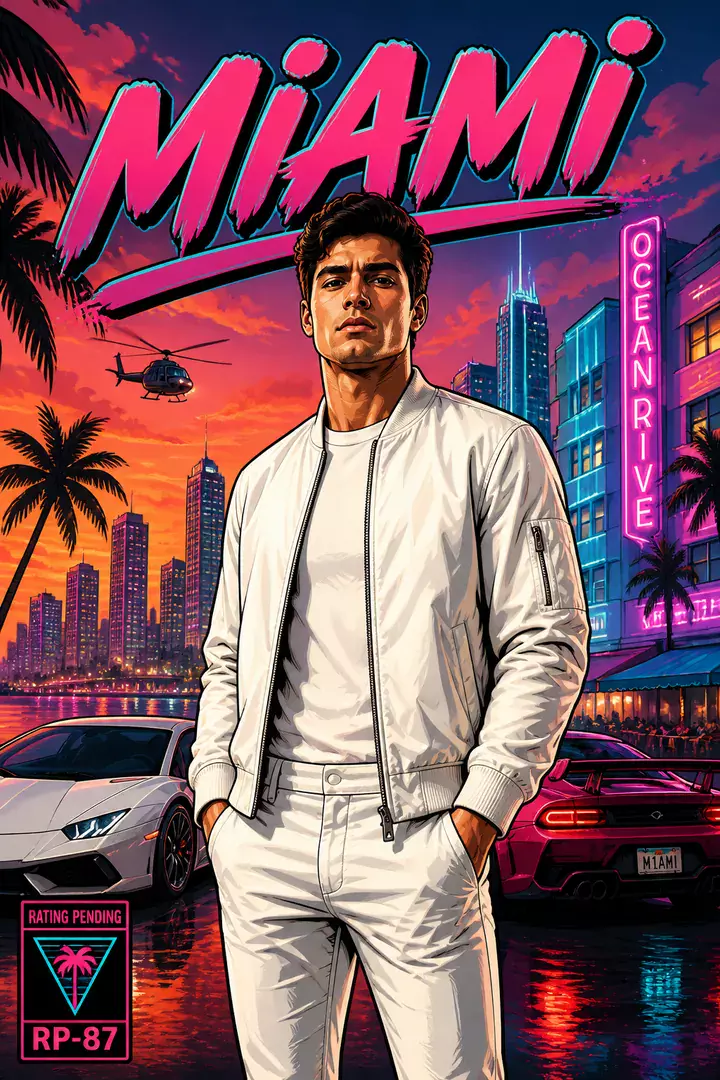
- Open-world crime saga. A gritty city skyline, dramatic street lighting, and that unmistakable multi-panel poster energy. Type in a city or district name to set the scene and the art builds a fictional underworld around you.
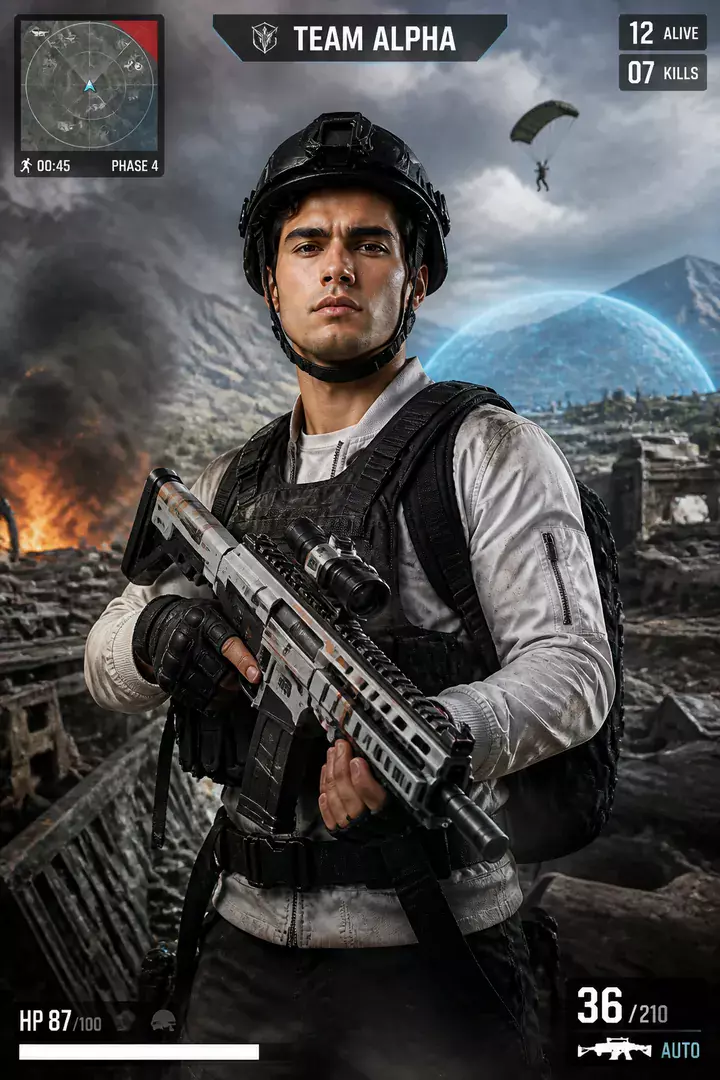
- Battle-royale drop. Mid-air action, a parachute silhouette, and a squad-ready hero pose. Add a squad or team name and the cover treats you like the face of the roster.
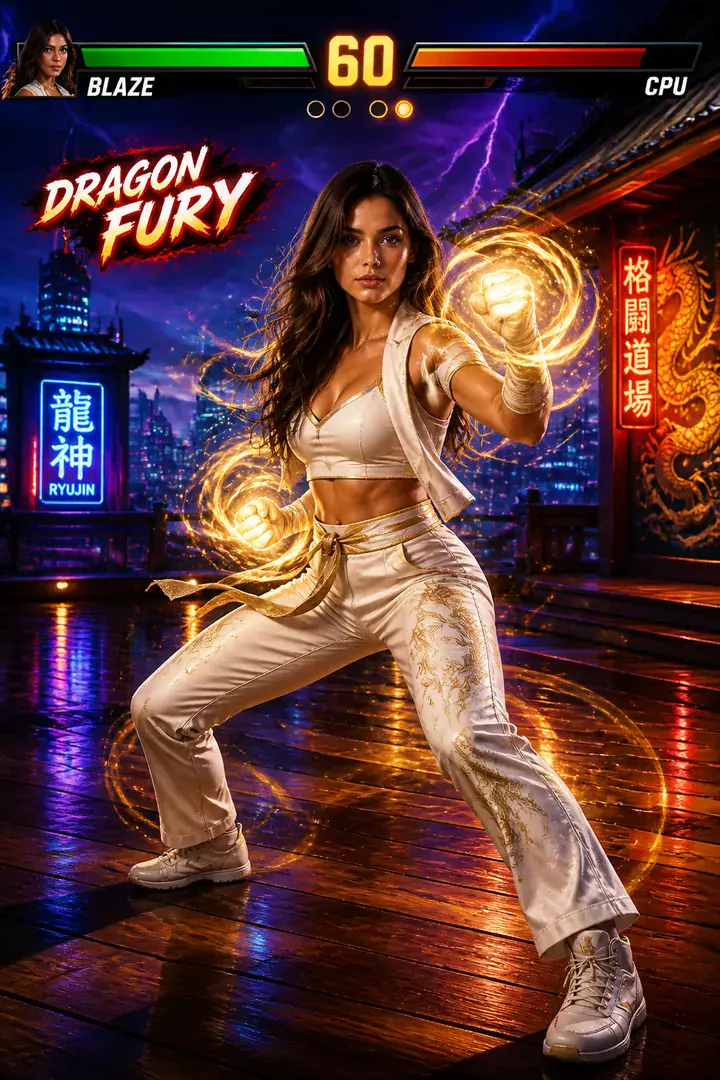
- Arcade fighter. Bright, high-contrast, and explosive, this one leans into stylised energy with dynamic angles and a versus-screen attitude. Great when you want personality over realism.
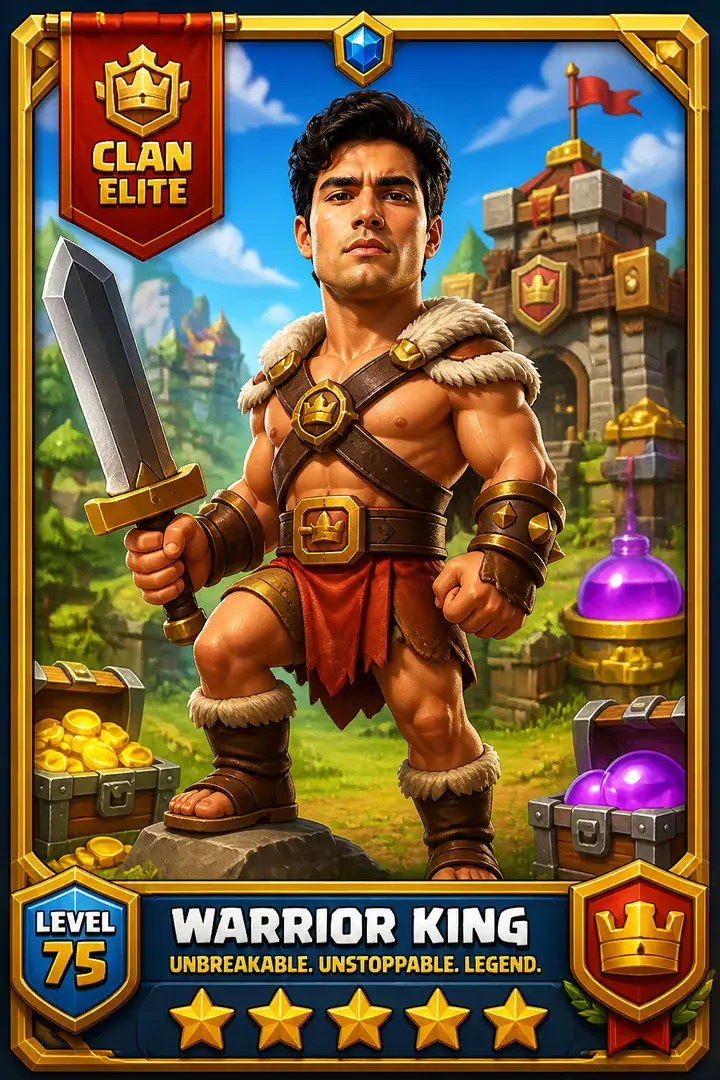
- AAA hero key art. The premium, cinematic look: a single commanding figure, epic backdrop, and a fictional title in a big-budget style. Add a made-up game title and it becomes the centerpiece.
How do I make my game cover?
- Open Trendy AI Lab and go to the Game Zone collection.
- Pick the cover style you want, from open-world crime to AAA key art.
- Fill in the style's prompts. Depending on the look, that might be a city, a squad name, or a fictional title.
- Upload a clear, front-facing photo with good lighting and your face unobstructed.
- Generate and wait a few seconds. Save your favorite and share it anywhere.
How do I get the best game cover?
- Use a sharp, front-facing photo. Even styles that stylise the face start from what you upload, so clear eyes and even lighting always help.
- Avoid heavy shadows, sunglasses, or hats unless that is the vibe you want. The AI works best when it can read your features.
- Keep prompt text short and evocative. A punchy squad name or a two-word title reads better on a "cover" than a long sentence.
- Try more than one style with the same selfie. The crime saga and the AAA key art can look completely different from the same face.
- Generate a couple of versions and pick the strongest. Small differences in pose and lighting add up.
Who is it for, and where can I use it?
- Gamers and streamers who want a profile picture or a stream overlay that looks like official promo art.
- Discord communities who want custom avatars that stand out in a crowded member list.
- Birthday surprises for the gamer in your life. A personalized "cover" makes a memorable, shareable gift image.
- Content creators who need eye-catching thumbnails and banners without hiring a designer.
Because everything is original artwork, you can post your cover to Instagram, drop it in a WhatsApp status, or set it as your avatar without worrying about anyone else's trademarks.
FAQ
Does it use real game logos or characters? No. Every design is original, brand-neutral artwork inspired by the style of cover art, never a copy of any real game, logo, or character.
Will the image still look like me? Some cover styles keep a photorealistic face so it clearly reads as you, while others stylise your features to match an illustrated poster. Both start from your uploaded selfie.
Is it free, and what happens to my photo? Every cover's prompt is free to copy; making it in the app needs a plan or credits. Your uploaded photo is used only to generate the image and is deleted afterward. It is never used for advertising.
Ready to see your face on the box? Open Trendy AI Lab, head to Game Zone, and make your first cover in seconds.

 Coming soon